The Dark Voyager’s drones in Save the World are hitting much harder than they should. They can damage mission objectives directly, which can tip a defense into a full mission failure. Epic has confirmed the drones are currently stronger than intended and is investigating, while pointing players toward a specific way to make them stop appearing.
Quick answer: Finish the A Voyager’s Arrival questline, including the step that has you destroy the drones. Do it in a low-level Stonewood mission before heading back to high-level zones, and the drones stop spawning for you.

What the Dark Voyager’s drones are doing in Save the World
The drones arrived as part of the Dark Voyager storyline and the A Voyager’s Arrival questline. In their current state, they deal far more damage than a normal quest enemy, and that damage extends to the things you are supposed to protect.
Players have reported drones knocking down towers, one-shotting fully upgraded structures boosted by BASE, and even one-shotting survivors and the cars they stand on during rescue objectives. Because they can attack the objective itself, two drones camping next to a defense target can end a match before you react. The problem is most severe in high Power Level missions, roughly the 140–160 range in Twine Peaks.
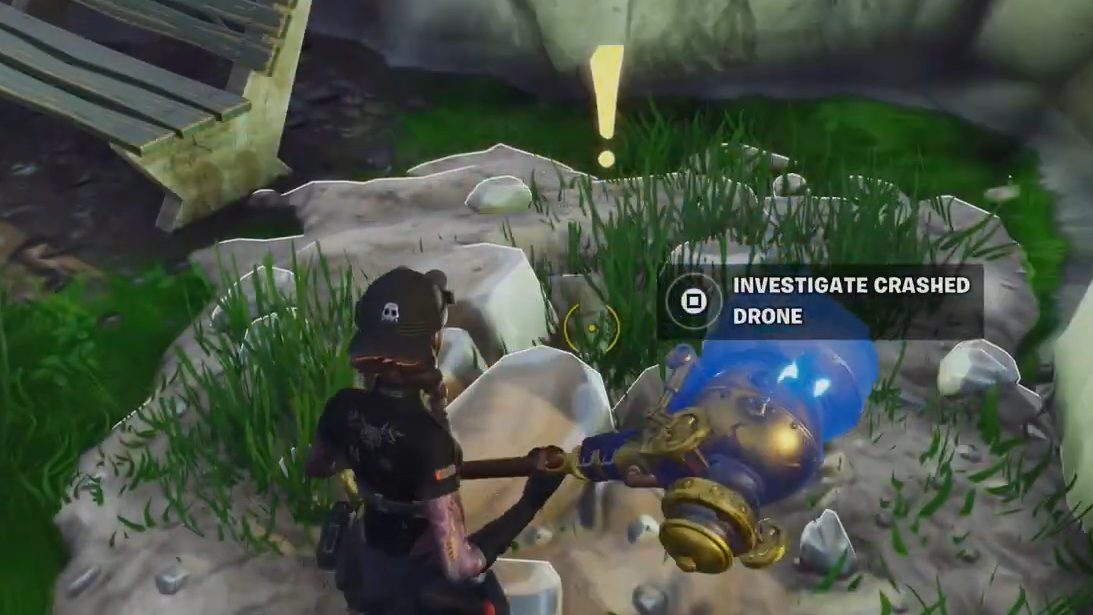
How to stop the Dark Voyager drones from spawning
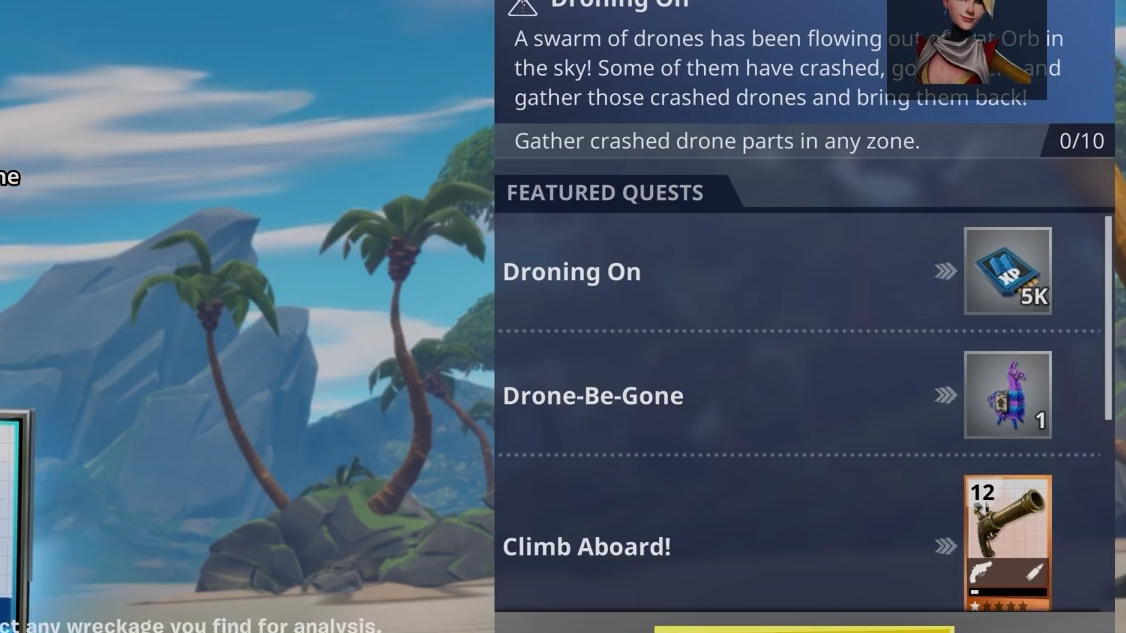
The drones are tied to the A Voyager’s Arrival quest. As long as anyone in your squad still has the “destroy the drones” objective active, the drones will keep spawning for the whole group, even for players who already finished it.

How to know it worked
You’ll know the fix has taken when drones stop spawning in your missions. The trigger is simple: the drones appear while the destroy-drones quest is active for any squad member, and they stop once that objective is complete across the whole group.
One caveat to watch for. Some players have reported still being targeted by drones in public lobbies even after completing the quest, because a random teammate has not finished theirs. If that happens, the fastest path is to clear the drones yourself so the step finishes for the lobby, or play with a squad that has all completed the questline.

How dangerous the drones are compared to other threats
There’s some disagreement among players about exactly how strong the drones are. Some compare their durability to a smasher, while others argue they’re worse because of one key difference.
The practical takeaway is the same regardless of where you land in that debate. Drones that can delete your objective are not enemies you can safely ignore, especially in high Power Level zones where the damage scales up.
Until the damage values are adjusted, the reliable workaround is to treat the drone step of A Voyager’s Arrival as a clean-up task. Clear it in low-level content, make sure your squad has done the same, and the drones stop threatening your missions in the meantime.