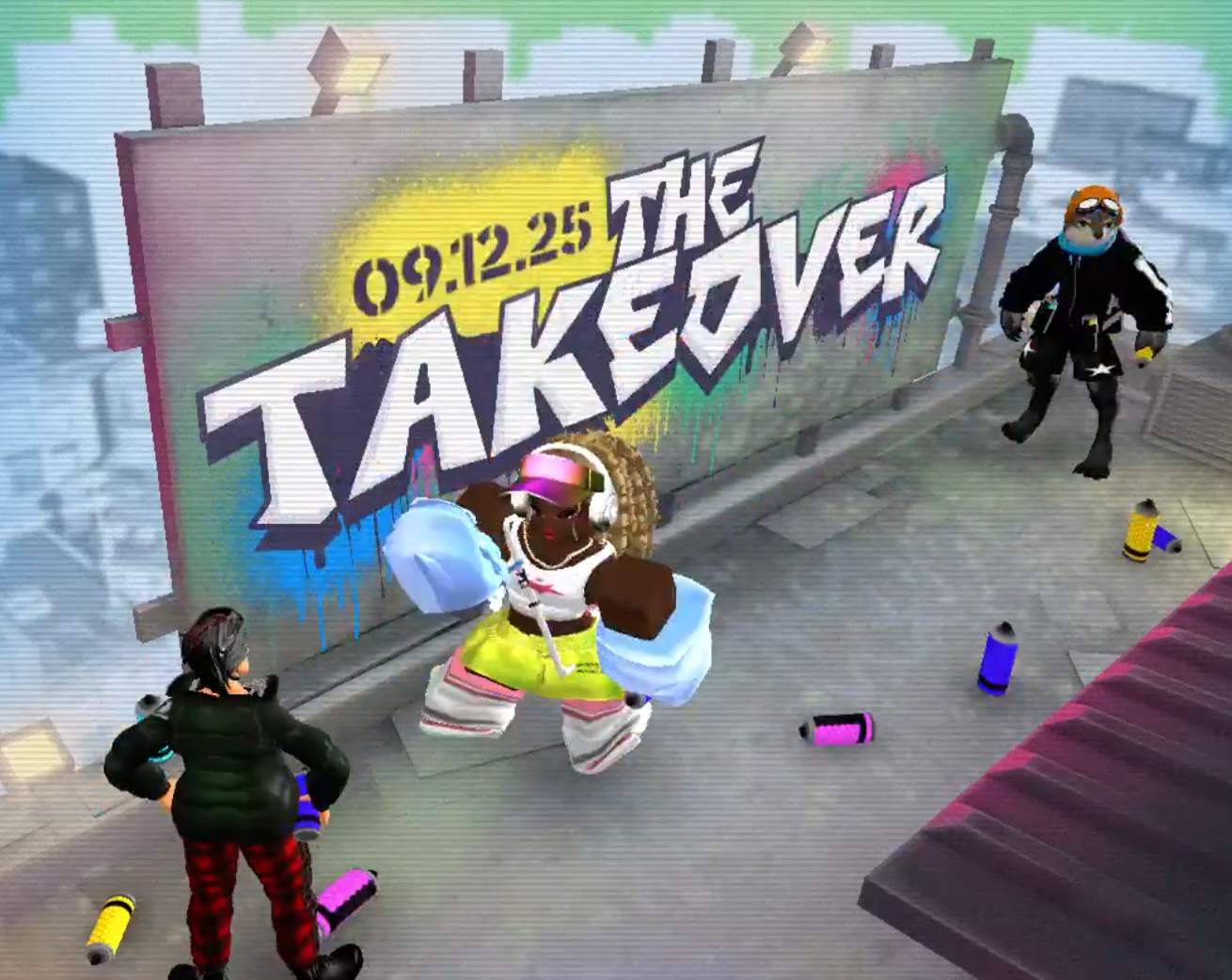
The Takeover brings a graffiti-themed hub, dozens of participating experiences, and four free wing cosmetics that you can equip across Roblox. You’ll unlock one by completing a basic challenge, and the other three by joining public servers hosted by specific roles. Start from the official The Takeover hub to access participating games and event details.
There are four wings available for free:
- Wings of Inspiration — complete a Noob challenge and earn a badge in any participating game.
- Wings of Genius — join a Roblox Admin’s public server during a giveaway.
- Wings of Velocity — join a Developer’s public server during a giveaway.
- Wings of Hype — join a Star Creator’s public server during a giveaway.
1. Earn Wings of Inspiration (Noob challenge)
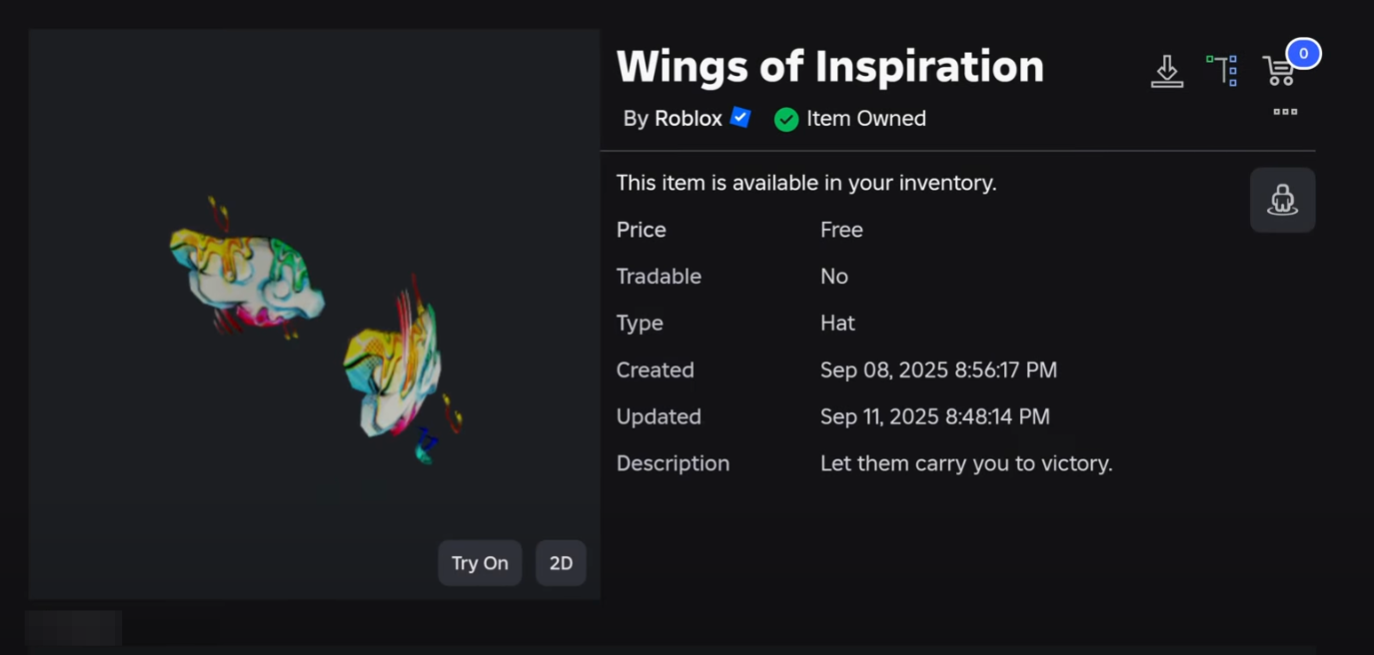
Pick any participating experience that offers a Noob-tier challenge. Choose something quick and familiar to you to cut retry time. For example, some players report challenges like winning a round in party-style games when enough players are in the server.
Join a public server where the challenge conditions can be met (for example, a lobby with the required minimum player count). This prevents failed attempts caused by empty or low-population servers.
Complete the Noob challenge and make sure the game awards its event badge. The badge is the trigger for granting Wings of Inspiration to your account.
If the wing doesn’t appear immediately, rejoin the experience or the hub and wait a few minutes. Item grants can queue during peak periods and typically arrive after a short delay.
2. Get Wings of Genius (join an Admin public server)
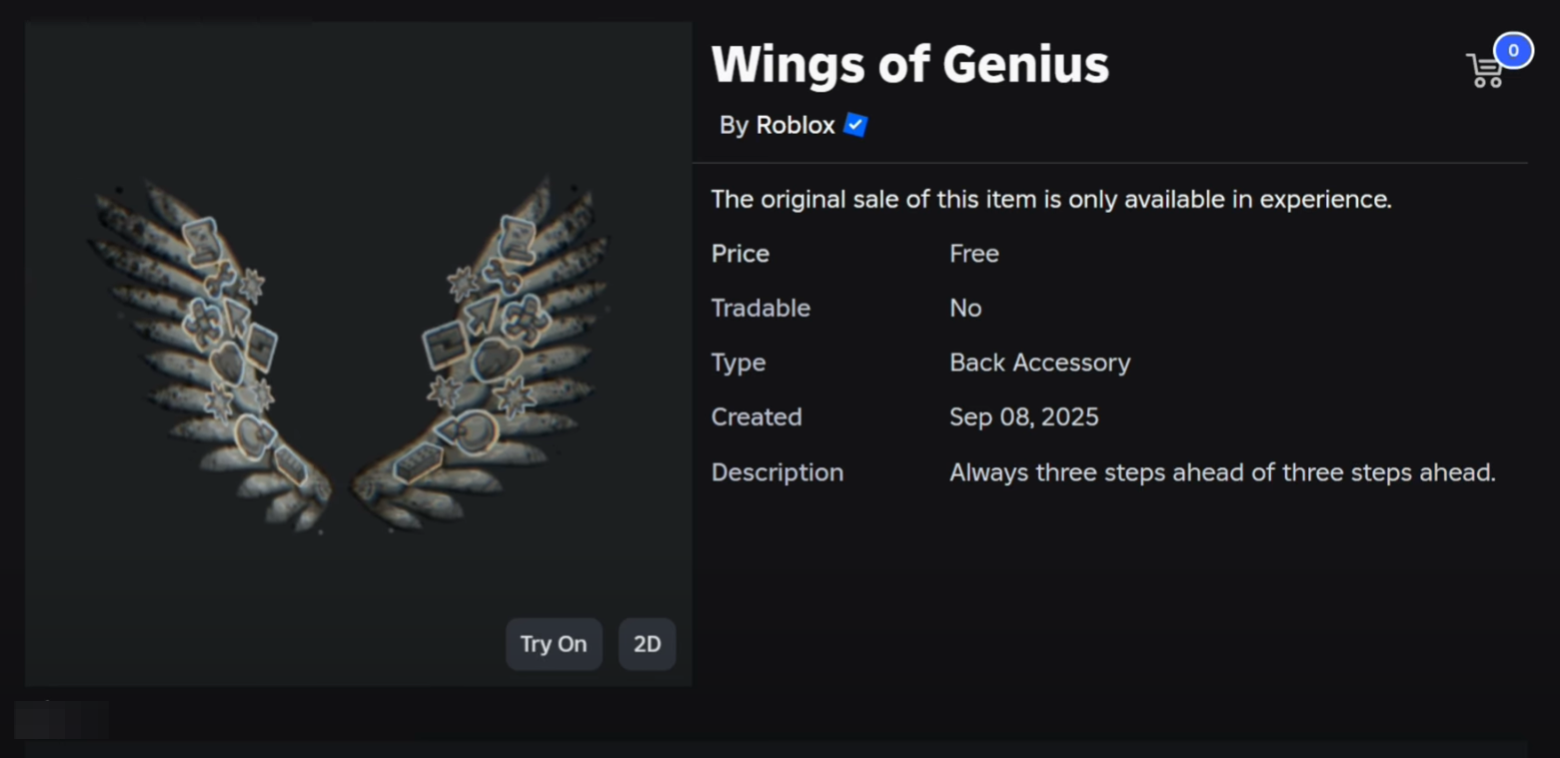
Find a Roblox Admin actively hosting a public-server giveaway. The most reliable way is to watch live streams or official appearances where hosts share their Roblox profile so you can join their current experience.
Open the host’s Roblox profile and use the Join button to enter the same public server. This puts you directly into the eligible giveaway server where the wing can be granted.
If the server is full, refresh the profile page periodically and retry. Many hosts rotate servers or ask recipients to leave so more players can claim the item.
Stay in the server long enough for the grant to process. Once awarded, check your avatar accessories to confirm Wings of Genius have been added.
3. Get Wings of Velocity (join a Developer public server)
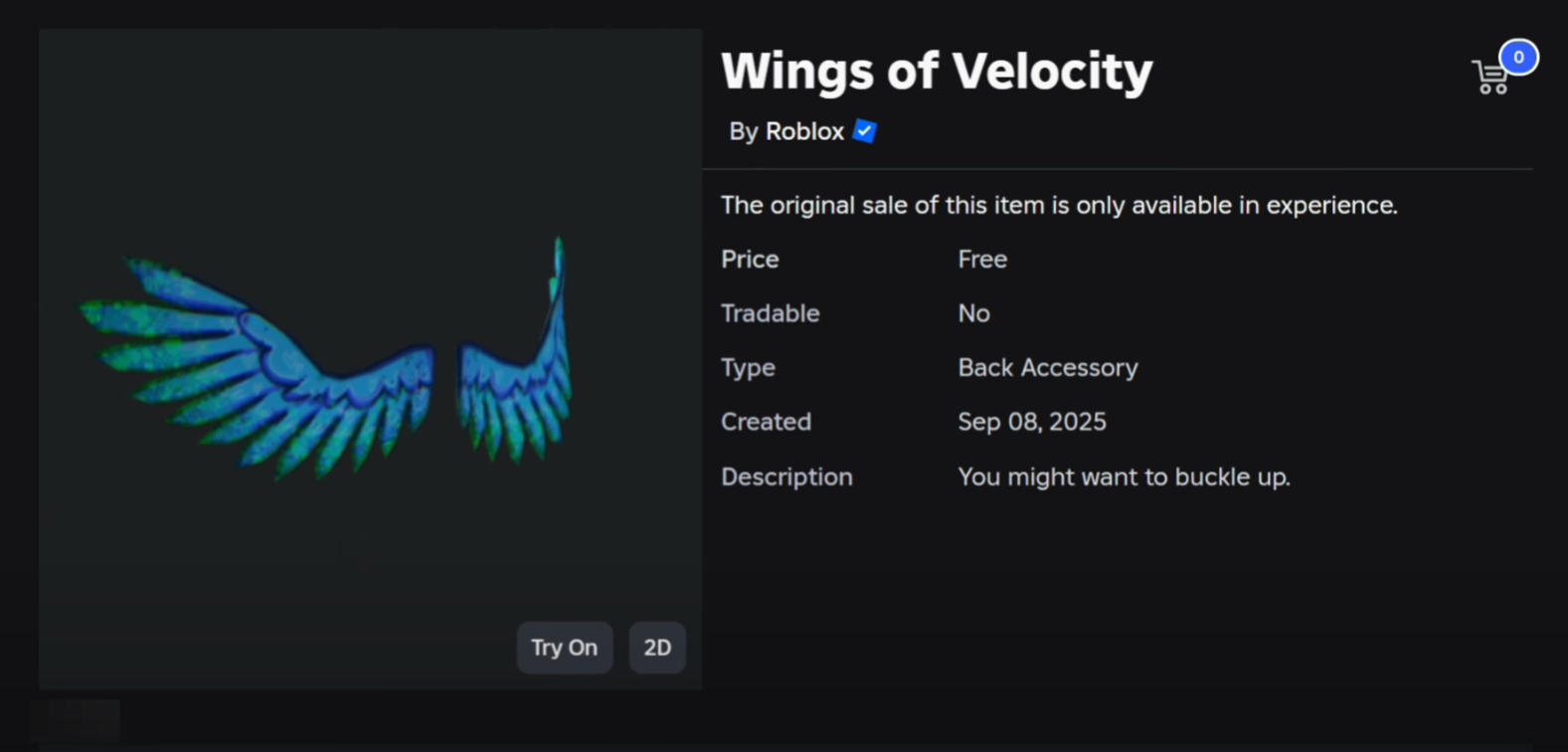
Look for Developers of participating games who are running public-server giveaways. Developers often announce their current server during live content or social posts and switch lobbies over time.
Join their public server from the host’s Roblox profile. Entering the exact server the Developer is in is required for the item grant to register.
If you hit capacity limits, queue by refreshing and retrying. Consider monitoring multiple Developers to increase your odds of getting in faster.
Remain in the server until you receive the item. If it doesn’t show up promptly, rejoin the same host or try another active Developer server.
4. Get Wings of Hype (join a Star Creator public server)
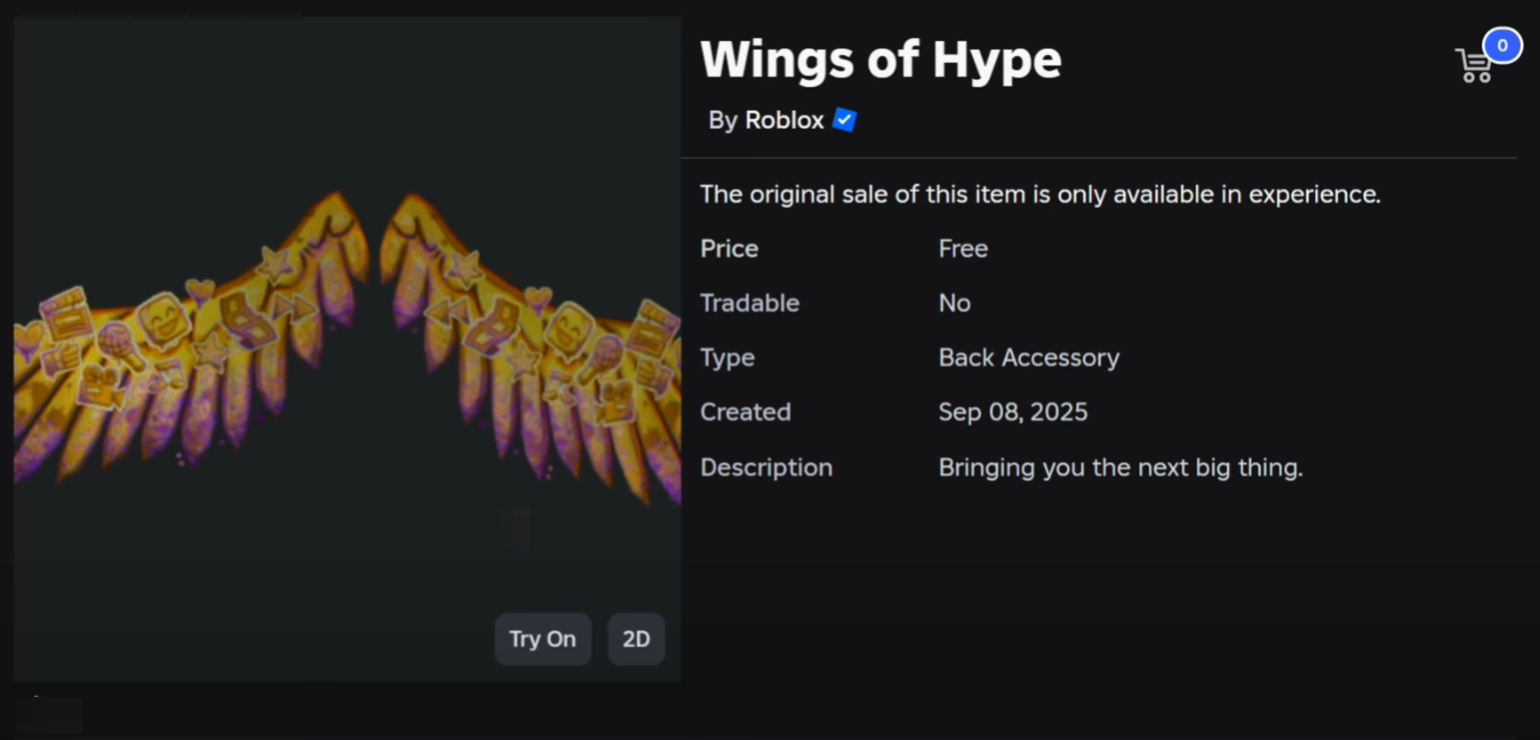
Track Star Creators who are live and sharing their Roblox profile link for public-server giveaways. These sessions usually have heavy traffic, so timing matters.
Use the Join button on the Star Creator’s profile to enter the exact server they’re playing in. Only the host’s active public server is eligible for the wing grant.
Expect full servers and reattempt frequently. Many creators cycle lobbies and encourage players to exit after receiving the item to free slots.
Wait for the grant to process, then verify that Wings of Hype are in your inventory. If you don’t see them after a short wait, rejoin or switch to another active Star Creator server.
Time-saving tips for giveaway wings
- Use live streams to get direct profile links to Admins, Developers, or Star Creators running giveaways.
- Hop between multiple hosts to avoid long queues on a single server.
- Target experiences with active lobbies; more players cycling through often means faster server rotations.
- When a host asks recipients to leave after claiming, cooperate so more players get a turn and rotations stay quick.
- If an item is delayed, rejoin the hub or the same server; grants can arrive a few minutes late during peak load.
The four wings are straightforward to secure if you start with the Noob challenge, then track live giveaway servers for the other three. Keep an eye on active hosts, be patient with queues, and you’ll complete the set without spending Robux.