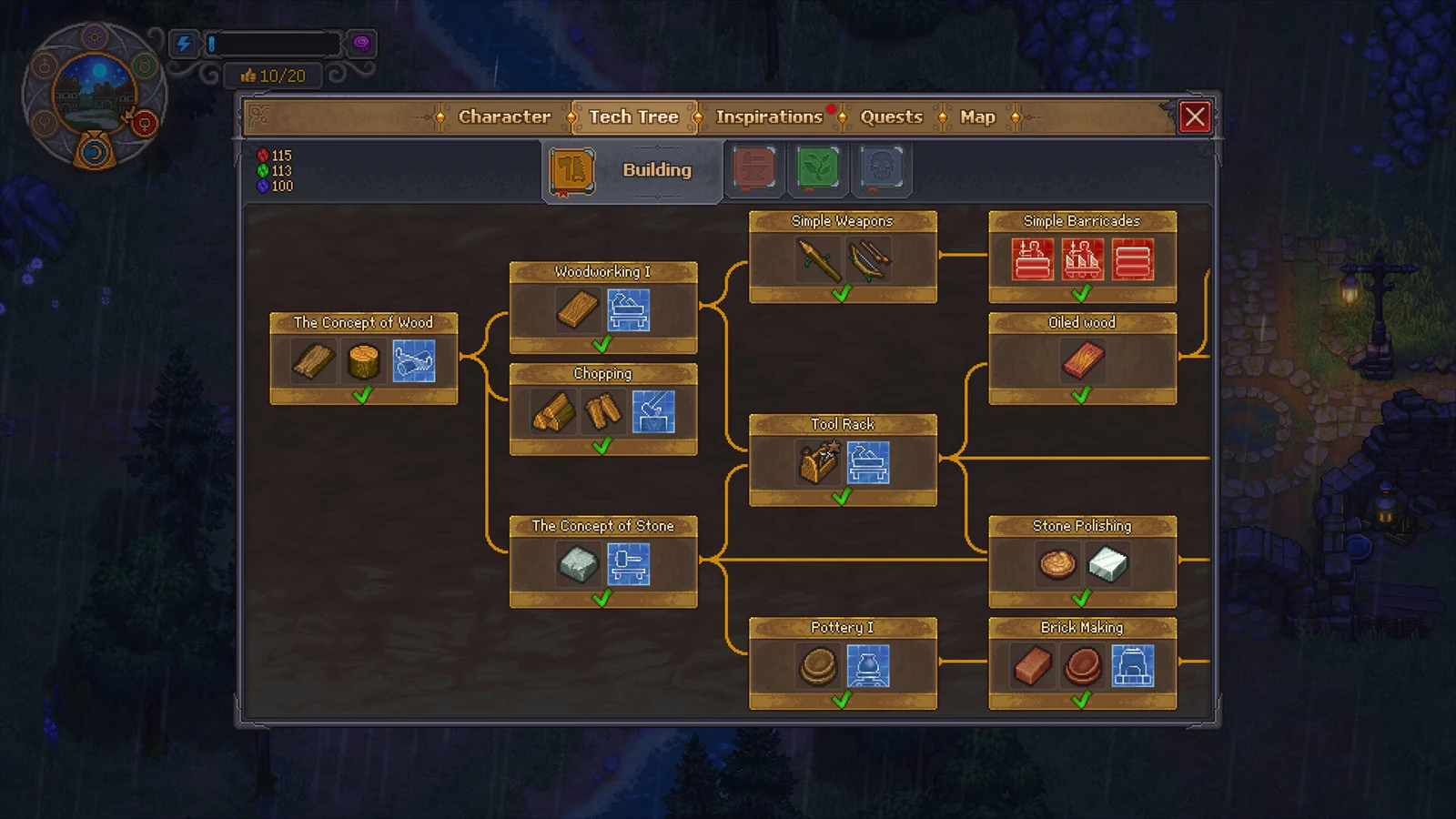
In Graveyard Keeper 2, colored technology points buy access to blueprints, recipes, and perks through the research tree. Nodes belong to separate branches, and each unlock requires specified quantities of points in red, green, and blue. Some starting nodes are exceptions: you can activate them only by speaking to a particular character.
Quick answer: Unlock each node’s blueprints and recipes by paying with red, green, and blue points. Speaking with the Bishop unlocks the first Wood node; the blacksmith conversation unlocks the Smithing branch.
How research points and node unlocks work
There are three point colors—red, green, and blue. Most nodes charge a combination of them, although certain perk nodes demand mostly blue. Paying the cost makes the node’s entries appear in your build and craft menus, with the resulting blueprints and recipes immediately usable at the appropriate workbench.
Because the nodes form connected paths, unlock the left-side nodes before advancing rightward through a branch. You can access Building and Smithing immediately, but every other category needs an unlock first. A character or brief task, rather than points, controls access to each branch’s first node.
How to earn technology points
Technology points come from research you carry out at the Study Table, using Science Points and Faith. Here is the sequence to get that pipeline running.
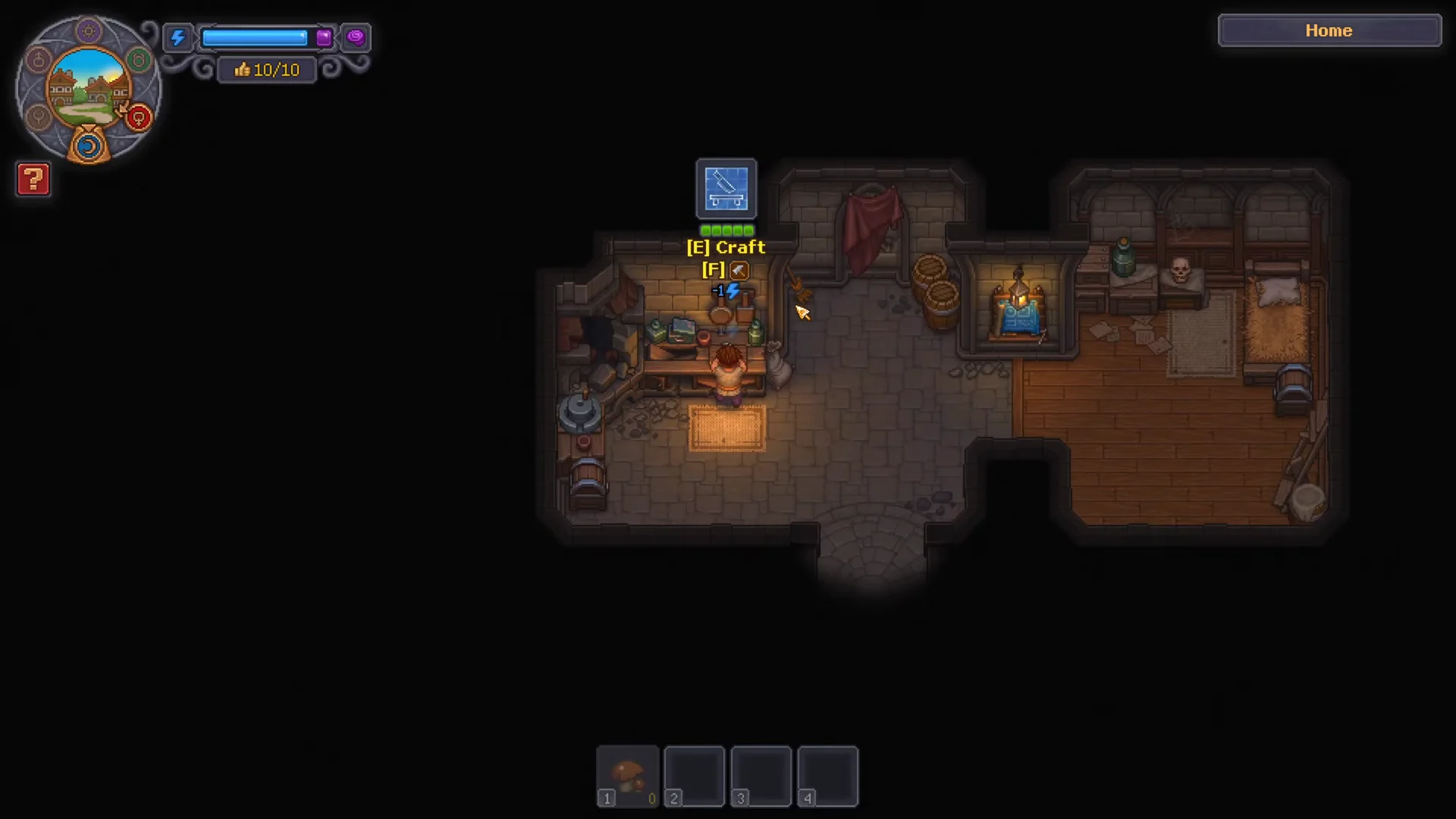
Some stations and furniture start broken. Walk up and use the Craft prompt to repair them before you can work at them — the kitchen table, for example, needs 3 planks and 2 simple iron parts.
Wood building research nodes
The Wood branch is the longest in the Building tree. It runs from planks and workbenches up to conveyors, assembly benches, and factory-scale kits. The Concept of Wood opens the branch once you speak with the Bishop.
| Technology | Unlocks | Cost |
|---|---|---|
| The Concept of Wood | Board, Short Log, Sawhorse blueprint | Speak with the Bishop |
| Woodworking 1 | Wooden Plank, Woodworking Workbench 1 | 10 Red |
| Chopping | Firewood, Wood Wedge, Chopping Spot blueprint | 8 Red |
| Suit Up! | Dresser with mirror blueprint | 15 Red |
| Tool Rack | Tool Rack blueprint, Simple Chest blueprint | 35 Red |
| Zombie Assistant | Zombie Supplier Station | 35 Red, 5 Green |
| Oiled Wood | Oiled Plank, Wooden Kit I, Wooden Trinkets | 20 Red, 20 Green |
| Woodworking II | Bronze Chisel, Furniture Kit I, Woodworking Workbench II | 40 Red, 5 Green |
| Circular Saw | Circular Saw blueprint, Wooden beam, Oiled Beam | 35 Red, 10 Green |
| Wooden Joint | Wooden Joint | 90 Red, 25 Blue |
| Wood Carving | Carved Wood, Large Chest blueprint | 120 Red, 30 Blue |
| Conveyors | Conveyor Belt, Conveyor Splitter, Underground Conveyor blueprints | 70 Red, 20 Blue |
| Artisans I | Builder blueprint, Smithy blueprint | 75 Red, 25 Green |
| Assembly bench | Wooden Kit I, Stone Kit, Assembly Bench I blueprint | 75 Red, 20 Blue |
| Crate | Crate, Supply Pallet blueprint | 100 Red, 10 Blue |
| Wooden Kit I | Wooden Kit I, Auto-hammer blueprint, Conveyor Chest I blueprint | 100 Red, 10 Blue |
| Zombie Delivery | Zombie Supply Porter blueprint, Supply Station blueprint | 110 Red, 10 Blue |
| Building Kit I | Building Kit I, Building materials I, Factory Lantern blueprint | 110 Red, 10 Blue |
| Market Stalls II | Furniture Maker, Baker, Fish stand blueprints | 130 Red, 30 Green |
| Assembly Bench II | Iron Tools, Assembly Bench II blueprint | 110 Red, 20 Blue |
| Artisans II | Tavern blueprint, Brewery blueprint | 110 Red, 75 Green |
| Furniture Kit I | Drill Press blueprint, Furniture Kit I, Furniture I | 120 Red, 20 Blue |
| Wooden Kit II | Wooden Kit II, Conveyor Chest II, Porter Station blueprint | 120 Red, 20 Blue |
| Kitchen Supplies | Cutlery I, Kitchen Utensils | 120 Red, 20 Blue |
| Market Stalls III | Alchemist blueprint, Jeweler blueprint | 150 Red, 50 Green |
| Appliances I | Appliances I, Supply Pallet II blueprint | 130 Red, 20 Blue |
| Bioreactor | Zombie Power, Bioreactor blueprint | 130 Red, 20 Blue |
| Clothes I | Clothes I, Sewing Machine blueprint | 130 Red, 20 Blue |
| Zombie Mechanisms | Zombie Mechanism, Engineering mechanism, Lathe blueprint | 140 Red, 20 Blue |
| Assembly Bench III | Sculpture Kit II, Cutlery II, Assembly Bench III | 150 Red, 30 Blue |
| Furniture Kit II | Furniture Kit II, Furniture II | 160 Red, 30 Blue |
| Building Kit II | Building Kit II, Building materials II | 160 Red, 30 Blue |
| Clothes II | Clothes II | 160 Red, 30 Blue |
| Appliances II | Appliances II | 170 Red, 30 Blue |
The Chopping node creates the Chopping Spot and gives you Firewood, which burning stations like furnaces and ovens consume. A station with a fuel requirement remains inactive until its supply is stocked.
Stone building research nodes
The Stone branch covers stone cutting and polishing, brick making, pottery, marble work, and fabric. The Concept of Stone is the entry node and costs 15 Red.
| Technology | Unlocks | Cost |
|---|---|---|
| The Concept of Stone | Stonemason’s Workbench blueprint, Piece of Stone | 15 Red |
| Tool Rack | Tool Rack blueprint, Simple Chest blueprint | 35 Red |
| Pottery I | Clay Plate, Potter’s Wheel blueprint | 10 Red, 5 Green |
| Stone Polishing | Polished Stone, Stone Kit | 20 Red, 5 Green |
| Brick Making | Brick, Kiln blueprint | 15 Red, 5 Green |
| House Repairing | Building Kit I | 45 Red, 10 Green |
| Stone Carving | Carved Stone | 60 Red |
| Ceramic Firing | Clay Urn | 55 Red |
| The Concept of Marble | Marble Plate | 80 Red, 30 Blue |
| Marble Polishing | Polished Marble, Stone Marbles | 100 Red, 20 Blue |
| Marble Carving | Carved Marble | 175 Red, 50 Blue |
| Fabric | Fabric, Spinning Wheel blueprint | 100 Red, 10 Blue |
Smithing research nodes
Smithing begins with simple ironwork and extends through steel equipment, jewelry, and glassware. Speak to the blacksmith to open the first Iron node; afterward, its paths lead to tools, weapons, smelting improvements, and precious metals.
| Technology | Unlocks | Cost |
|---|---|---|
| Iron | Furnace blueprint, Iron Ingot, Swamp Iron | Talk to the blacksmith |
| Primitive Forging | Wooden anvil blueprint, Nails, Simple iron parts | 10 Red |
| Tools | Shovel 1, Pickaxe 1, Axe 1 | 20 Red |
| Advanced Forging | Anvil blueprint, Complex iron parts, Iron Chisel | 40 Red, 5 Green |
| Inborn Blacksmith | Blacksmith perk | 20 Red, 30 Blue |
| Weapons | Sword, Iron Armor | 55 Red, 25 Green |
| Martial Skills | Prayer for Retribution, Prayer for Protection, Big Guy perk | 10 Red, 75 Blue |
| Steel | Anvil II blueprint, Steel chisel, Iron hammer | 100 Red, 50 Green, 10 Blue |
| Steel Weapons | Steel Sword, Steel Armor | 100 Red, 20 Green, 10 Blue |
| Skilled Casting | Steel sword with gem, Damask sword with gem | 300 Red, 50 Green, 50 Blue |
| Sword Master | Sword Master perk | 50 Red, 100 Blue |
| Engineer | Prayer for Excellence, Water Pump blueprint, Engineer perk | 50 Red, 100 Blue |
| Steel Tools | Axe II, Shovel II, Pickaxe II | 100 Red |
| Advanced Smelting | Furnace II blueprint, Steel ingot | 50 Red, 20 Green, 10 Blue |
| Rules of Burning | Lantern network blueprint, Place for lantern blueprint, Fireman perk | 10 Red, 50 Green, 30 Blue |
| Iron Castings | Furnace III blueprint, Steel parts | 200 Red, 50 Green, 20 Blue |
| Jeweler | Silver ingot, Gold ingot | 100 Red, 50 Green, 20 Blue |
| Precious Little Things | Jewelry table blueprint, Gold jewelry details, Jewelry | 150 Red, 50 Blue |
| Glass | Glass | 10 Red, 10 Green |
| Glass-blower | Conical flasks | 30 Red, 10 Green, 10 Blue |
| Glass-blower II | Advanced conical flasks, Lens | 50 Red, 10 Green, 30 Blue |
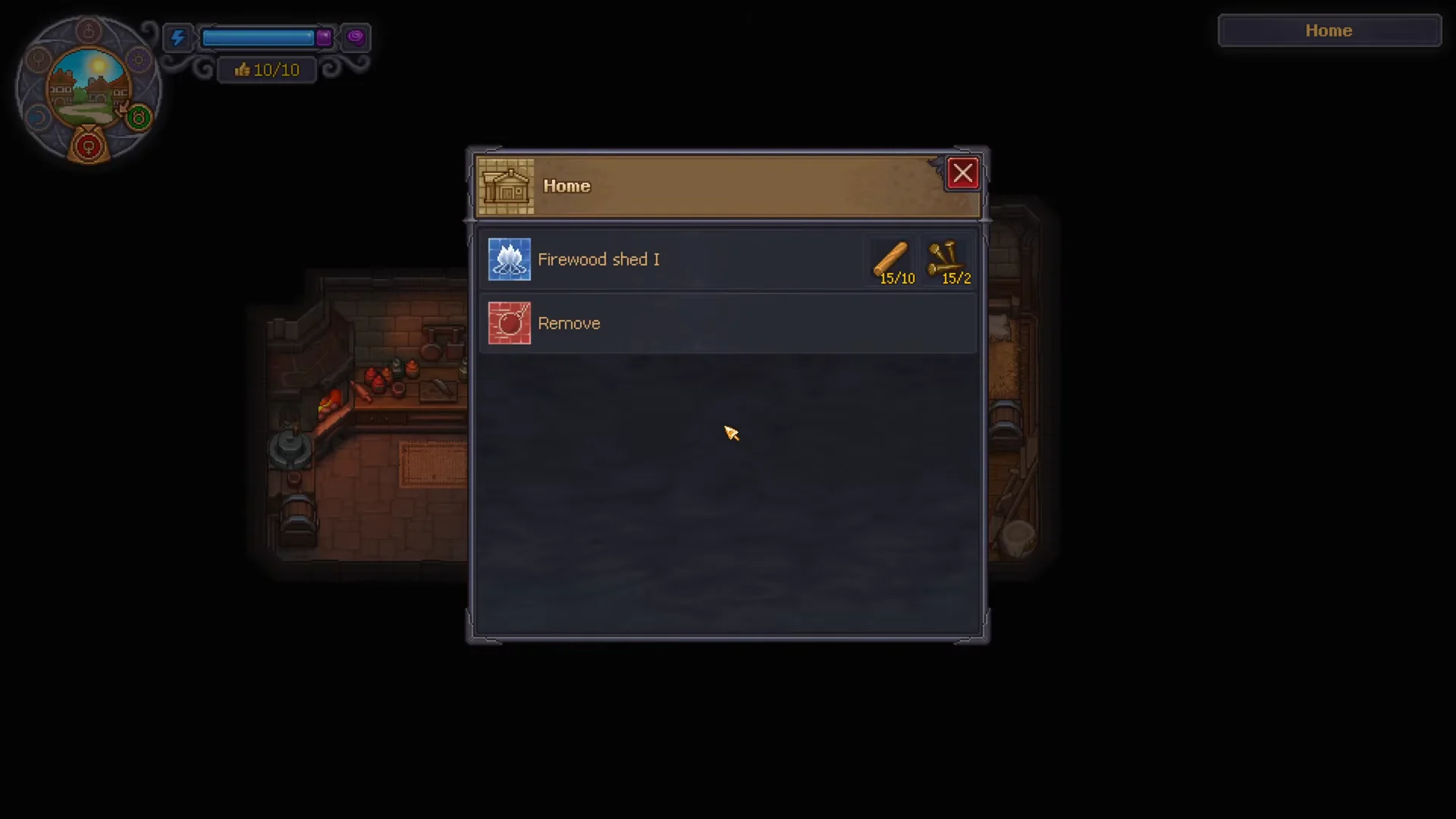
The furnace associated with the Iron node, along with all other burning stations, uses firewood for fuel. Make it through the Wood branch’s Chopping node and keep it in a Firewood shed. The Firewood shed I blueprint comes from the metallurgy research line and costs 10 Red plus 10 Green; the shed also needs firewood stocked inside it to supply nearby workbenches.
How to confirm a node unlocked
After you pay a node’s price, it becomes lit to show that research is complete, and its contents appear at their relevant destinations. Building plans enter the build menu, recipes become available at their corresponding workbenches, and perks can be equipped.
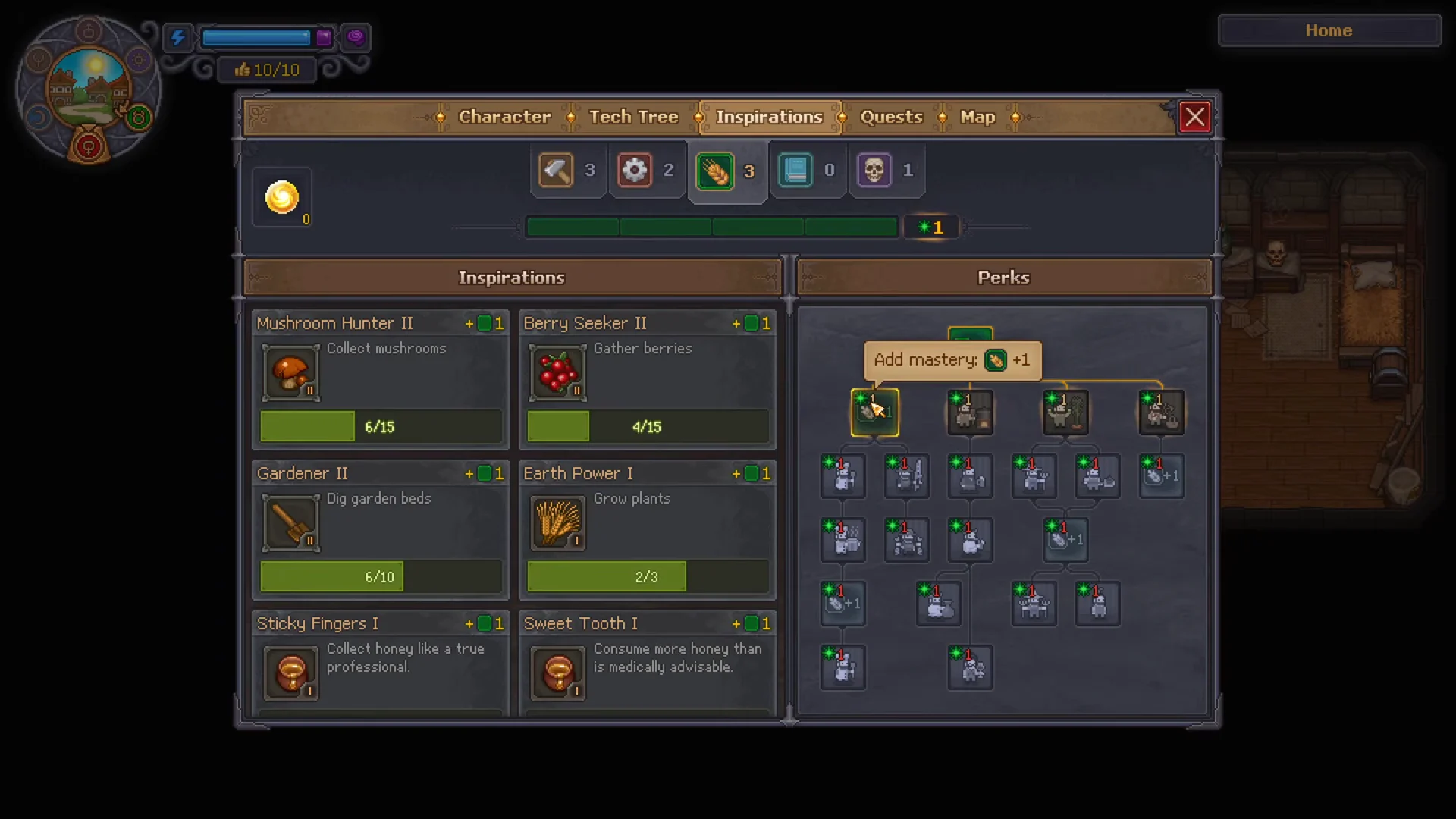
When a node grants a perk, open the Inspirations menu and use mastery points to activate it. A blueprint reward, by contrast, immediately lets you place the new station or upgrade.
Work through the Wood and Stone branches to keep your graveyard expanding, then move into Smithing once you have the blacksmith on side and a steady flow of firewood to keep the furnaces running.