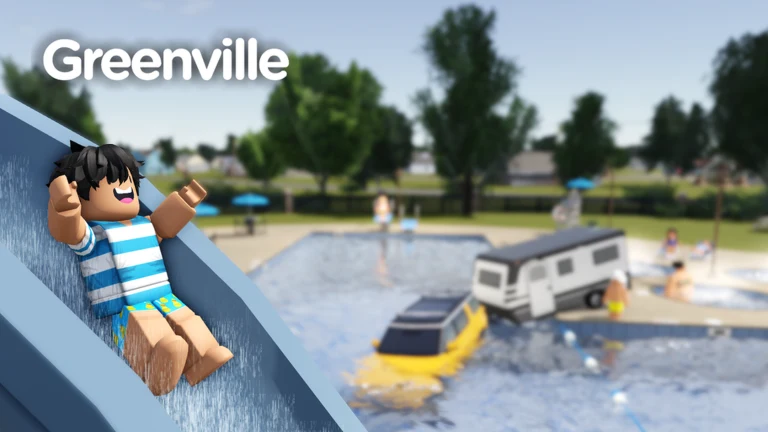
The next Greenville update goes live on September 26th, and the developers have tied launch-day access to an RSVP. To get in on the day, you open the official announcement and tap the RSVP link it carries, which sends you to the game’s event page on Roblox where you confirm your spot.
Quick answer: Open the studio’s launch post, tap the RSVP link inside it, then press the RSVP button on the Greenville event page. That reservation is what lets you play the update on September 26th.
How to RSVP for the September 26 update
The RSVP takes a few taps. You need a Roblox account you are signed in to, since the confirmation is stored against your profile.
RSVP ahead of the 26th rather than waiting until launch, so the reservation is already tied to your account when the update opens.
What the RSVP unlocks on launch day
The reservation is the key to playing the update the moment it releases on September 26th. The update adds the Shelby G.T. 350, confirmed as the final Shelby arriving in this update and one of the most powerful cars in the release.
Redeeming codes in the Shop once you are in
Once the update is running, use the cart symbol in the upper HUD to open Shop. Then choose the Redeem codes tab at the menu’s far right to enter in-game codes.
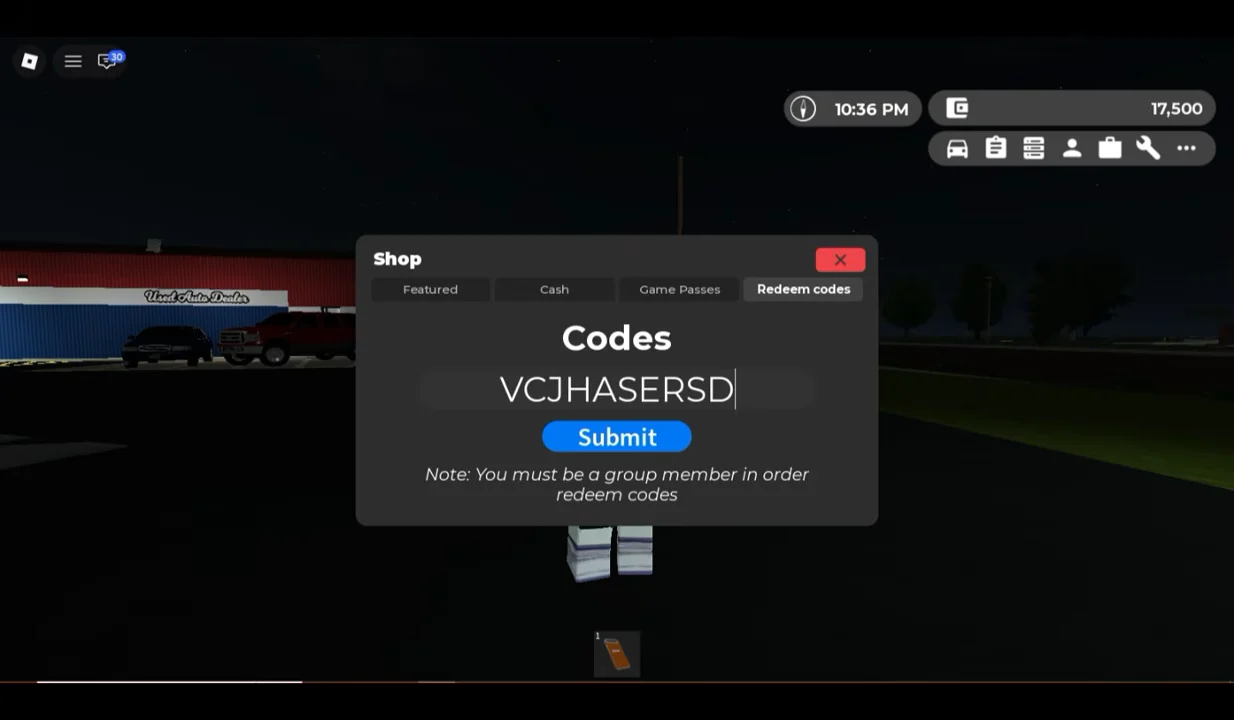
Type a code into the input field and press Submit to claim its reward. The menu carries one requirement worth noting before you try.
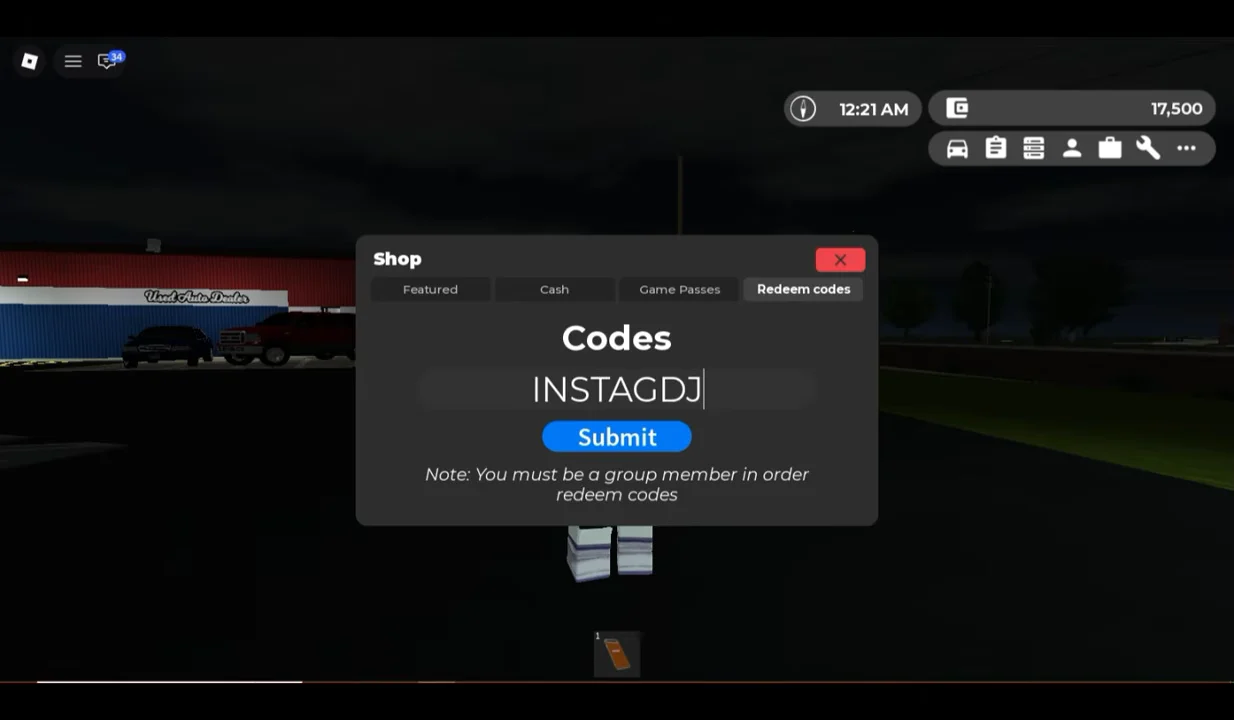
You must be a member of the Greenville group to redeem codes, as the in-game menu states directly. Join the group first, or the Submit step will not grant a reward.