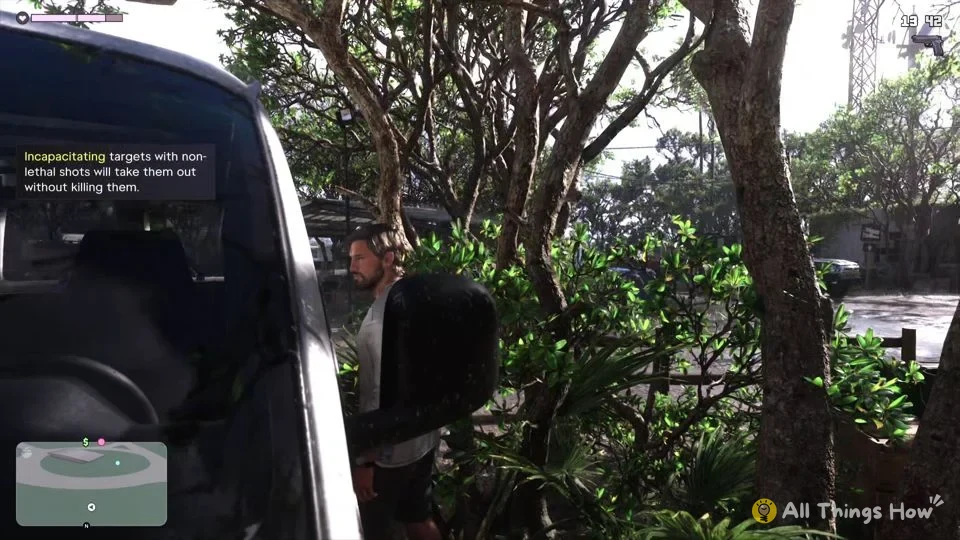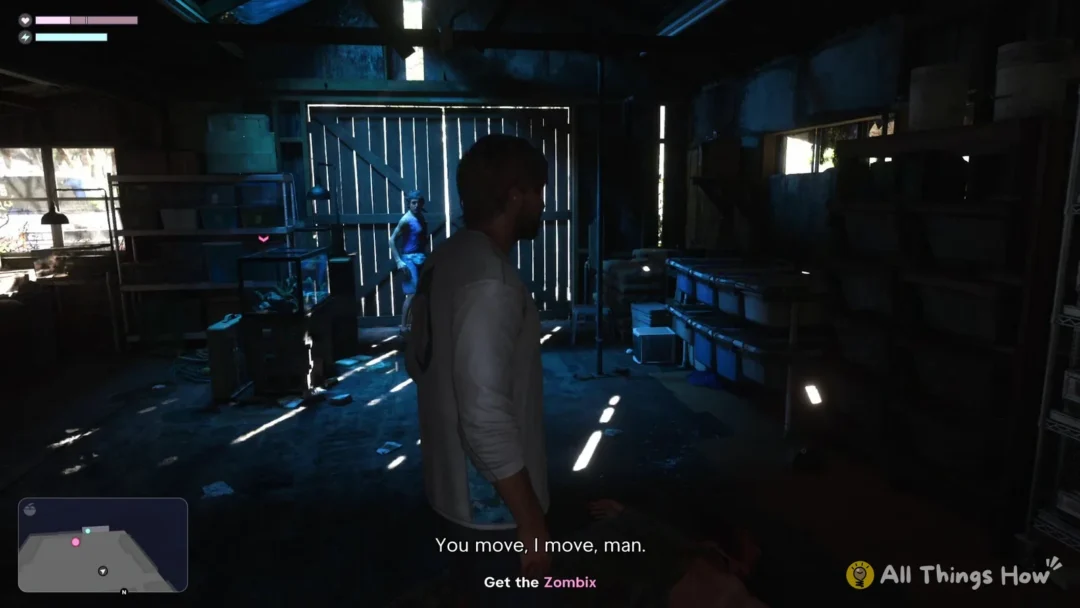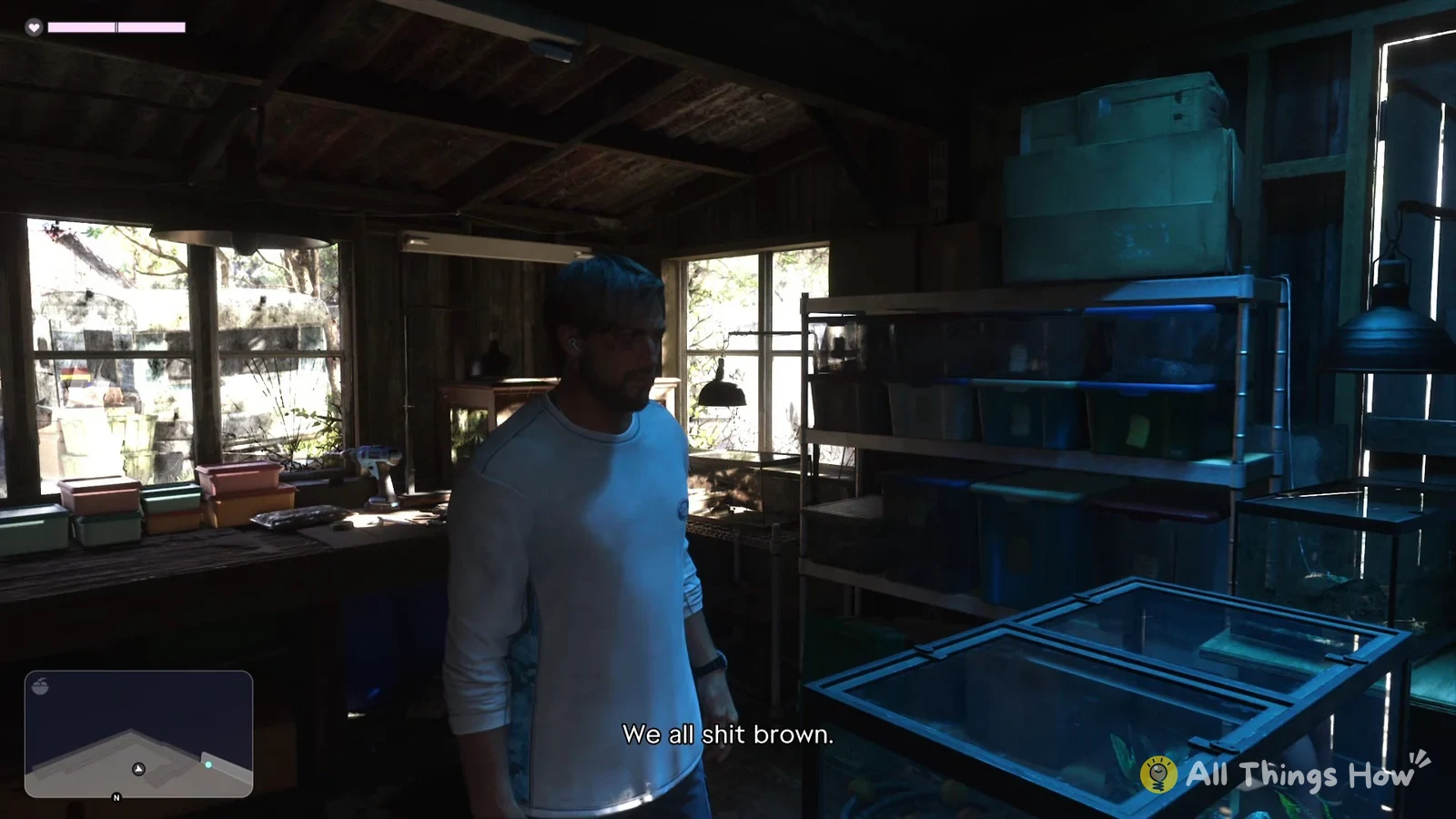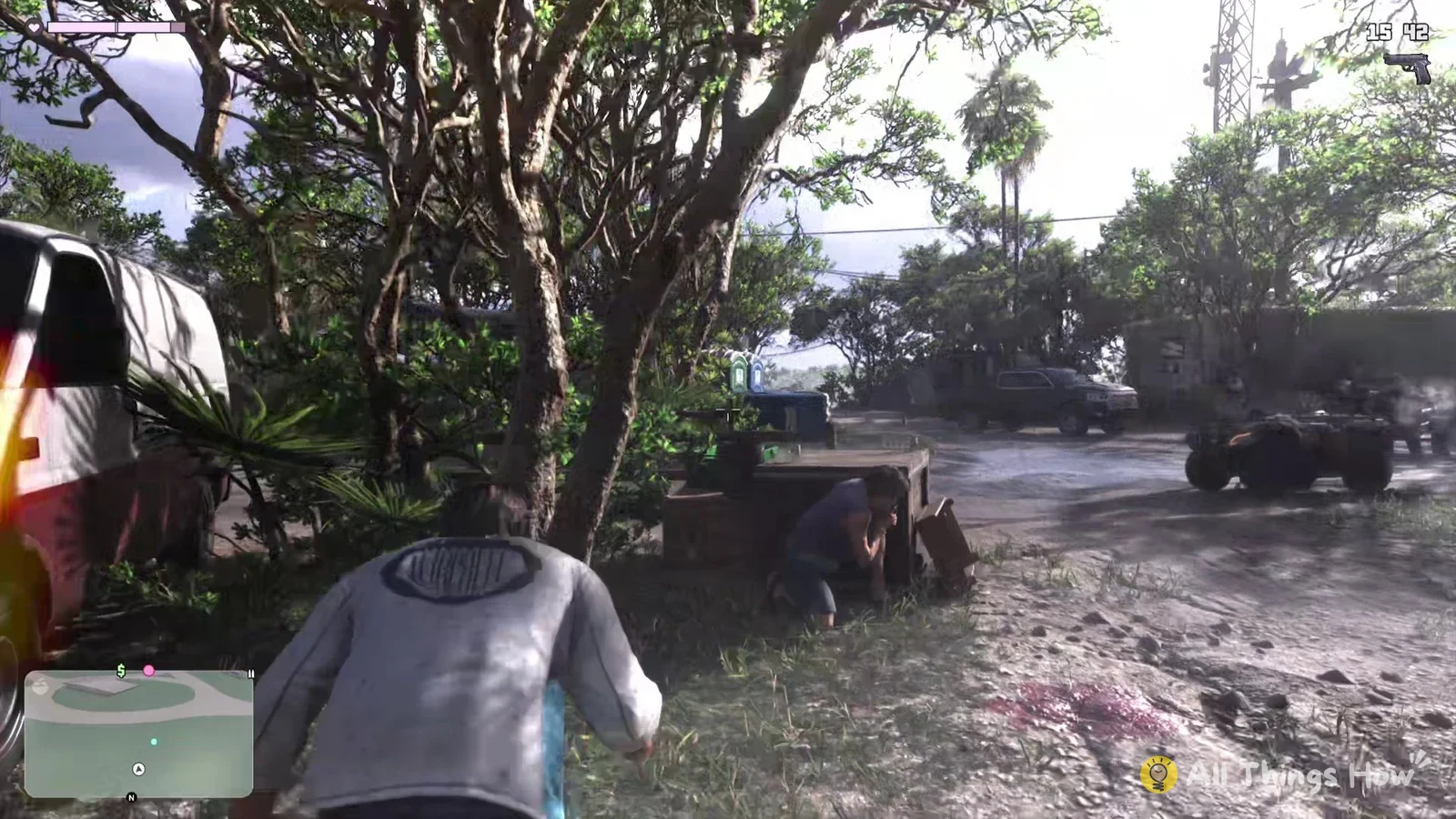
GTA 6 teaches cover in its first real gunfight, the shootout at the RV park in the Chapter 1 mission “Gone Fishing”, where you play as Jason. As soon as the shooting starts outside the shack, a tip box at the top left of the screen tells you “Press R1 to take cover.” The rest of the controls come up as tips during the same fight.
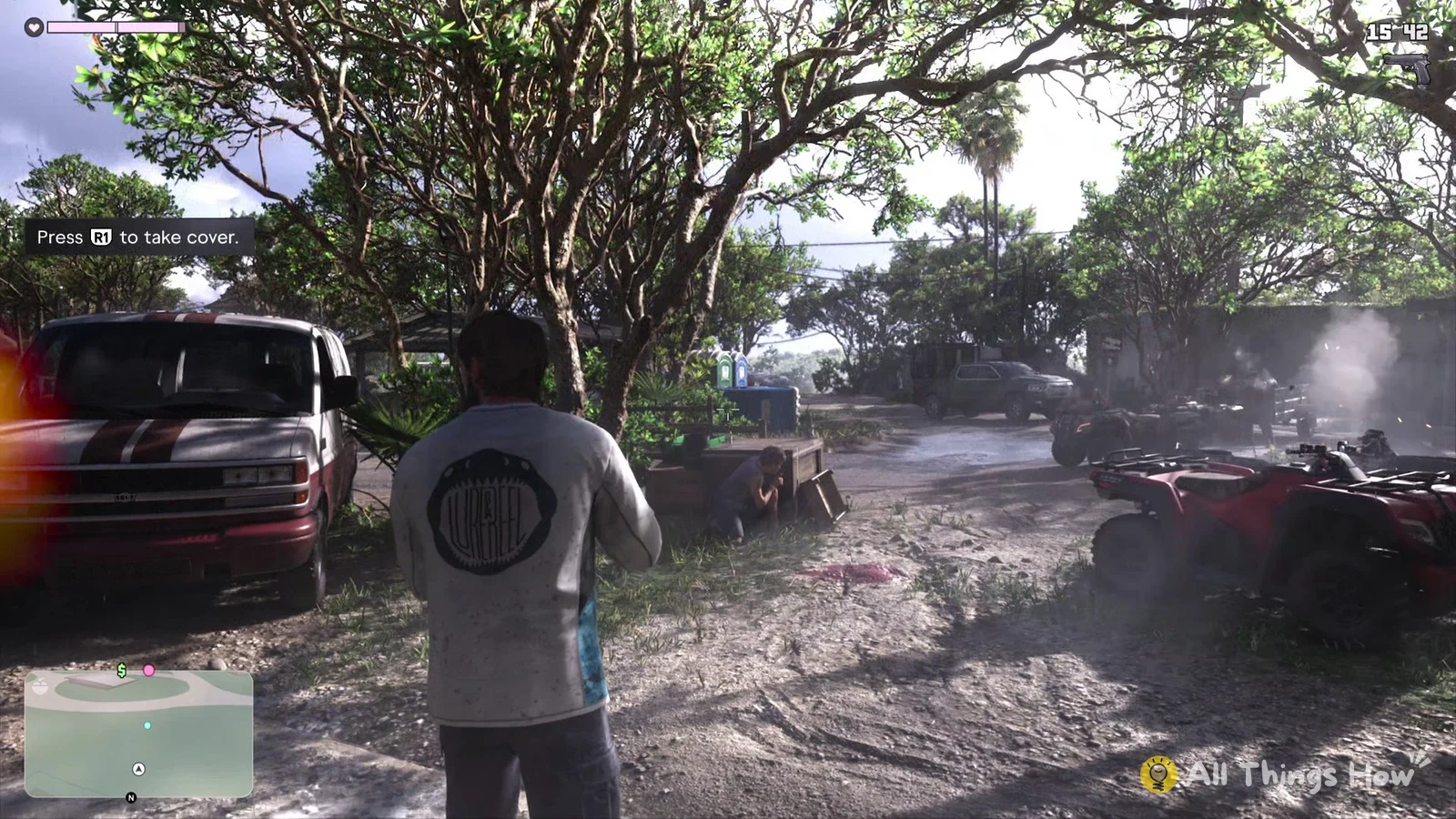
Quick answer: Get beside a wall, car or tree, then hit R1 to take cover. Hold L2 to aim from cover and press R2 to fire. Tap L1 to pull out your gun or put it away.
How to take cover and shoot in GTA 6
These steps use the Default controller layout on PS5.
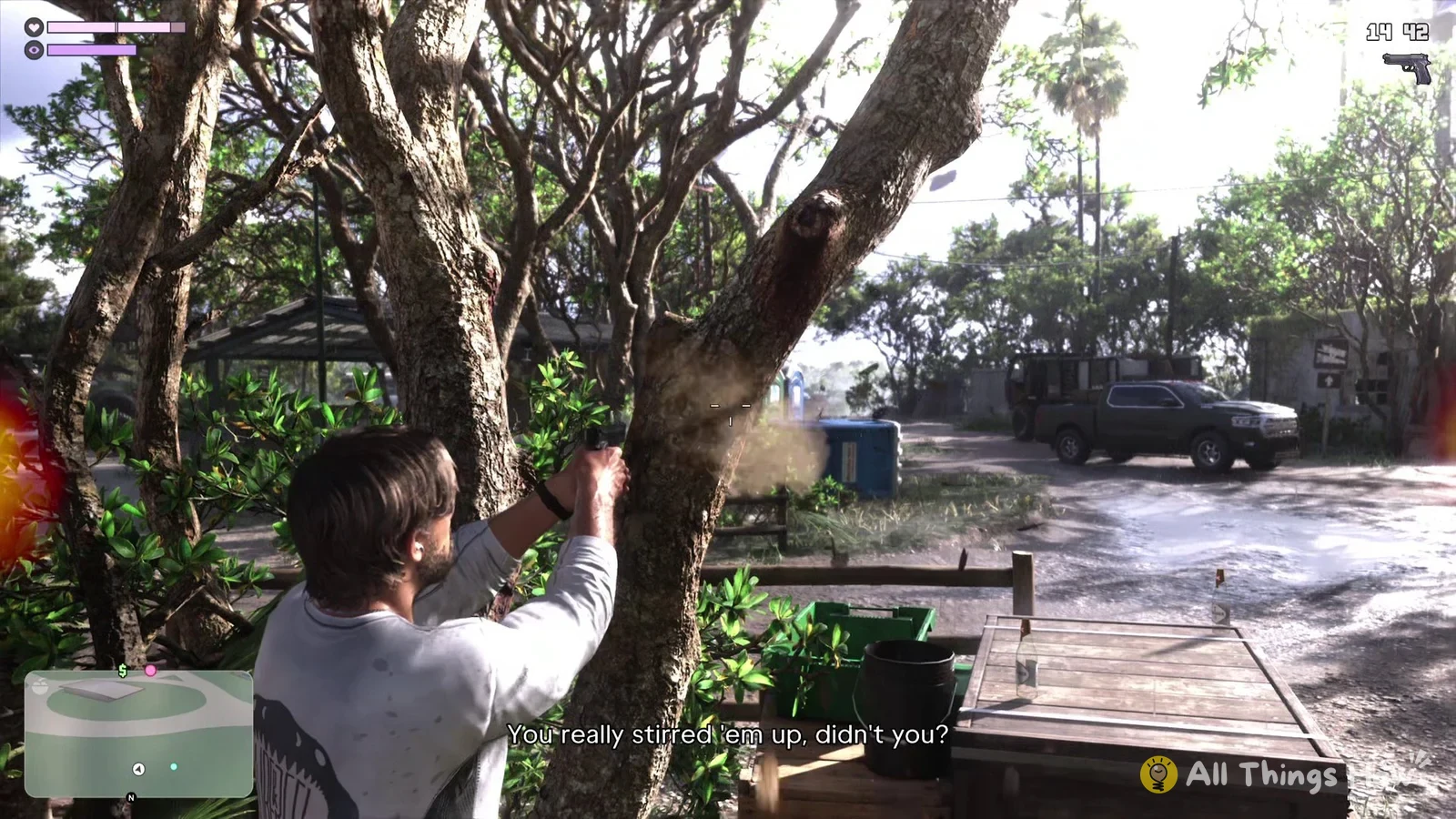
During a firefight, watch the screen edge for a red glow that points to the side the shots are coming from.
GTA 6 aiming and cover controls (Default)
You can check the full set under Settings > Controller, in the Aiming (Default) preview.
| Button | Action |
|---|---|
| R1 | Cover |
| L2 | Aim |
| R2 | Shoot |
| L1 | Holster |
| D-pad left | Switch shoulder |
Holstering and non-lethal shots
The game’s tip for it reads “Press L1 to quickly equip or holster your gun.” That’s handy right before you duck into cover, so you’re not stuck behind a car with empty hands.
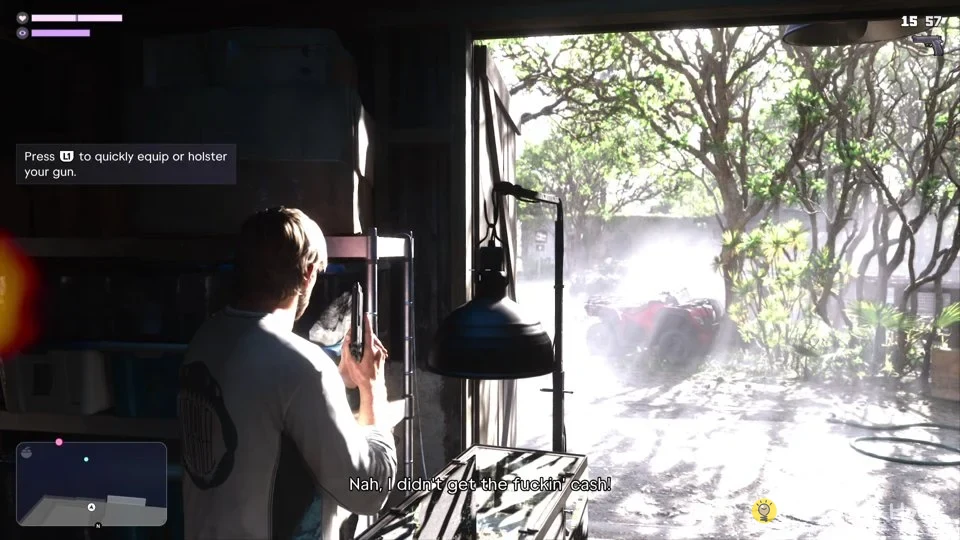
You don’t always have to kill the people shooting at you. Another tip in the same fight says “Incapacitating targets with non-lethal shots will take them out without killing them.”