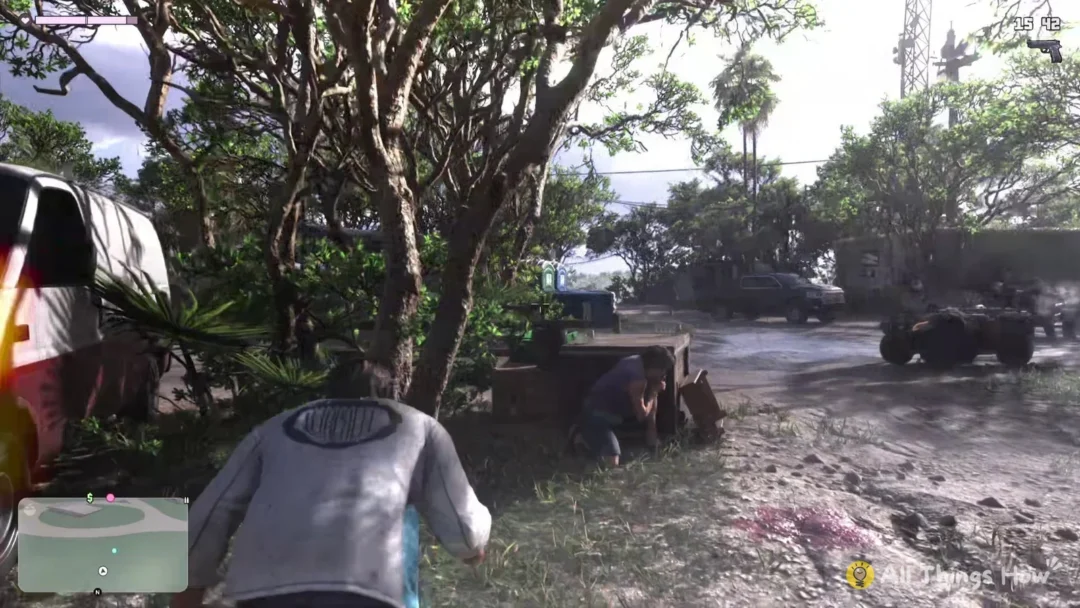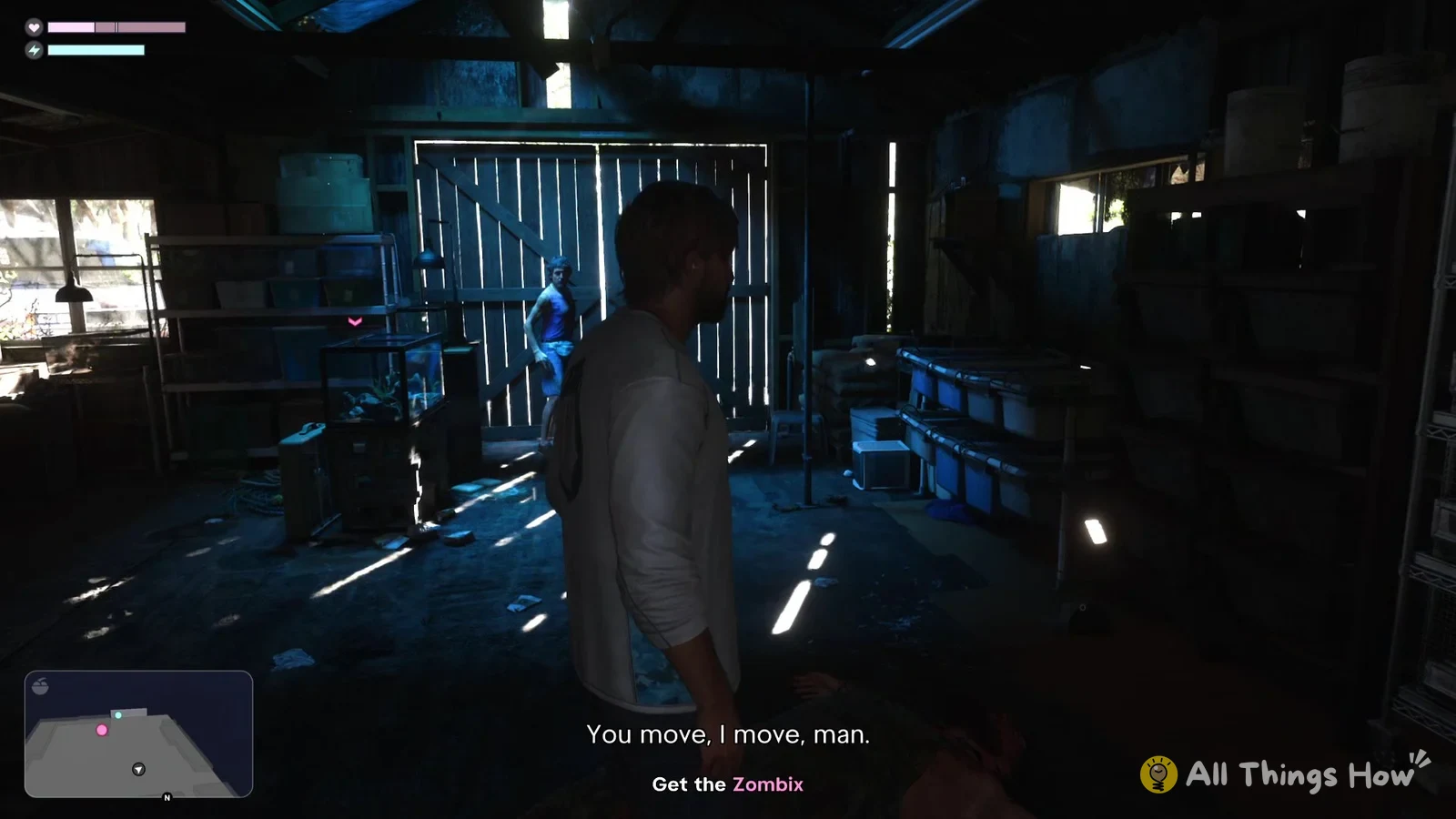
Fist fights in GTA 6 use the face buttons and triggers on the DualSense, and the game puts you in one early on, during the Chapter 1 mission “Gone Fishing” as Jason. The buttons below are for the Default control scheme on PS5.
Quick answer: Use Square for a punch or kick. Cross blocks or dodges, holding L2 locks on as you strafe, and R2 starts a grapple.
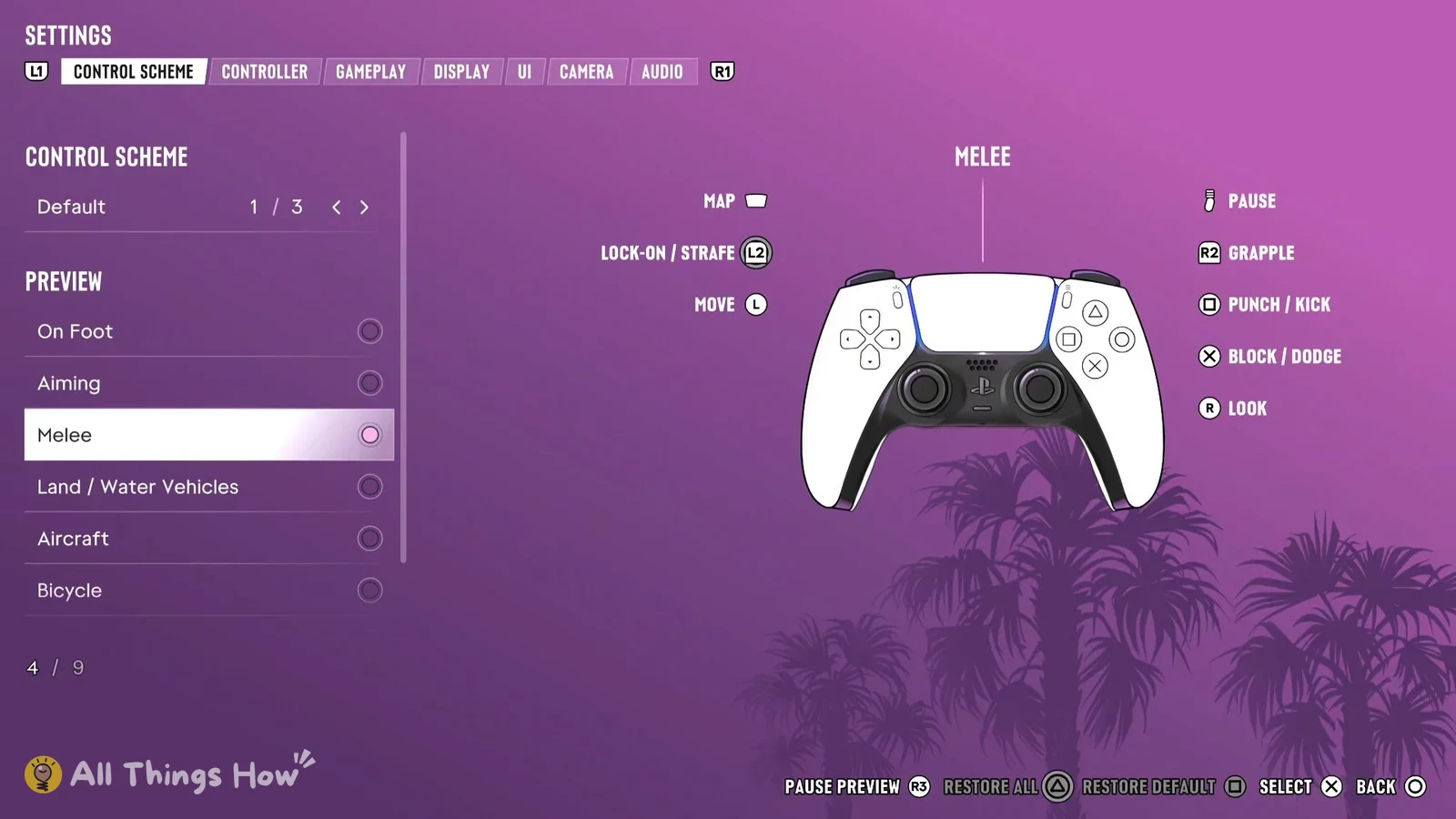
GTA 6 melee controls on PS5 (Default scheme)
These are the buttons the game lists for melee when the Default control scheme is selected:
- Square: Punch / Kick
- Cross: Block / Dodge
- L2: Lock-on / Strafe
- R2: Grapple
- Left stick: Move
- Right stick: Look
- Touch pad: Map
- Options: Pause
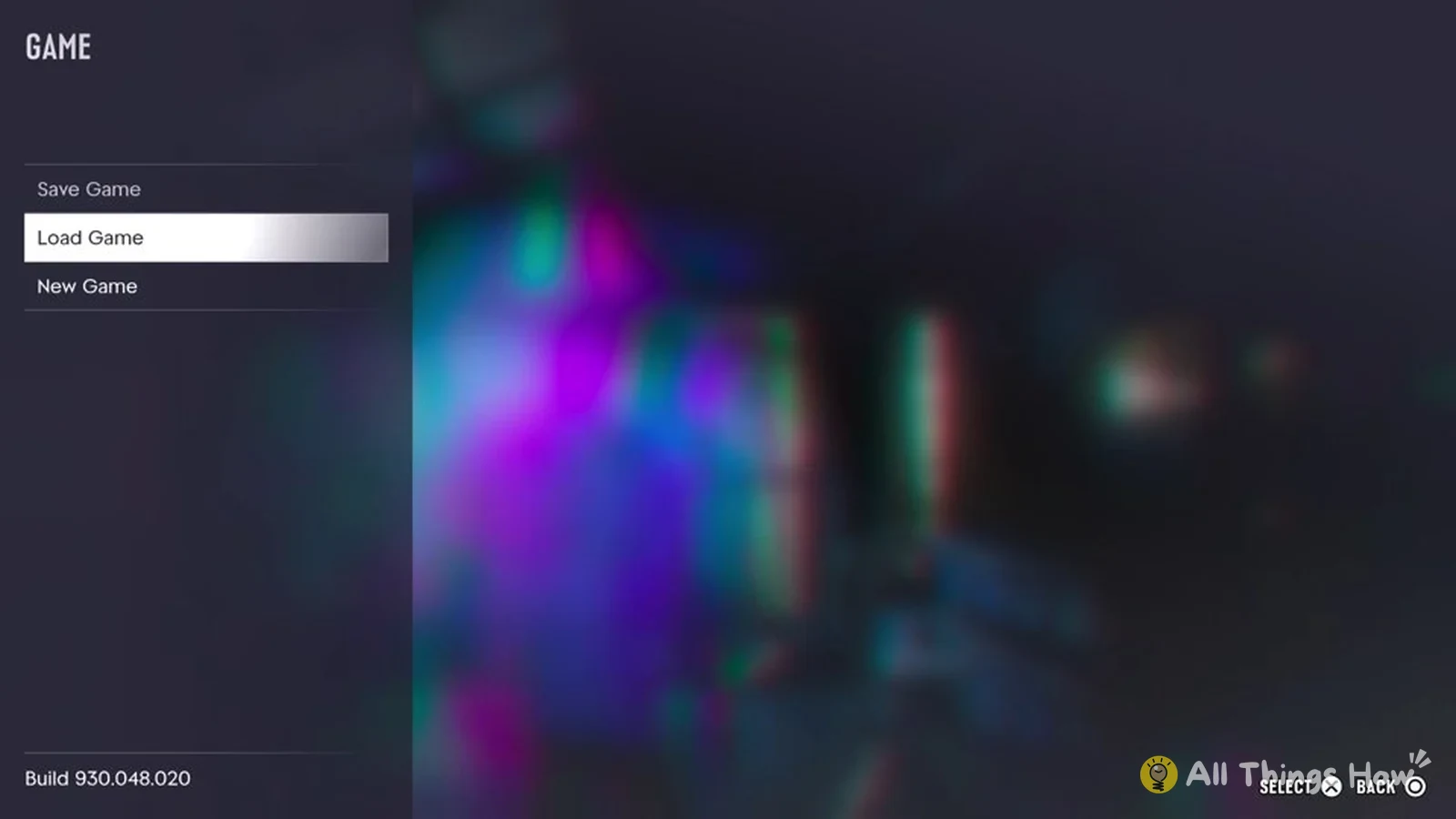
You can check this list yourself in Settings > Controller > Control Scheme, where the preview pages include one called Melee. The On Foot page in the same menu also lists Square as Melee, so it’s the same button you use to start swinging when you’re walking around with nothing in your hands.
GTA 6 has more than one control scheme, and these buttons only apply to Default. If you’ve switched to another scheme, open the same menu to see where melee sits on yours.
How to win the fist fight in “Gone Fishing”
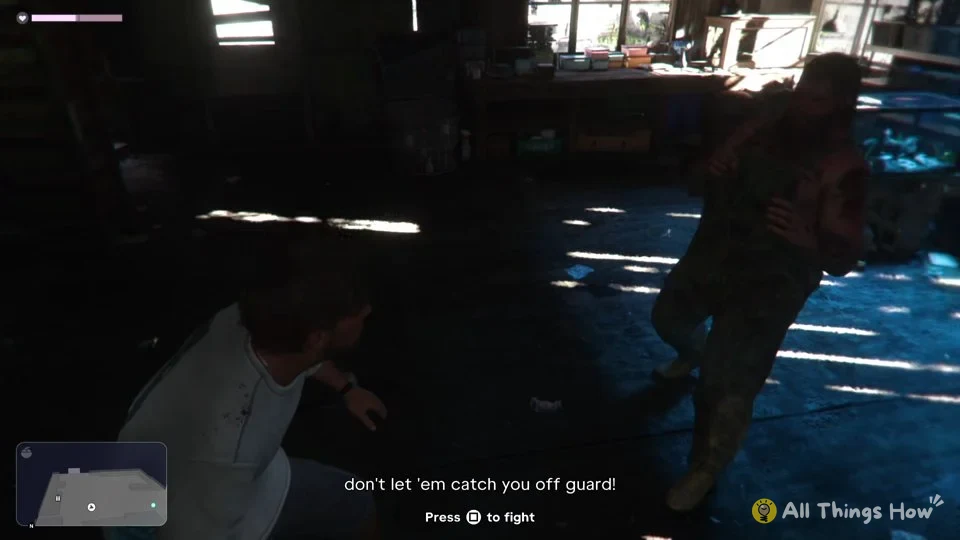
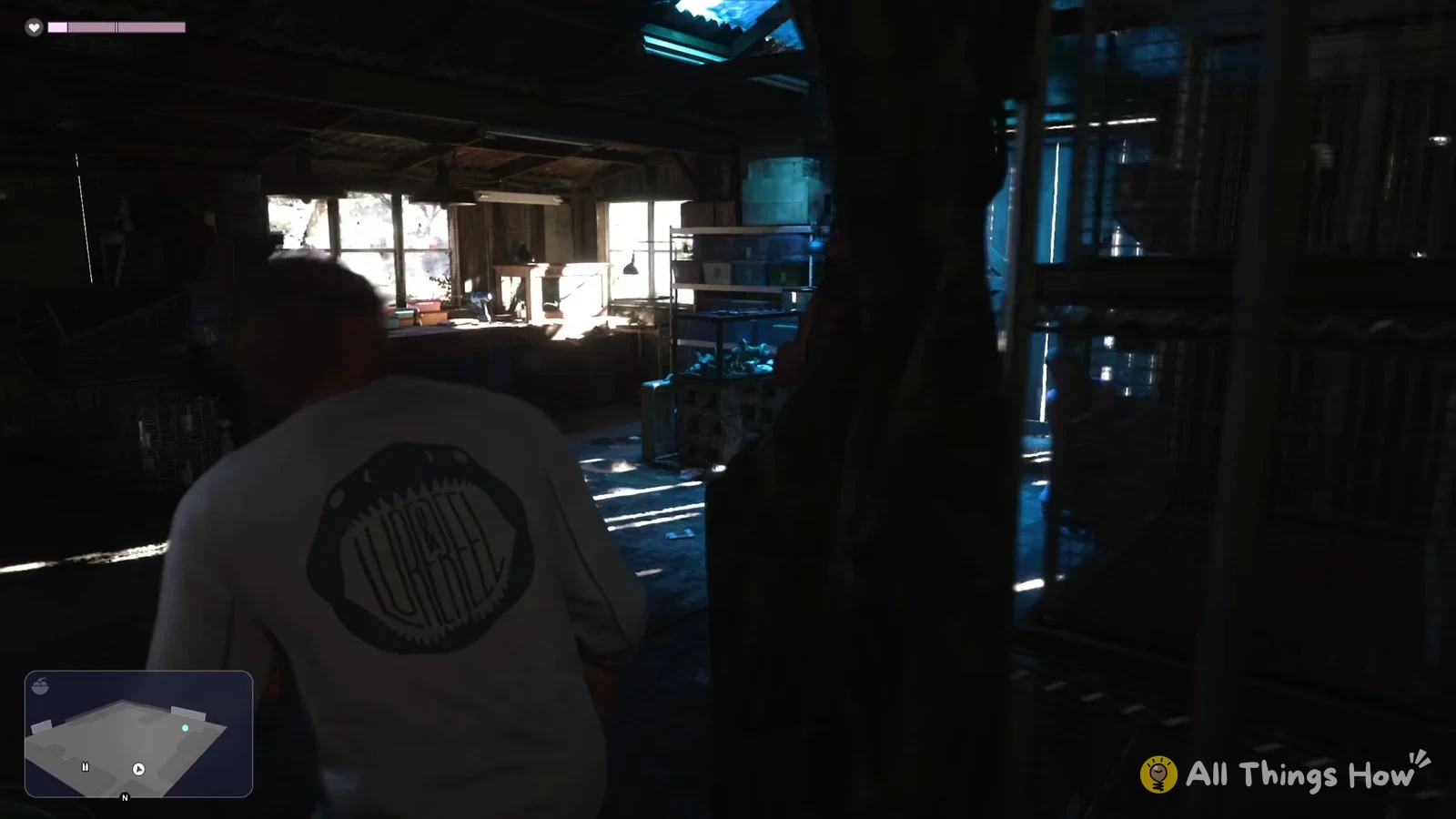
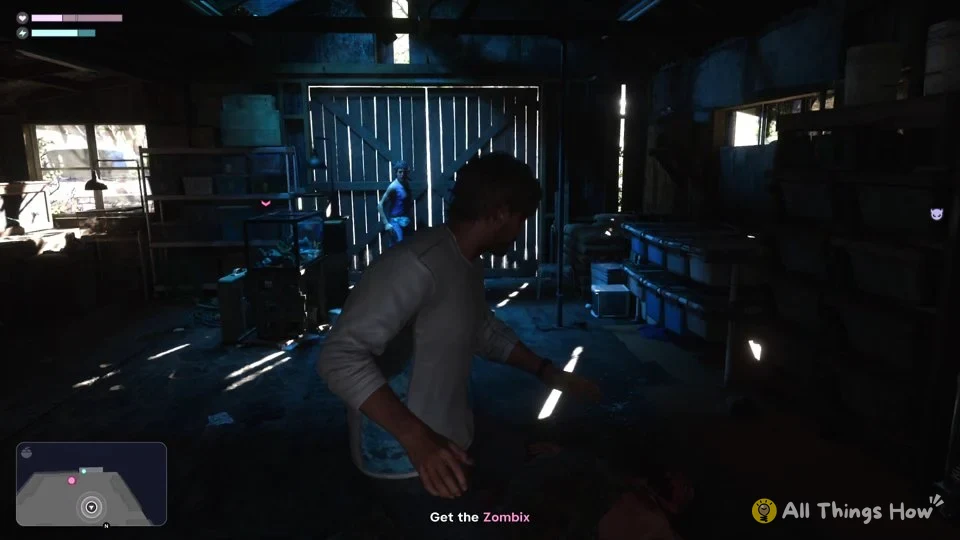
Cross and R2 are there if you want to block, dodge or grapple during the fight, but locking on with L2 and pressing Square is all it takes to get through it and move the mission along.