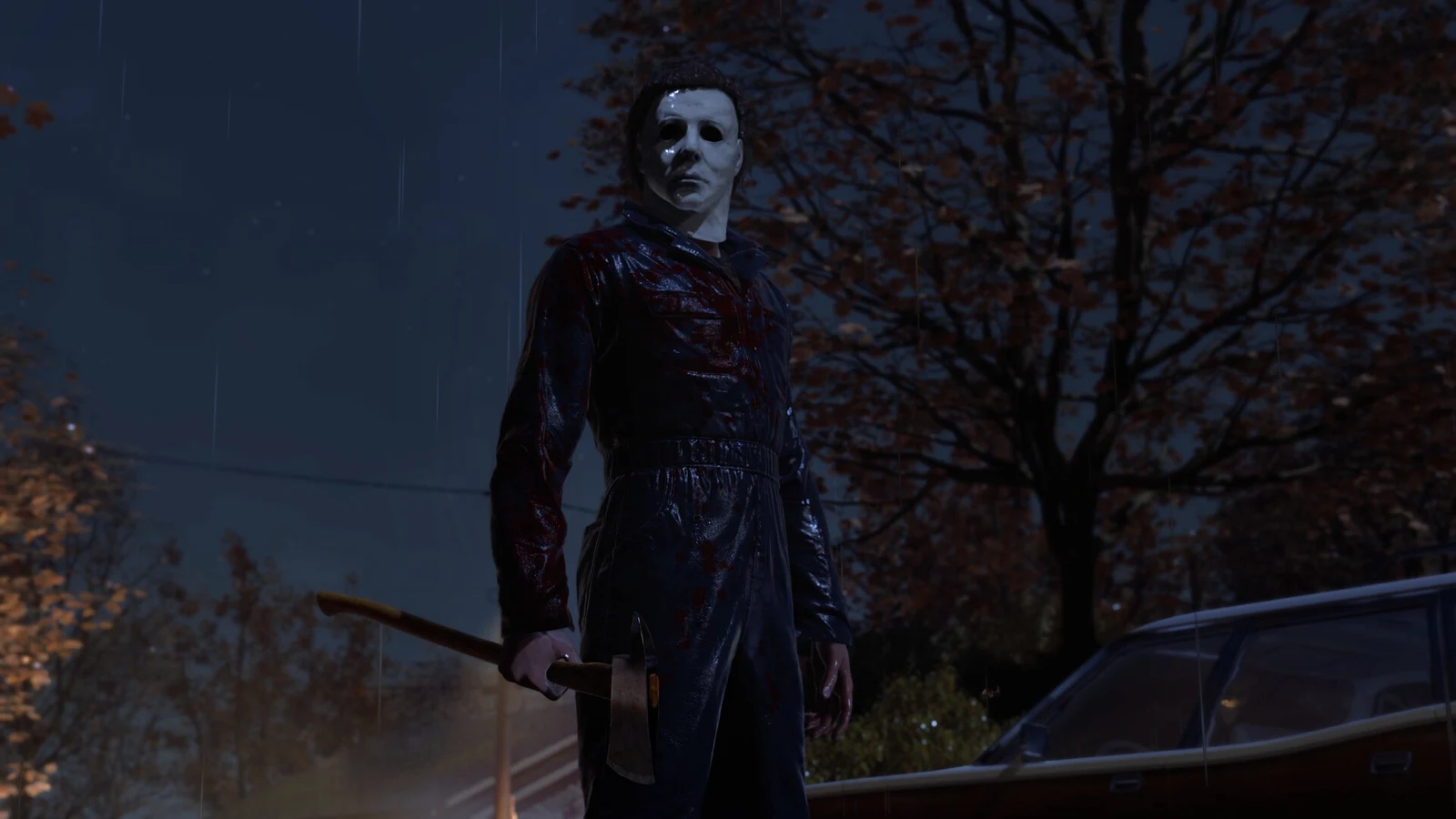
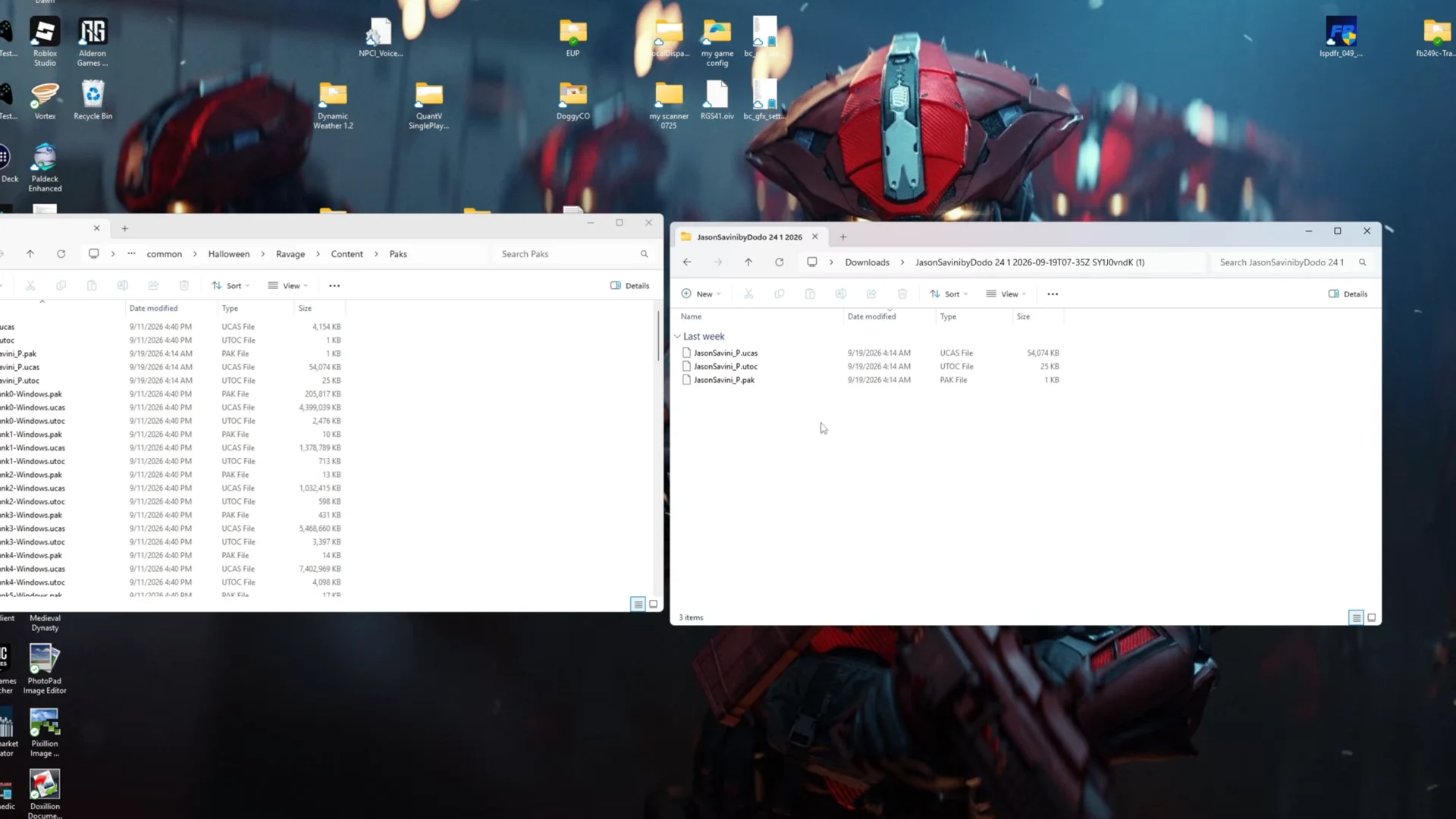
Modding Halloween: The Game on PC is about as simple as PC modding gets. There is no mod manager to set up, no loader to install, and no configuration file to edit. You download a mod, unzip it, and drop the files into one folder inside the game’s install directory. The character skins the community has built so far — a Jason Savini look for Michael Myers, a Deadpool model over Bob Simms — all work the same way.
Quick answer: Browse the game’s local files, open Ravage/Content/Paks, and copy the mod’s extracted files into that folder. Launch the game and the skin shows up in the character selection menu.
What these mods change in Halloween: The Game
The skin mods are client-side and cosmetic only. You see the replacement model on your own screen, and nobody else in the lobby does. They do not change movement, stealth, detection, or any other rule of a match, and they do not unlock anything on your account.
The game ships with Easy Anti-Cheat running alongside it. Keep anything that touches gameplay values or objectives out of public matchmaking — cosmetic model swaps are the category the community sticks to for a reason.
What you need before installing mods
- A PC copy of Halloween: The Game installed through Steam.
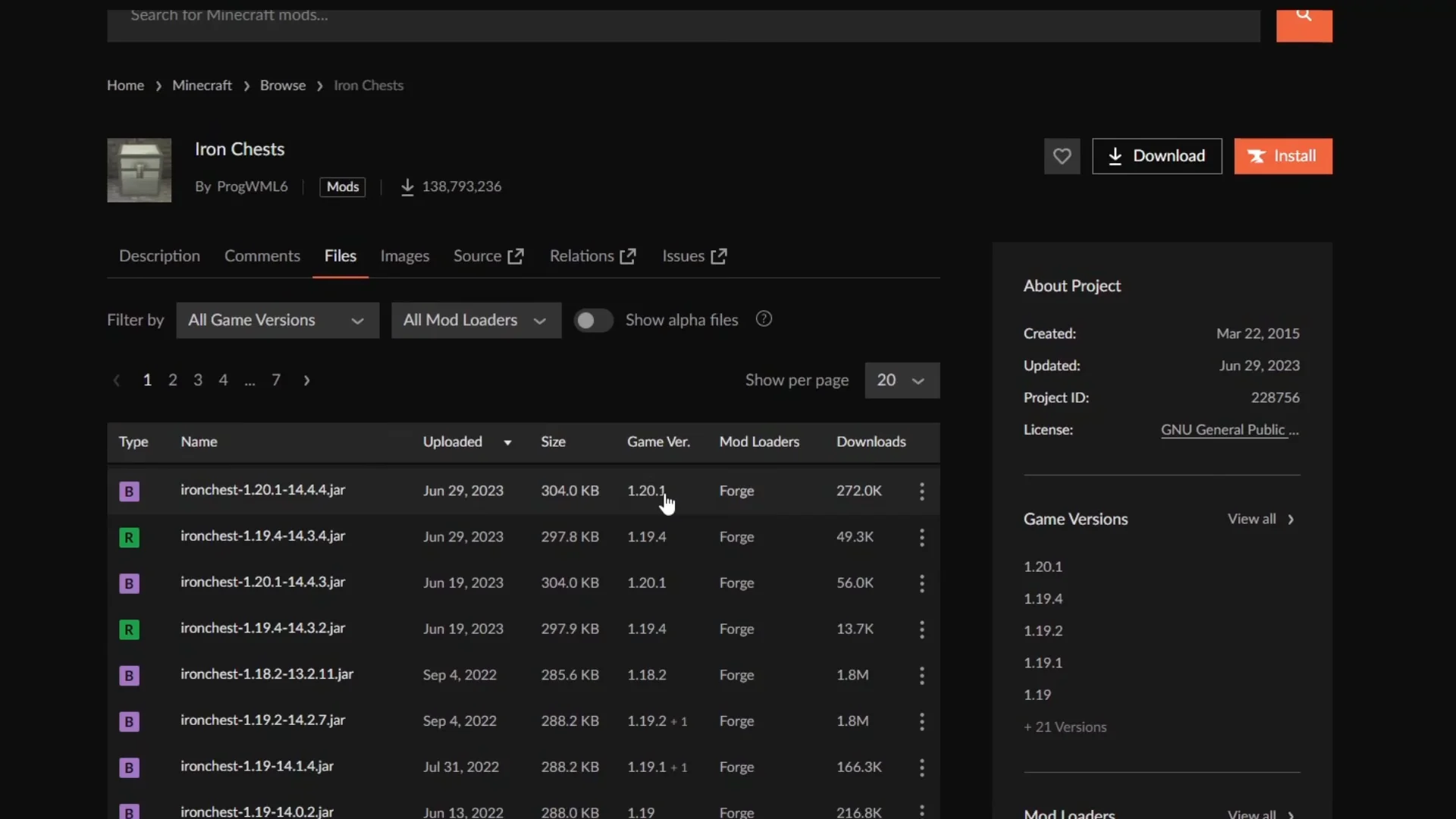
- A Nexus Mods account for the game’s mod page, where the community files are hosted.
- Any archive tool that can unpack .zip or .7z files.
- The Character Body Shrink Remover mod, which some character replacements list as a requirement.
Here is how the three mods covered below fit together.
| Mod | Replaces | Also needs |
|---|---|---|
| Jason Savini (Friday the 13th) – Myers 1978 | Michael Myers | Character Body Shrink Remover |
| Deadpool over Bob | Bob Simms | None |
| Character Body Shrink Remover | Nothing on its own | None |
The Character Body Shrink Remover is not a skin. It stops the game from scaling a modded character model down, which is what keeps a replacement like the Savini Jason model sized correctly. Always check a mod’s own requirements list before you install it.
Find the Paks folder for Halloween: The Game
Every mod goes into the same destination, so it is worth opening this folder once and leaving the window on screen while you work.
Ravage folder, then Content, then Paks. The full path you want is Ravage/Content/Paks, and you should see the game’s own packaged files sitting inside it.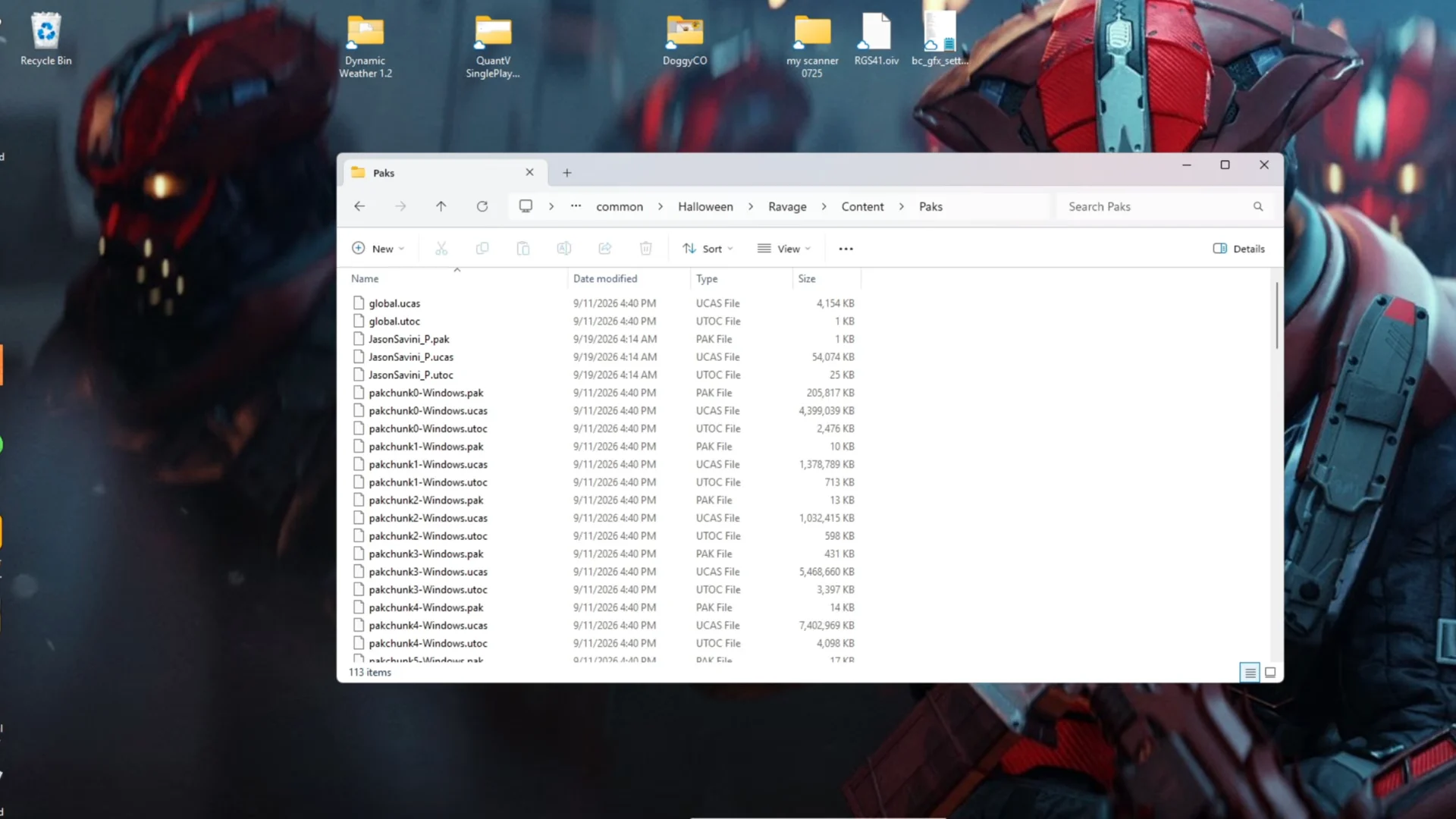
Copy that Paks path into a shortcut or pin the folder to Quick Access. You will come back to it every time you add or remove a mod.
Install a character skin mod
Check that the mod loaded
Start the game and open the character selection menu. A working skin mod replaces the model right there, so Michael Myers appears as Savini Jason and Bob Simms appears as Deadpool before you ever load into a match. The swap carries through into gameplay, including kill animations.
If the default character is still showing, the files almost certainly landed in the wrong place. Go back to Ravage/Content/Paks and confirm the mod files are sitting loose in that folder rather than nested inside a subfolder left over from the archive.
Remove mods and restore the default game
Uninstalling is the install process in reverse. Open the Paks folder, delete the files you added for that mod, and the game loads its original character models the next time you launch it. Nothing else needs to be reset.
Because everything lives in one folder, it is easy to keep a modded setup for casual play and strip it back in under a minute. Browse the game’s Nexus page occasionally too — the mod list keeps growing, and anything new follows the exact same routine.