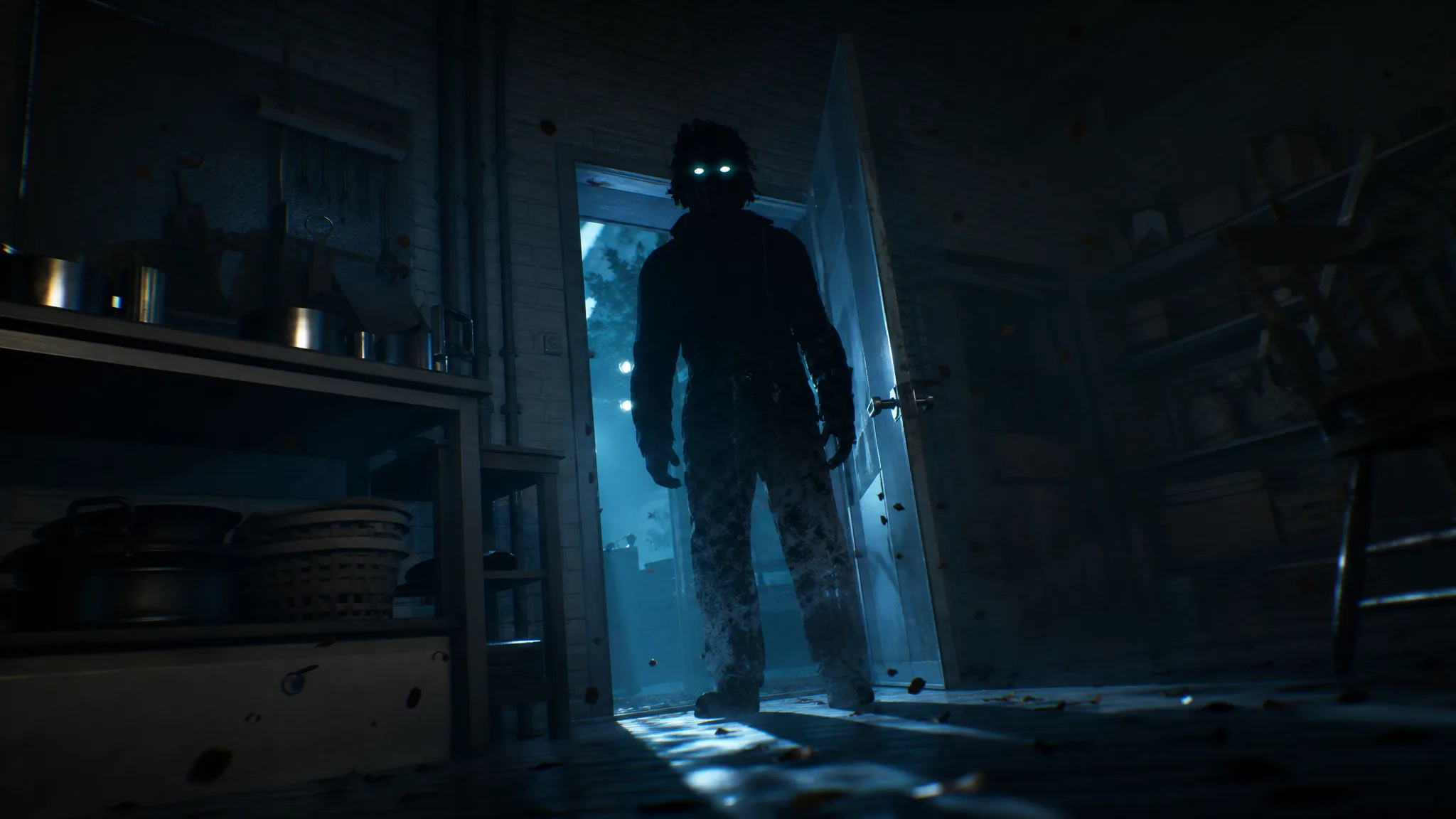
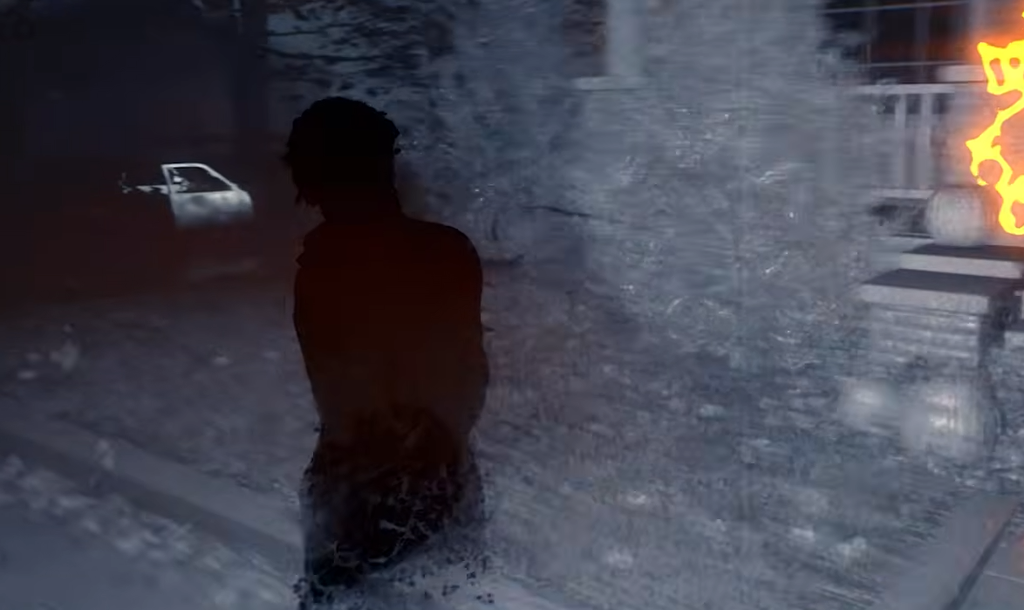
Shape Jump is Michael Myers’ signature movement ability in Halloween: The Game, and it is the first tool the game teaches you as the killer. Activating it turns Michael invisible to civilians, speeds up his movement, and lets him slip through parts of the map that are normally blocked. It works in both the single-player story and the multiplayer matches, and learning its rules is the difference between catching targets and losing them in a lit hallway.
Quick answer: Press Q on keyboard, A on Xbox, or X on PlayStation to enter Shape Jump. You can only do this while standing in darkness and while no civilian is looking at you. Press the same key again to shift back out, then wait out a short cooldown before using it again.
Shape Jump controls on every platform
The activation key doubles as the exit key, so the same button toggles the state on and off. Shape Dash is a separate input you press while already inside Shape Jump.
| Input | Keyboard | Xbox | PlayStation |
|---|---|---|---|
| Enter / exit Shape Jump | Q | A | X |
| Shape Dash (while active) | Space | RB | R1 |
The lighting and line-of-sight rules
Shape Jump has two hard conditions. You can only enter it when Michael is in the dark, and only when no civilian is watching him. The same requirement applies when you want to leave the state, so you need shadows or a break in sight to shift back to Michael’s normal form.
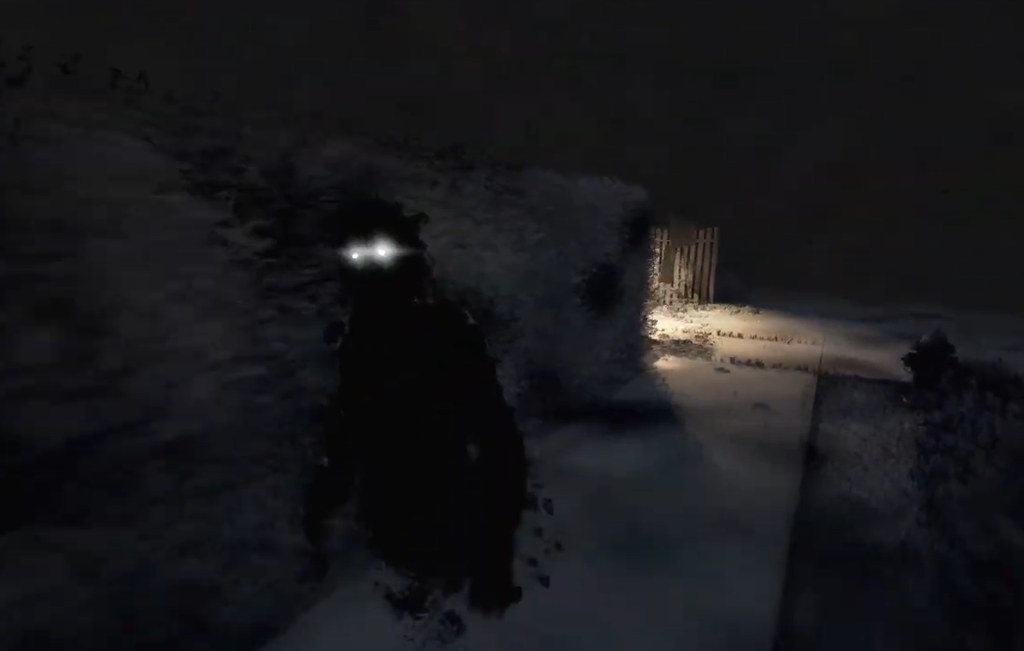
If you are already in Shape Jump and walk into a lit area, Michael starts to glow and his movement speed drops. That glow makes him easier to spot and slows the chase, which is why staying in shadow is central to using the ability well.
Because concealment is the gate, Shape Jump is not a free teleport in the middle of a bright chase. It is a way to break observation and reposition, so plan the route through dark cover before you press the button.
Phasing through doors and windows
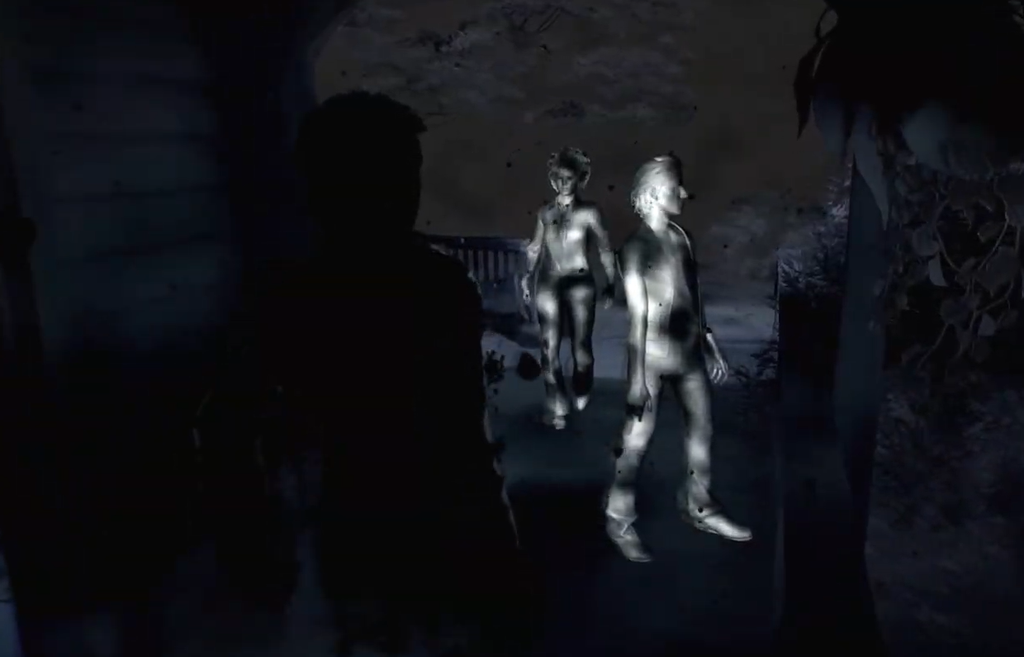
While Shape Jump is active, Michael can pass through certain doors, windows, and gaps that are otherwise closed to him, as long as they are not illuminated. Walk up to the opening and watch the HUD. Two arrows appear when the space can be crossed, letting you phase straight through. If the door or window cannot be used, it is highlighted in orange instead.
Shape Dash for closing the gap
Shape Dash is the aggressive extension of Shape Jump. Pressing Space, RB, or R1 while the state is active lunges Michael forward and pushes his speed higher still. Use it to cover the map quickly or to catch a civilian who has started to run. It turns a hidden reposition into a sudden close-range approach, which is exactly when the ability is most dangerous for survivors.
Tracking targets while Shape Jump is active
The state also feeds you information. Loud sounds show up on your HUD, the same way they do during Killer Sense, so you can pinpoint noisy activity across the map. Fleeing targets leave a smoke trail behind them, giving you a visible line to follow. Together these cues let you hunt without breaking cover.
You do not have to drop out of Shape Jump the moment a civilian appears. If they are grouped up or actively looking for you, stay in the state and lurk until an opening forms. You can shift back to Michael at any time, provided you are out of sight or in shadow when you do it.
Cooldown and why you should ration it
Shape Jump can stay active indefinitely, but once you shift back out it goes on a short cooldown, shown in the bottom right of the screen. You cannot re-enter until that timer clears, so avoid toggling in and out repeatedly. Treat it as a resource and use it deliberately rather than flicking it on for every corner.
Creating darkness to keep Shape Jump available
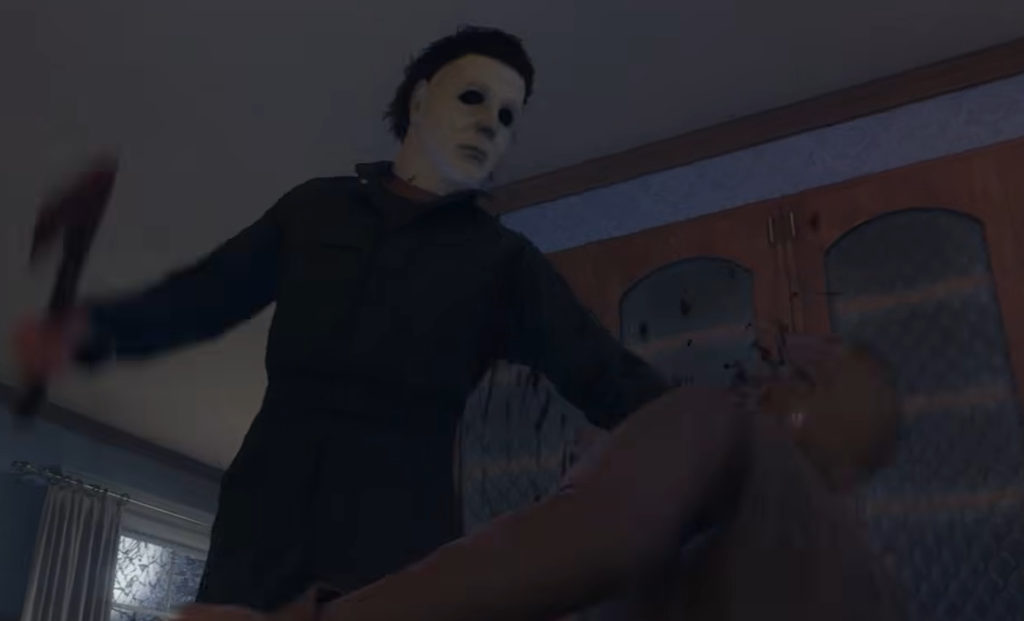
Because darkness is what enables the ability, controlling the lights is how you keep it usable. There are three reliable ways to darken an area and open windows for movement.
- Stay in shadow outdoors: Hug dark areas outside so you can drop into Shape Jump on the fly for fast travel.
- Flip interior light switches: Inside a house, turn off the switches to darken individual rooms.
- Cut a building’s power: Some houses have a power box on the outside you can interact with to black out the entire building at once.
If Shape Jump refuses to activate at a door or space that looks usable, lighting is almost always the reason. Turn off a nearby switch, kill the power to the building, or step back into shadow, and the two arrows should appear. Master those lighting habits and Michael can appear almost anywhere in Haddonfield without warning, which is exactly the effect the ability is built to create.