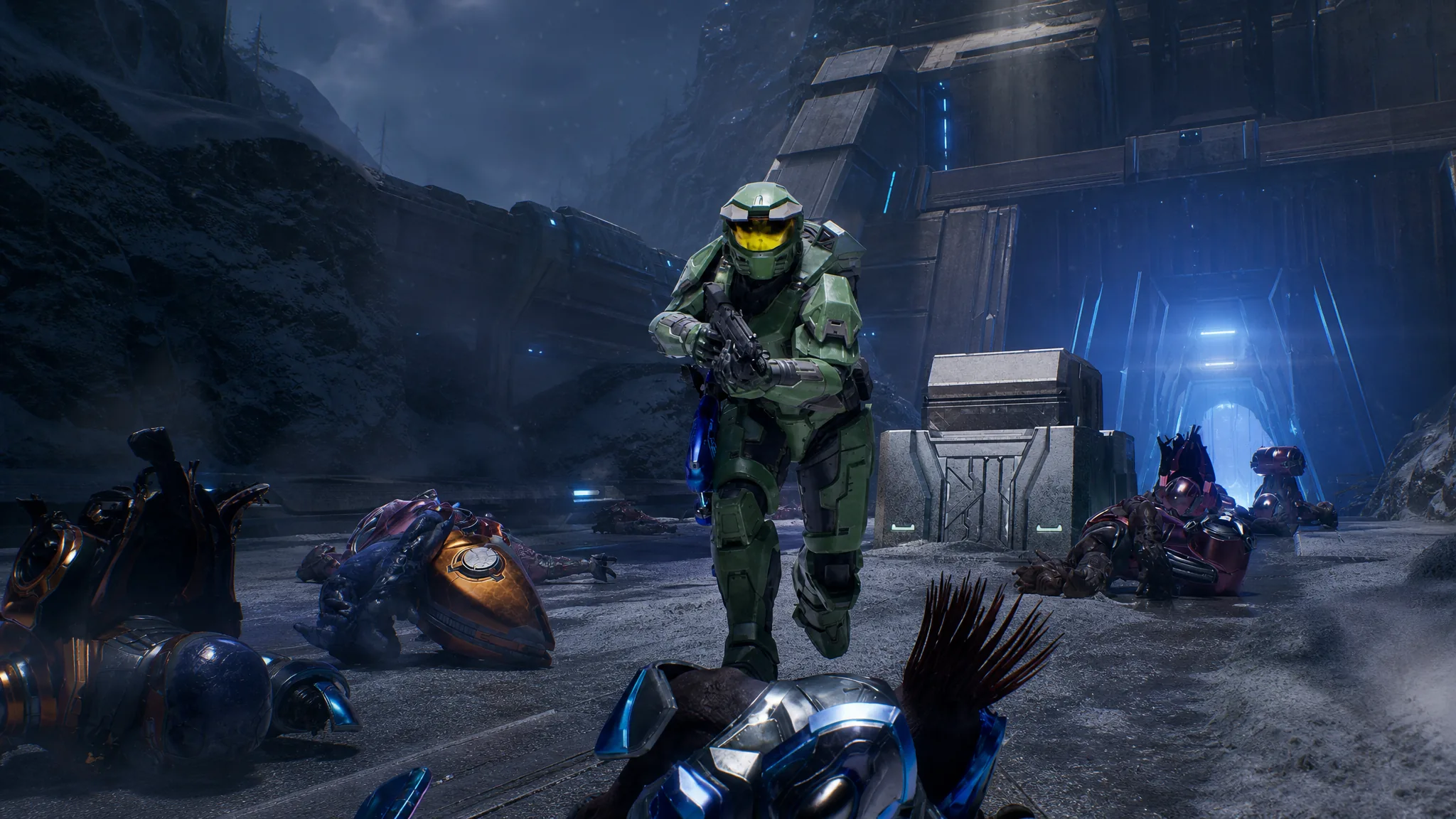
You paid the extra money to jump into Halo: Campaign Evolved five days ahead of everyone else, and instead the game tells you that you’re too early, refuses to launch, or drops you back to the July 28 release date. Early Access opened on July 23, 2026, for Premium Edition and Premium Edition Upgrade owners, but a large number of players hit the same wall within minutes of it going live. The good news is that most of this is fixable on your end once you understand what is actually going wrong.
Quick answer: The “You’re too early” lockout is mainly a server-side Microsoft licensing problem, not a broken install. Restart your Xbox or clear the Microsoft Store cache on PC to pull the corrected entitlement, and on Steam fully quit and relaunch the client so the main game loads instead of the Digital Story and Art Collection.
Why Halo: Campaign Evolved Early Access is not working
The core problem sits with Microsoft’s Xbox licensing services rather than your console or files. Players who bought the full Digital Premium Edition or the separate Premium Edition Upgrade, including Game Pass Ultimate and PC Game Pass subscribers who added the upgrade, found that the platform did not correctly recognize their entitlement. The purchase shows up in your history, yet the game still redirects you to the standard release date.
Halo Studios acknowledged the fault publicly and said it was investigating reports from Xbox console and Xbox app for PC players who could not access the game despite owning the correct edition.
A wider Xbox Live outage struck around the same launch window, which made things worse for a while. Microsoft restored those services, but some players stayed locked out of Early Access afterward, which shows the Halo entitlement fault was a separate issue layered on top of the general outage.
Confirm your edition includes Early Access
Before troubleshooting anything, make sure the problem is not simply the edition you own. Only the Premium Edition and Collector’s Edition include up to five days of Early Access, and Game Pass players need the Premium Edition Upgrade added to their account. Standard Edition owners cannot play early no matter what they try. If your edition does not include Early Access, buying the Premium Upgrade is the only way in before the full launch.
Halo: Campaign Evolved uses a single worldwide unlock rather than a rolling midnight launch in each country. Changing your console region will not open the game any sooner, so the New Zealand trick does not work here. Early Access went live at these times:
| Region | Early Access unlock time |
|---|---|
| Pacific (PDT) | 8:00 AM |
| Eastern (EDT) | 11:00 AM |
| UK (BST) | 4:00 PM |
| Central Europe (CEST) | 5:00 PM |
| Australia Eastern (AEST) | 1:00 AM (July 24) |
The full game, including the Standard Edition and Game Pass access without the upgrade, unlocks globally on July 28, 2026, at 8:00 AM PDT.
Refresh your entitlement on Xbox and PC
Microsoft deployed a server-side correction for the Premium Upgrade problem. Community director Brian Jarrard said reports indicated the issue “should be resolved” across Xbox consoles and the Xbox app for PC, with players advised to restart or clear their store cache so the device could pull the updated entitlement. These steps do not fix the underlying license record. They clear cached store data so the platform checks your account again after the correction.
Windows + R, type wsreset, and press Enter. This clears the Microsoft Store cache so the app can retrieve your corrected license.Fix the Steam launch bug
Steam players ran into a separate issue where the Play button launched the standalone Digital Story and Art Collection instead of the campaign itself. Halo Support flagged this one and confirmed it only needs a client restart.
If the game still refuses to open after that, verify the install rather than reinstalling from scratch. Right-click Halo: Campaign Evolved in your Library, open Properties, go to the Installed Files tab, and choose Verify integrity of game files. Steam will re-download anything damaged or missing, which resolves crashes caused by an interrupted download or a partial preload.
Check your preload and day-one update
A partial preload is easy to mistake for a finished install. Open your platform’s download queue and confirm the game is fully installed rather than paused near the end. Several Xbox players found that manually launching the game kicked off the remaining download automatically.
Halo Studios released a launch update alongside the preloads. An outdated build can stop Early Access from unlocking correctly, so check for a pending update before you try again. If authentication servers are still under heavy launch traffic, purchases and licenses may take a few minutes to sync, and a short wait followed by a restart often clears it.
How to know it worked
You know the fix landed when the game boots straight into the campaign instead of showing the “You’re too early” message or redirecting you to the July 28 date. On Steam, success means the main game launches rather than the Digital Story and Art Collection.
If none of the steps restore access, the entitlement update simply may not have reached your account yet. Because the original lockout is a server-side licensing fault, reinstalling the whole game will not help until Microsoft’s servers correctly recognize your Premium Edition. In that case the reliable move is to wait for the entitlement to propagate and retry the restart or cache-clear steps, rather than repeatedly redownloading the game.