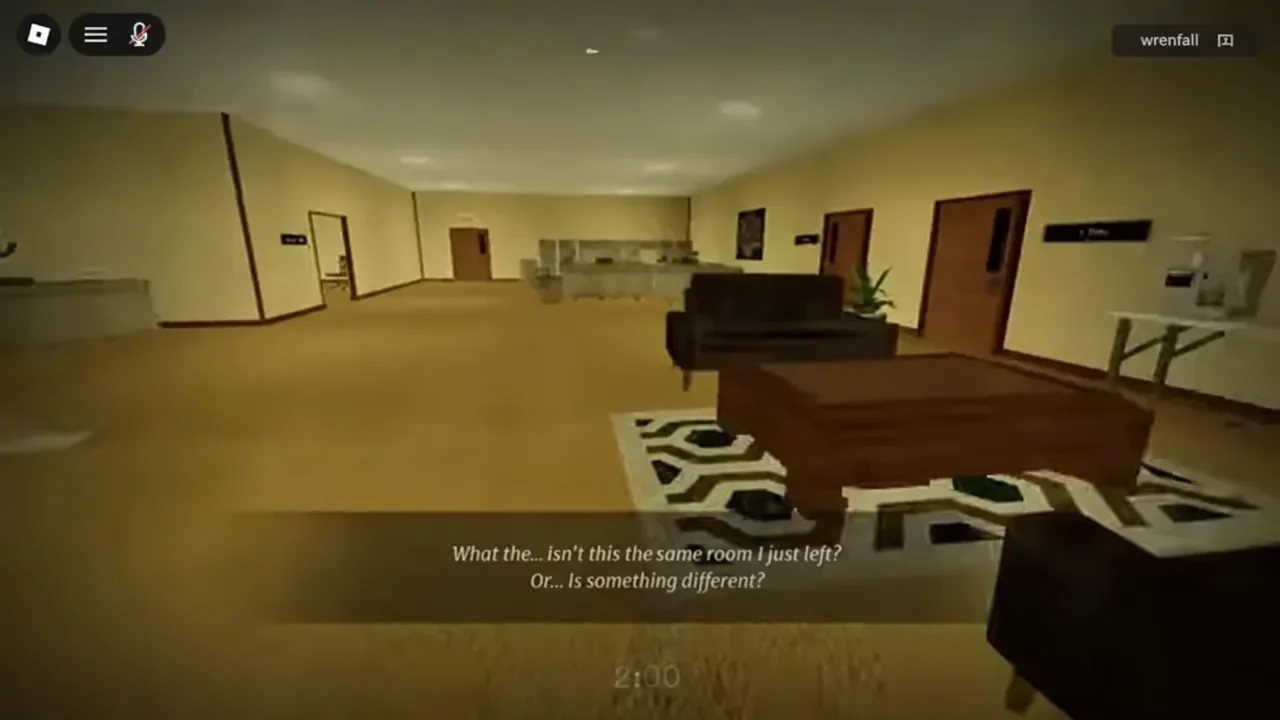
[ANOMALIES] HOUR 12 is a first-person horror game from TapWorks set in an endless 1970s office. You wake up at your desk late at night, and the only way out is to walk the same corridor over and over until the clock reads 12:00. Every room is a test. The game never tells you the answer — it just quietly moves the clock forward or drags it back to the start.
Quick answer: Compare each room to the one before it. If it looks identical, walk through the EXIT. If anything changed, turn around and leave through the door you came in. Twelve correct calls ends the shift.
How the HOUR 12 clock and room loop works
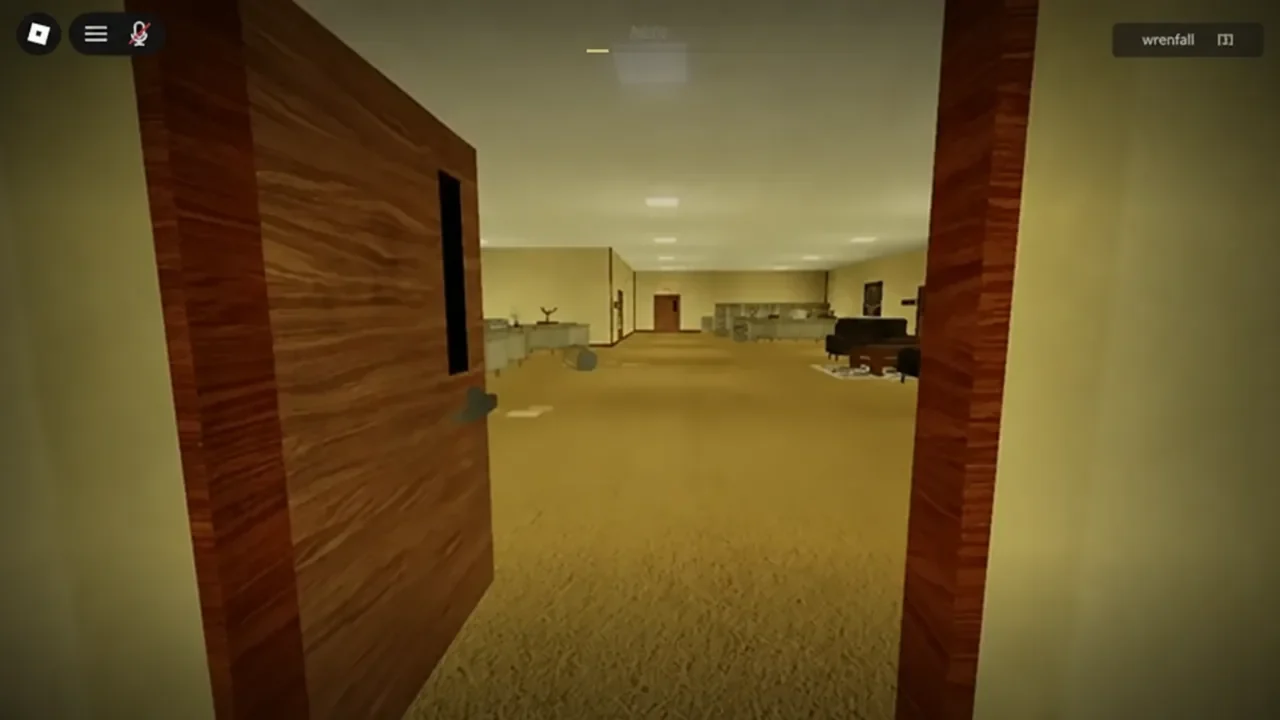
The game repeats one office hallway. Each pass through it is a single decision, and there are only ever two options available to you. Go forward through the door marked EXIT, or turn around and go back out the door you just walked through. The in-game instructions state it plainly: walk through the office, keep going if the room is exactly as you remember it, and turn back if anything is different.
| Room state | Correct action | Clock result |
|---|---|---|
| Identical to the last room | Walk through the EXIT | Advances one hour |
| Anything is different | Go back through the door you entered | Advances one hour |
| Either call made wrong | — | Resets to 1:00 |
There is no partial credit and no lives system. A single wrong call sends the clock back to 1:00, no matter how far you had climbed. That includes the common failure where you walk past a changed room without noticing it — the game treats going forward through an altered room as the wrong call, and the character says as much afterwards.
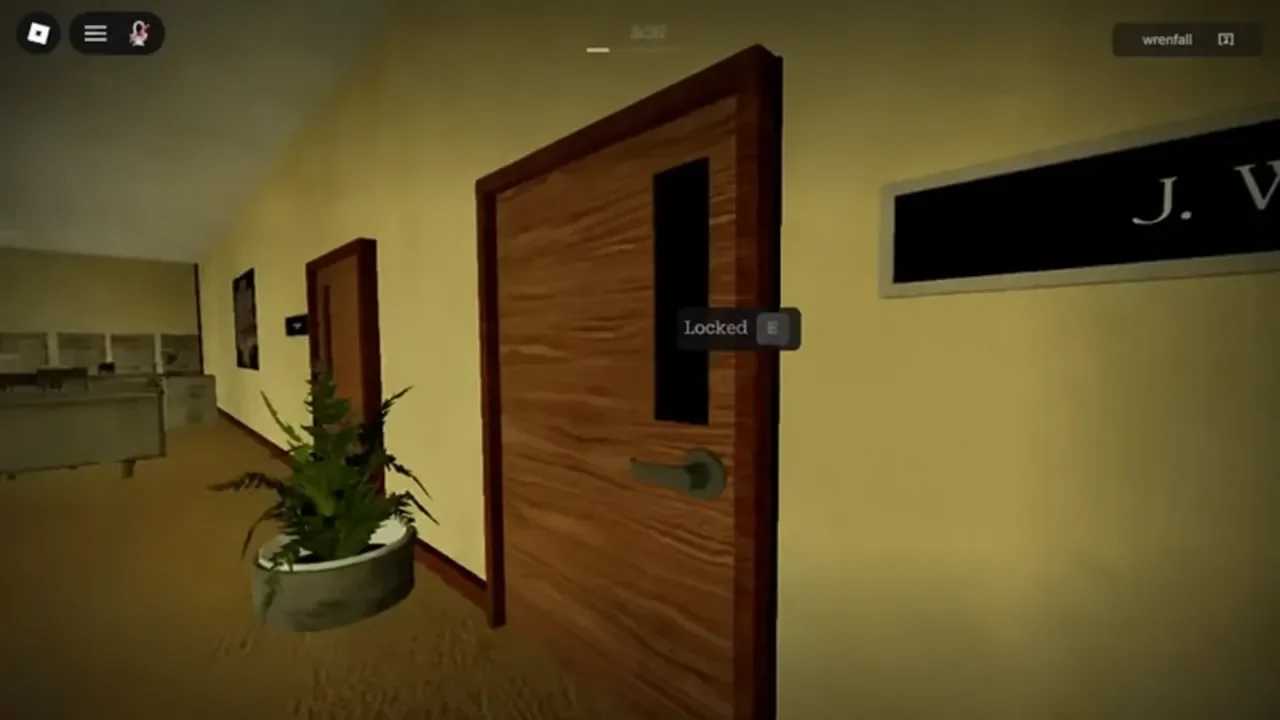
Side doors exist but will not help you. Aiming at one returns a simple “The door is locked.” prompt, which keeps the loop to those two choices.
What counts as an anomaly in HOUR 12
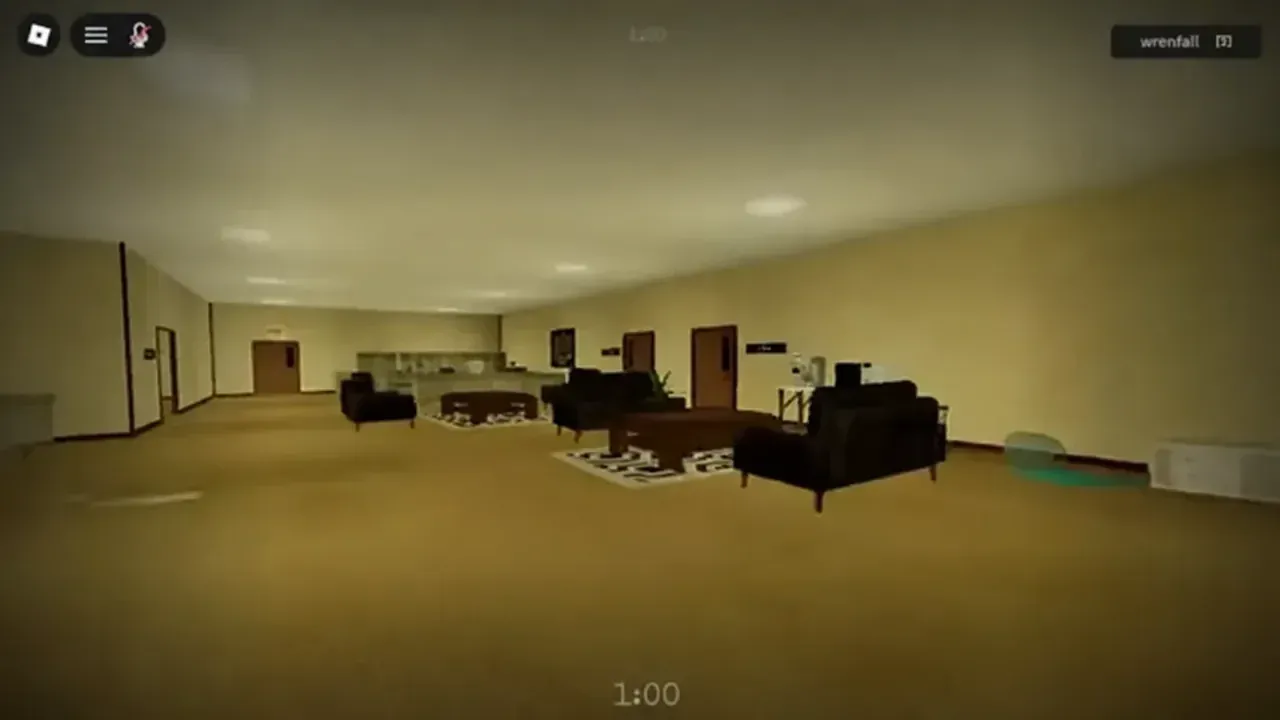
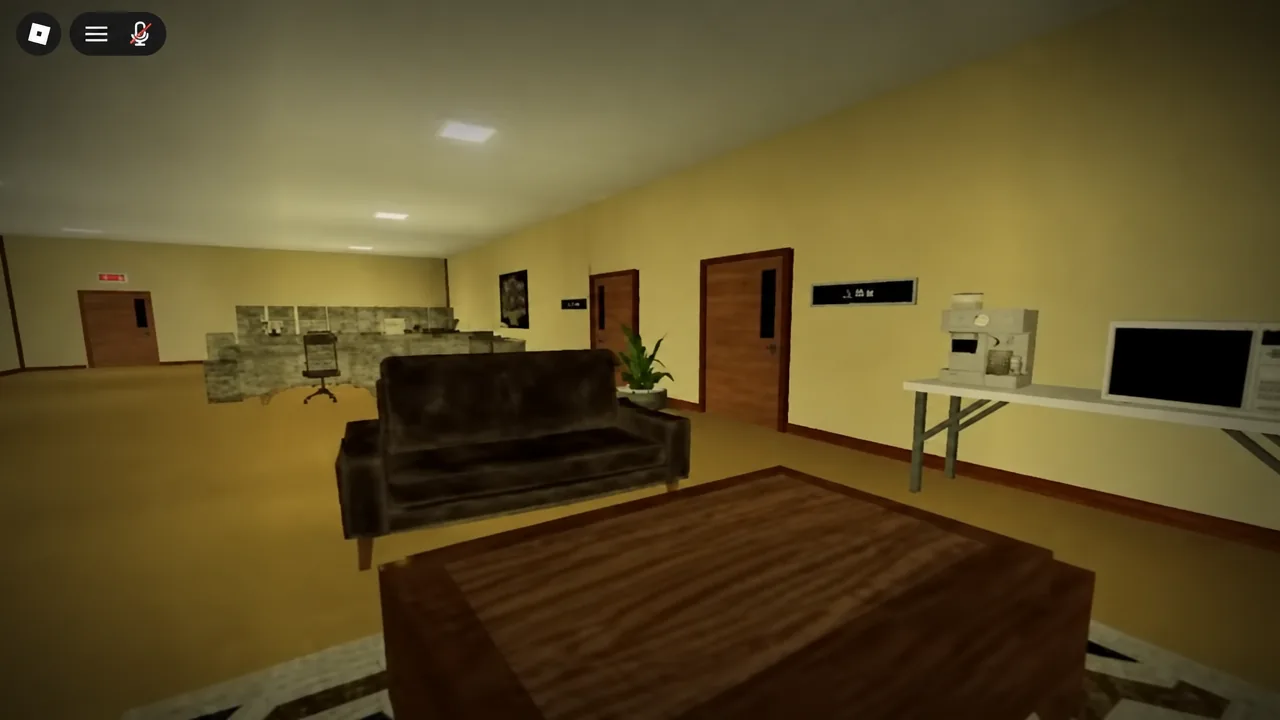
There are more than 50 anomalies in rotation, so memorizing a list is not a workable strategy. What is workable is memorizing the baseline room and treating anything that deviates from it as a turnaround signal. Changes are not limited to visuals — sound counts too, which is why headphones are recommended.
- Posters, signage and the OFFICE PLANS board on the wall
- Desk nameplates such as J. West, A. Canton and J. Miller
- Chair and desk positions, and the Conference Room layout
- Lighting changes, flickers, or a different colour cast
- Ambient sound that is new, missing, or louder than before
- Anything present that simply should not be there, including figures seated at the desks
Treat the first clean walkthrough as your reference image. Everything after that is a comparison, not a fresh inspection.
How to check a room before you commit
Story, CO-OP and OVERTIME modes explained
The menu offers three ways to run the office, and one of them is gated behind finishing your first shift.
| Mode | Players | Availability |
|---|---|---|
| STORY | Single player | Available from the start |
| CO-OP | Multiplayer | Available from the start |
| OVERTIME | — | Unlocks after your first completed shift |
Servers hold up to 24 players, so CO-OP lobbies can get busy. Splitting the room sweep between two people works well, provided you agree on the call before anyone touches a door — one player walking through the EXIT resolves the room for everyone.
The Anomaly Detector gamepass and whether you need it
A prompt appears in the starting room offering the ANOMALY DETECTOR for R$199. You can decline it with “Not now” and play the full game without it. The detector is an assist, not a requirement, and every hour from 1:00 to 12:00 is beatable on observation alone.
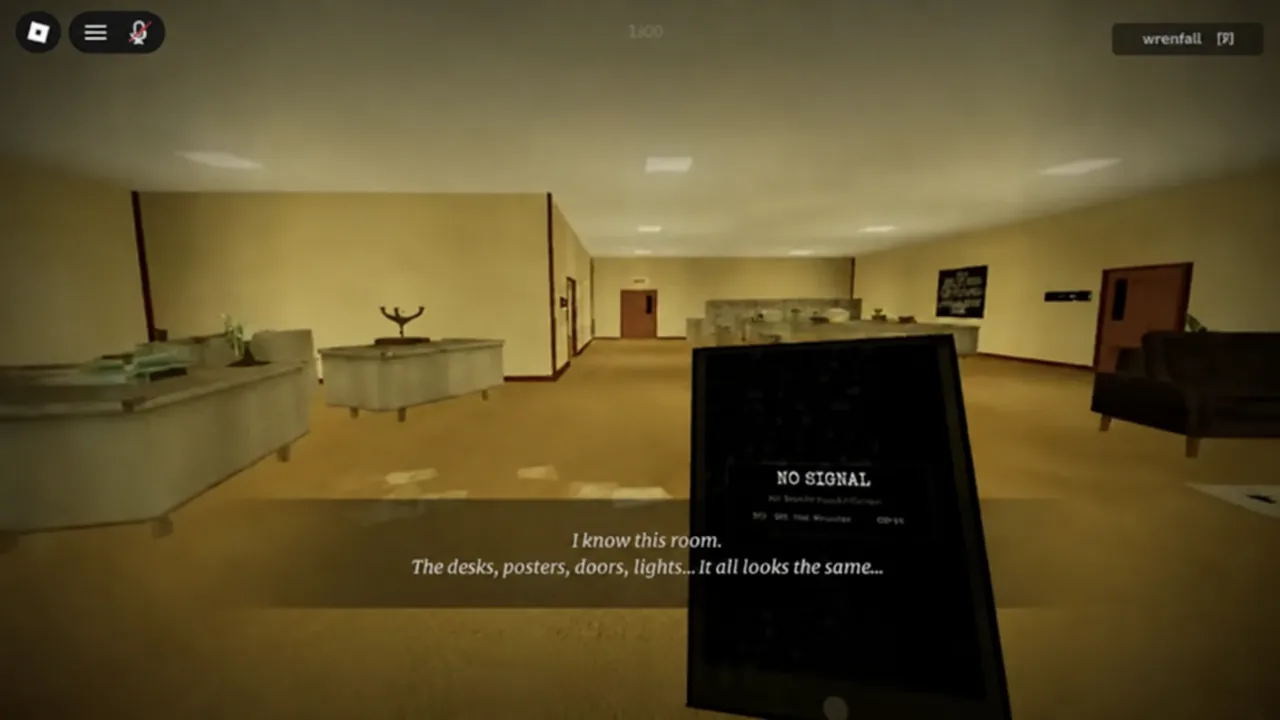
When equipped, it sits in your hand as a small handheld unit and reports on the room you are standing in. A reading of “NO SIGNAL” is the device telling you it has nothing to flag.
How to confirm you finished the shift
Reaching 12:00 clocks you out and ends the run. The confirmation you want is the 12 Hours Later… badge, which is awarded for completing Story mode and sits at roughly 4.1% rarity among players who have tried the game. If it lands on your Roblox profile, the shift counted. OVERTIME mode becoming selectable in the menu is the second signal that your first run registered.
Two other badges exist and neither requires beating the game. Off the Clock triggers if you share a server with one of the HOUR 12 developers, and ClockWorks is awarded for joining the TapWorks group on Roblox.
The office is deliberately dull, and that is the whole design. Runs fall apart when players stop looking properly around hour three or four because nothing has changed in a while, then walk straight past a figure seated at a desk. Slow the loop down, keep the same sweep pattern every room, and the twelve hours take care of themselves.