Once you drink Muzan’s Blood and commit to the Demon path in Slayers 2 (formerly Project Slayers 2), there is no NPC or menu option that flips your character straight back into a Slayer. The game treats your race choice as permanent for that character, so returning to the Slayer route means starting a fresh character rather than converting the one you have.
Quick answer: Reset your Demon slot from the main menu SLOTS screen to spawn a new Level 1 Human, or buy an Extra Slot with Robux to keep your Demon and start a Slayer alongside it.
Why there is no direct Demon-to-Slayer conversion
Slayers 2 lets you become a Demon through Muzan’s questline, but it does not offer a matching path in reverse. No trainer, item, or shop entry turns an existing Demon back into a Slayer while keeping your level and gear. Because of that, the only ways to play as a Slayer again both involve a character that starts from scratch.
- Reset your current slot — wipes the Demon character and gives you a fresh Human on the same slot.
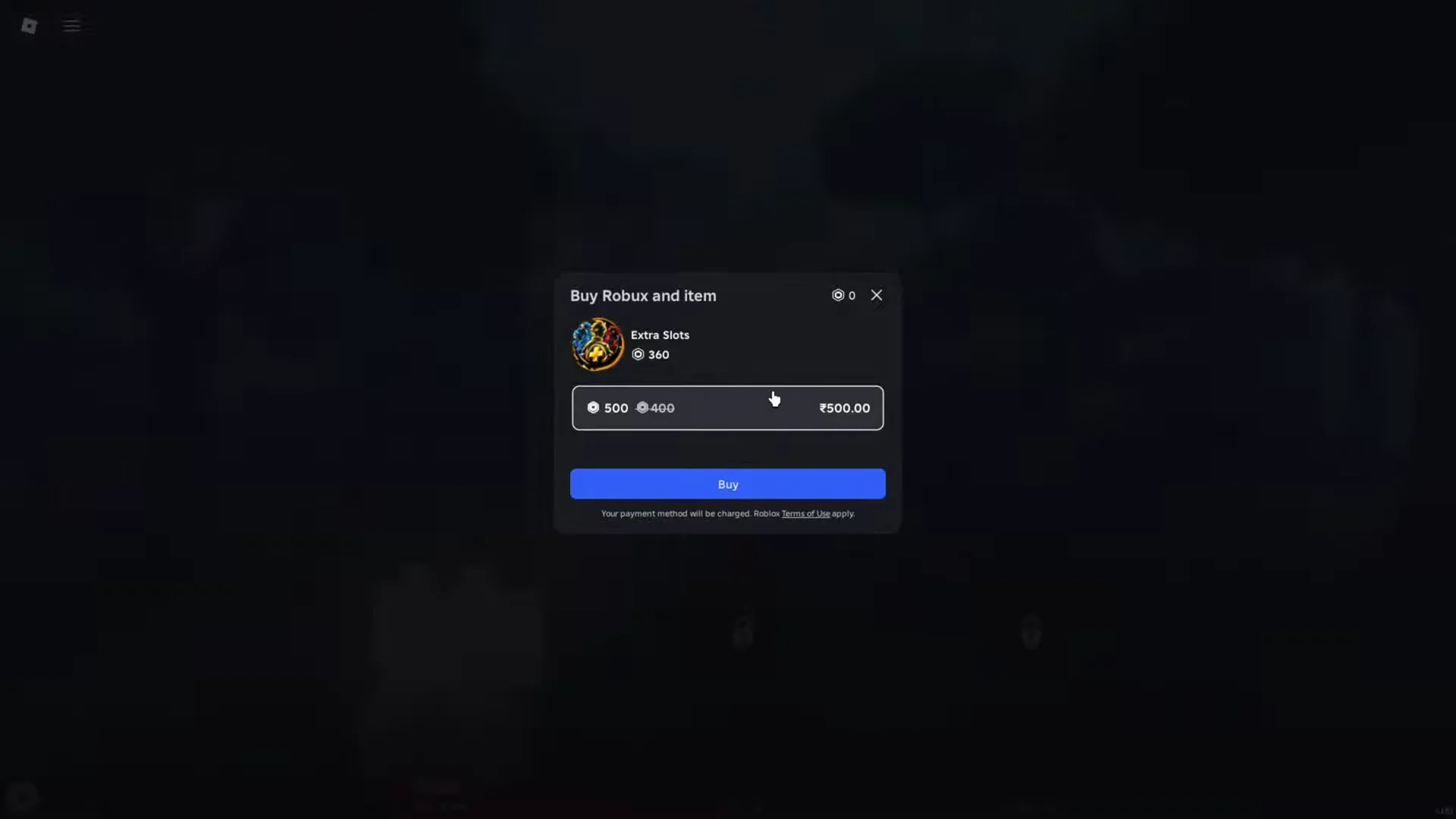
- Buy an Extra Slot with Robux — leaves your Demon untouched and creates a new Human in a separate slot.
Reset your Demon slot to start a new Slayer
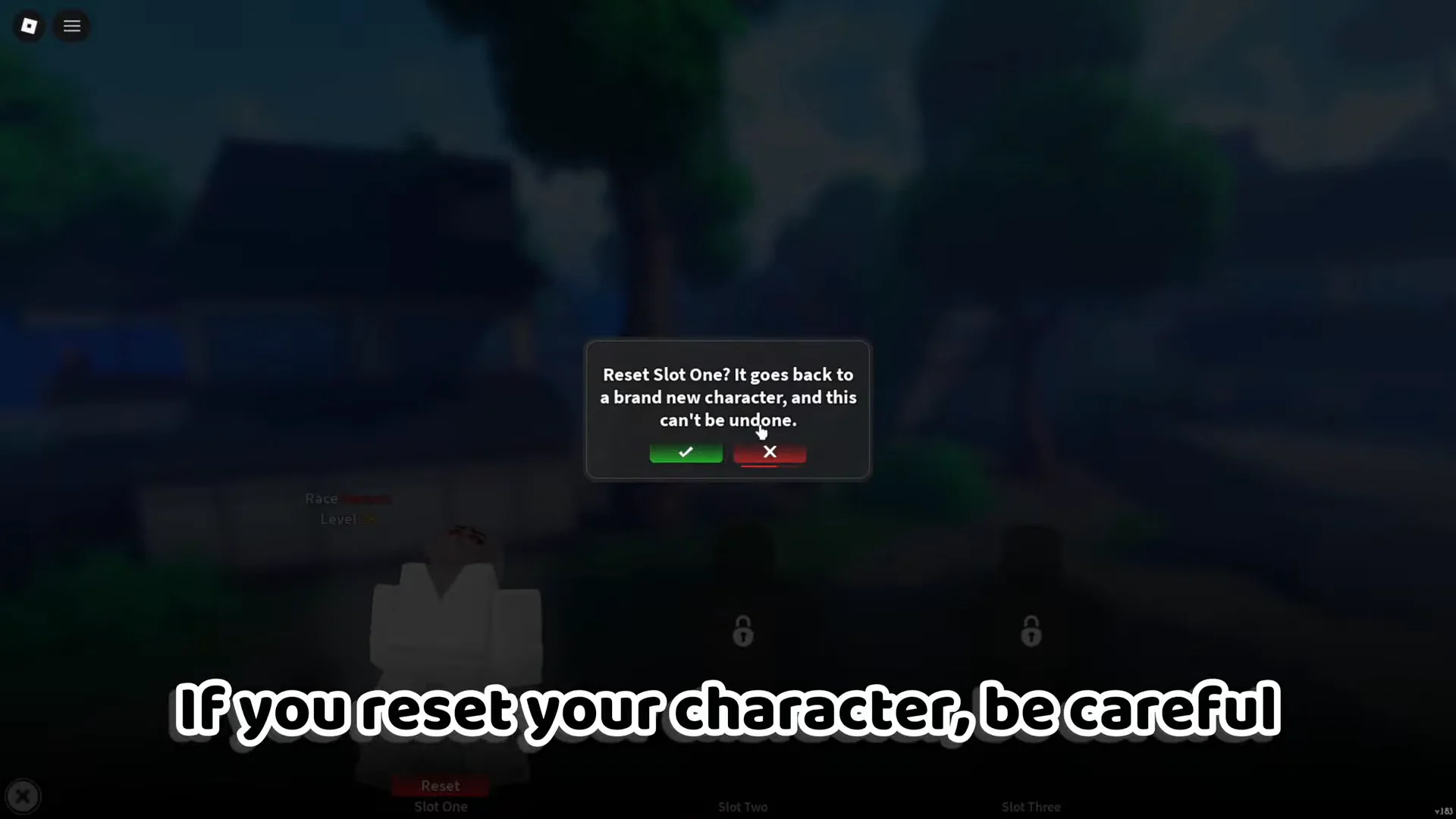
Resetting is the free option. It rolls the slot back to a brand-new character so you can pick the Slayer route from Level 1 again.
A reset wipes all progression, levels, stats, and inventory items on that slot, and it cannot be undone. If you want to keep the Demon, use the Extra Slot method instead.
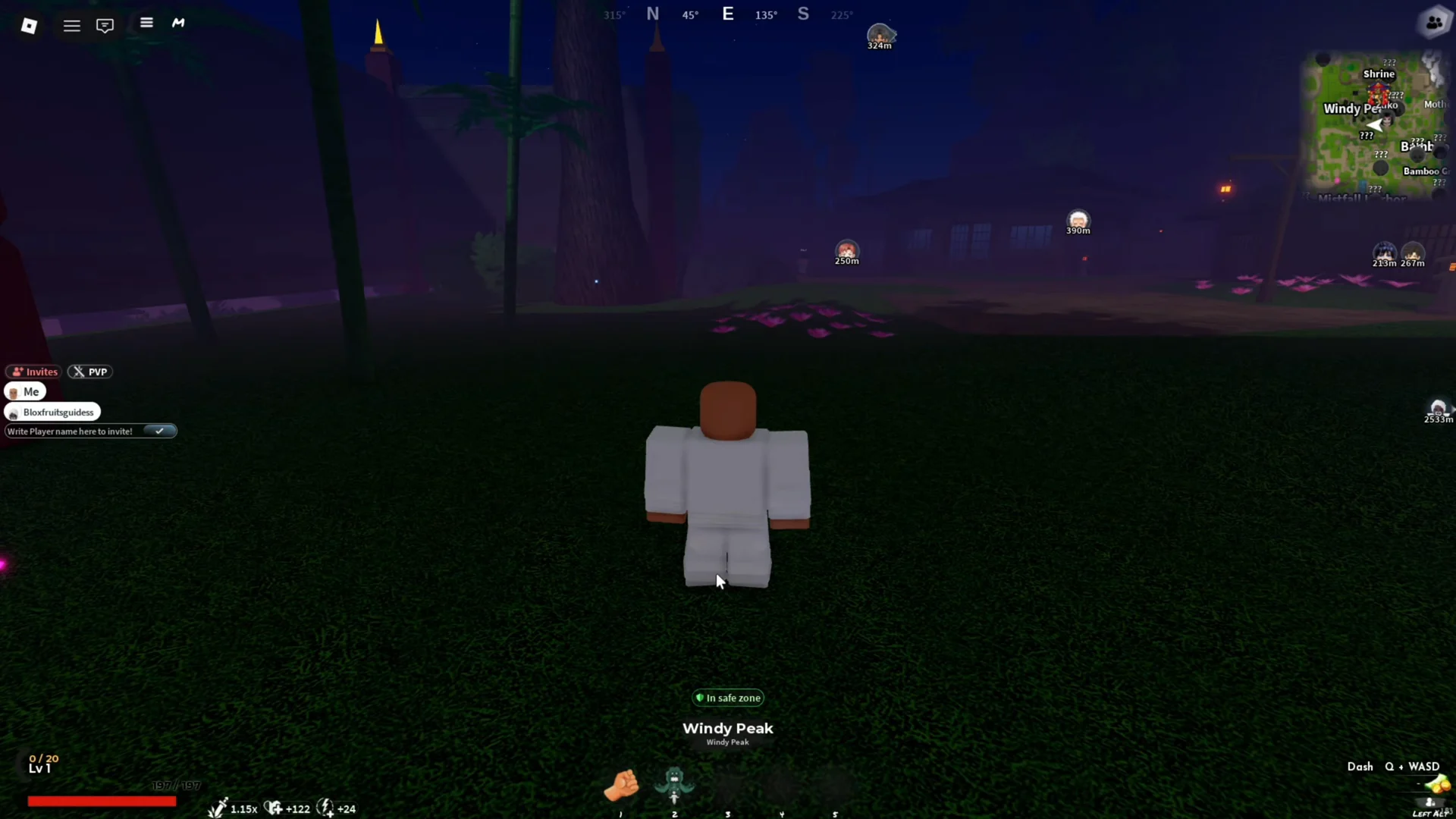
You know the reset worked when the SLOTS screen and your in-game HUD both read Race: Human, Level 1, and your inventory is empty.
Buy an Extra Slot to keep your Demon
If you do not want to lose your Demon progress, buy an additional character slot with Robux instead of resetting. This gives you a second, separate character that you can build as a Slayer while your Demon stays exactly as it is.
From the main menu, open SLOTS and click one of the locked slots (Slot Two or Slot Three). That opens the Extra Slots purchase prompt, where you confirm the Robux cost with the Buy button.
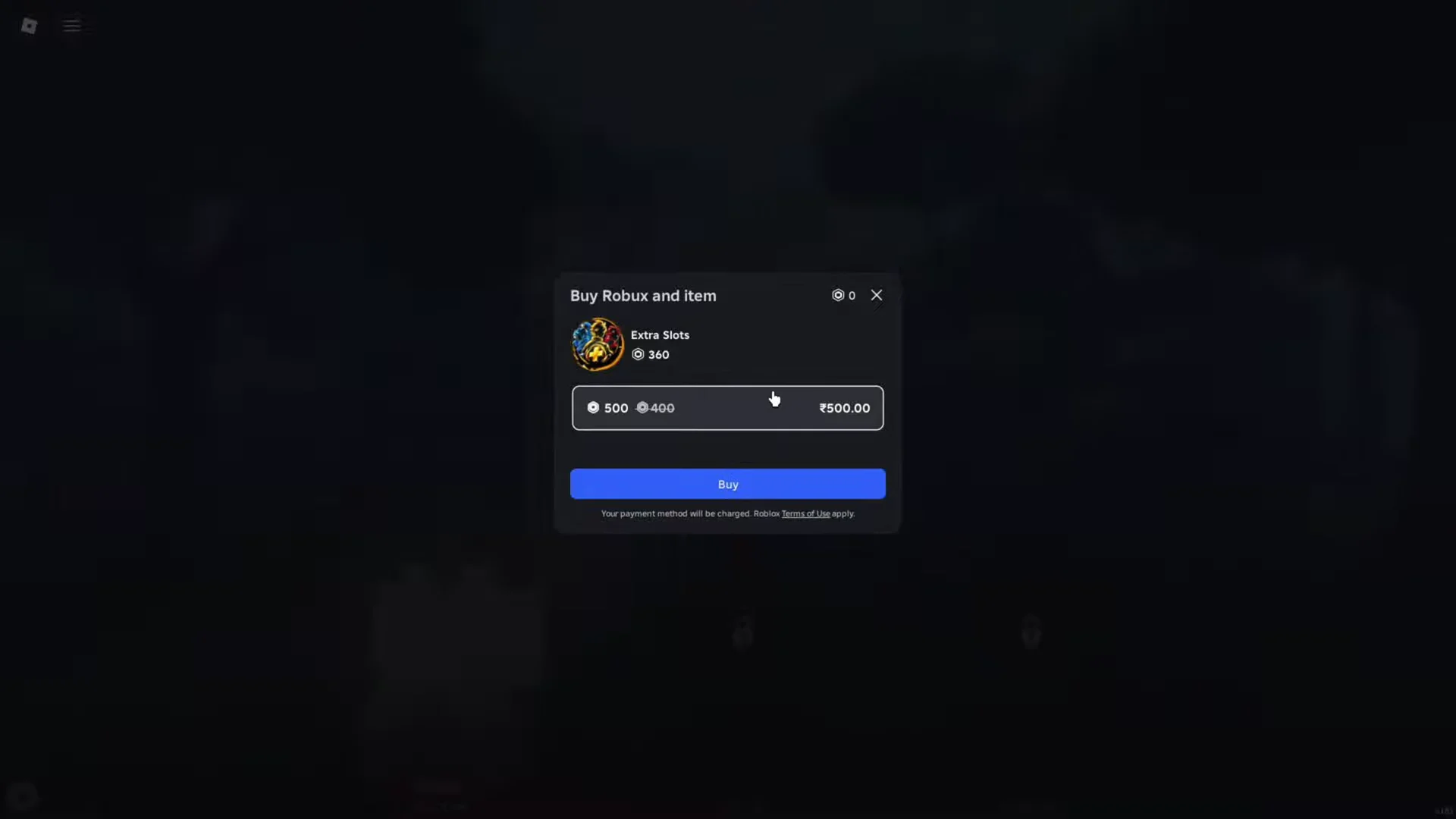
Once the purchase goes through, the new slot opens as a fresh Human at Level 1. Select it, spawn in, and start the Slayer questline from the beginning while your Demon remains available whenever you want to swap back to it.