Plenty of things in Where Winds Meet only happen at a set hour. A puzzle array that needs the midday sun, an NPC who shows up after dark, a story quest that tells you to come back later — all of it runs on the game’s in-world clock. Instead of standing around waiting, you can move that clock yourself from the menu.
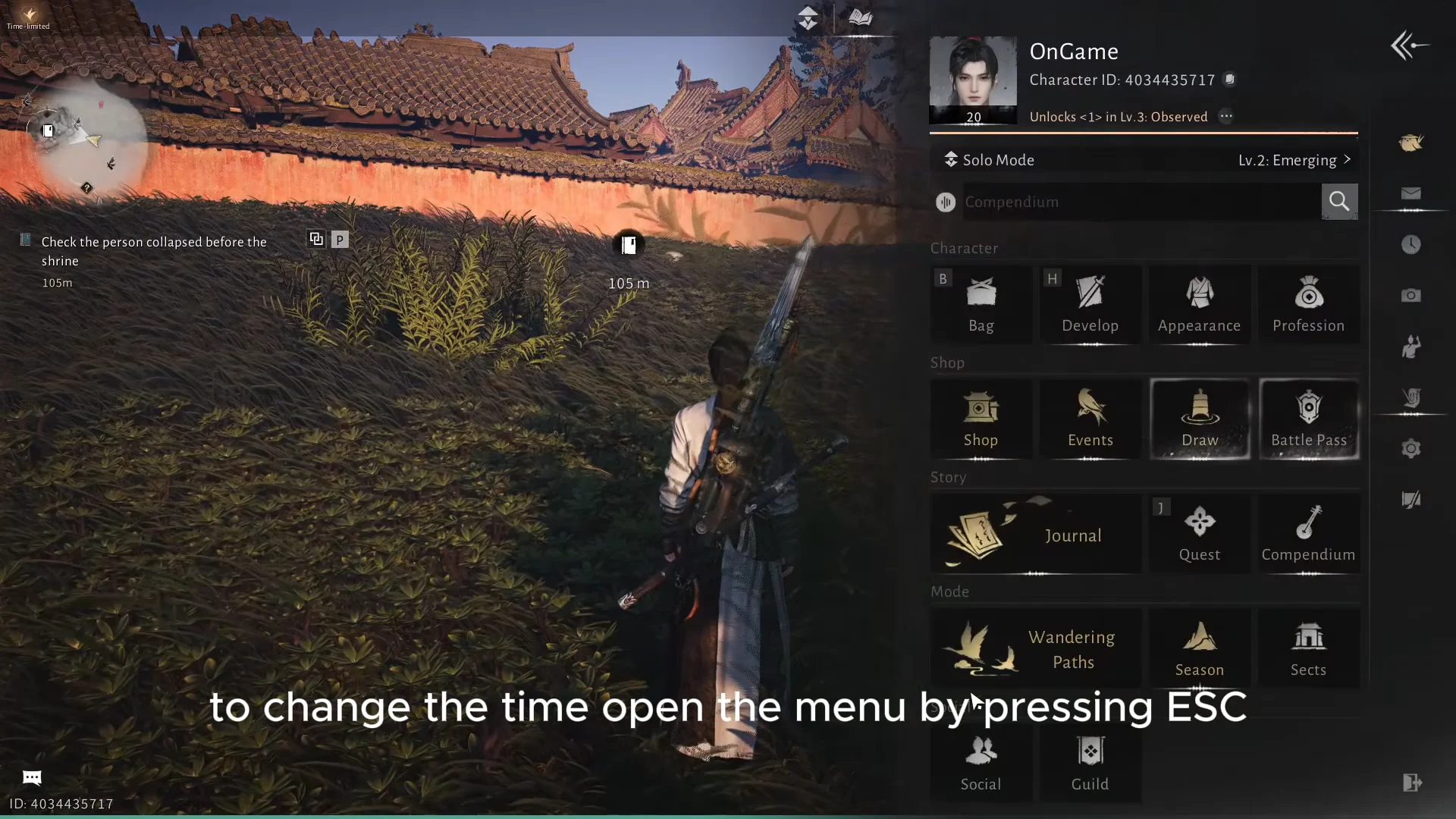
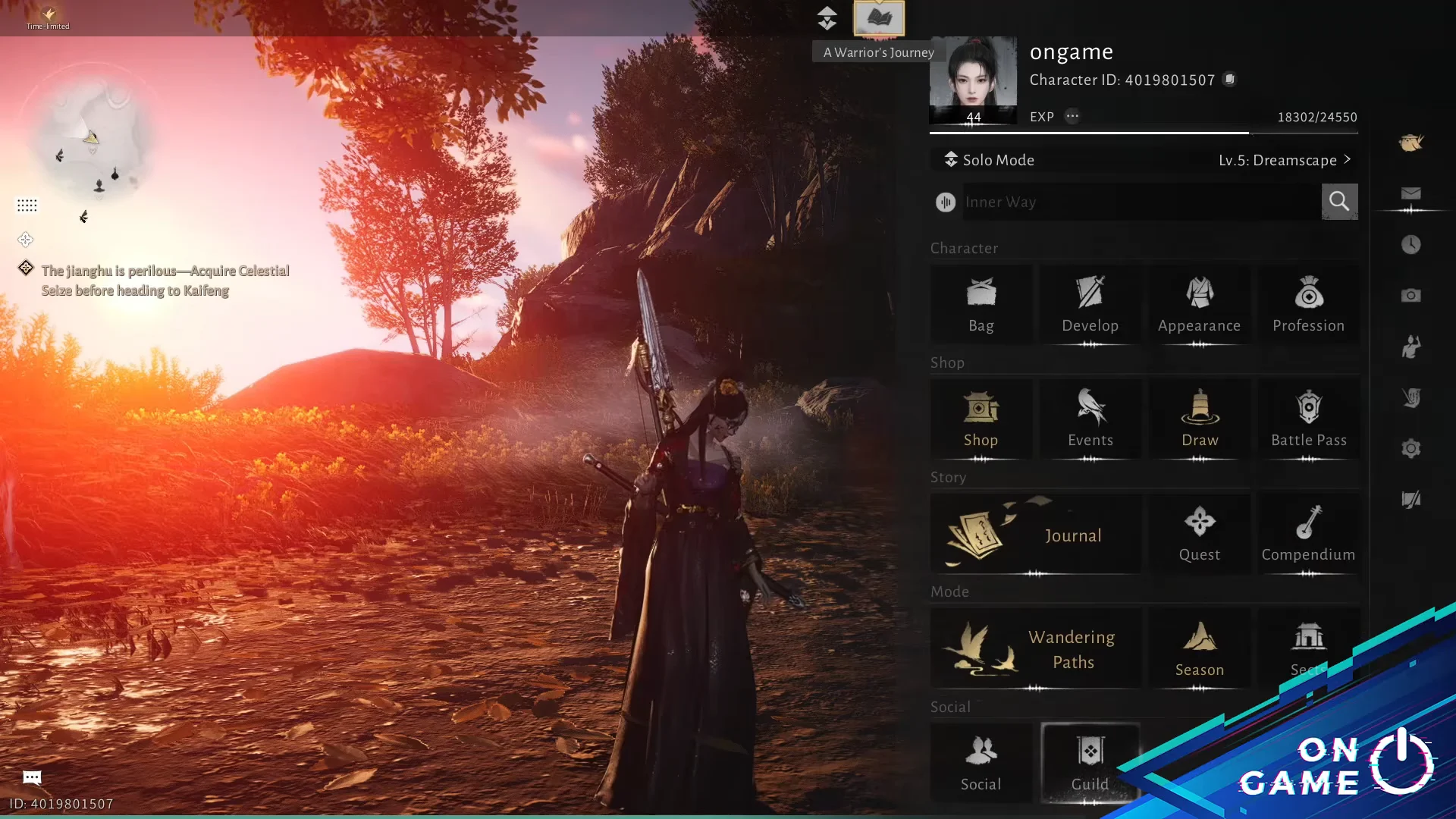
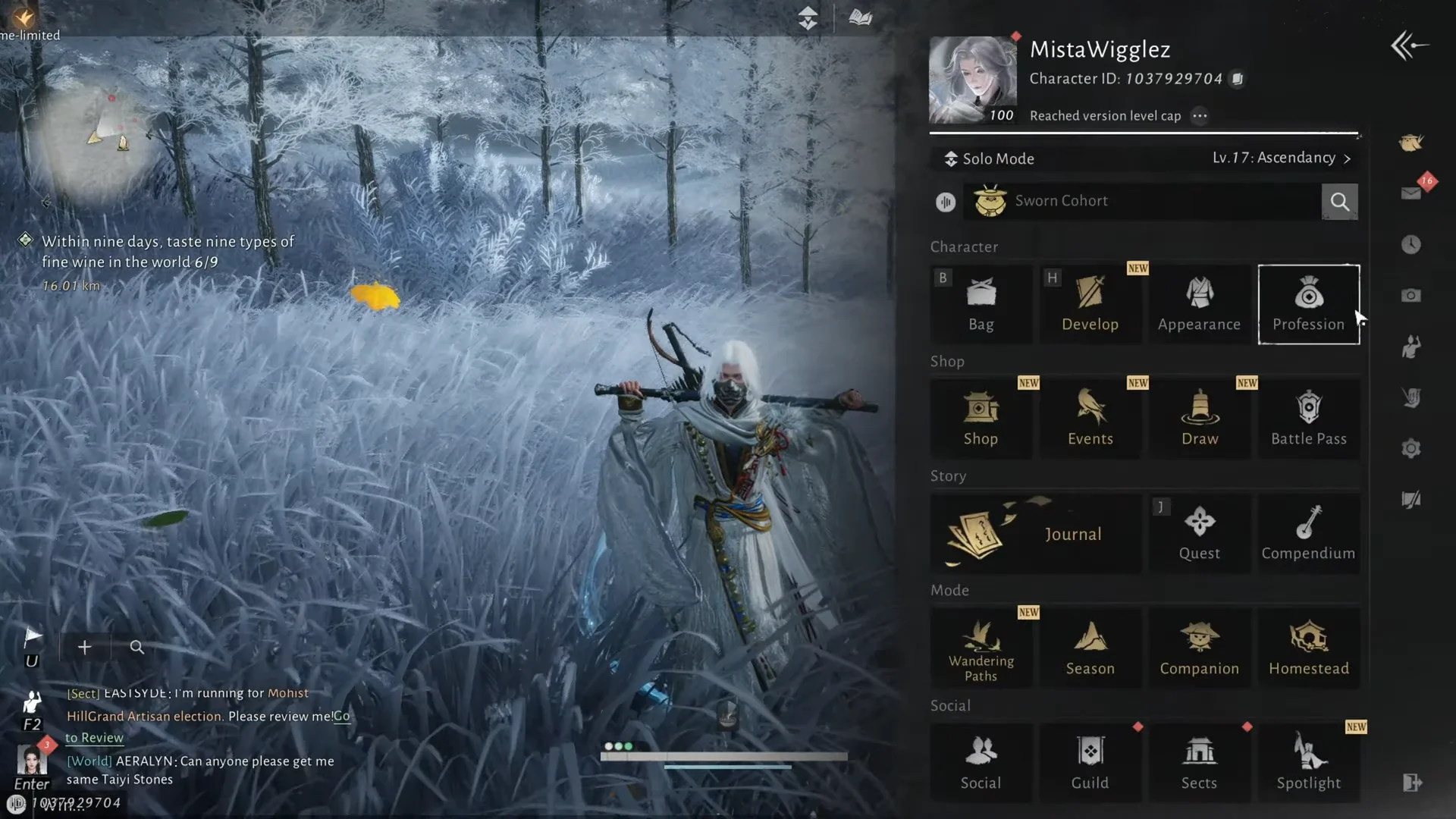
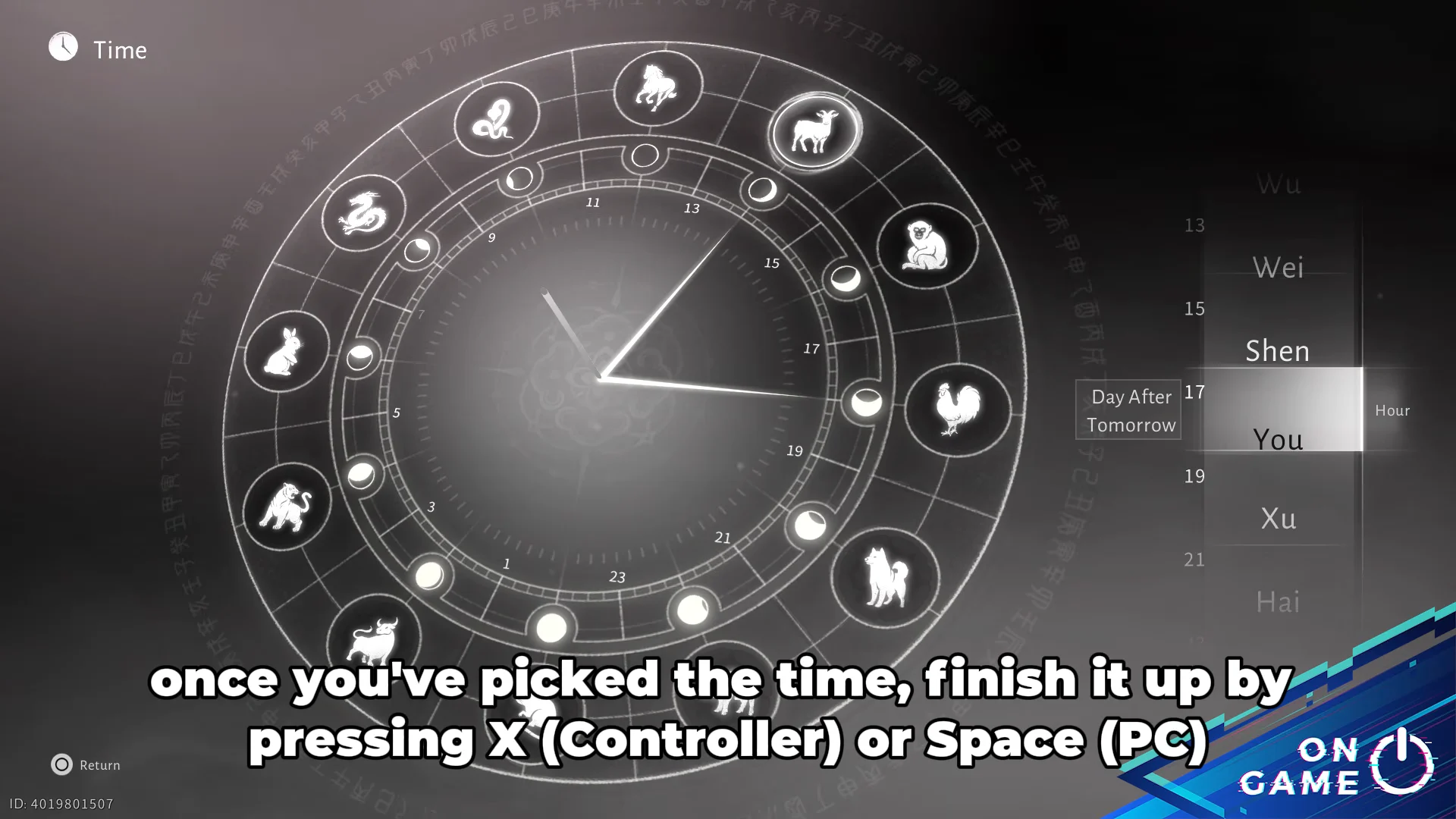
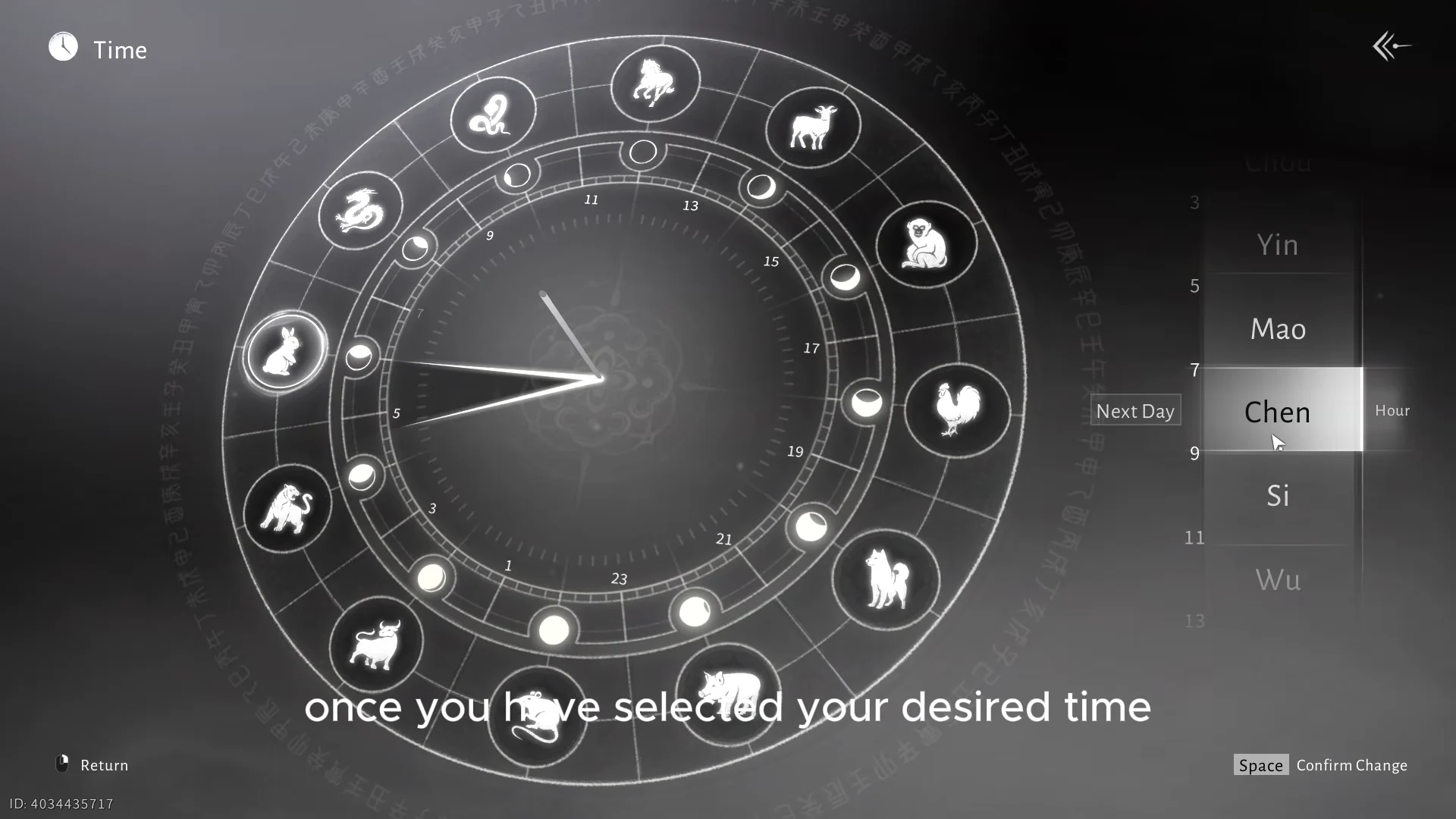
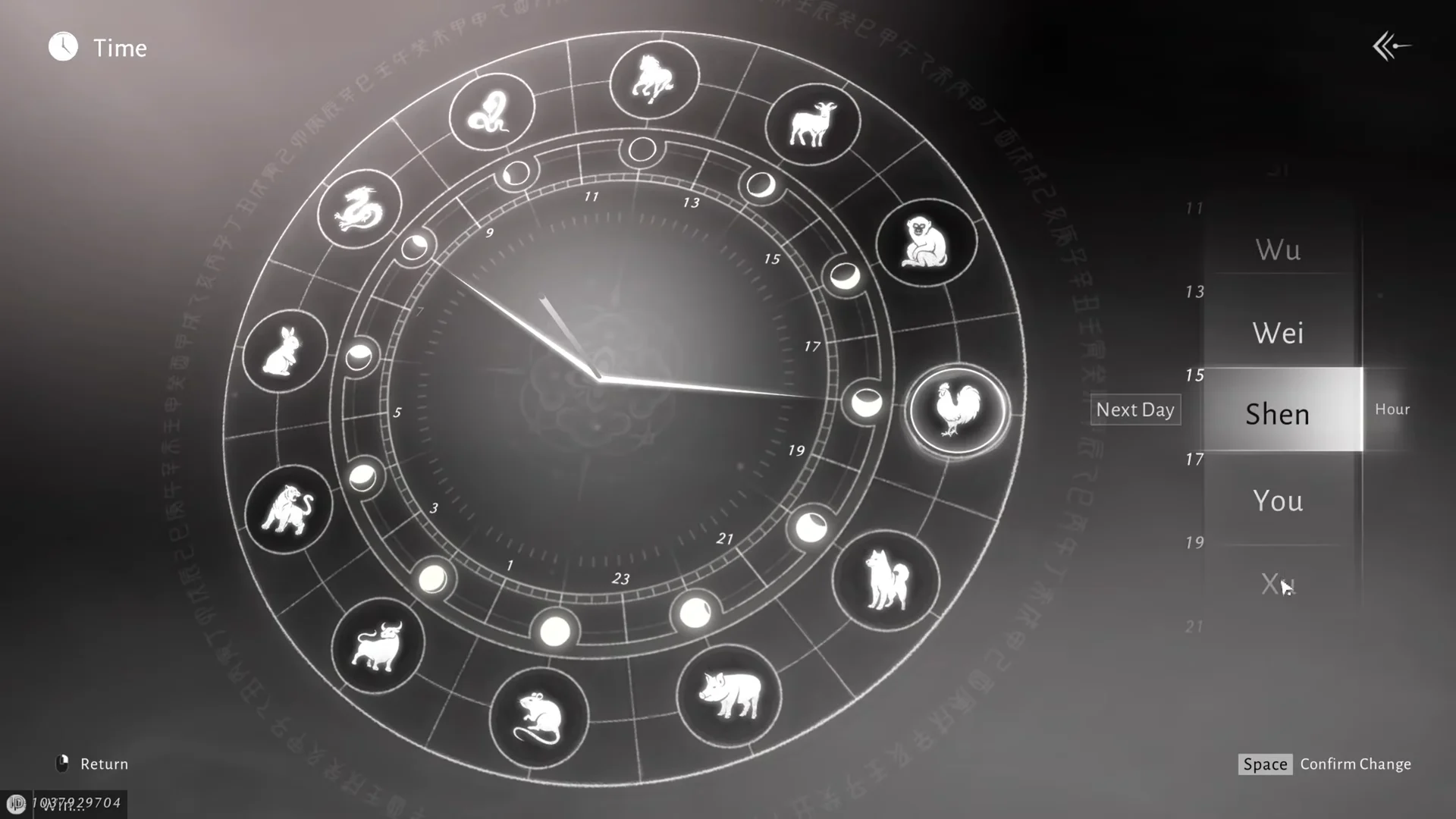
Quick answer: Open the game menu (ESC on PC, Start or Options on controller), select the clock icon, pick a day and an hour on the zodiac dial, then press Space or X to Confirm Change.
Time change limits: Solo Mode only, and forward only
Two rules decide whether the clock will cooperate before you even open it.
- The feature works in Solo Mode only. In Multiplayer and Online Mode you are stuck with the current world time.
- Time moves forward only. You cannot rewind to an hour that has already passed today.
- To reach an hour that has gone by, select the same hour on the next day instead.
- Time-limited quests and interactions ignore the clock change, so you cannot fast-forward those.
If you want to run a time-sensitive quest or encounter with other players, set the hour in Solo Mode first, then switch to cooperative play and invite people into your session.
How to change the time of day in Where Winds Meet
Earthly branch hours and their clock times
Quests and puzzles name the hour, not the number, so it helps to know which block you are being sent to. Zi is the last hour on the dial.
| Hour | Clock time |
|---|---|
| Chou | 1–3 |
| Yin | 3–5 |
| Mao | 5–7 |
| Chen | 7–9 |
| Si | 9–11 |
| Wu | 11–13 |
| Wei | 13–15 |
| Shen | 15–17 |
| You | 17–19 |
| Xu | 19–21 |
| Hai | 21–23 |
| Zi | 23–1 |
What changing the time actually affects
The most practical use is skipping dead waiting periods in the story. The main story quest Reunion asks you to return at a set hour, and the clock takes you straight there instead of making you fill the gap with other activities.
A long list of puzzles and encounters is gated the same way. The Halo Peak Tower solar puzzle only responds during the Wu hour, when the sun sits at its highest point. The March of the Dead quest continues at the Mao hour. The Man in the Well encounter asks you to come back at Zi. Certain animals also behave differently depending on the hour, with horses more active around midday than at night.
Beyond quest gating, the clock doubles as a lighting tool. Shifting to dusk or night changes the daylight and weather you are playing in, which matters if you are lining up a screenshot or simply prefer a particular look while exploring.
How to confirm the time change worked
You will see the confirmation before you are back in control. The dial animates, the hands sweep round to the hour you picked, and the highlighted zodiac animal moves with them. When the menu closes, the world lighting should already match your selection, so a jump to Xu or Hai drops you into evening or night.
If a quest was waiting on that hour, its objective should update once you are standing in the right place, and a time-locked array or puzzle will accept interaction that it refused earlier. From there it is just a matter of learning which hour each task wants, since the same pattern repeats across encounters, side quests, and puzzles throughout the map.