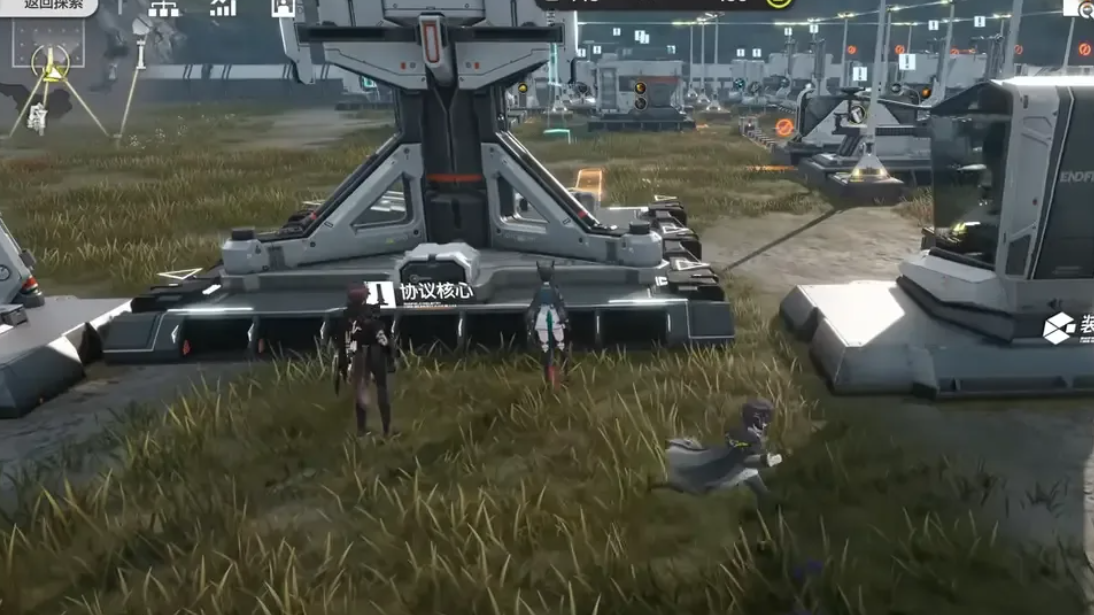
The Insider Threat mission in Arknights: Endfield trips up players in two places: a scan objective that seems to have nothing to scan, and a follow-up step that appears to stall on “wait for further notice.” Both come down to very specific triggers rather than a bug.
Quick answer: Stand inside the small building at the end of the yellow trail in Power Plateau and spam the scan command near the walls or on top of the chest until the mission objective updates, then, after reaching the “wait for further notice” stage, let one full day of real-world time pass and return to the game so the quest automatically proceeds.
Insider Threat scan trigger in Power Plateau
The first roadblock is the scan objective in Power Plateau. The quest draws a yellow guiding line to a small structure, but the environment does not show any obvious scan targets.
The mission does not require you to scan the trail itself or any visible object. Instead, the scan is bound to a tight interaction zone inside the building at the end of the line.
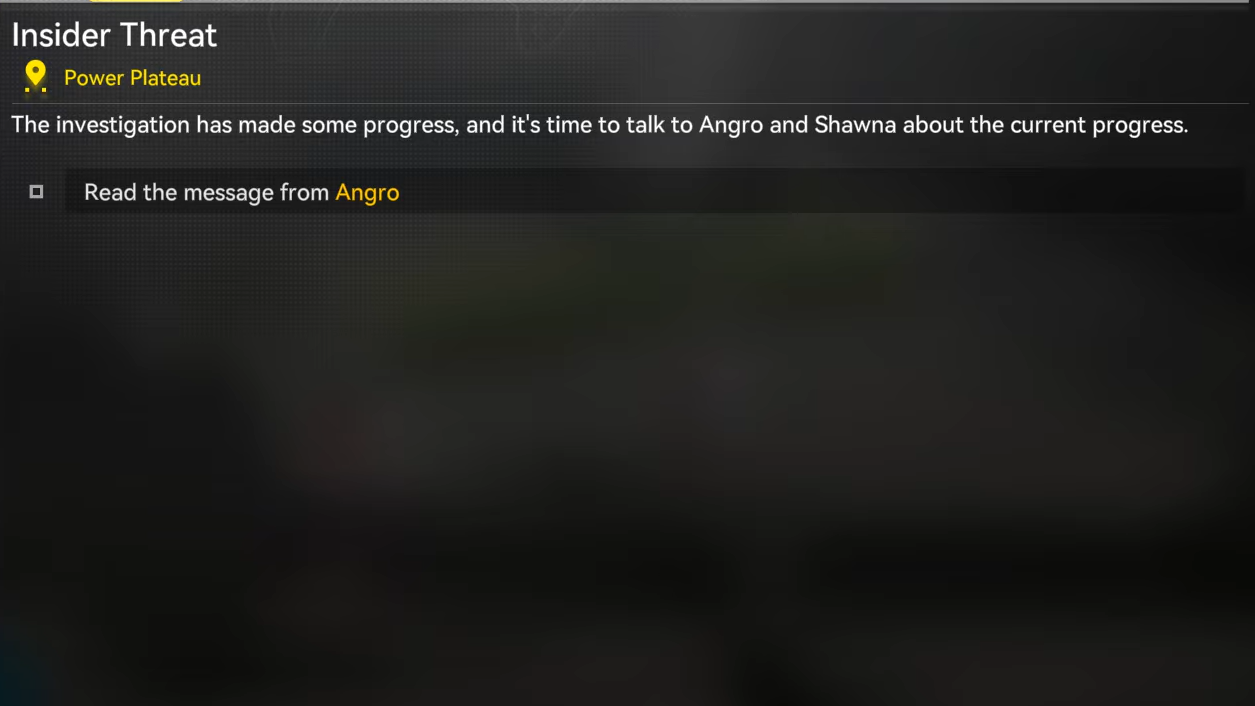
When the scan finally hits the correct spot, the mission objective will immediately change, and the yellow guiding line will clear or redirect. That objective update is the confirmation that the trigger has been hit; there is no separate interaction prompt beforehand.
Common failure reasons at this stage are simple:
- Scanning outside the building – the trigger is not on the trail or at the door; you must be inside.
- Standing slightly off the trigger zone – the interaction area is small, so a step or two to either side can prevent it from firing.
- Scanning only from ground level – in some cases, the chest or raised spot in the room aligns you with the trigger.
Once the objective text advances after a scan, you can stop searching that area; the mission has registered the required action.
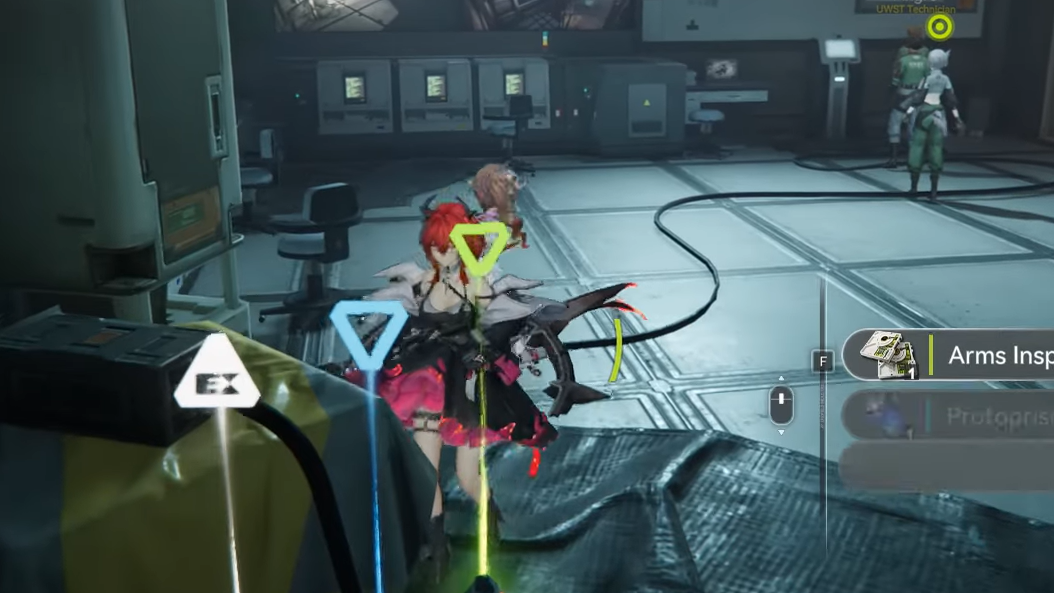
Insider Threat “wait for further notice” real-time trigger
Later in Insider Threat, the objective shifts to a simple instruction to “wait for further notice.” At this point, progressing the mission is not tied to more scanning or exploration.
This stage is gated by real-world time rather than in-game actions. The next part of the quest unlocks on the following calendar day in real time.
You know this trigger has worked when the quest log no longer shows the “wait for further notice” instruction and a new task or marker appears. If the text has not changed after a full real-world day, the prerequisite time has not yet elapsed.
Typical mistakes that prevent progress at this stage are:
- Staying logged in and idling – the gate is tied to real-world time, but you still must re-enter the session to see the updated state.
- Repeatedly revisiting NPCs or locations immediately – no extra interaction can override the required delay.
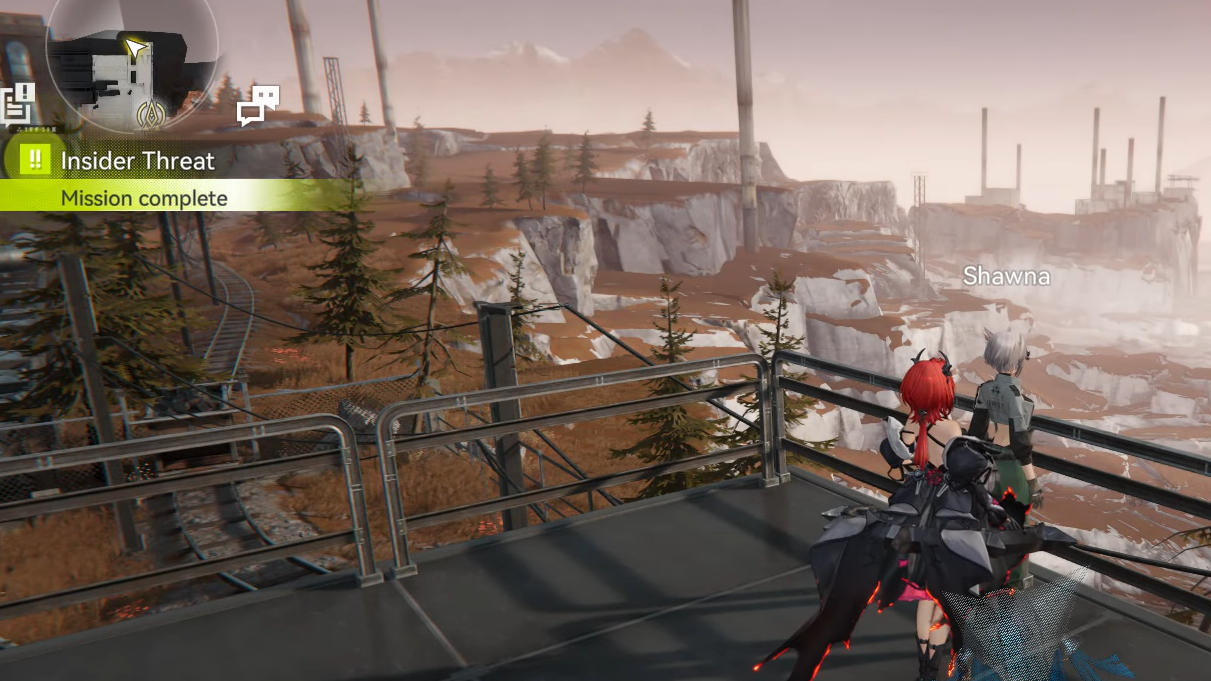
Insider Threat feels fragile because its progression hinges on a narrow scan hitbox and a real-time delay that is not aggressively signposted. Once you know that the Power Plateau scan must be triggered from inside the building and that the late-game “wait for further notice” step is simply a one-day real-time lock, the mission behaves consistently and can be completed without further guesswork.