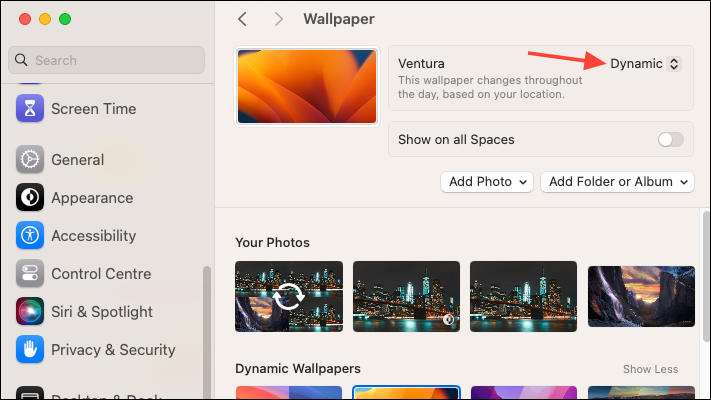
Creating custom dynamic wallpapers on your Mac enhances your desktop experience by reflecting the time of day or other dynamic elements. While macOS includes some built-in dynamic wallpapers, designing your own allows for a more personalized touch. Using the Equinox app, you can easily create custom dynamic wallpapers that change throughout the day based on various parameters.
Using Equinox to create custom dynamic wallpapers
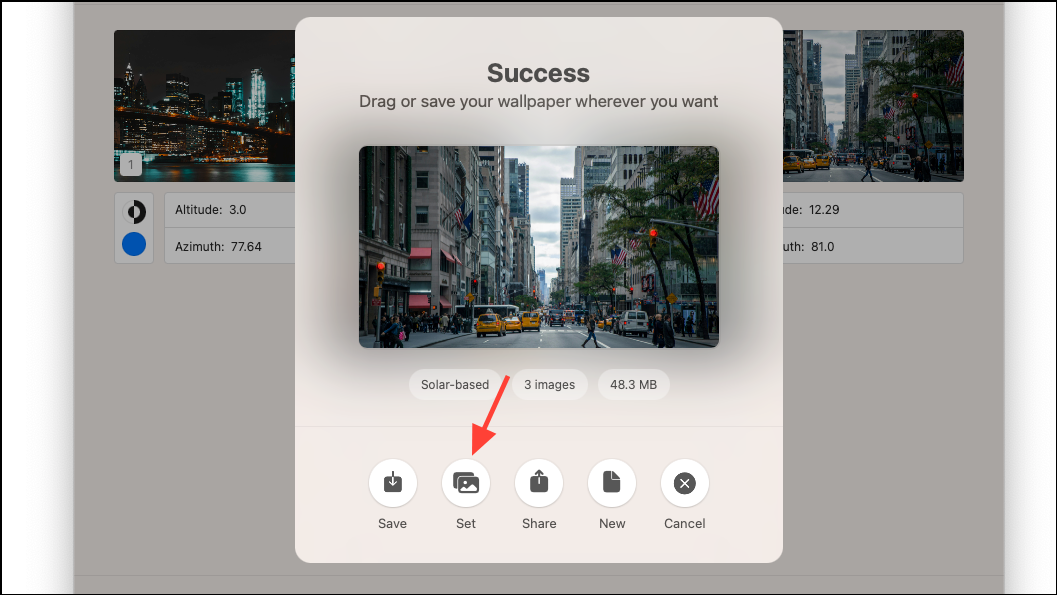
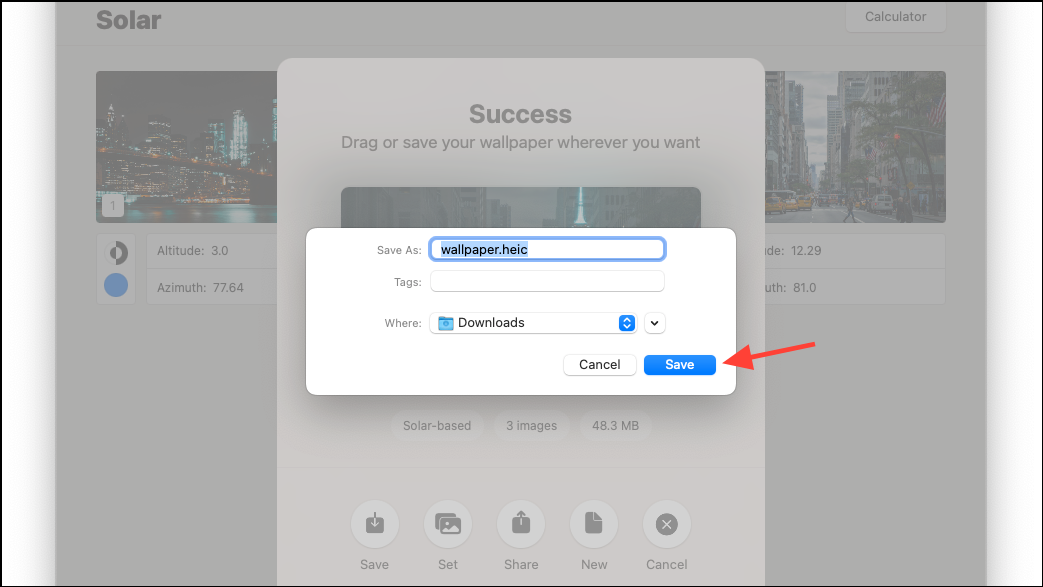
Equinox is a free application available on the Mac App Store that enables you to create custom dynamic wallpapers. It offers an intuitive interface and simplifies the process without unnecessary complications.
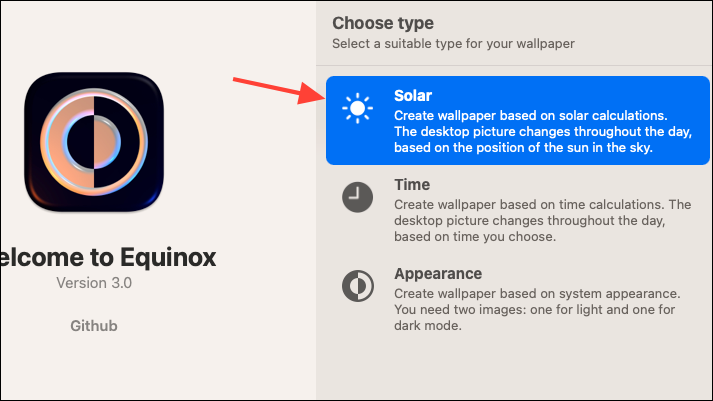
Equinox provides three methods to create dynamic wallpapers:
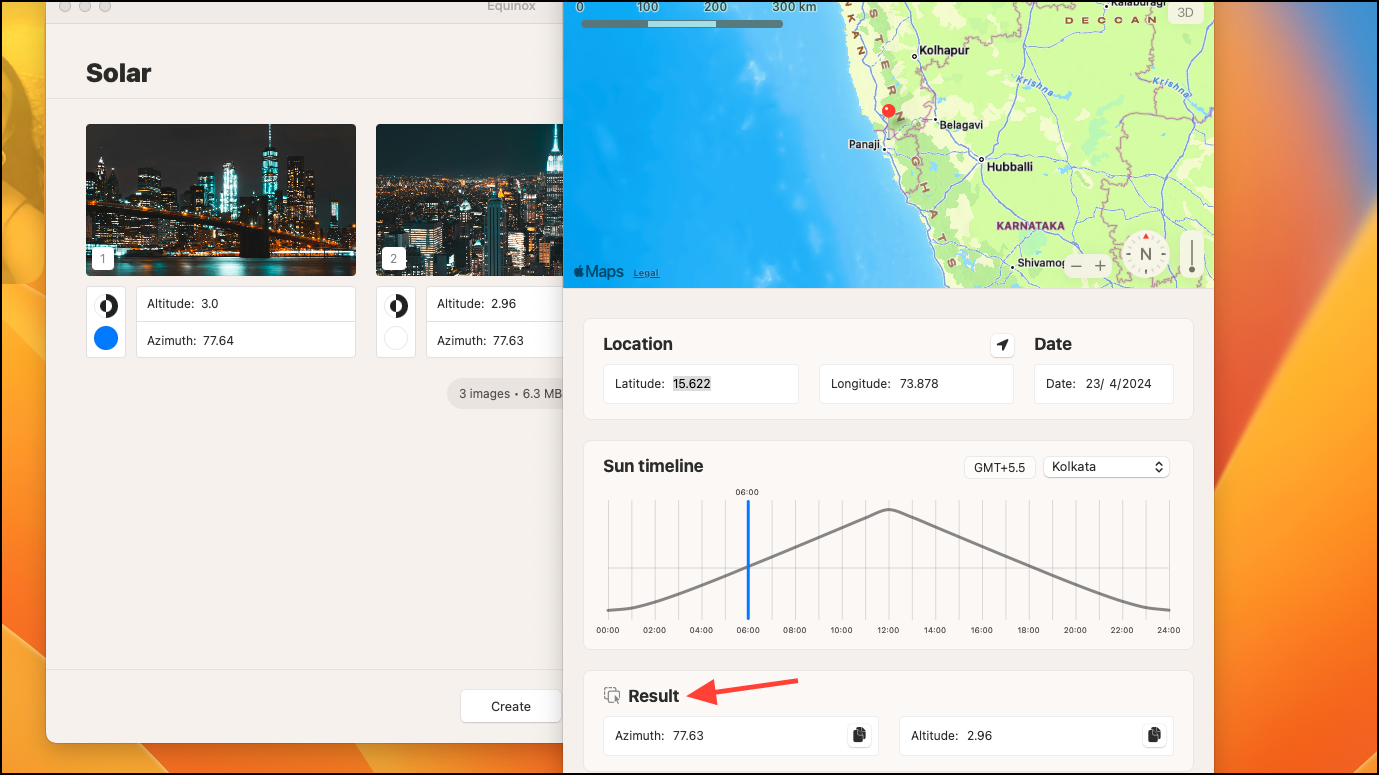
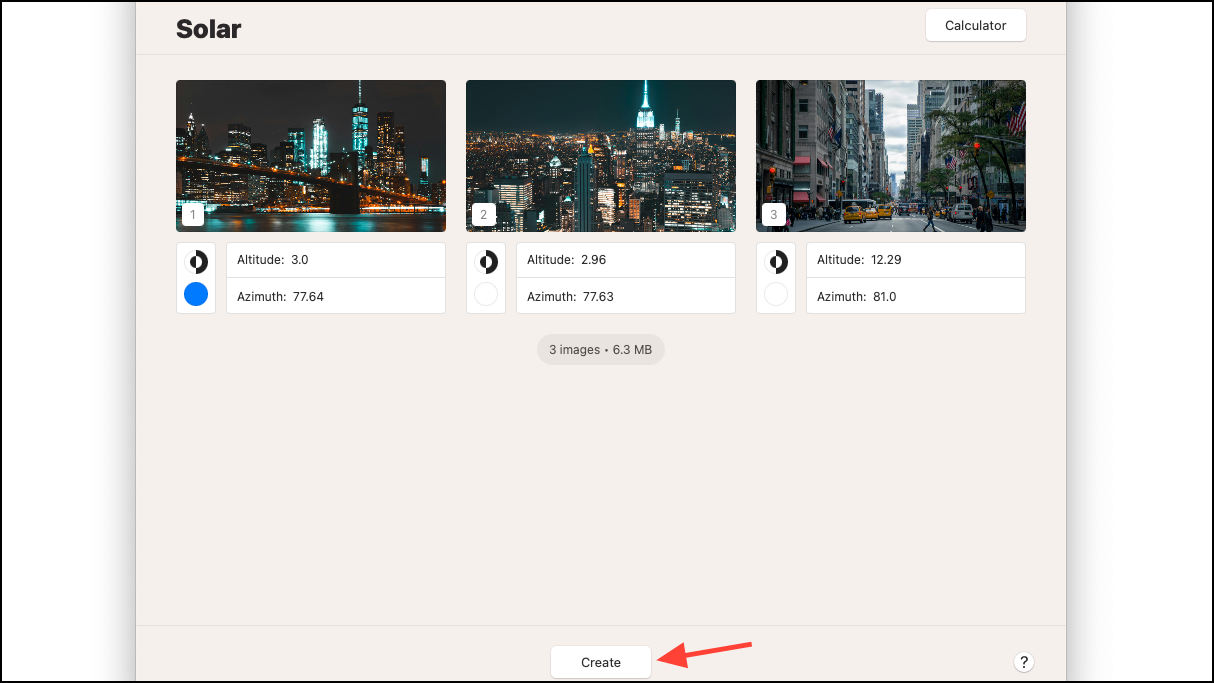
Solar wallpapers: These wallpapers change based on solar calculations, adjusting with the sun’s position throughout the day and year. You can configure them to change according to the sun’s position at your location or based on the time and location when the photos were taken.
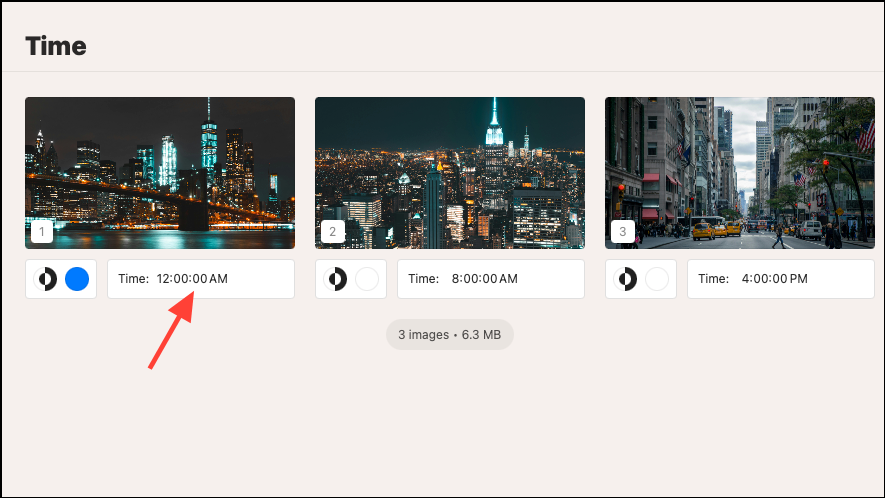
Time wallpapers: These wallpapers change at specific times of the day that you set.
Appearance wallpapers: These wallpapers switch between light and dark modes, changing according to your system’s appearance settings.
Before you start, you’ll need your own images to create custom dynamic wallpapers with Equinox. The app doesn’t provide any wallpapers to choose from. For Appearance wallpapers, you’ll need two images, but for Solar and Time wallpapers, you can use as many images as you like.
You can download images from the internet (preferably of the same location at different times) or generate them using AI tools. There are plenty of AI tools available, such as DALL-E 3 in ChatGPT, Midjourney, Microsoft’s Copilot, or Meta’s AI Image Generator.
Ensure the images are in PNG, JPEG, TIFF, or HEIF formats.

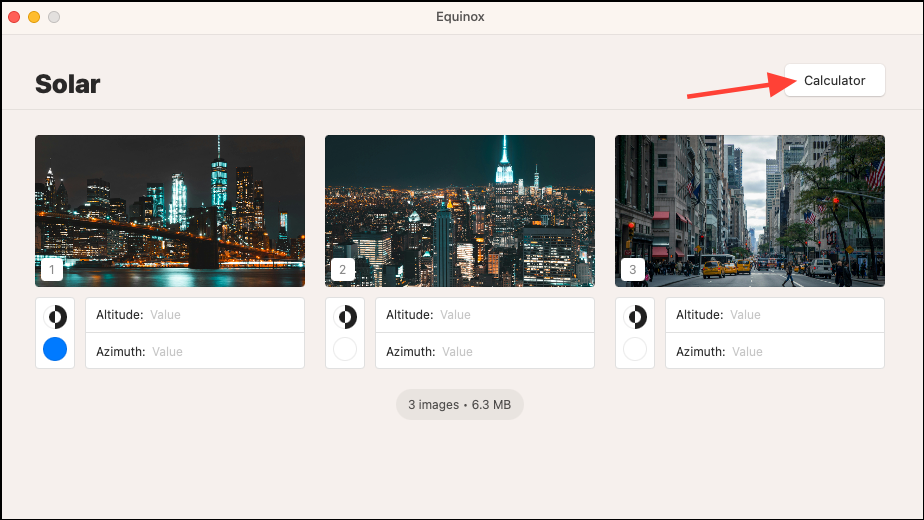
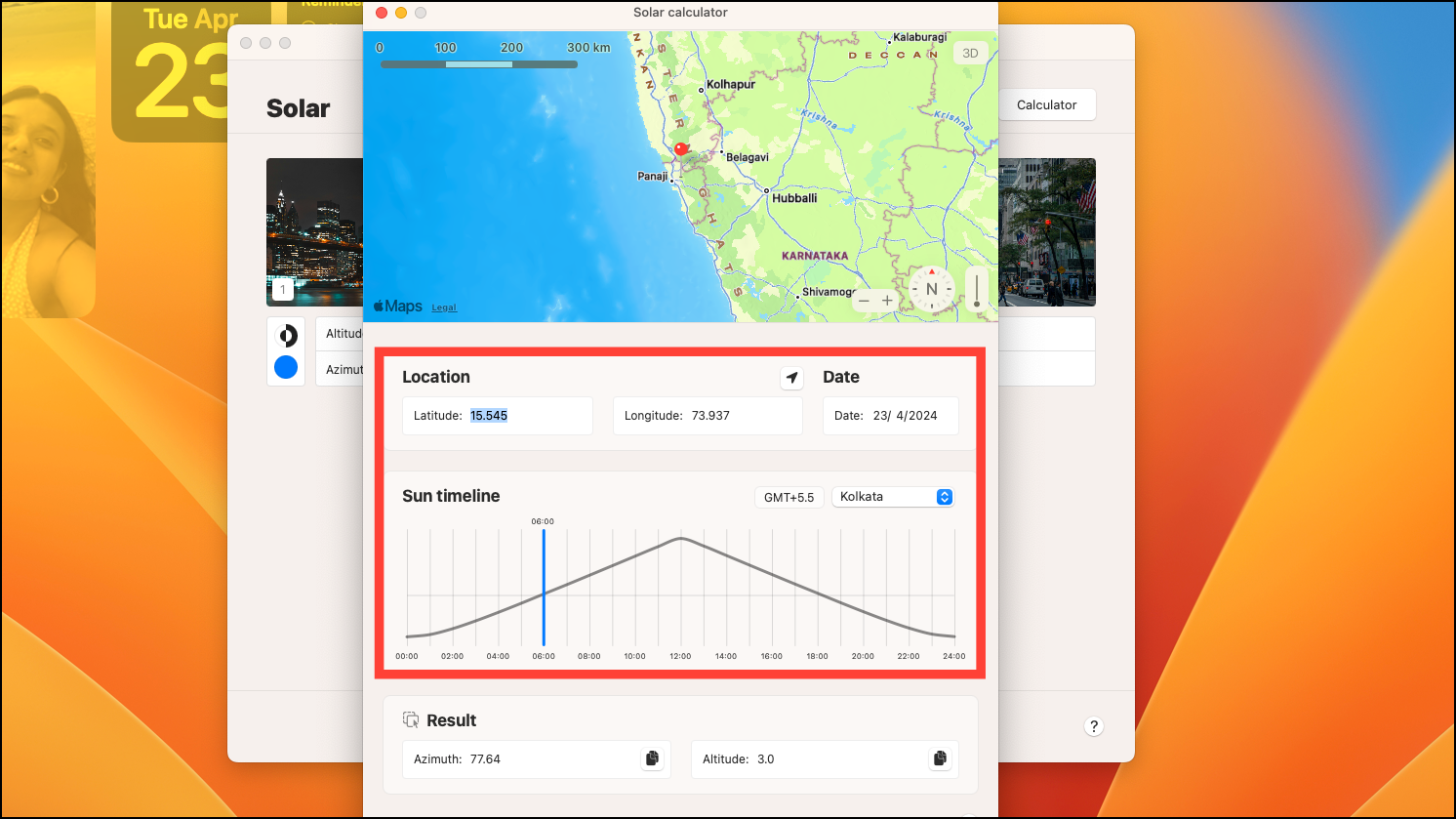
Click on the ‘Calculator’ option to open the Sun Calculator.
Using Dynaper for dynamic wallpapers
Another option for creating time-shifting or appearance-shifting dynamic wallpapers is Dynaper. While it may be slightly more complex to figure out, it offers additional features like auto-detection of time in photos, support for more image formats, and a metadata viewer. However, during testing, the Solar Wizard (the tool for creating solar-shifting wallpapers) was not functioning properly, which is why it wasn’t the main focus here.
With these tools, you can create as many dynamic wallpapers as you want, giving your Mac the personalized makeover it deserves.