
Installing the Windows 11 KB5055523 update can lead to Windows Hello authentication issues, particularly for devices using advanced security features like System Guard Secure Launch or Dynamic Root of Trust Measurement (DRTM). Users affected by this update encounter error messages such as “Something happened, and your PIN isn’t available” or “Sorry, something went wrong with face setup” after performing a system reset or reboot.
Microsoft has acknowledged the issue, noting it impacts only devices that enabled System Guard Secure Launch or DRTM after installing the KB5055523 update and then performing a reset via Settings > System > Recovery, choosing “Keep my files and Local install.” Devices without these features enabled or those that had them active before the update are typically unaffected.
If your Windows Hello authentication stopped working after applying this update, here’s how you can quickly resolve the issue:
Method 1: Re-Enroll Windows Hello Authentication (Recommended)
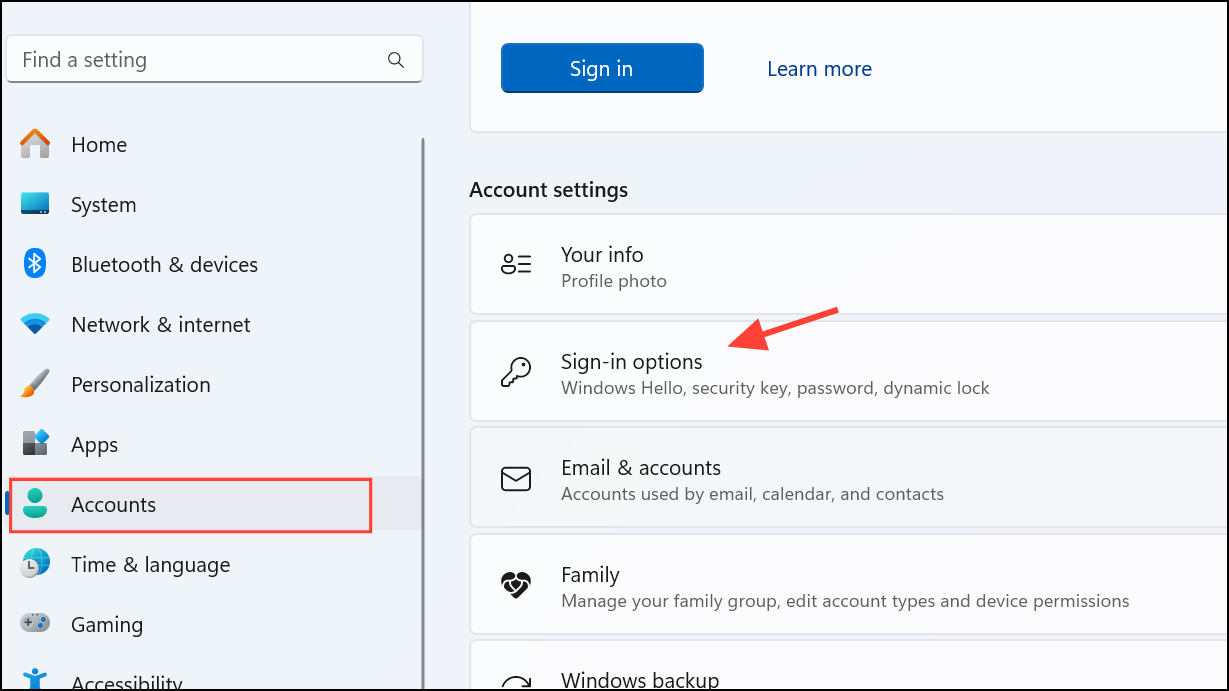
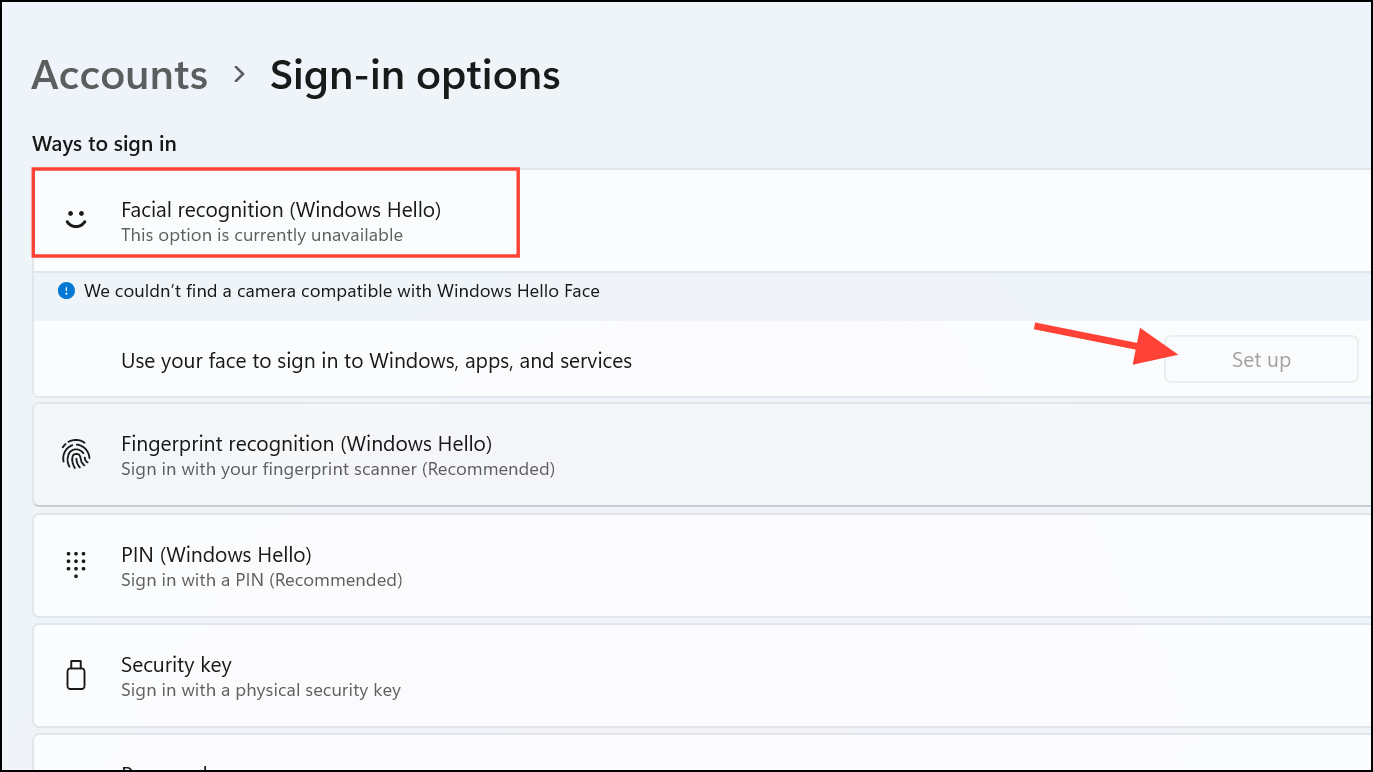
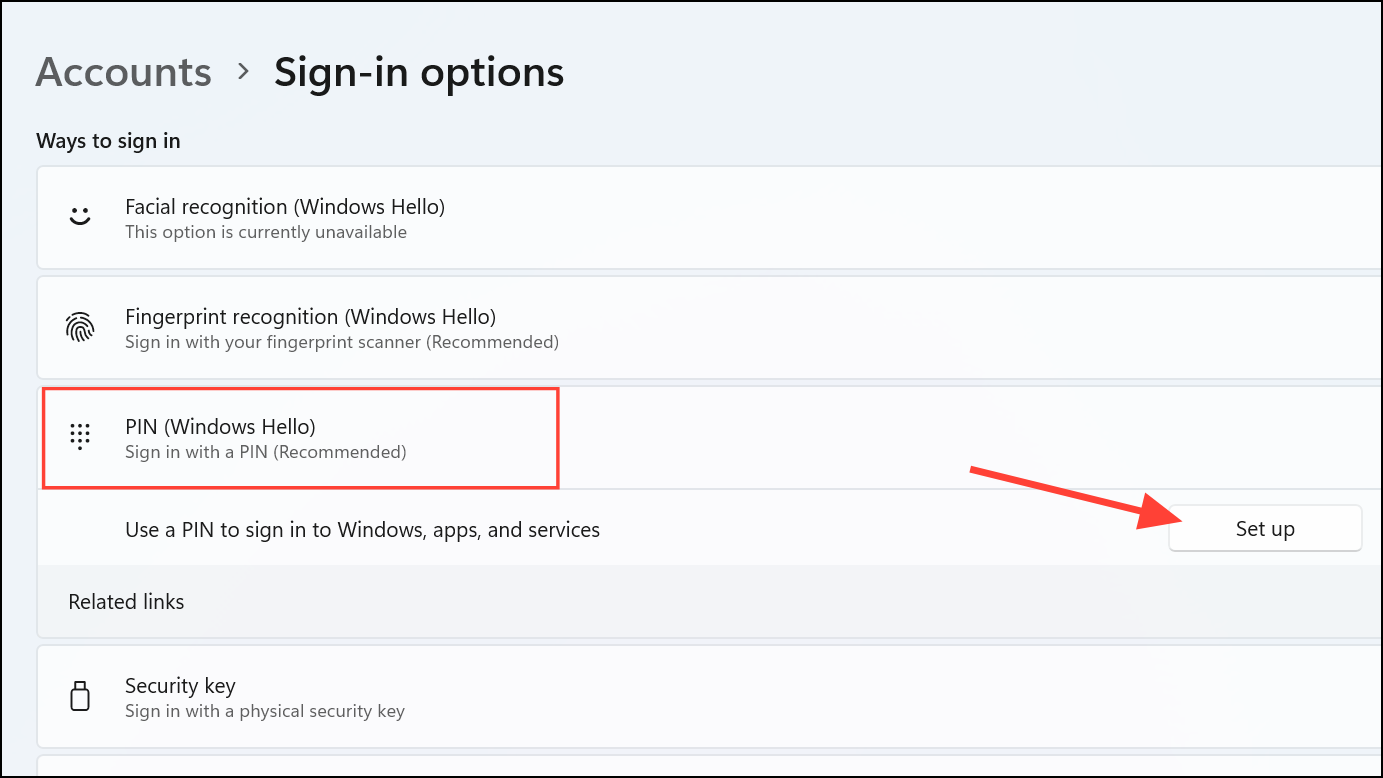
Method 2: Temporarily Disable Secure Launch or DRTM (If Method 1 Fails)
If re-enrollment does not resolve the issue, temporarily disabling System Guard Secure Launch or DRTM can help restore Windows Hello functionality until Microsoft releases a permanent fix. Follow these steps:
F2, Del, or F10) during boot-up.Additional Known Issues With KB5055523
Besides Windows Hello authentication problems, KB5055523 has introduced compatibility concerns with certain software:
- Roblox: Users on ARM-based Windows devices may experience performance issues or an inability to launch Roblox games. Roblox is actively working on a fix, but no workaround is currently available.
- Citrix Software: Computers with specific Citrix components, such as Citrix Session Recording Agent (SRA) version 2411, may fail to install this security update. Users encountering this issue should monitor official Citrix support channels for updates.
While updates like KB5055523 are essential for maintaining system security, they can occasionally introduce unexpected bugs. By following the methods outlined above, you can quickly restore Windows Hello functionality on your device. Keep an eye on official Microsoft communications for a permanent solution, which should be provided in a subsequent update.



