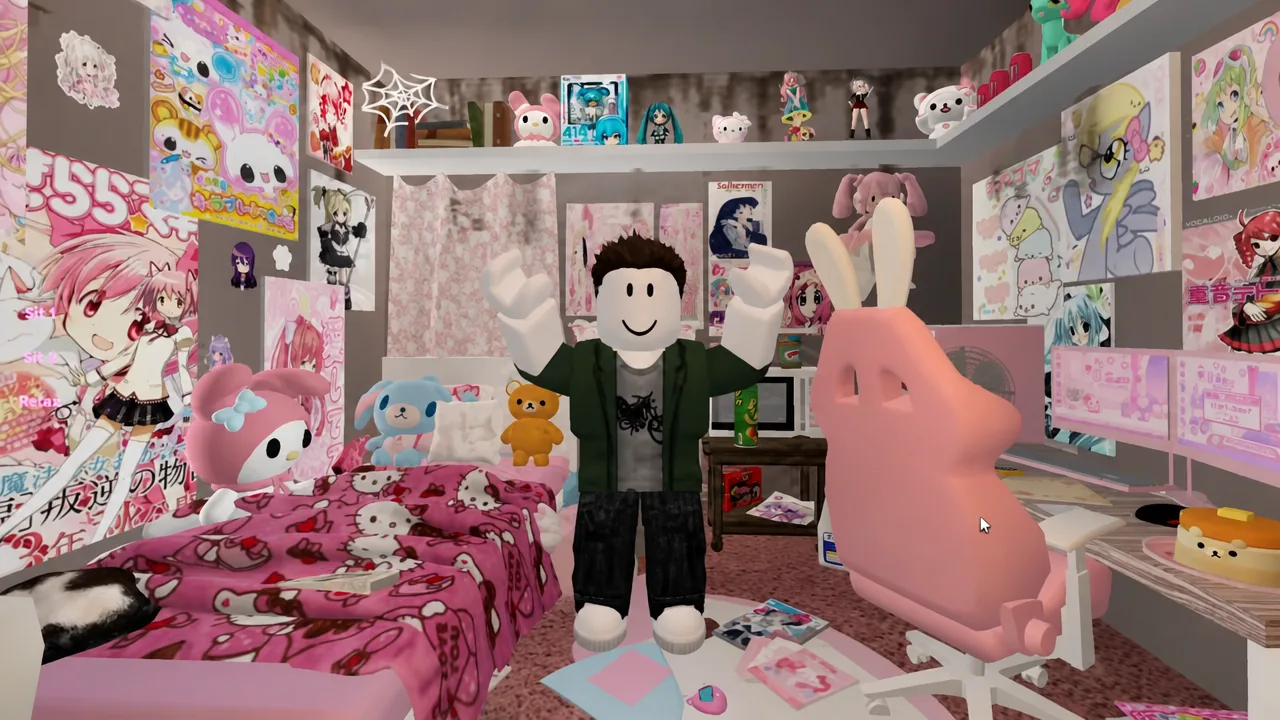
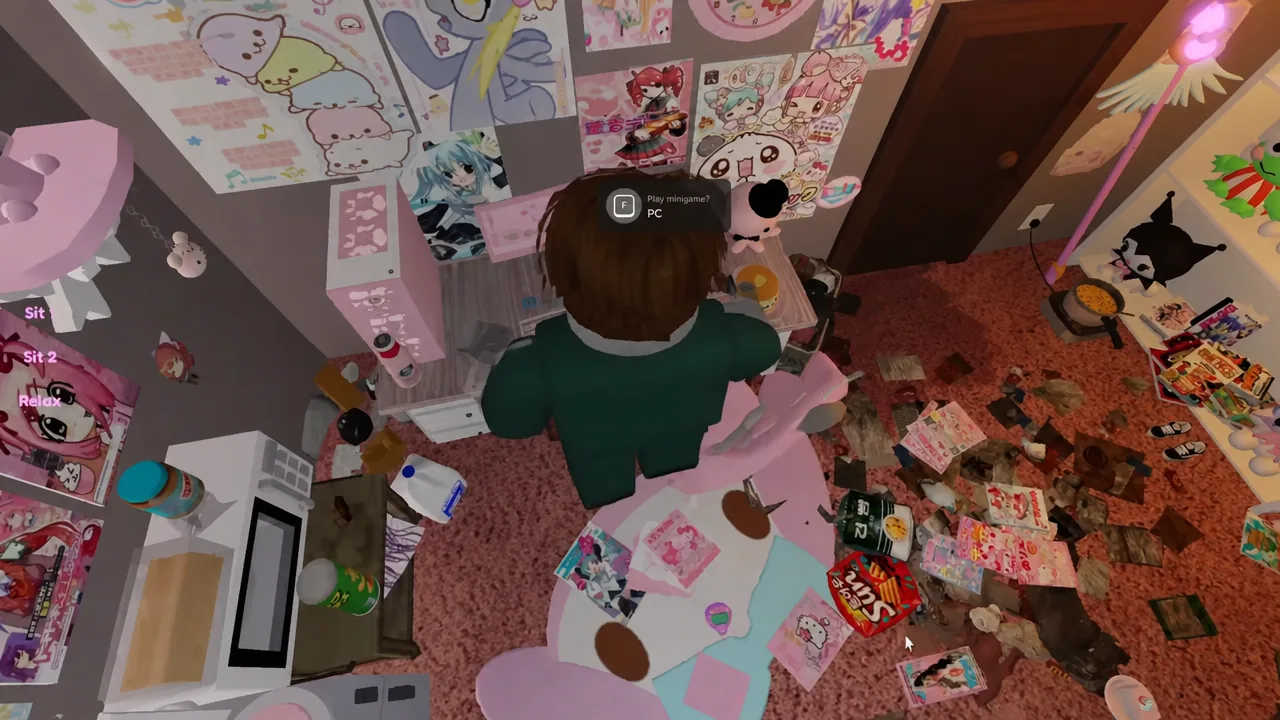
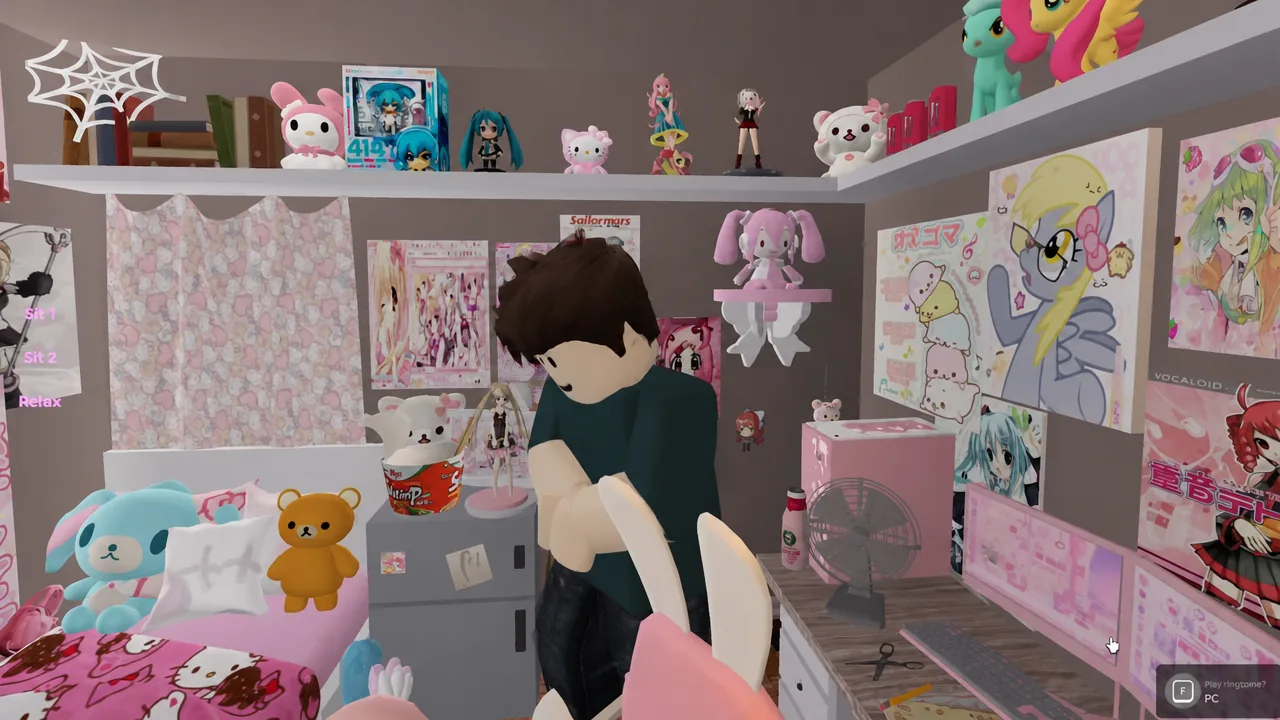
The Roblox horror-adjacent experience maybe tomorrow ill open the door takes place almost entirely inside one cluttered bedroom, and its 11 badges are all tied to things you can poke at without leaving that room. Most of them fire the moment you interact with the right object. Two are on a timer, and one requires deliberately breaking the map.
Quick answer: Nine badges come from object interactions and the PC minigames and can be cleared in under 15 minutes. The other two are time-gated — the bed’s Sleep option only appears after roughly 10 minutes of play, and Passing the time requires staying in the experience for 60 minutes.
All 11 badges and their exact triggers
| Badge | Trigger |
|---|---|
| Don’t do it again | Use the door prompt repeatedly until the jump scare |
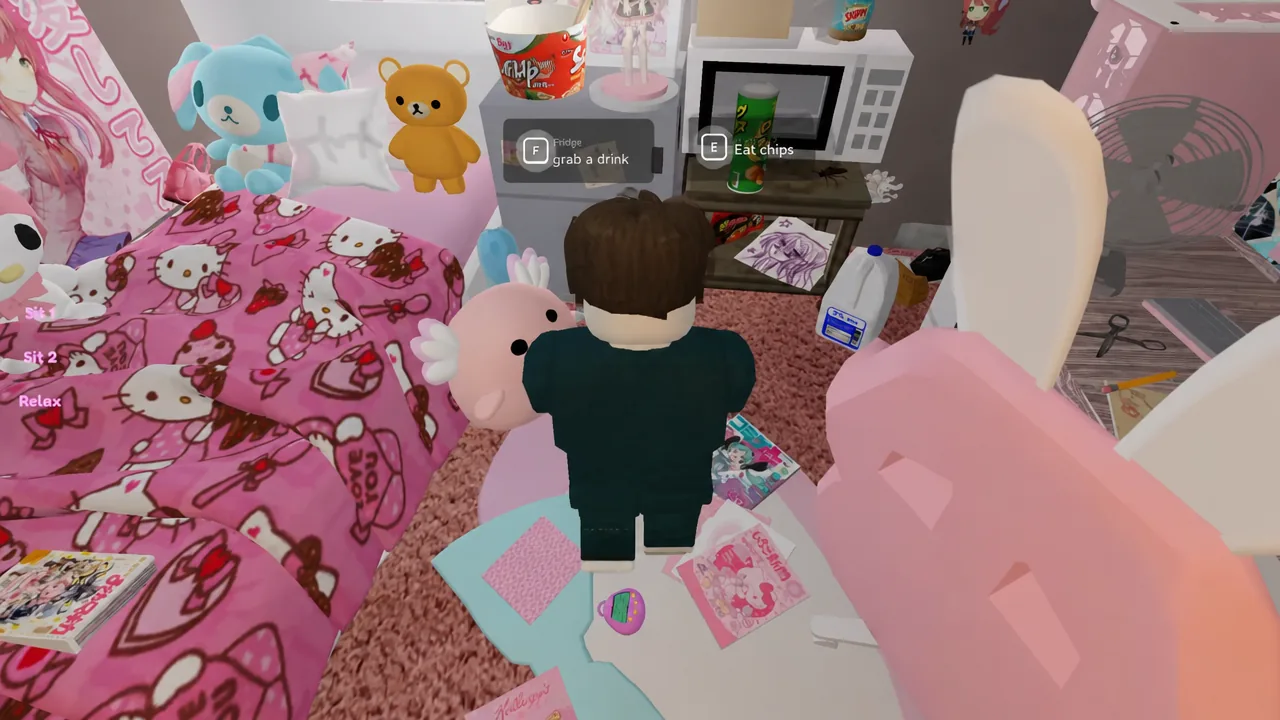
| Cheaper than the dentist | Eat chips until your tooth breaks |
| To: Player | Read the note on the computer table |
| I TOLD YOU NOT TO | Take the ice cream, then clip out of bounds near the door |
| Is mayonnaise an instrument? | Grab the Mayo from the fridge and eat it |
| GGs | Finish all three PC minigames |
| Hello? | Sleep, go through the door, approach the ringing telephone |
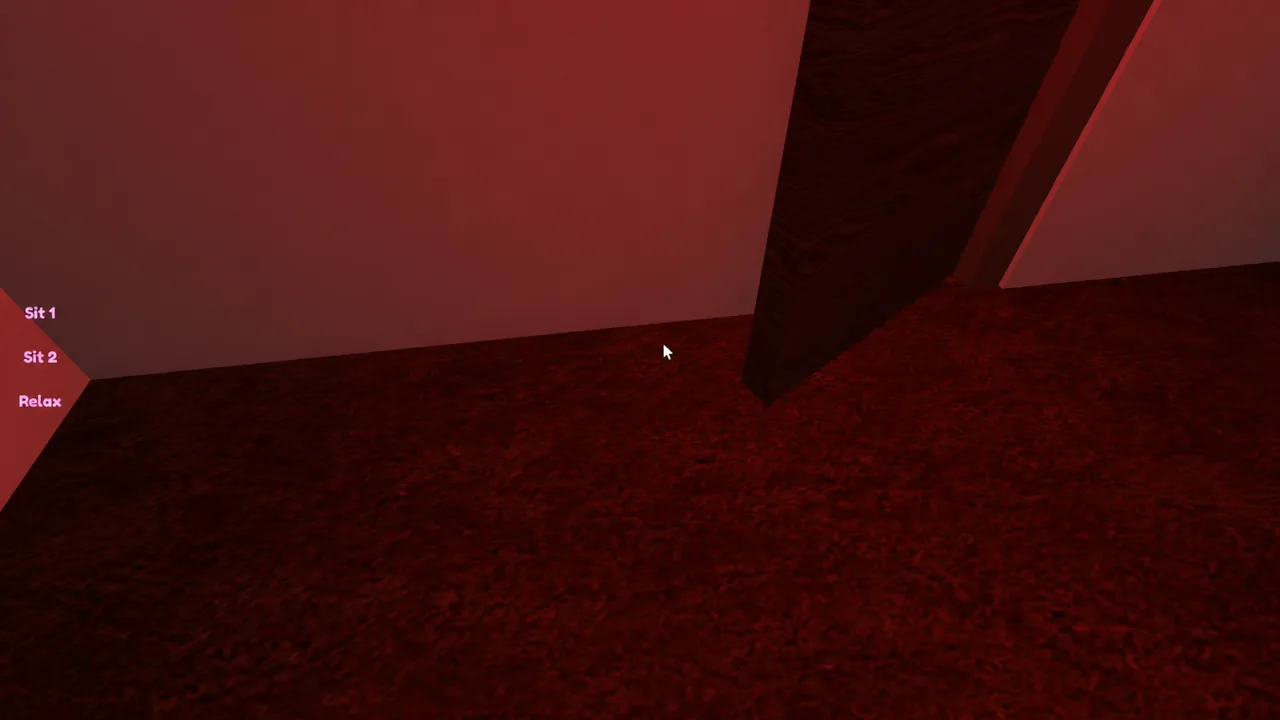
| Night terrors | Walk to the end of the dark hallway |
| So satisfying! | Collect the Squishy from the shelf |
| Home made! | Click the Ramen on the floor |
| Passing the time | Stay in the game for 60 minutes |
The instant pickups: So satisfying! and Home made!
Two badges need a single click each, so get them out of the way first. The Squishy sits on the shelf near the door — clicking it awards So satisfying! immediately, with no cutscene or dialogue. The Ramen is on the floor by the pet bowl, cooking on a hot plate. One interaction with the pot gives you Home made!.
Neither has a cooldown or a follow-up step. If nothing happens, you are probably clicking the shelf itself rather than the item sitting on it.
Badges that need repeated interaction: the door and the chips
To: Player — reading the developer’s note
On the computer table there is a handwritten letter addressed “dear player”. Click it, let it open, and read through it. Closing the note awards To: Player.
The letter explains what the room is meant to represent, describing the experience as a reflection of “self isolation gone too far,” and signs off with a thank you from the developer.
Fridge badges: Is mayonnaise an instrument? and I TOLD YOU NOT TO
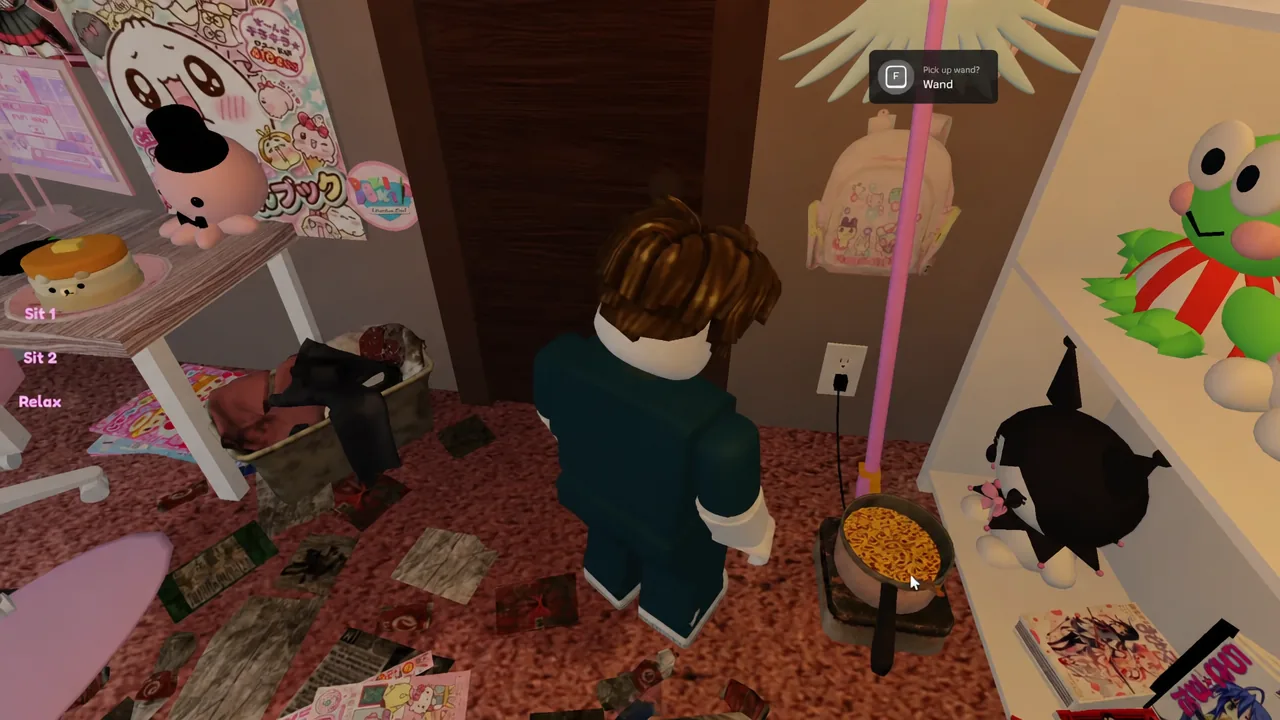
Note: the wand and the plushie are cosmetic pickups tied to Robux prompts. They are separate from the 11 badges listed above, so you do not need to buy anything to complete the set.
GGs: Clearing all three PC minigames
The GGs badge only appears after all three games on the PC are finished. Partial scores do nothing, and there is no time limit on any of them.
Hello? and Night terrors: The sleep sequence
These two are the only badges gated behind playtime. The Sleep? option on the bed does not exist at the start — it appears after roughly 10 minutes in the server, which is why clearing the object badges first is worth doing. Both badges come from the same dream sequence, so you can get them in one run.
Passing the time: The 60-minute badge
The last badge asks for nothing except presence. Stay in the experience for 60 minutes and Passing the time is awarded. There is no objective attached to it, so the practical approach is to finish the other 10 badges first and leave the game running while the clock catches up. Roblox will disconnect idle players eventually, so nudge your character occasionally rather than walking away entirely.
How to confirm a badge unlocked
Every badge shows a Roblox unlock notification on screen the moment it registers, naming the badge as it awards it. If you miss the popup, open your Roblox profile and check the badges section for the experience — anything you have earned will be listed there permanently.
When a badge does not fire, the reason is almost always one of a short list. You stopped interacting with the door or the chips before the cutscene played. You attempted the out-of-bounds clip without the ice cream in hand. You left one of the three PC minigames unfinished. Or you looked for the Sleep? option before the 10-minute mark. Retriggering the interaction from the start is enough in every case.
Run in order, the full set is realistically about 15 minutes of actual play plus the hour of waiting, and none of it requires spending Robux or bringing a second player along.