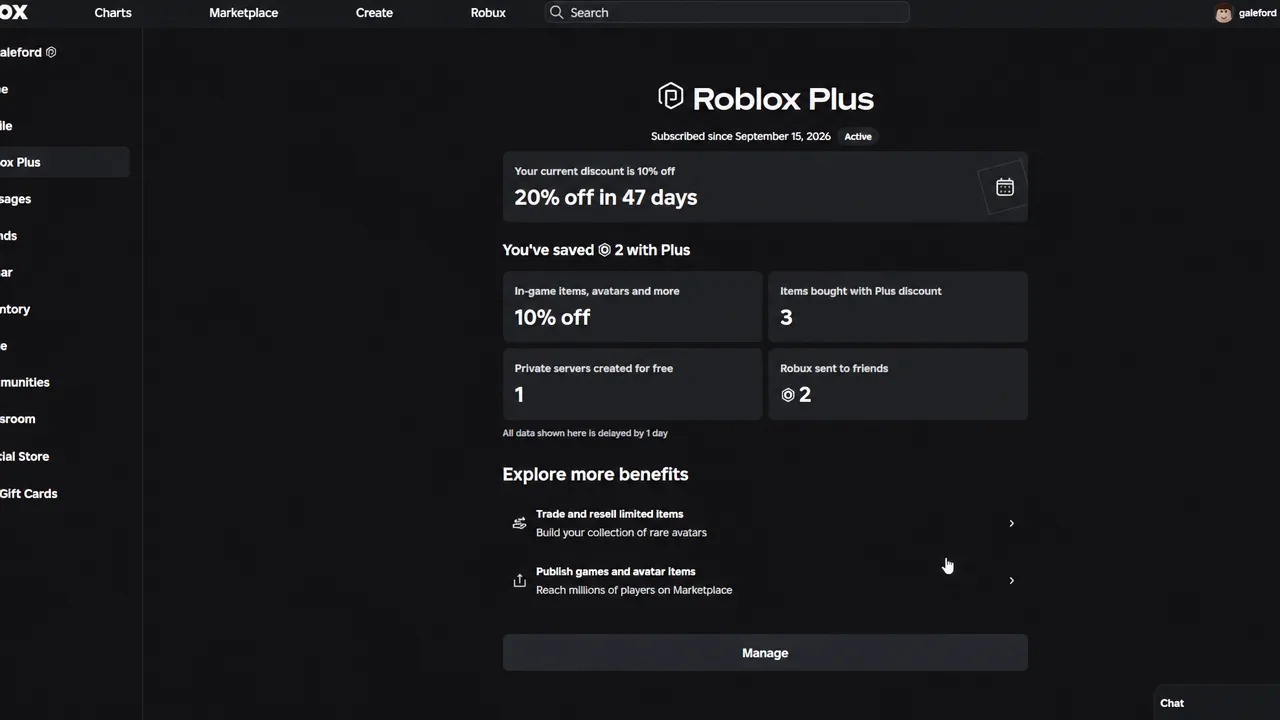
The Hunt: Roblox 20 is the 20th-anniversary edition of Roblox’s platform-wide event, and it goes live on September 17, 2026. Ahead of that, a subscription tier gates a limited preview of the event hub — not a head start on rewards, but a look at what is coming.
Quick answer: Early access requires a Roblox Plus membership. Open the event hub from Roblox search, walk around, and preview items. Badges and quests stay locked until the event officially starts.
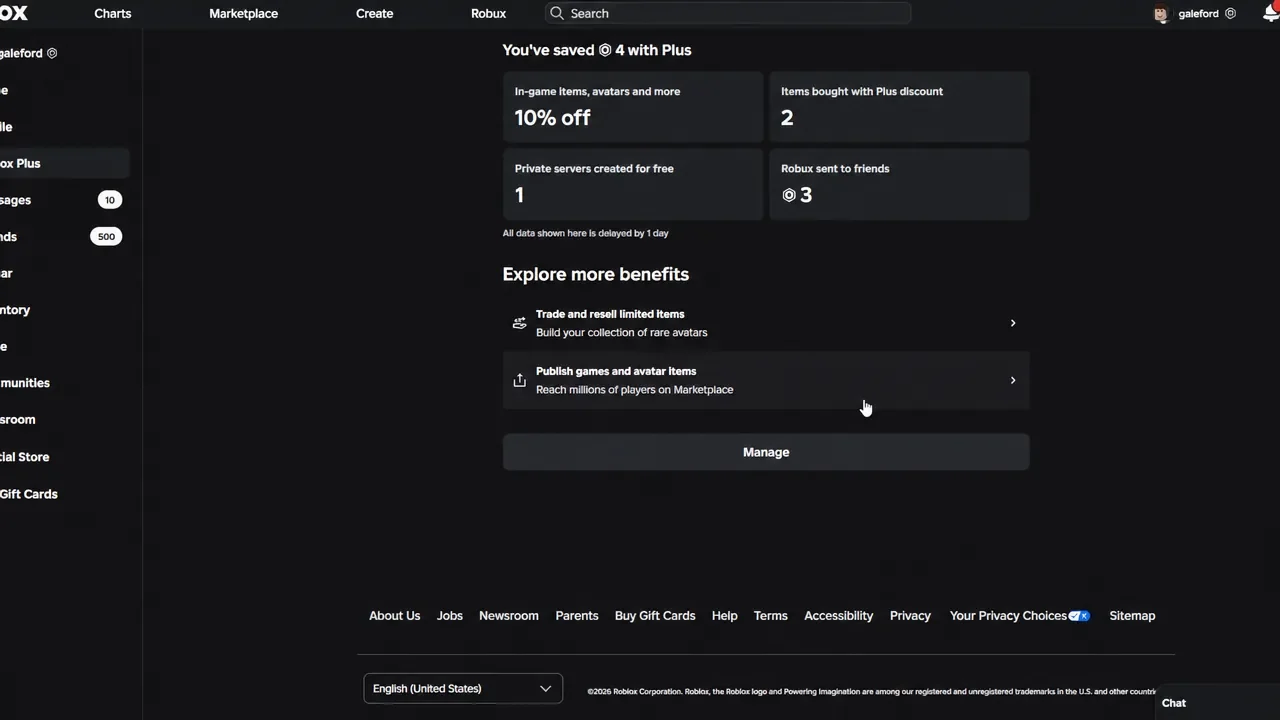
What Roblox Plus early access actually unlocks
Set expectations before you pay for anything. Early access is a preview of the space, not a preview of progression. You can enter the hub and inspect the anniversary items, but nothing you do there counts toward the reward track.
| Available early | Locked until launch |
|---|---|
| Entering and exploring the event hub | Earning event badges |
| Previewing anniversary items | Completing event quests |
| Checking the event schedule on the hub page | Claiming free rewards |
Because no progress carries over, skipping early access costs you nothing in rewards. It is a sightseeing pass.
How to open the event hub early
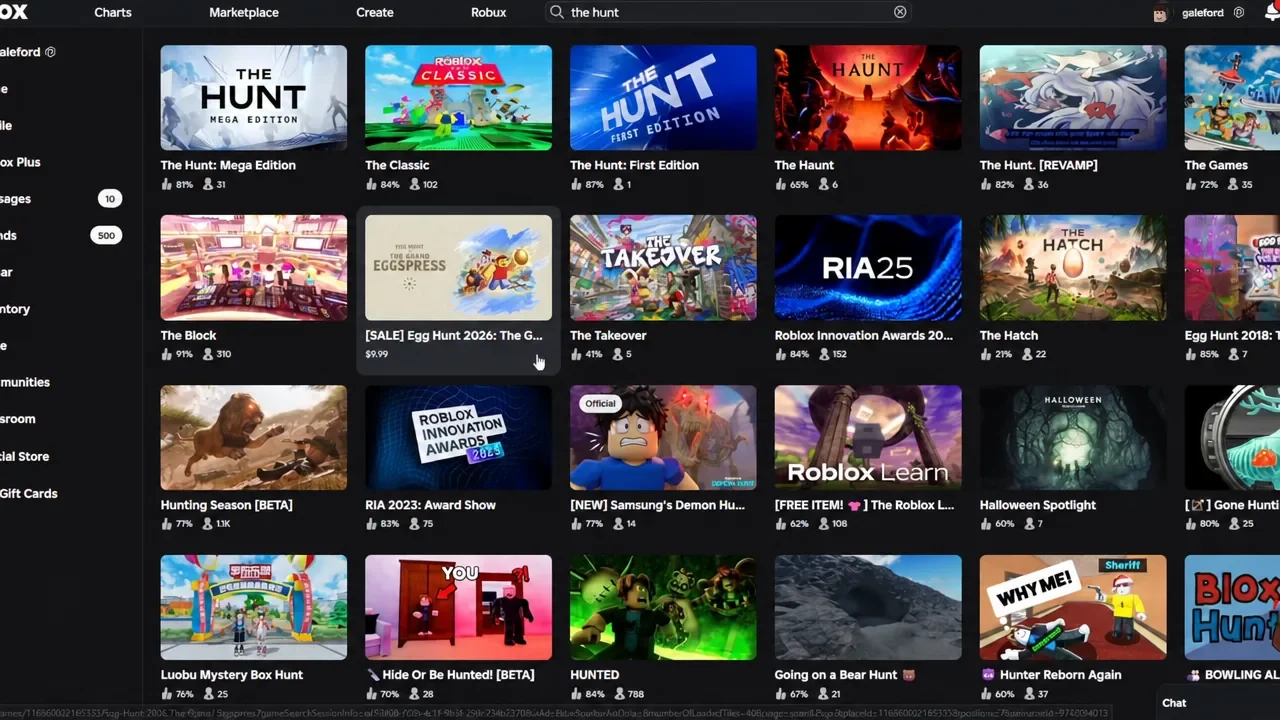
the hunt from the Roblox search bar. The results pull in the event-related experiences, including The Hunt: Mega Edition, The Classic, and The Haunt, so read the creator name carefully before you click.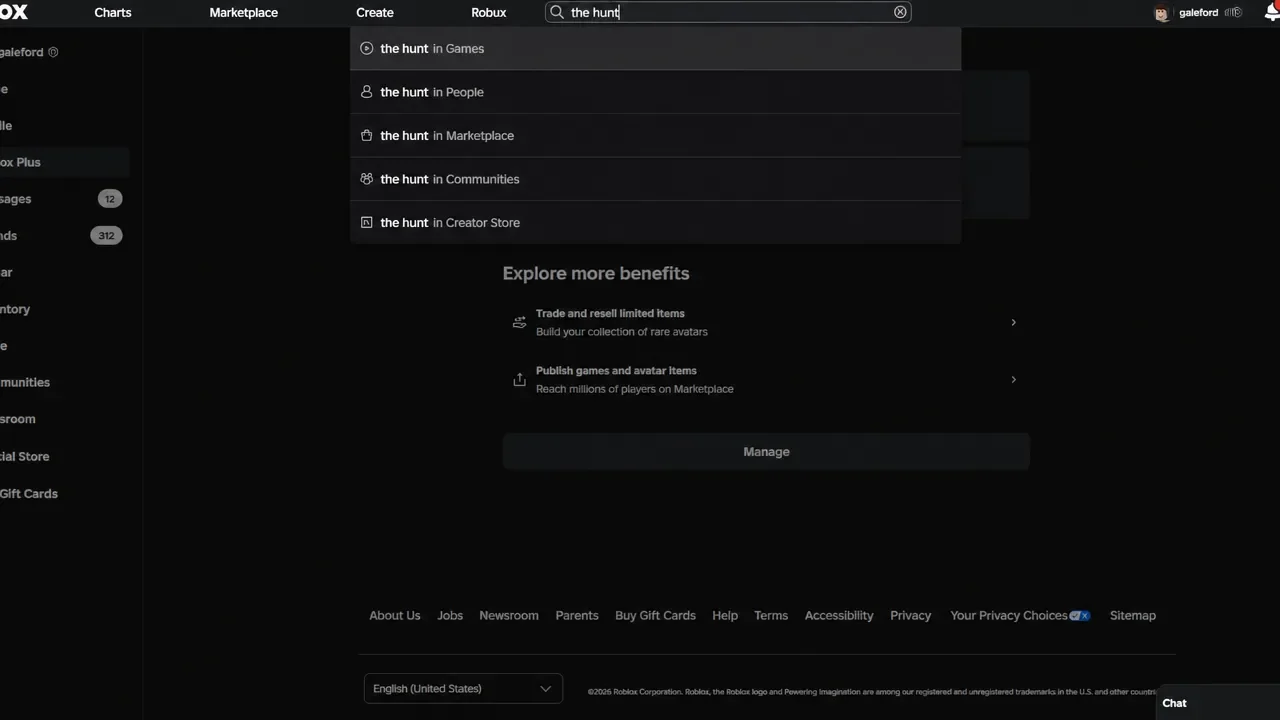
How to tell early access worked
You know it worked when the hub loads and drops you into the environment instead of bouncing you back with a closed-event message. Once inside, item displays are viewable and the area is walkable, but quest prompts and badge pop-ups will not fire.
If you want a second check, look at the experience page after you exit. No event badges should be listed on your account yet, which is the expected state before launch rather than a sign that something went wrong.
The Hunt: Roblox 20 start date and schedule
Roblox revealed the event at the Roblox Innovation Awards 2026 and teased the 09-17-26 date across its social accounts. An exact start hour and an end date have not been confirmed, so September 17 is the only fixed part of the schedule right now.
Roblox also has not published an official participating-games list. The event leans on a classic theme built around rebuilt Roblox maps, with reported places including Crossroads, Chaos Canyon, Classic Rocket Arena, and Roblox World Headquarters, but none of that is locked until the hub opens.
Why badges are the part you have to wait for
Progress runs on badges rather than codes or a Robux shop. Each participating place hands out two of them, and your running total is what unlocks the anniversary rewards through the hub.
| Badge | How you earn it |
|---|---|
| Standard (S1) | Finish the place’s main anniversary objective |
| Mega (M1) | Clear the harder challenge in the same place |
Badges are awarded once per place, per account. Replaying your favorite experience does nothing for your total, so the efficient route on launch day is to clear each place once, confirm the badge registered, and move on to the next one.
The anniversary items spotted ahead of launch make up the likely reward pool, though Roblox has not tied specific badge counts to any of them:
- Vicennial Party Hat
- Birthday Time Fedora
- Horn of Candles
- Crown of Rivals
- Silver Rivals Domino Crown
- Golden Rivals Domino Crown
- Confetti Cannon
There are no confirmed reward codes for this event, and no third party can sell you entry. Ignore posts offering instant anniversary items or paid “early access” links, and do not spend Robux outside of Roblox itself.
Treat the preview for what it is. A Roblox Plus membership gets you inside the anniversary hub a little sooner and lets you size up the items, but the badge track, the quests, and every free reward start at the same moment for everyone on September 17.