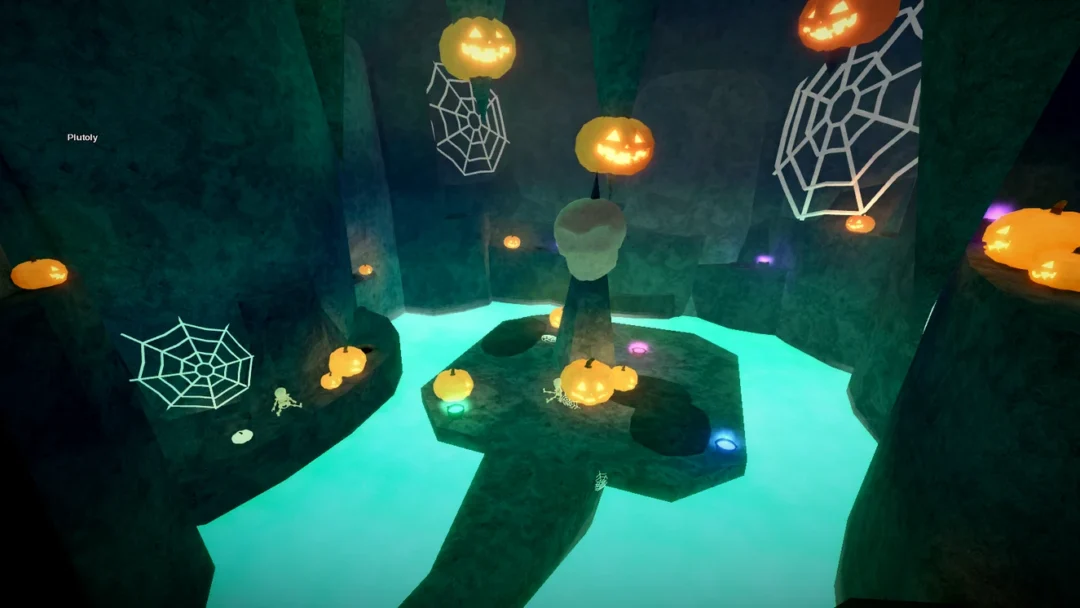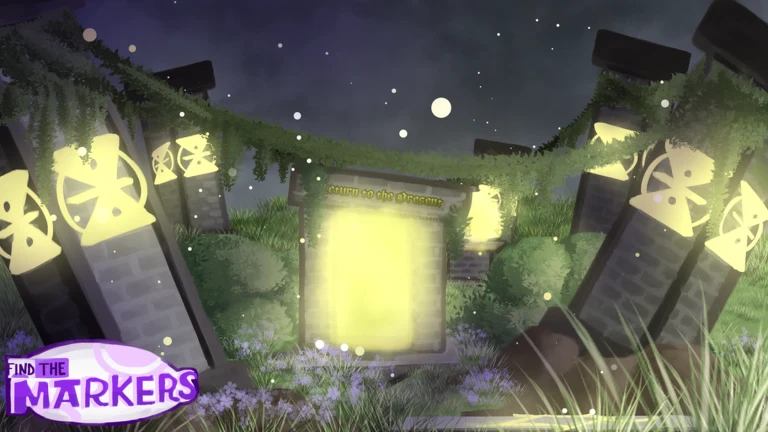
Folder Marker is a Medium marker hidden inside the Defrag Zone, one of the dream sub-areas reached through the Scented Reverie update in Find the Markers. It is not sitting out in the open. You have to travel through a dream, clear a void obstacle course, and then gather five folders scattered across a landscape of toy blocks and stone ruins before the marker will spawn.
Quick answer: Sleep in the Happy House bed to enter Scented Reverie, go through the red door, finish the void obby, drop through the portal into the Defrag Zone, then collect all 5 folders to make Folder Marker appear.
Folder Marker requirements in Find the Markers
Folder Marker is rated Medium difficulty and lives in the Defrag Zone, a dream biome within Scented Reverie. It was added to the game on July 18, 2025. The in-game clue for it is short and points straight at the task ahead.
Hint: Find all the files!
There is no key, gear, or morph to collect first. The whole challenge is reaching the Defrag Zone and then locating every folder in the area. Once the fifth one is picked up, the marker itself becomes touchable.
How to reach the Defrag Zone
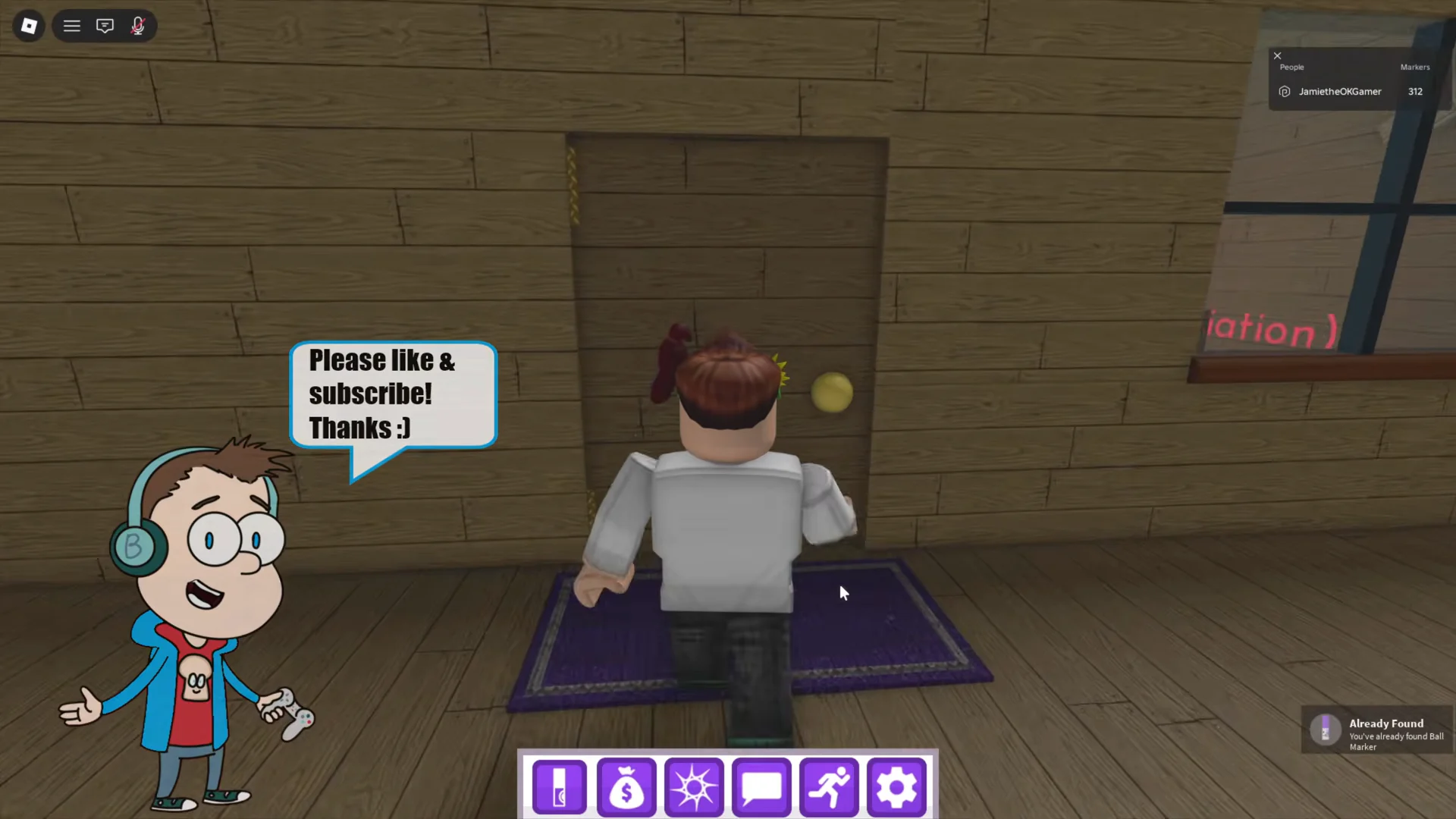
All five folder locations in the Defrag Zone
Five manila file folders float around the Defrag Zone, mostly on top of block towers and stone structures. Touch each one to add it to your count. The order does not matter, but you need every one before the marker will show up.
| Folder | Location |
|---|---|
| 1 | Atop the gray stone archway |
| 2 | On the summit of a tall tower built from colored blocks, beside a blue window frame |
| 3 | Reach the top of the yellow block by scaling the red and blue blocks |
| 4 | Atop the second stone archway |
| 5 | On the summit of the map’s tallest colored-block pile, at the map’s edge |
Several folders sit at the top of tall block stacks, so use the colored towers as staircases and check the peak of every arch and pillar before moving on. Missing a single folder is the most common reason the marker does not appear.
Claim Folder Marker and confirm the unlock
After the fifth folder is collected, Folder Marker spawns in the area with a white spotlight beam and a glowing aura around it, appearing on the central round stone dais. Walk onto it and touch it to collect the marker.
You will know it worked when a “YOU FOUND Folder Marker” banner pops up and a “Badge Awarded!” notice confirms the unlock. At that point the marker is added to your Markerdex, and its description, cap detail, and profile card become viewable in your index.