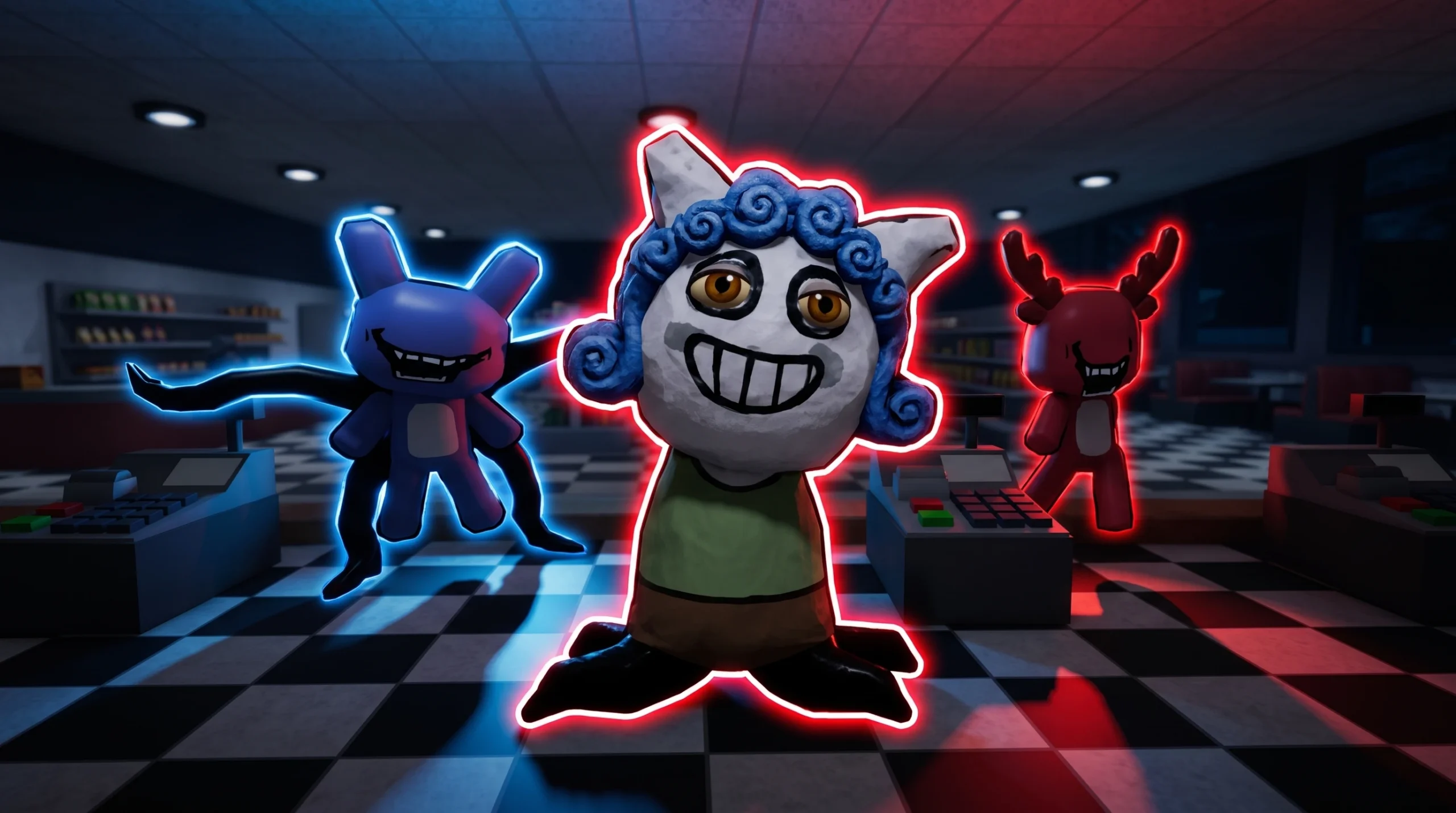
Every shift at Spuddy’s Family Diner comes down to one judgment call, repeated over and over. You serve customers, watch the room, and decide whether what you are seeing is normal or an anomaly. Miss one and you collect a bad review, which is the failure metric the developer literally spelled out in all caps: serve customers, detect anomalies, and DO NOT GET BAD REVIEWS. Reading anomalies correctly is the whole game.
Quick answer: Anomalies fall into four families — Face, Table Monster, Camera, and Path-Blocker. Scan the customer’s whole appearance, the table area, every camera feed, and the walkways each shift. When something is clearly wrong, respond to that specific family (feed the Table Monster, or hit a physical threat with a bat) instead of serving it like a normal customer.
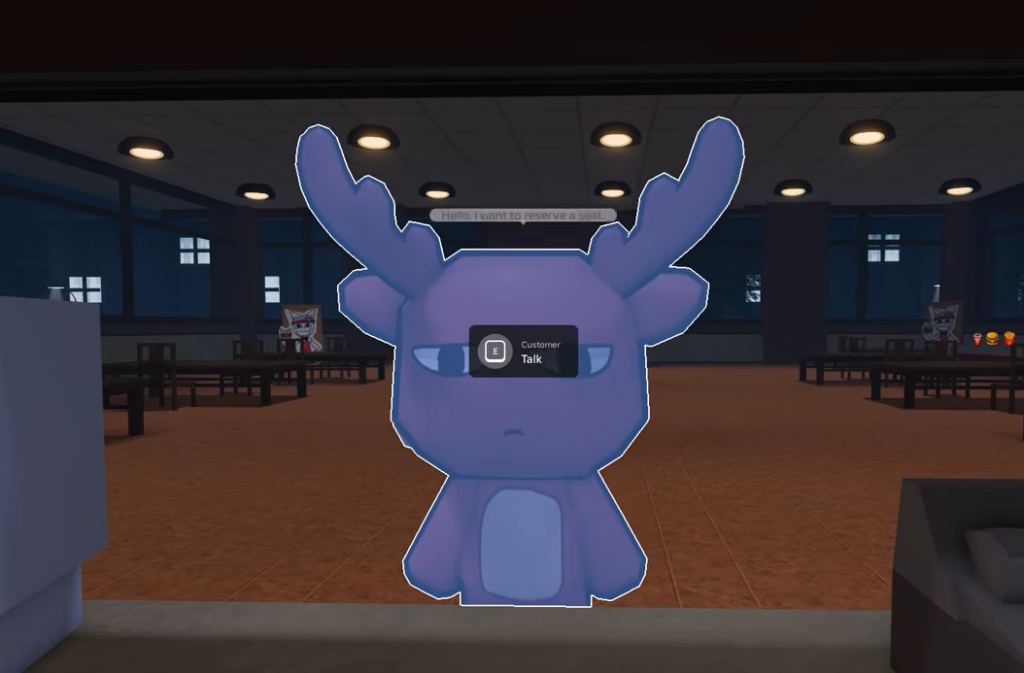
The four anomaly families in Spuddy’s (Anomaly)
Anomalies are grouped by where they show up, not by how dangerous they are. There is no power ranking and no fixed spawn order. Your job is to know which surfaces each family appears on so you check all of them before you act.
| Family | Where to look | What tips you off |
|---|---|---|
| Face | The customer standing in front of you | Something off about their appearance |
| Table Monster | The table area | A named table entity that needs feeding |
| Camera | The security camera feeds | Wrong or disturbed views on a monitor |
| Path-Blocker | Walkways and paths through the diner | Something obstructing your route |
Anomaly behavior changes between versions of the game. The families above are the stable structure to work from, but exact triggers for individual anomalies are not documented by the developer, so treat specific examples as things to inspect rather than fixed rules.
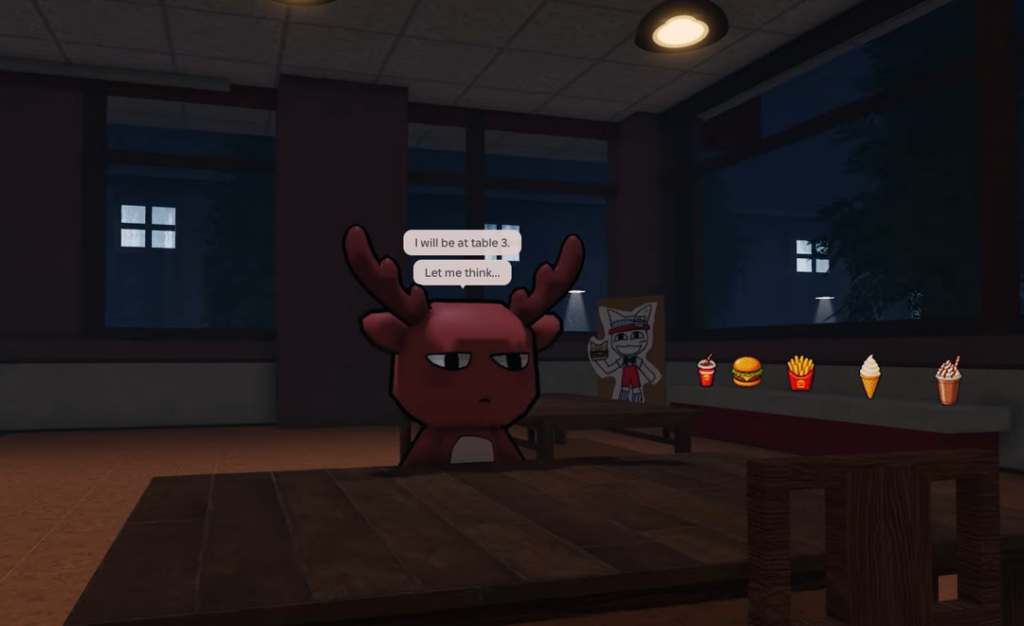
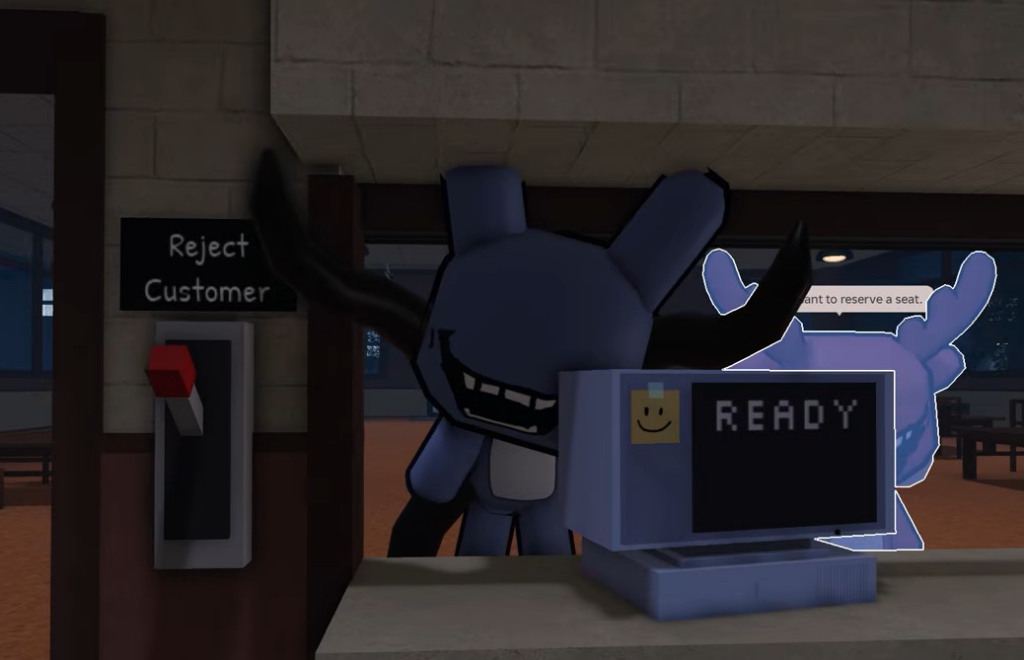
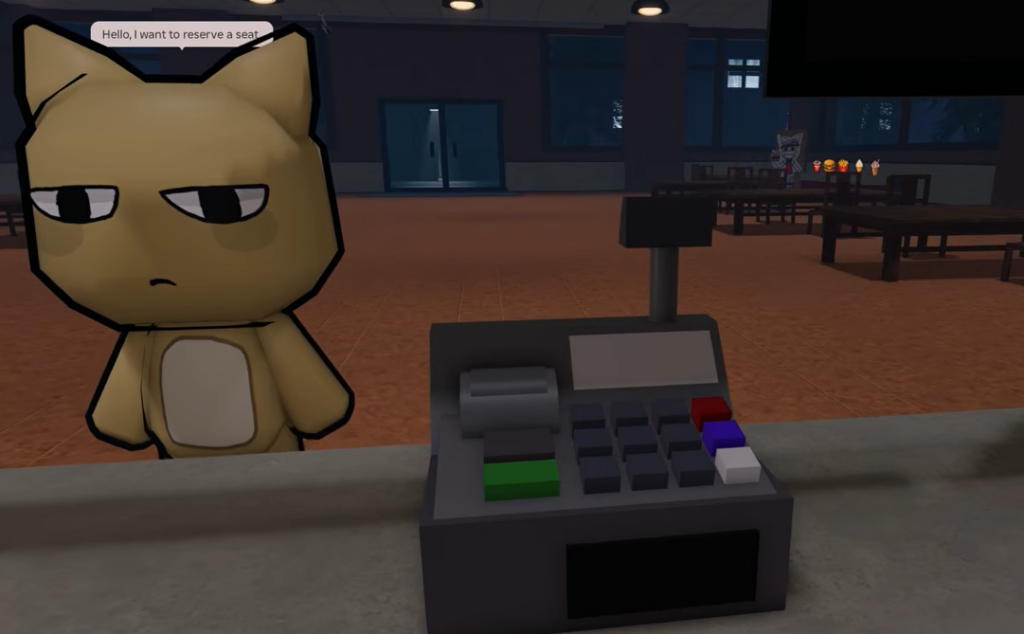
Face anomalies: read the whole customer
Face anomalies are the ones you meet at the counter, and they are the easiest to misjudge if you fixate on a single detail. The reliable habit is to compare the full customer against what a normal customer looks like, not just one feature in isolation. A face that seems slightly wrong might be fine, while a subtler mismatch across the whole model is the real tell.
Pause before you seat or serve anyone. If the appearance reads as normal top to bottom, treat them as a paying customer. If it does not, do not serve them like one.
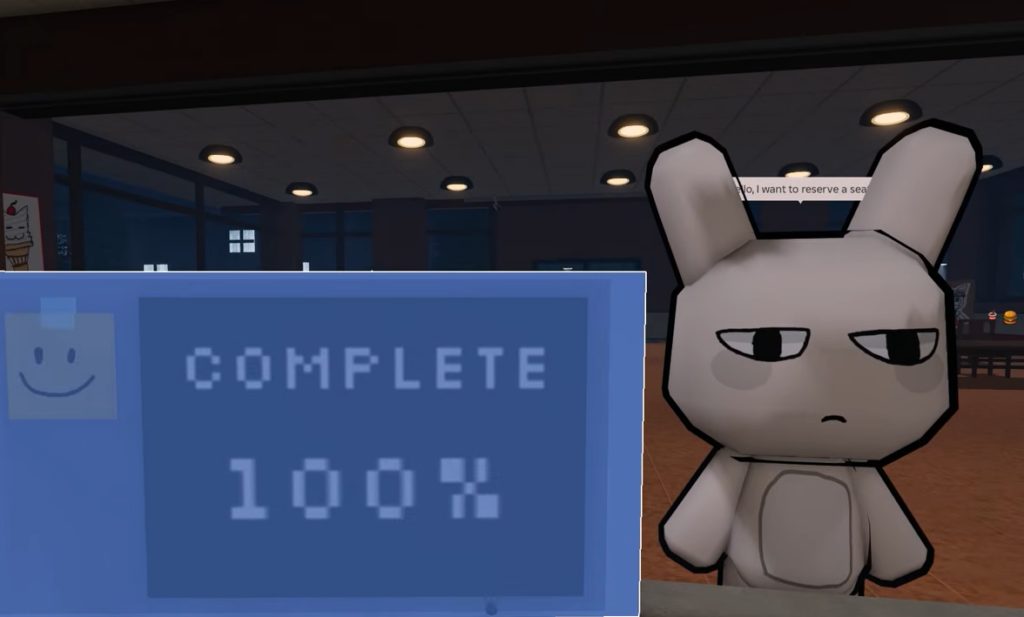
Table Monster: feed it, don’t serve it
The Table Monster is a confirmed entity tied to the table area, and it does not behave like a regular guest. Instead of taking an order, it uses a feed mechanic — the correct response is to feed it. The game rewards handling it properly with the Yummy badge, which is developer-authored proof that both the entity and the feeding interaction exist.
The key mistake to avoid is treating the table like a normal seating. Recognize the Table Monster for what it is, complete the feed, and move on rather than trying to process it as a standard customer.
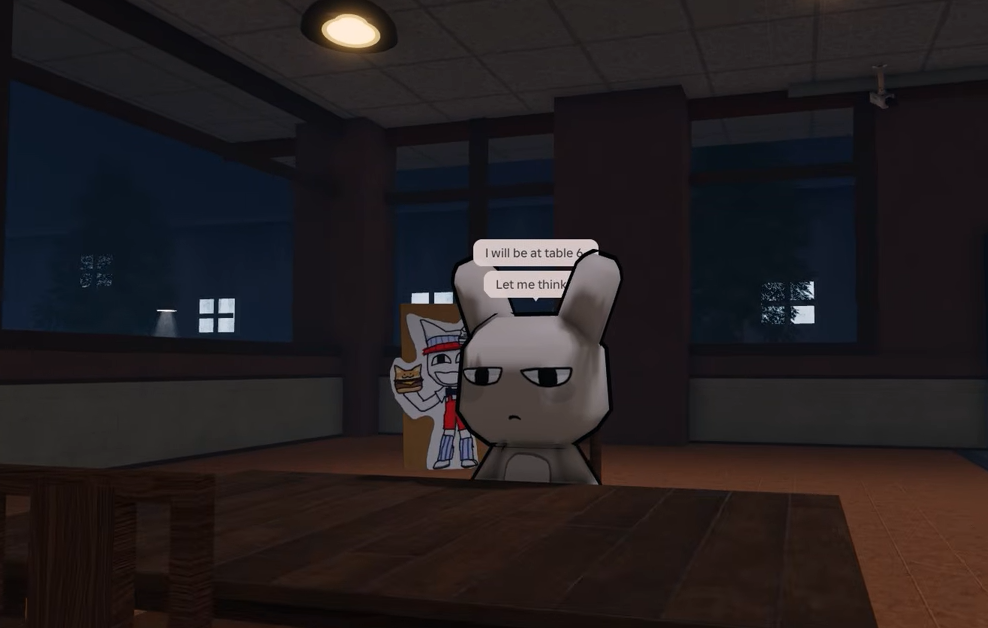
Camera anomalies: check every feed
Camera anomalies live on the security monitors rather than in the dining room. There are several distinct camera examples, so a single glance at one feed is not enough. Cycle through the views and treat each screen as its own inspection point. A feed that looks disturbed, altered, or simply wrong is your signal that a camera-family anomaly is active.
Because these are spread across multiple feeds, build a habit of scanning all of them during a lull in service instead of only reacting when something obvious appears.
Path-Blocker anomalies: watch your routes
Path-Blocker anomalies appear along the walkways you use to move around the diner. Rather than a face or a feed, these interfere with your route between the counter, the tables, and the kitchen. Notice anything obstructing a path you would normally walk, and handle it before it costs you service time and, in turn, a review.
Tools that help you deal with anomalies
Some anomalies need to be hit, and certain Classes exist specifically for that. A bat is the intended answer for physical threats, and two Classes come equipped for it. Both also let you gain Energy from hitting anomalies, which keeps a shift sustainable.
| Class | Cost | Anomaly tool |
|---|---|---|
| Senior Employee | 500 Gems | Strong bat (3–5 uses, +1 charge per shift at level 3) |
| Elite Batter | 159 Robux | Elite Bat (30 uses, +1 charge per shift at level 3) |
Gems are earned by serving normal customers and completing shifts, so investing in a bat Class pays off once you are confident spotting the families above. You can open the diner directly on its official Roblox page to check the current shop and your progress.
How to know you identified an anomaly correctly
The feedback loop is your review score. Handle an anomaly the right way — feed the Table Monster, hit what needs hitting, refuse to serve a wrong customer — and the shift stays clean. Miss one or misread a normal customer as an anomaly and you take a bad review, the game’s built-in failure signal.
Shifts run on a milestone ladder up to Shift 50, confirmed by the badge list, so a clean run is one where you keep advancing without your reviews tanking. If you are collecting reviews, the usual cause is single-clue certainty: acting on one detail instead of scanning the customer, the table, all the camera feeds, and the walkways before you decide.
Work the four families as a routine every shift and identification becomes muscle memory. Scan wide, confirm the family, respond to that family, and the reviews take care of themselves.