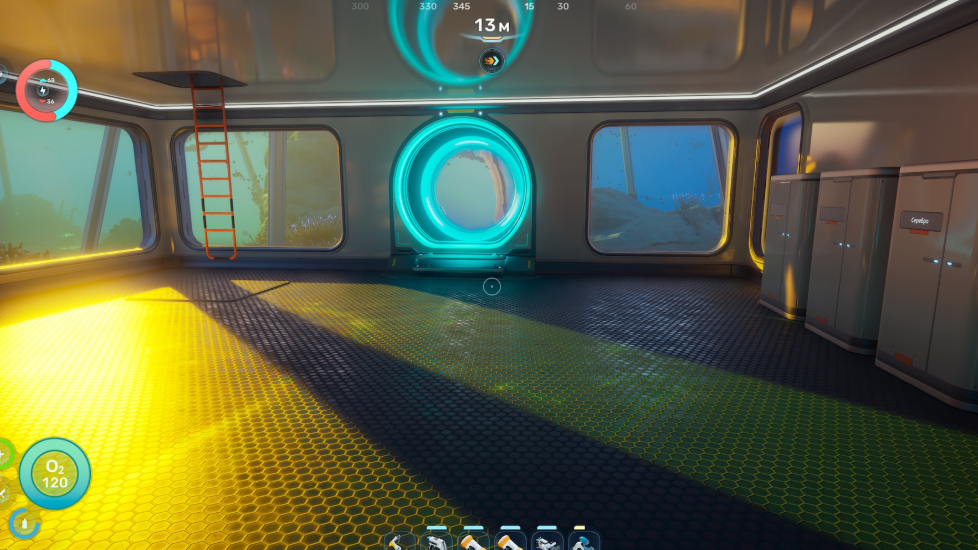
The Tadpole Dock is the structure that locks your Tadpole submersible in place, recharges its power cell, and lets you swap chassis or modules. Placing it correctly trips up a lot of new colonists in Subnautica 2 because the dock extends well below the Moonpool, and a standard base room rarely gives you enough vertical room on the first try.
Requirements before placing the Tadpole Dock
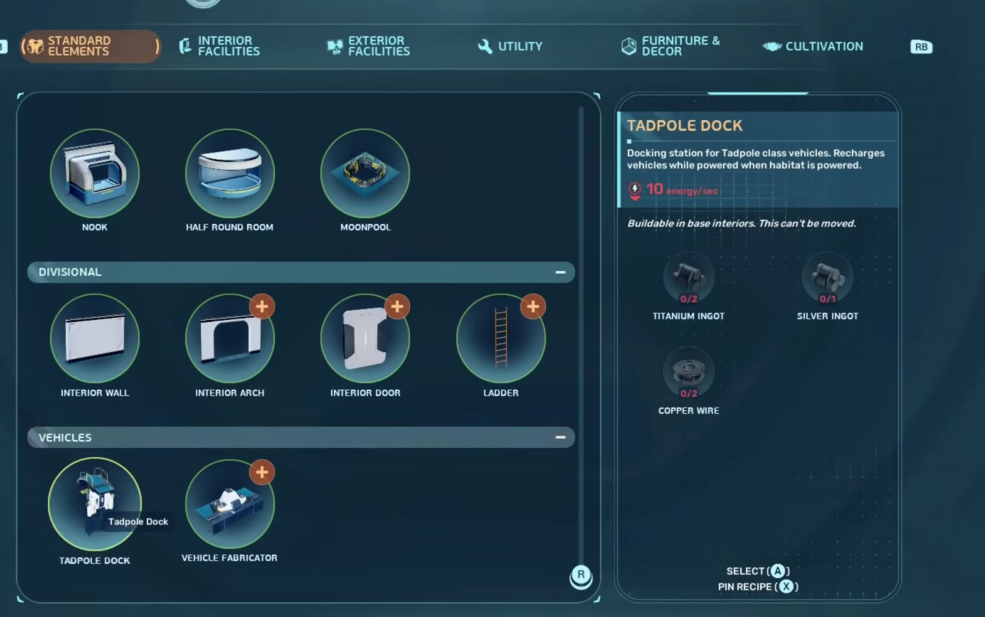
You cannot drop the dock anywhere in the world. It is a Moonpool attachment, which means the Moonpool has to exist first, and the Moonpool itself has to sit inside a base room with enough internal space. The blueprint for the Tadpole and its supporting fixtures unlocks after scanning at least three Tadpole Fragments scattered around Proteus.
| Fixture | Materials | Where it goes |
|---|---|---|
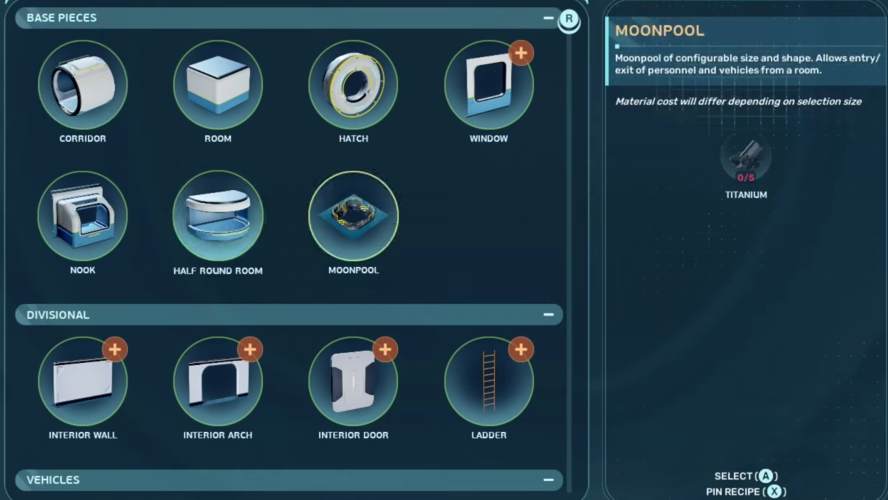
| Moonpool | 5x Titanium | Floor of a large base room |
| Tadpole Dock | 2x Titanium Ingot, 1x Silver Ingot, 2x Copper Wire | Attached to the Moonpool |
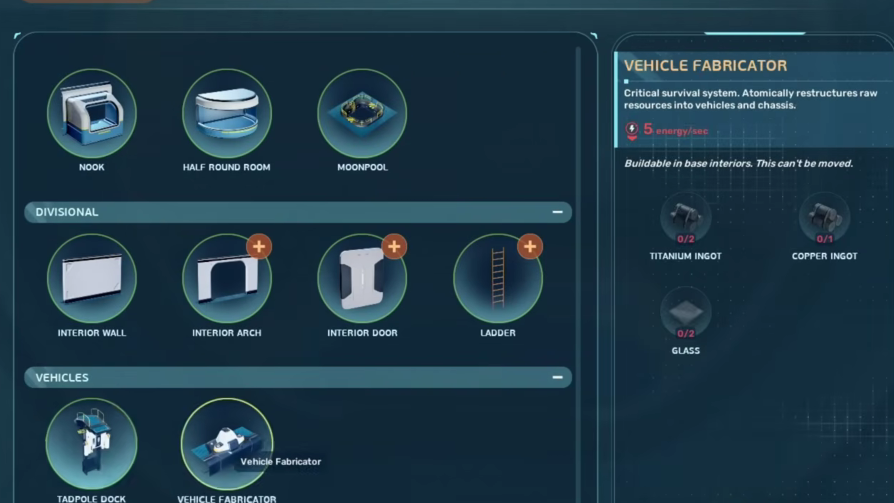
| Vehicle Fabricator | 2x Titanium Ingot, 1x Copper Ingot, 2x Glass | Attached to the edge of the Moonpool |
| Tadpole (core vehicle) | 2x Titanium Ingot, 1x Glass, 1x System Chip, 1x Power Cell | Built at the Vehicle Fabricator |
You will also want a Habitat Builder on hand, since every part of this setup is placed through it.
Pick a build site with vertical clearance
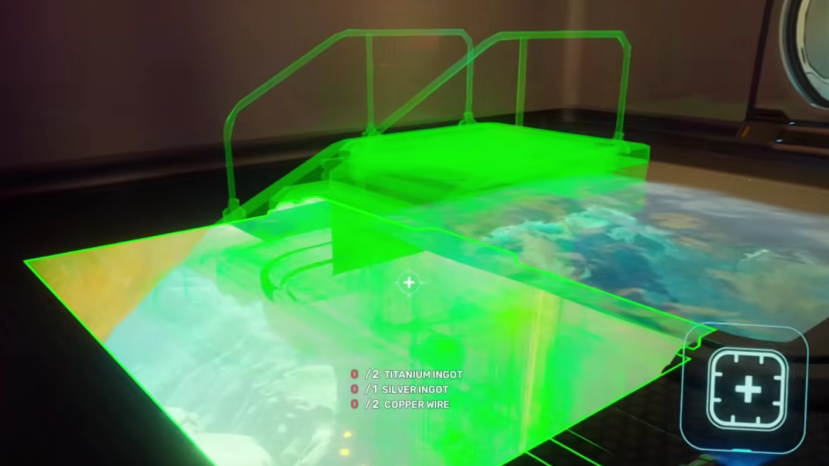
The Tadpole Dock drops a long mechanical arm below the Moonpool. If you try to attach it over a shallow seabed, hard rock, or another piece of your base, the placement preview will turn red and refuse to lock in. Before committing to a location, swim down beneath your planned room and check that there are several meters of open water directly below the floor.
A small ridge or a flat sandy patch over a drop-off works well. Building right on the seafloor of the shallows usually does not, because the dock will clip into the terrain.
Placing the Moonpool and Tadpole Dock
Why placement fails
Red preview placements almost always come down to one of these issues:
- The Moonpool is too close to a wall or another structure, leaving no room for the dock to attach.
- The seabed below the Moonpool is too shallow, and the dock arm intersects terrain.
- Another base module (foundation, room, corridor) sits directly underneath, blocking the dock’s vertical footprint.
- Tadpole Dock blueprint has not been unlocked yet, so it does not appear in the Habitat Builder menu.
If the preview is green but the dock still seems wrong, undo and reposition the Moonpool toward the center of the room before retrying.
Confirming the dock works
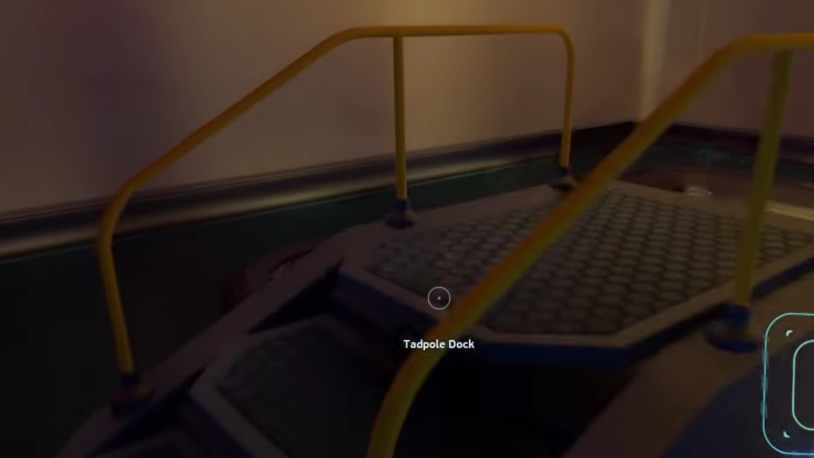
You will know the Tadpole Dock is correctly placed when you can build a Tadpole at the Vehicle Fabricator and the vehicle settles into the dock with its power cell slot accessible from the top. Parking the Tadpole there will recharge it over time, and you can also pull the power cell out manually to swap in a fresh one.
The dock is also where you change chassis. Once you unlock the Scout Ray hydrofoil or the Haul Rig, undocking and redocking the Tadpole at this structure lets you swap configurations without rebuilding the vehicle.
Layout tip for a clean base
Because the Moonpool needs walking space around it for the Vehicle Fabricator and any future expansion, the most reliable layout is a doubled-up large room placed over a small underwater cliff. The cliff gives the dock arm room to hang freely, the doubled footprint gives you a wider interior, and you keep enough wall surface for hatches, lockers, and a Modification Station for upgrade modules later on.
Get the Moonpool, dock, and fabricator positioned correctly the first time and the rest of your Tadpole loadout, from the Depth Module to the Cavitation Muffler, slots in without ever needing to tear the room down.