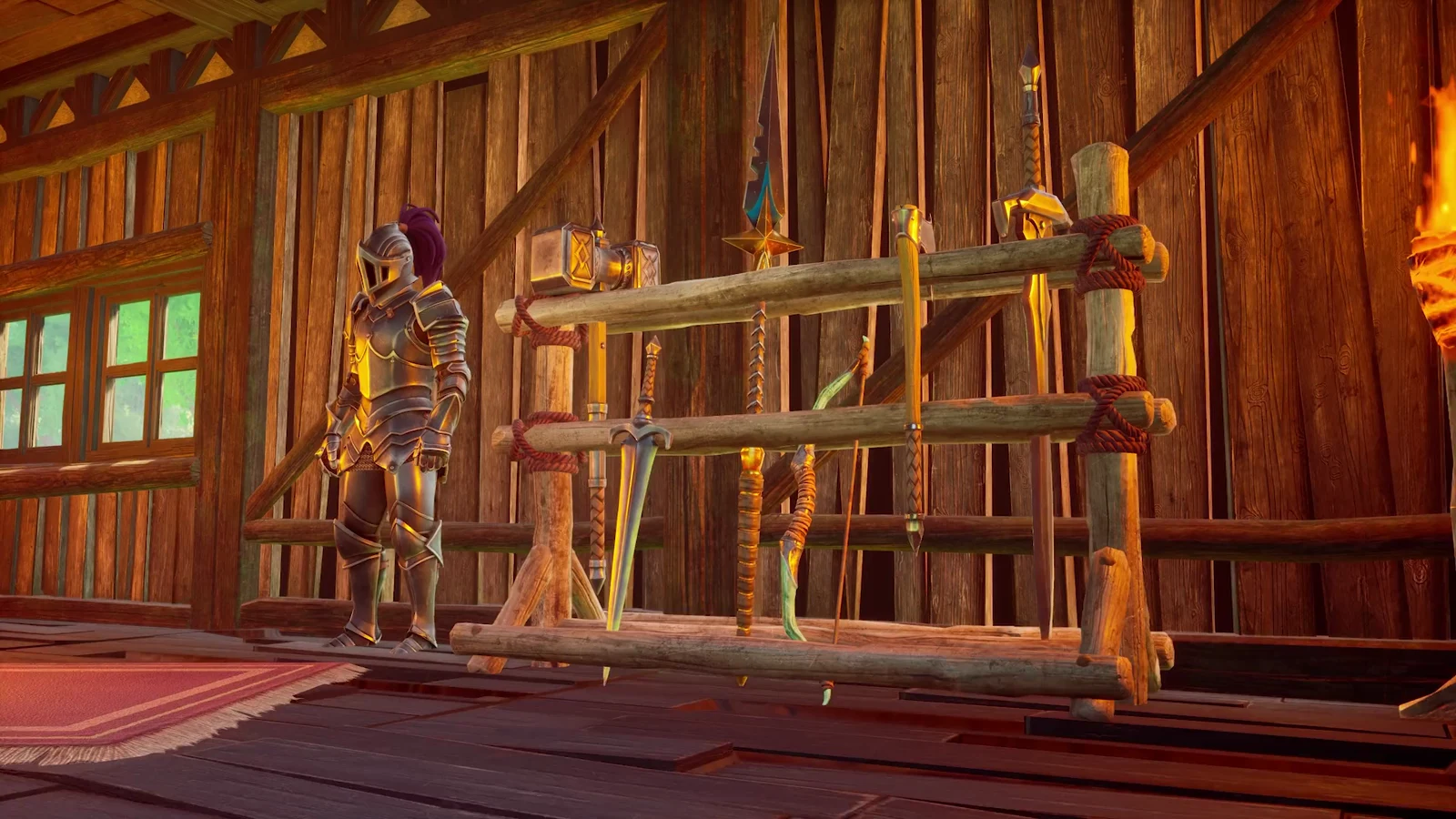
Everything you swing, fire, or dig with in RuneScape: Dragonwilds wears down. Tools chip, weapons dull, and gear eventually stops being usable until you fix it. Jewellery is sneakier: equipped amulets and rings lose durability passively over time, so they drain even when you are not fighting anything.
Quick answer: Repair gear at a crafting bench by opening its Repair tab and paying a fraction of the item’s original materials, or cast Magical Mending on dropped items for field repairs.
Which bench repairs which equipment
Benches do not all cover the same gear. A damaged staff will not show up at the Blacksmith’s Bench, and a worn amulet will not appear at the Crafting Table. If an item is missing from a Repair tab, you are almost always standing at the wrong station.
| Station | What it handles | Example repair |
|---|---|---|
| Crafting Table | Everyday tools, weapons, torches | Ash Shortbow, Stone Pickaxe |
| Blacksmith’s Bench | Metal tools and equipment | Bronze Spade |
| Mystic Forge | Magic weapons | Staff of Light (Blightwood) |
| Jeweller’s Bench | Amulets and rings | Inspiring Amulet of Attack (Vault Shard) |
The cost is always a slice of what the item was made from in the first place. A Stone Axe wants Ash Wood back, an Ash Shortbow wants Ash Logs, and a Staff of Light asks for Blightwood. Higher-tier jewellery pulls from rarer stock, which is why the Inspiring Amulet of Attack needs a Vault Shard rather than a pile of common wood.
Keep a crate of Ash Logs and Stone next to your main bench. Most early repairs are paid for out of exactly those two piles.
Repair weapons, tools and jewellery at a bench
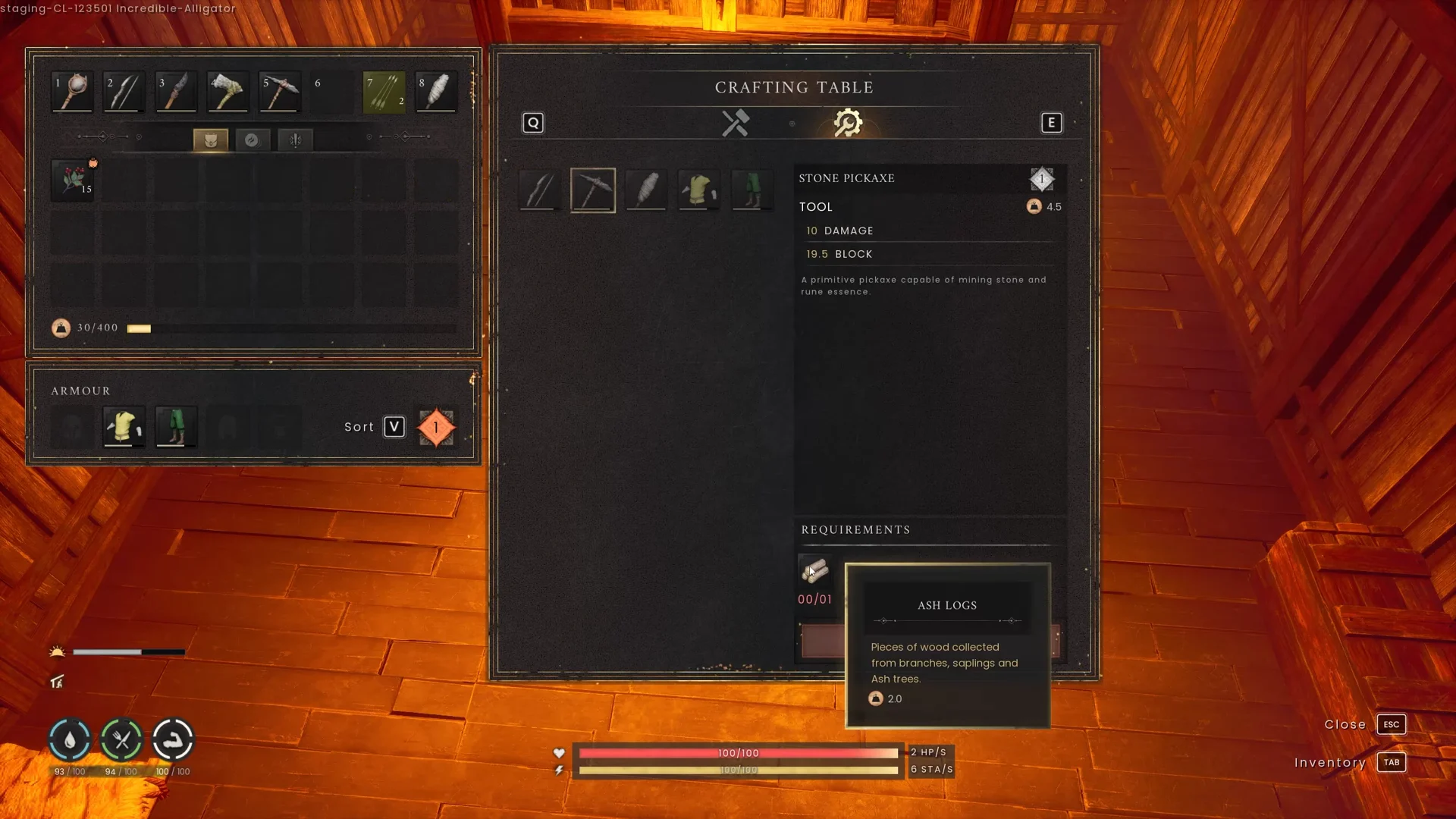
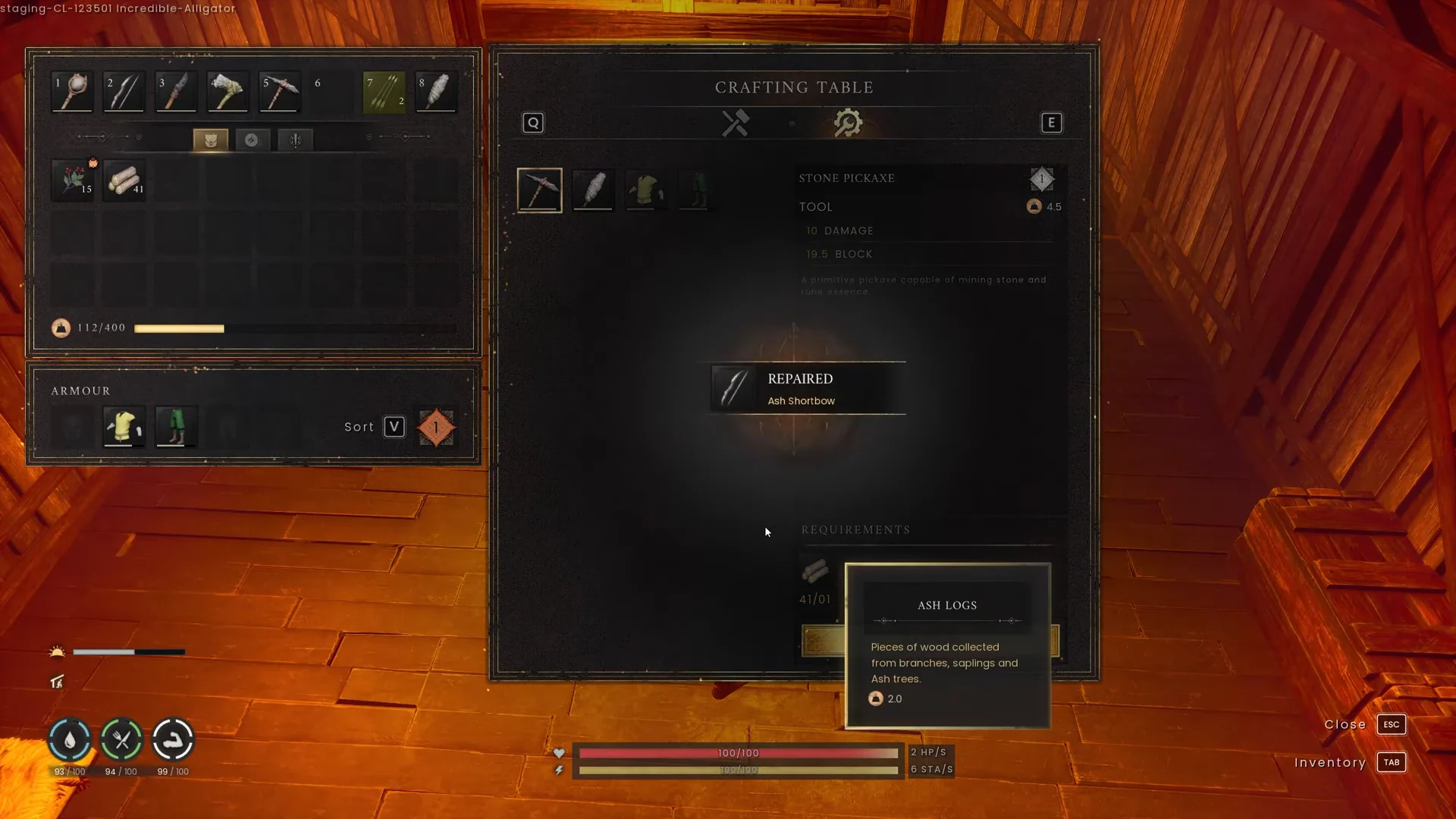
For jewellery, open the Jeweller’s Bench and look at what you currently have equipped. Because rings and amulets tick down on their own, they often need attention on a schedule rather than after a fight.
Magical Mending: repairing gear away from base
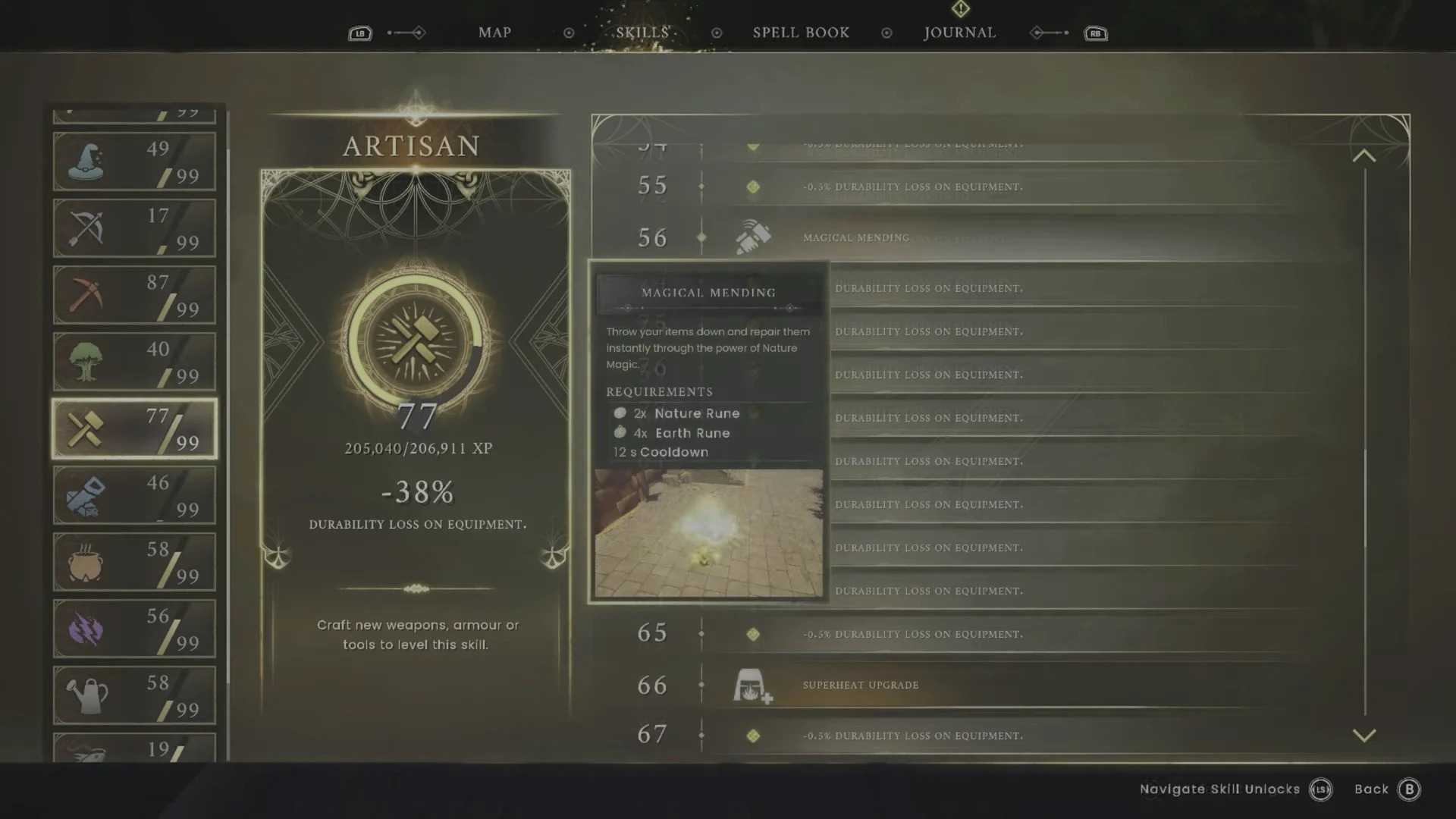
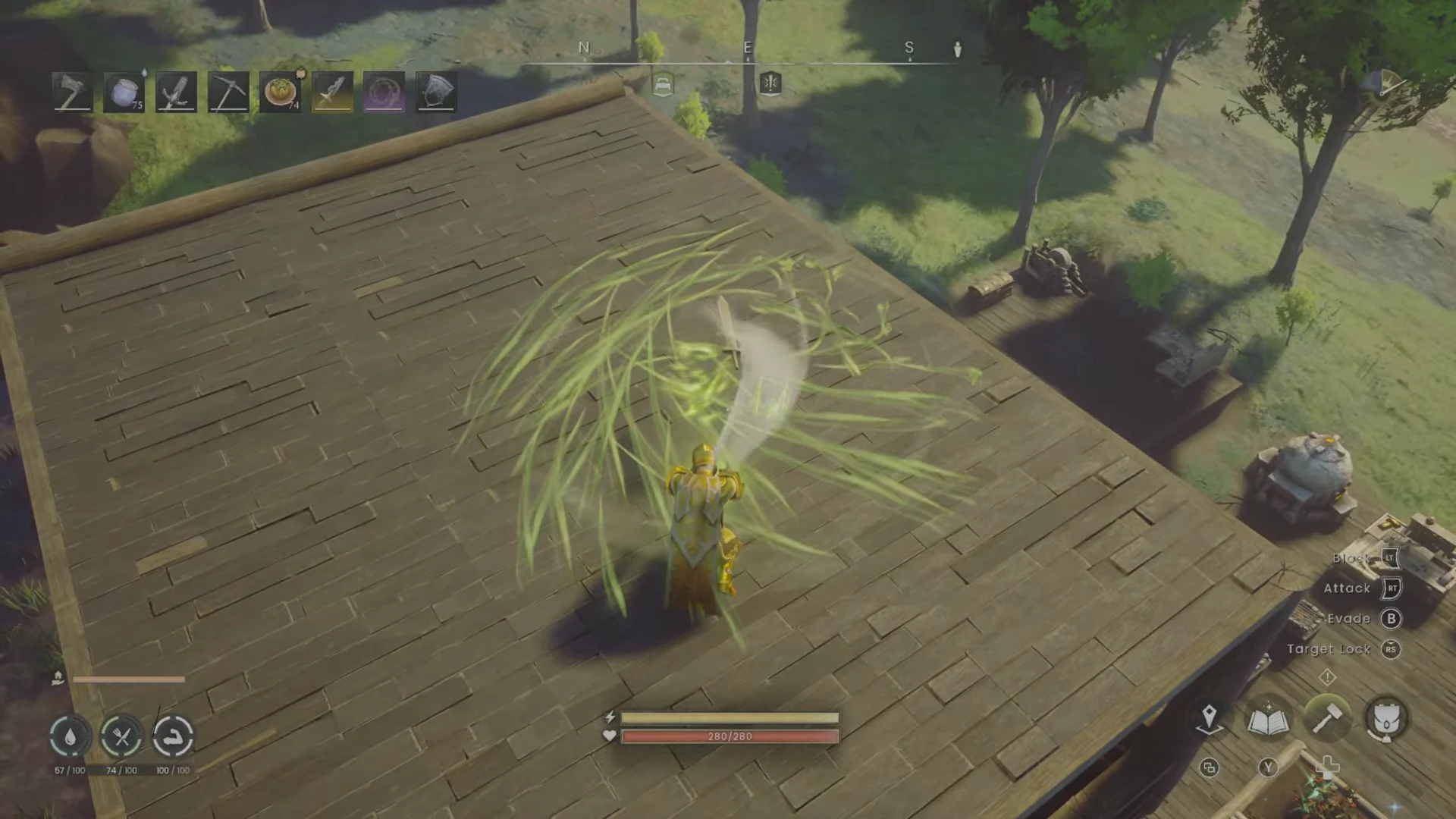
Magical Mending is the Artisan spell that fixes equipment without a bench, and it is the only realistic option when your pickaxe dies deep in a cave. It sits in the Artisan skill tree and lists Nature Runes and Earth Runes as its casting cost. In the current build the tree shows the spell at Artisan level 56; earlier versions of the game placed it at level 27, so check your own skill tree rather than assuming.
What you need before casting
- The Magical Mending unlock from the Artisan skill tree.
- Nature Runes and Earth Runes in your inventory — spells here consume runes, not mana. A listed cost for the spell is 10 Nature Runes and 20 Earth Runes.
- Runes are made from Rune Essence mined in the world and processed at a Rune Altar, so stock up before you head out.
- Enough open ground to drop the items you want fixed.
Casting Magical Mending
How to confirm the repair worked
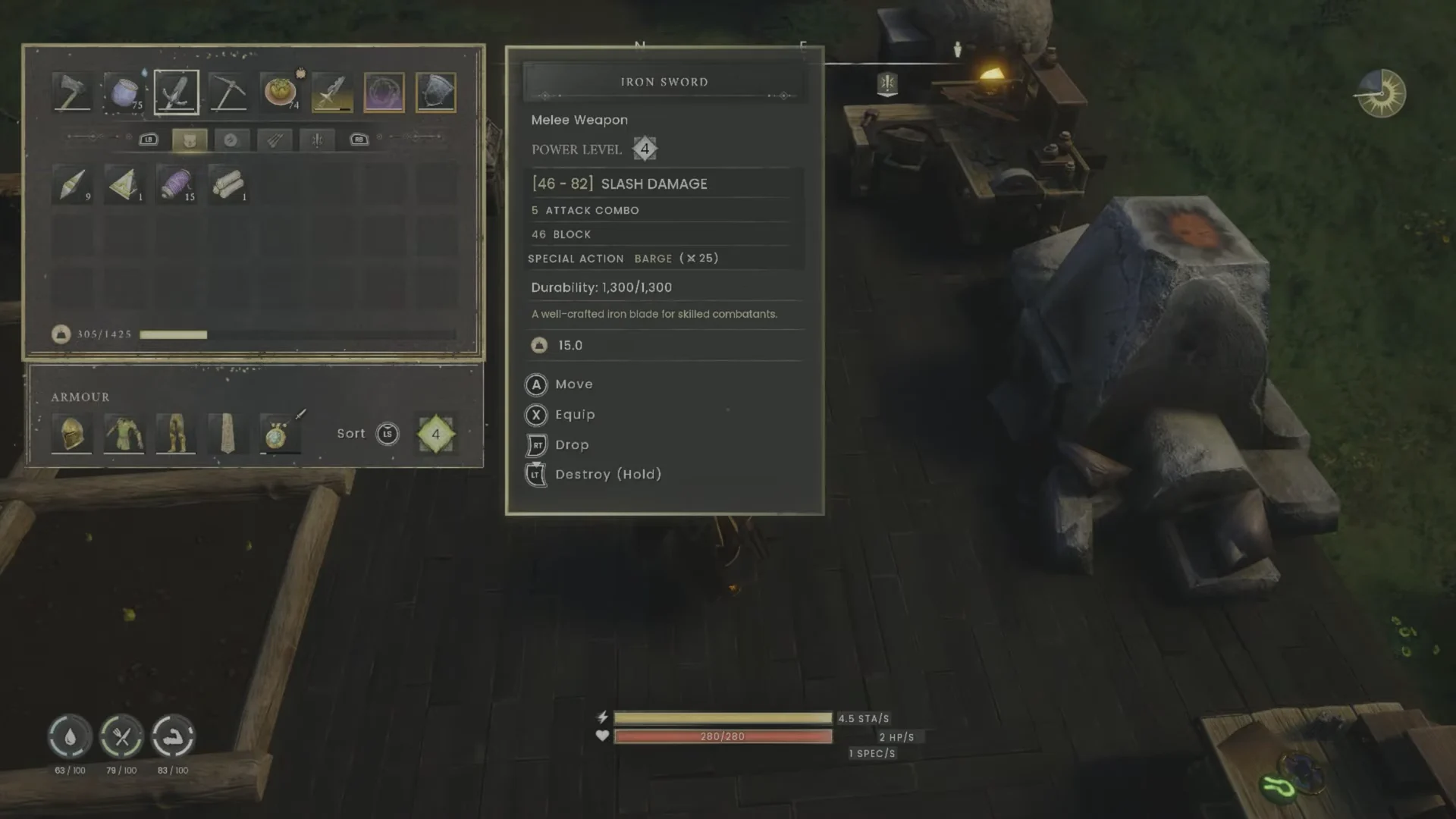
Open your inventory and hover the item. A successful repair reads as a full durability value on the tooltip, such as an Iron Sword sitting at 1,300/1,300, and the materials you paid will be gone from your stacks. If the number has not moved, the repair did not go through and the item is still on the Repair tab.
Repairing base structures is a separate system
Walls, floors and roofs do not appear in any bench menu. Press B to enter Build Mode, then T to switch into Repair Mode, and left-click each damaged piece to restore it as long as you are holding the materials. The same mode finishes off unbuilt blueprints laid out in Ghost Mode, and removing a piece through it returns the resources you spent.
If you are remodelling, put replacement supports in place before pulling out the old ones, and check what is sitting above anything you plan to remove.
The habit that keeps all of this painless is storing spare materials at home. A reserve of Ash Logs and Stone covers basic tools, a pouch of Nature and Earth Runes covers emergencies in the field, and rarer stock like Blightwood and Vault Shards keeps your late-game staff and jewellery from sitting broken while you go hunting for one missing ingredient.