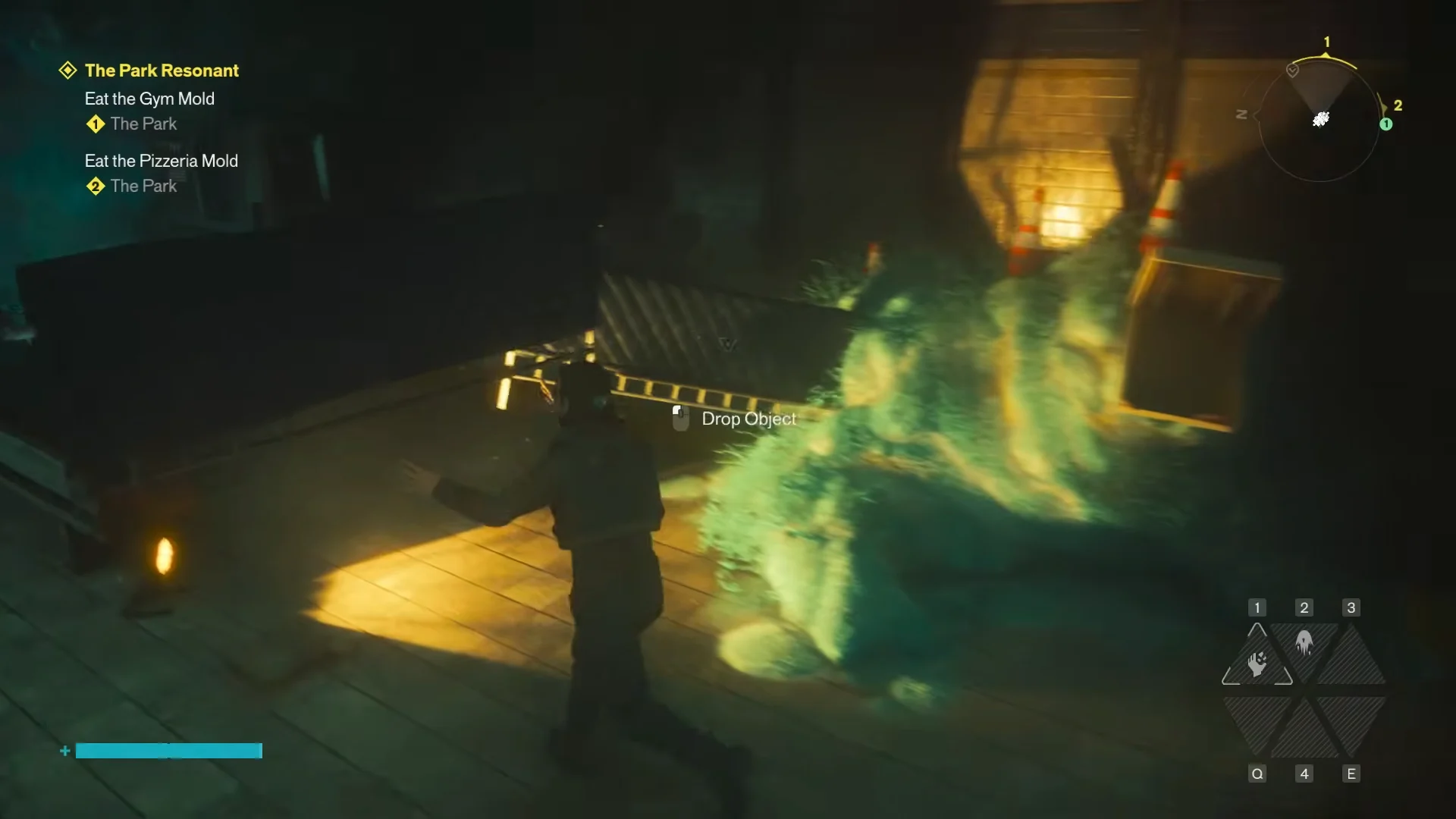
Down in the Park Valley Station subway, a large green mound of mold sits shaped like a creature’s body. This is a hidden puzzle in CONTROL Resonant, and solving it means finishing the dragon’s anatomy with debris scattered around the station. Get every piece in place and Dylan will sketch the finished sculpture, handing you a collectible and a stat point.
Quick answer: In the subway near Park Valley Station, add two metal fence grates as wings and line four traffic cones along the spine, then press the Draw prompt once Dylan says “Perfect.”
Where to find the mold dragon in The Park
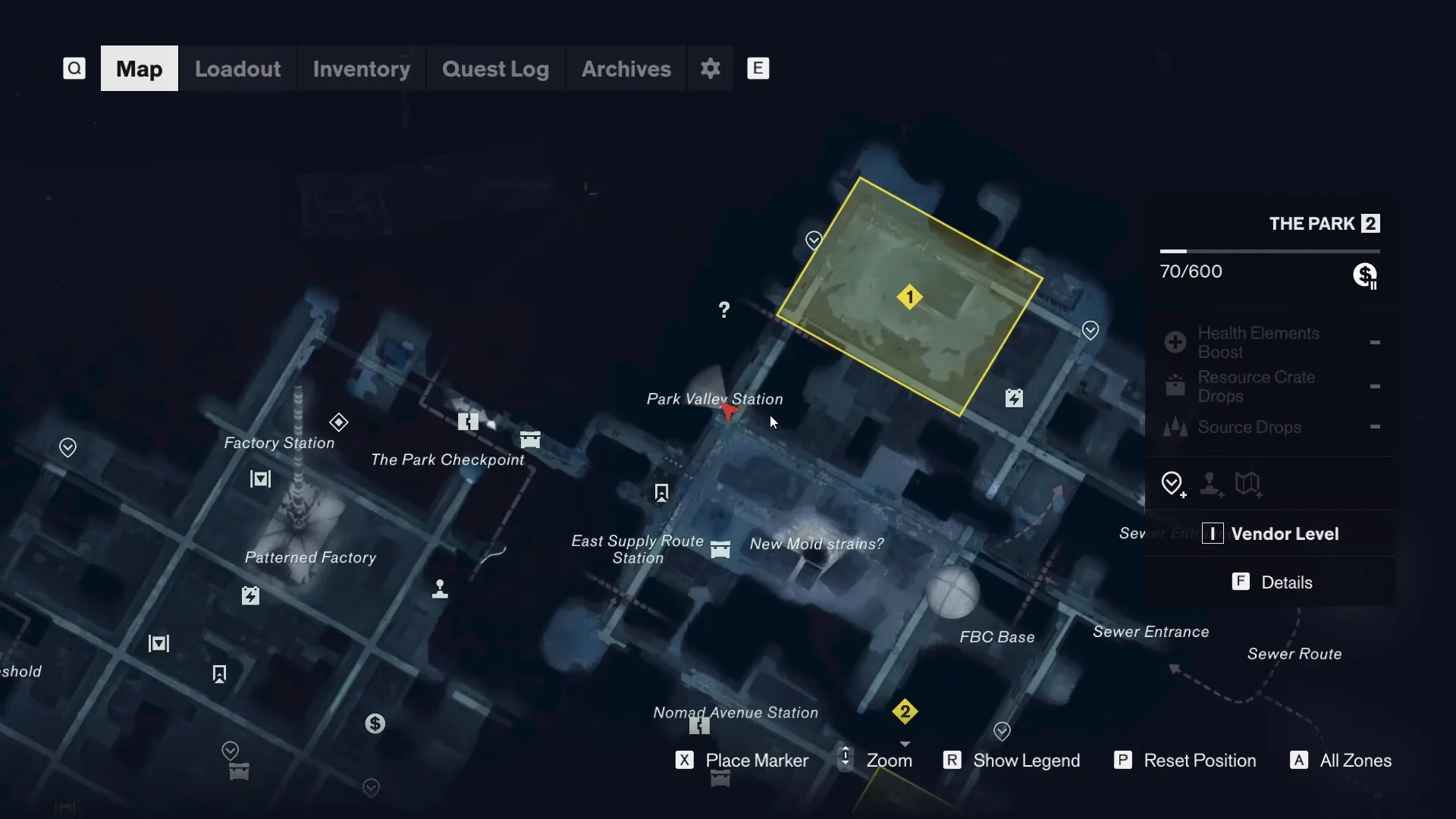
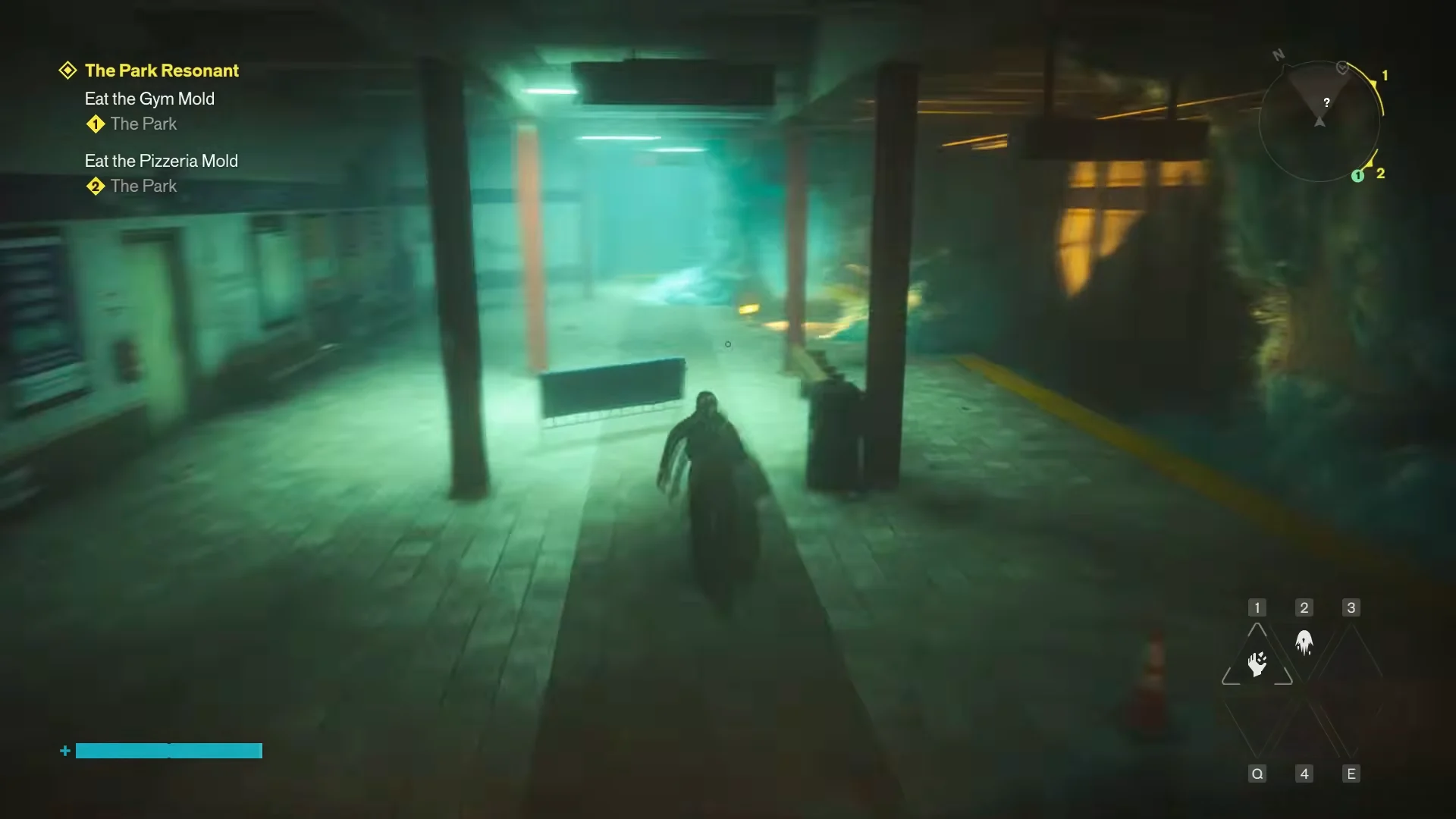
The puzzle sits inside the underground subway concourse in the region labeled The Park 2. On the map it appears as a yellow highlighted Secret area, northeast of Park Valley Station and East Supply Route Station. The marker reads “SECRET Visit this location to reveal a secret.”
From the street, cross the mold-covered ground and take the stairs down into the lit subway entrance. Walk along the concourse until you reach the tall green mold formation. Interacting with it triggers the Dragon prompt, and Dylan notes that it looks like a dragon from Severed Circle 2 but is missing its wings.
Parts you need to complete the dragon
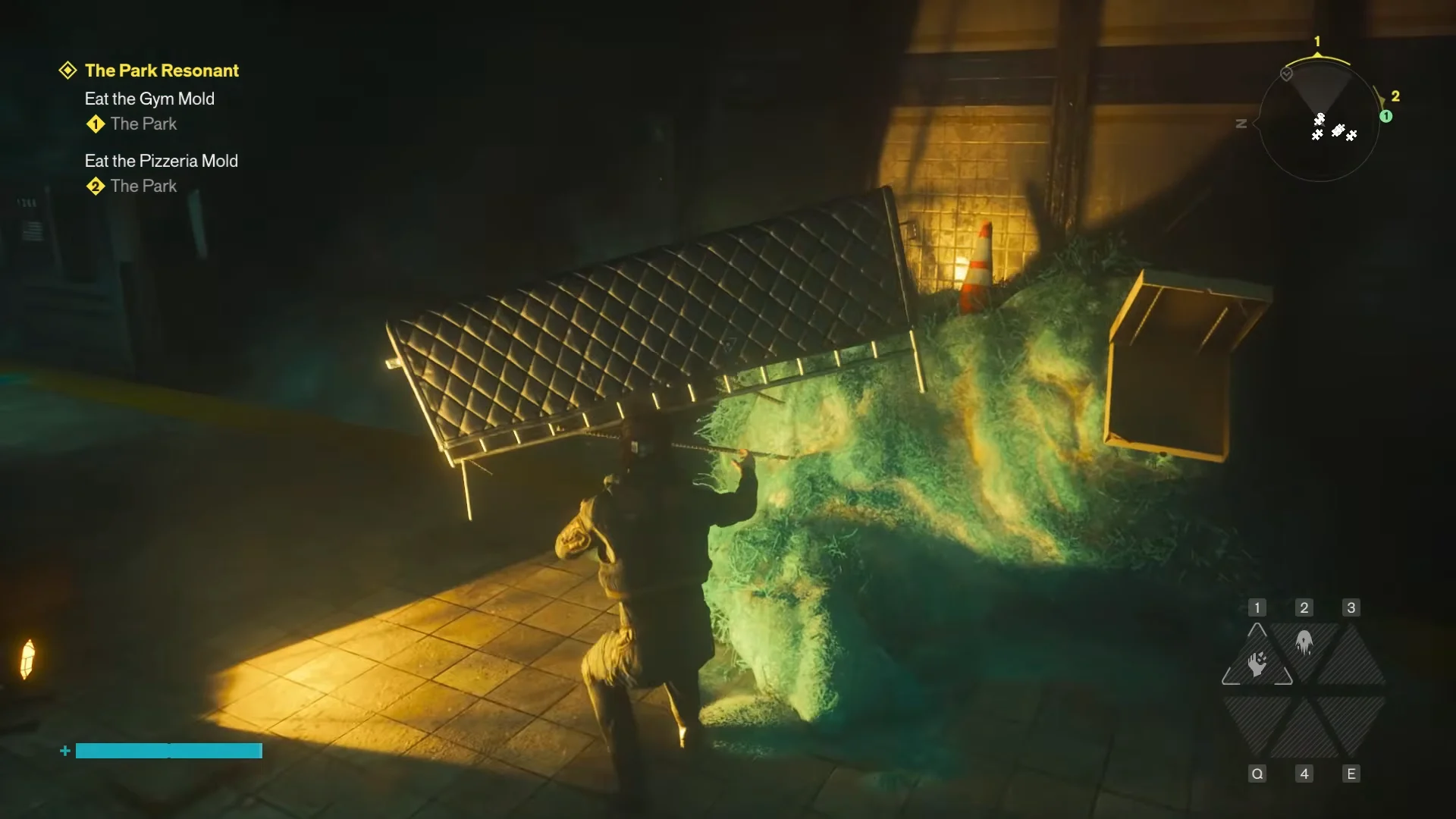
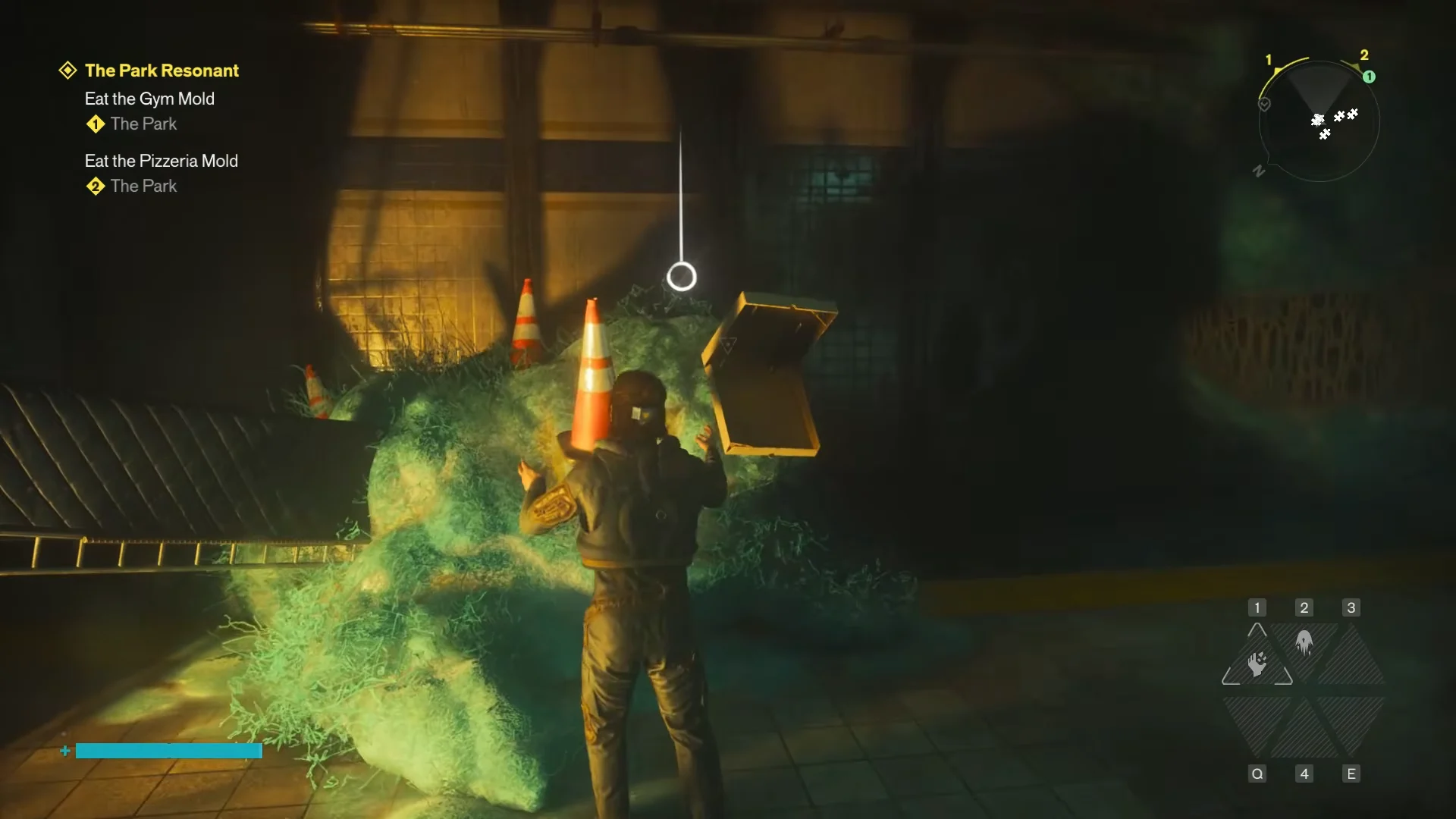
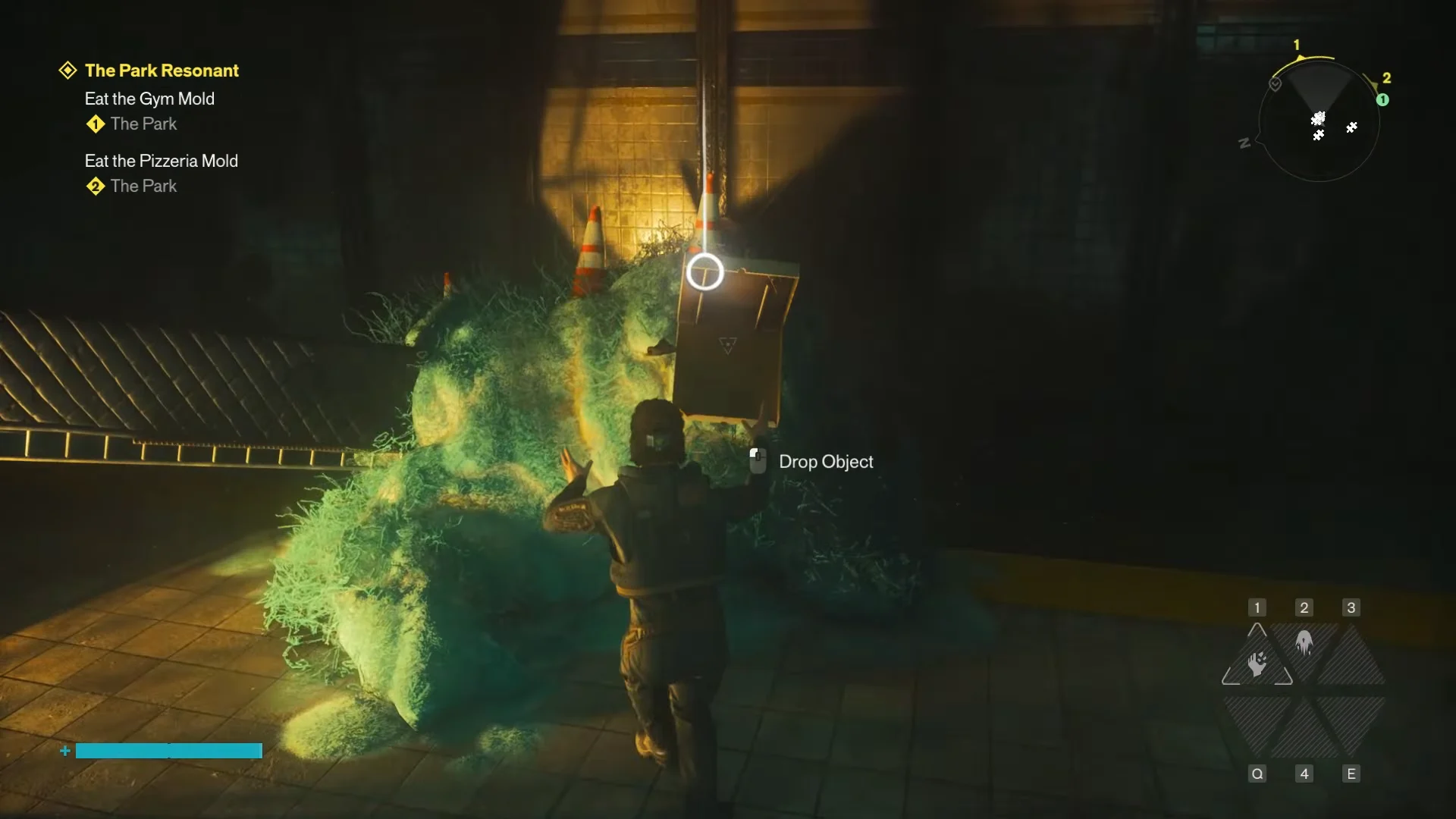
Everything you need is lying around the station and the tunnel below it. You can carry pieces by hand or pull them in with telekinesis, then drop them onto the mold.
| Part | Count | Where it goes |
|---|---|---|
| Metal fence grate | 2 | Left and right flanks as wings |
| Orange traffic cone | 4 | Lined evenly along the spine |
| Yellow chevron sign | 1 | Front near the jaw/snout |
One of the fence grates is not on the concourse. You need to drop into the ruined subway tunnel to grab the second one before the wings can both be placed.
How to assemble the mold dragon
Sketch the dragon and claim the reward
Once Dylan says “Perfect,” face the finished sculpture and press the Draw interaction. On PC this is the [ALT] key, and on controller the prompt shows as R3. A short cutscene plays in which Dylan sits and sketches the mold dragon into his pad.
You will know it worked when the notification +1 Undefined Reading appears alongside the collectible The Dragon and The Knight Sketch. Open the Archives menu to find the entry filed under Zoe’s Mixtape / Collectibles, where the note on the back reads, “A knight talking to a mighty dragon.” That confirmation is your sign the secret is complete, and you can head back to the surface.