

Meta AI is an artificial intelligence assistant integrated into Facebook, Instagram, and WhatsApp. Designed to enhance user experience, it can sometimes feel intrusive or unnecessary. If you’re looking to disable or limit Meta AI on these platforms, this guide provides detailed steps to help you regain control over your social media interactions.
Understanding Meta AI and Why You Might Want to Turn It Off
Meta AI offers features like chat assistance, image generation, and comment summaries across Meta’s platforms. While these tools aim to provide helpful suggestions and streamline your experience, they may not be for everyone. Privacy concerns, preference for traditional interfaces, or simply finding the AI features distracting are common reasons users seek to disable Meta AI.
Disabling Meta AI on Facebook
Although Meta does not provide a direct option to turn off Meta AI entirely, you can limit its presence by muting it and disabling specific features like comment summaries. Here’s how you can do it:
Messenger icon at the top of the screen. This should open the Messenger app if it is installed on your device. Alternatively, you can directly open the Messenger app itself.
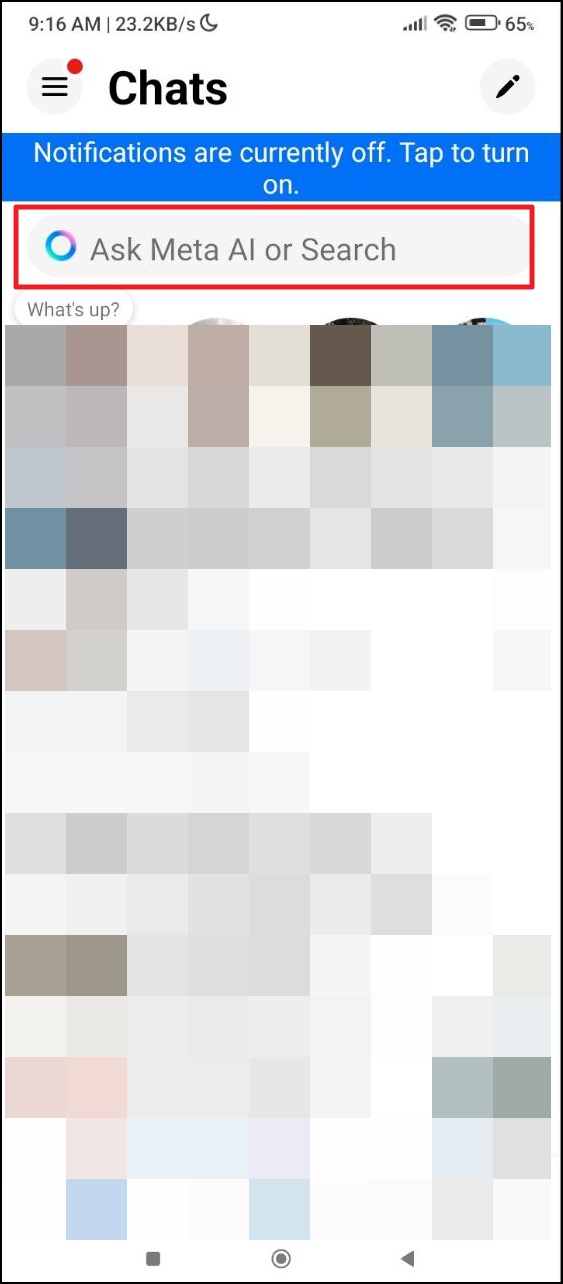
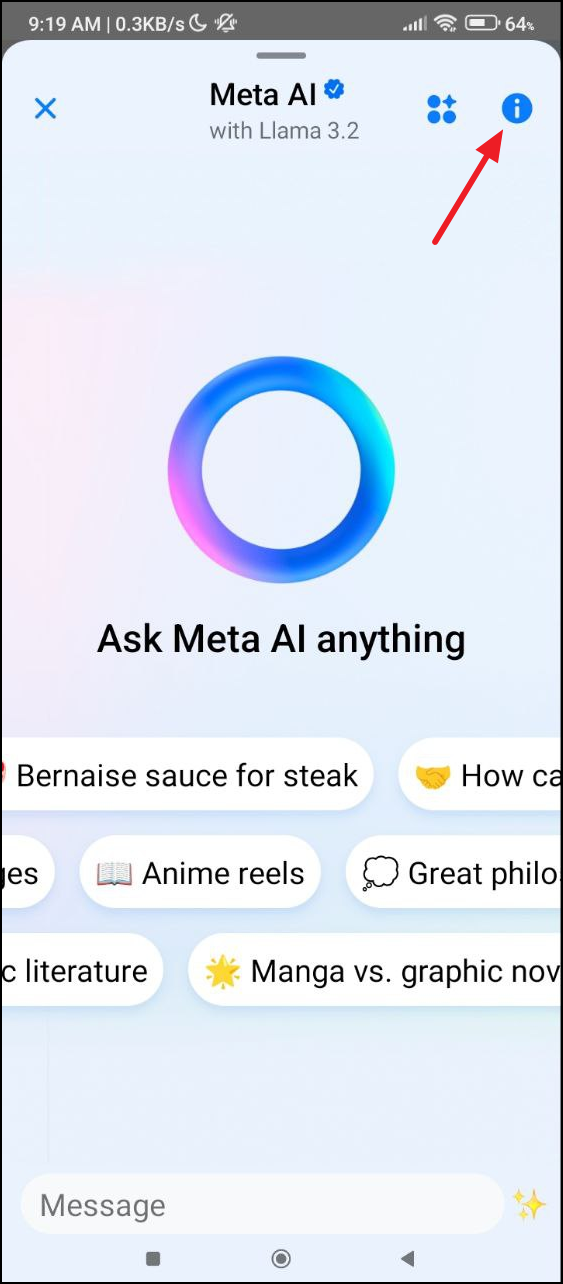
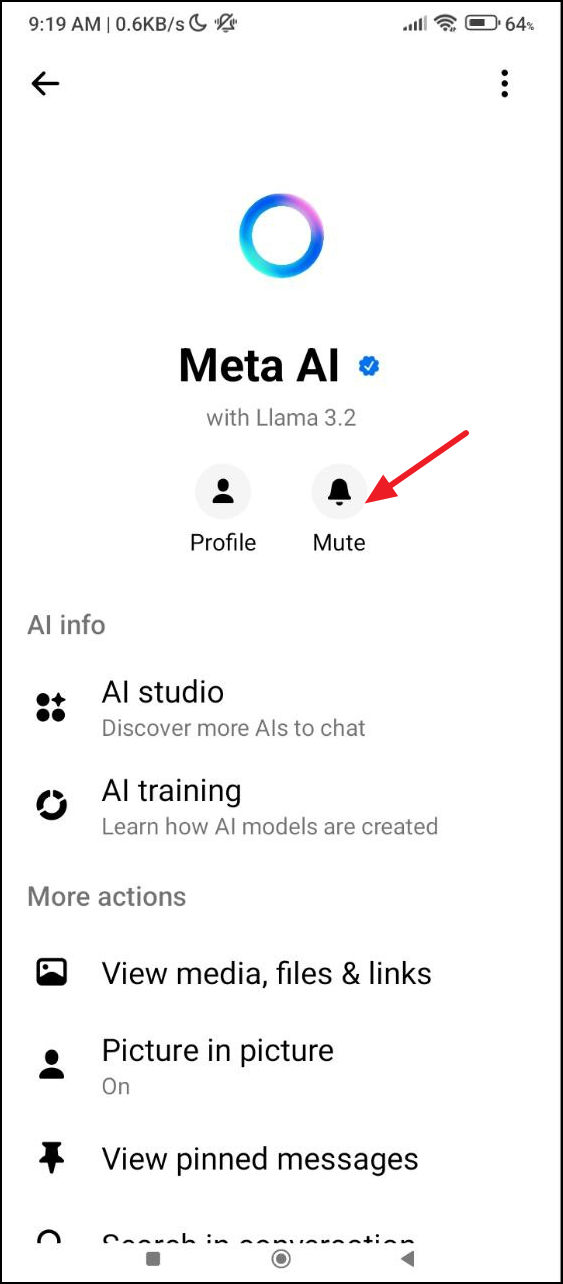
Menu icon.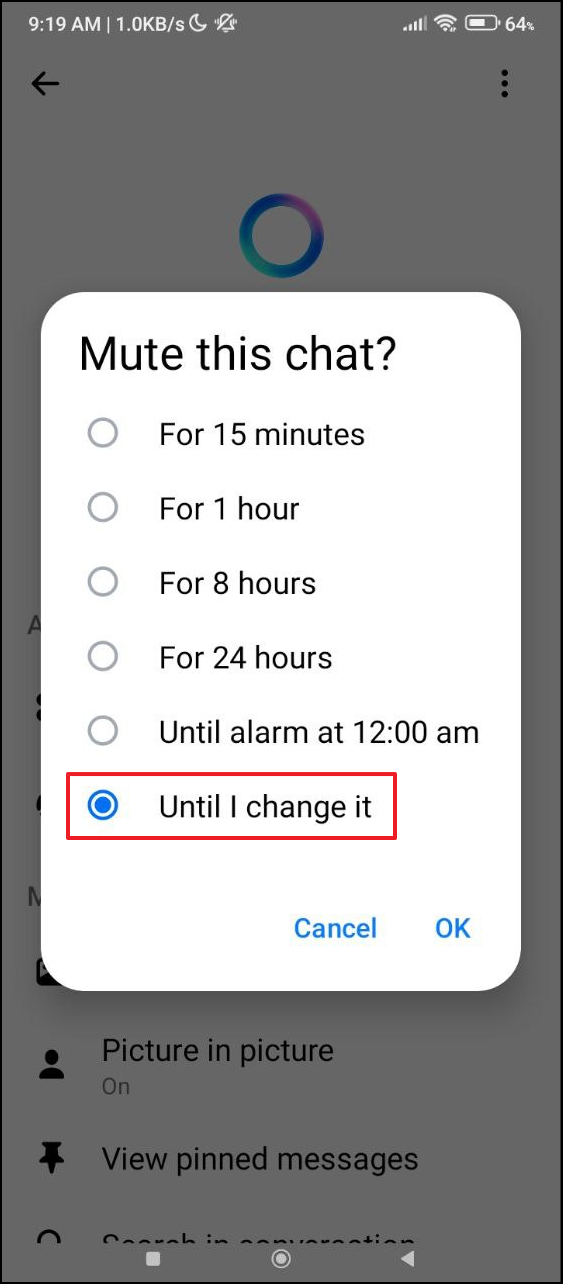

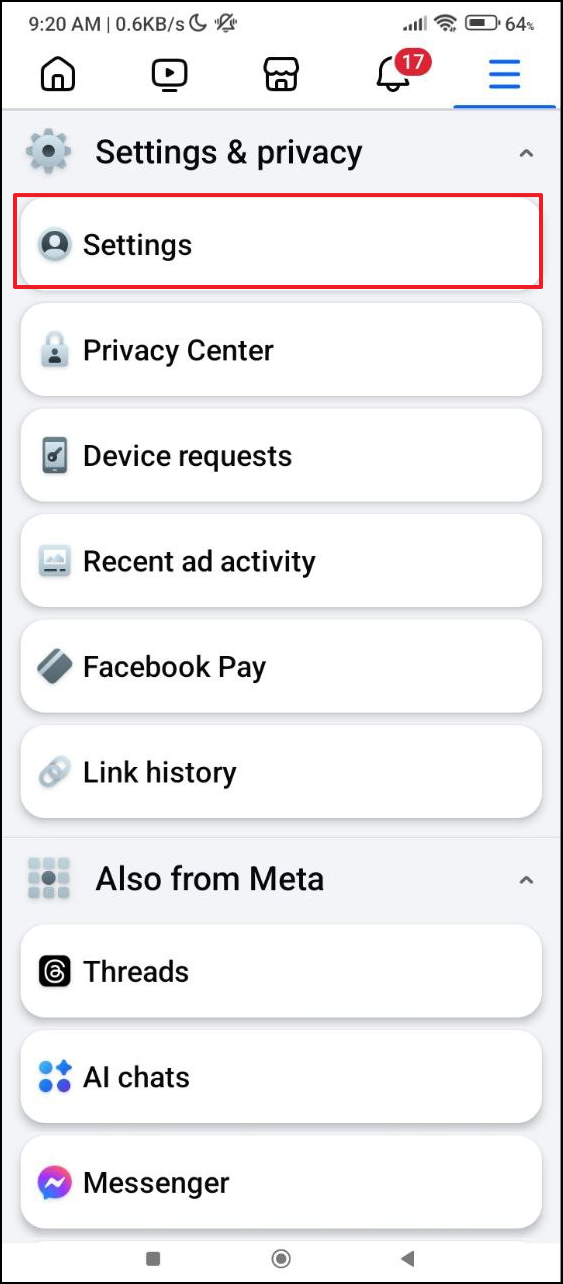
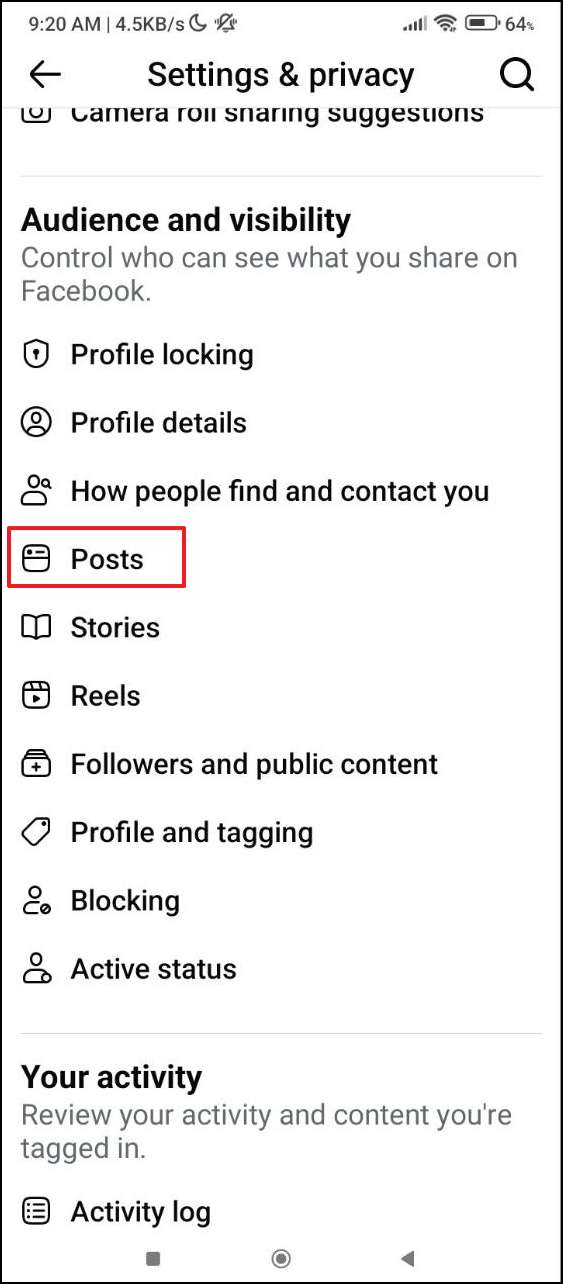
Disabling Meta AI on Instagram
Similar to Facebook, you can mute Meta AI on Instagram to reduce its presence. Follow these steps:

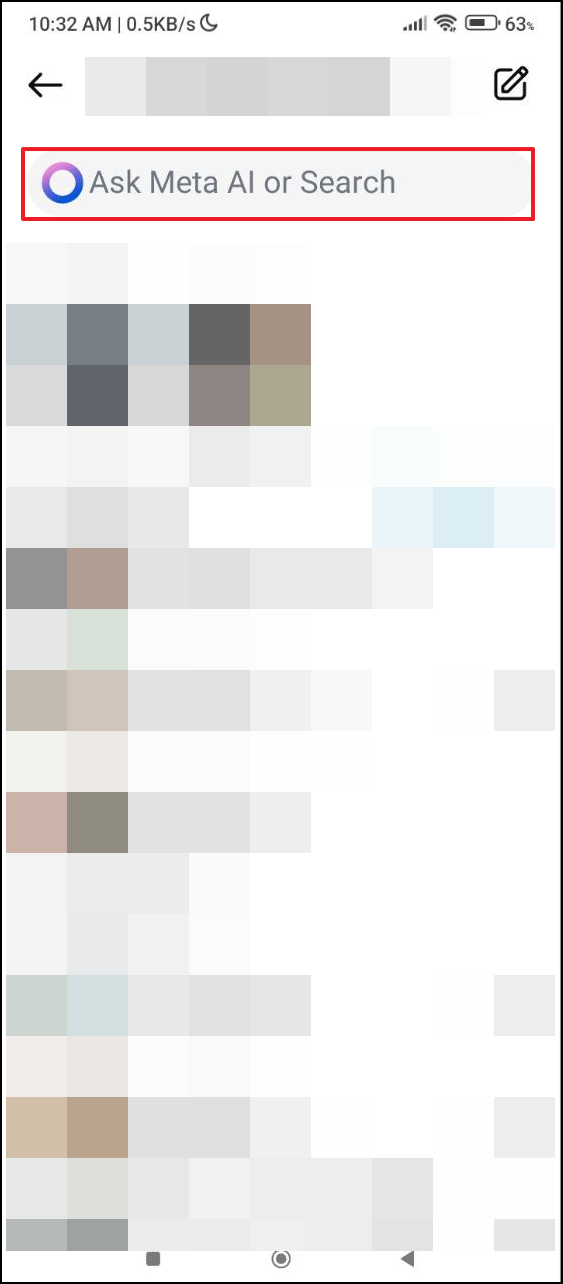
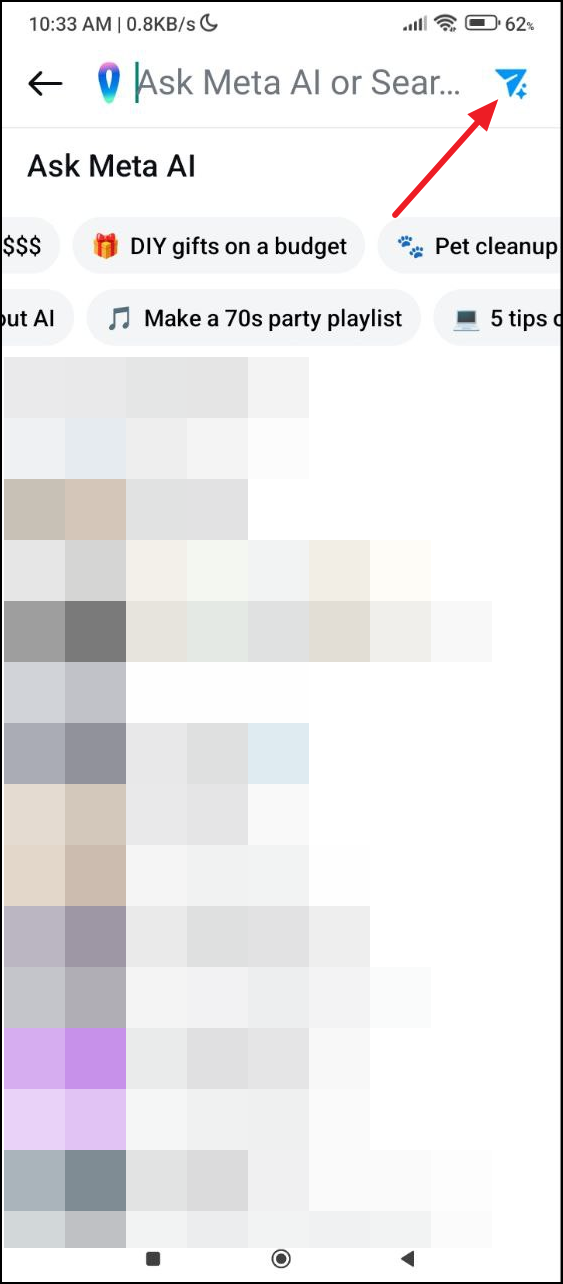
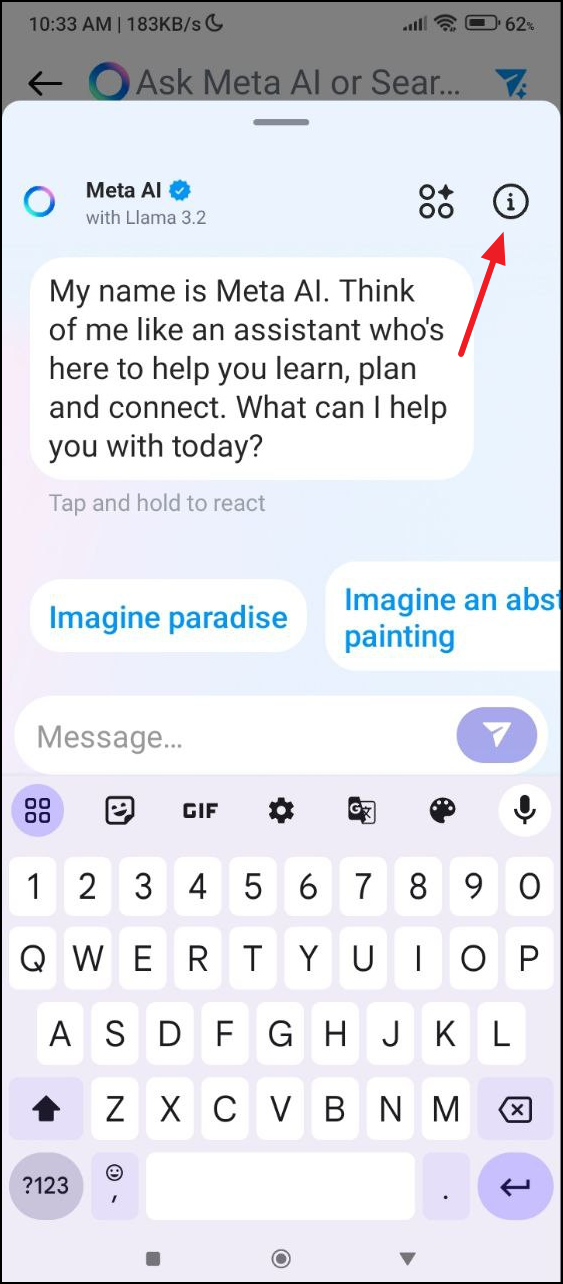
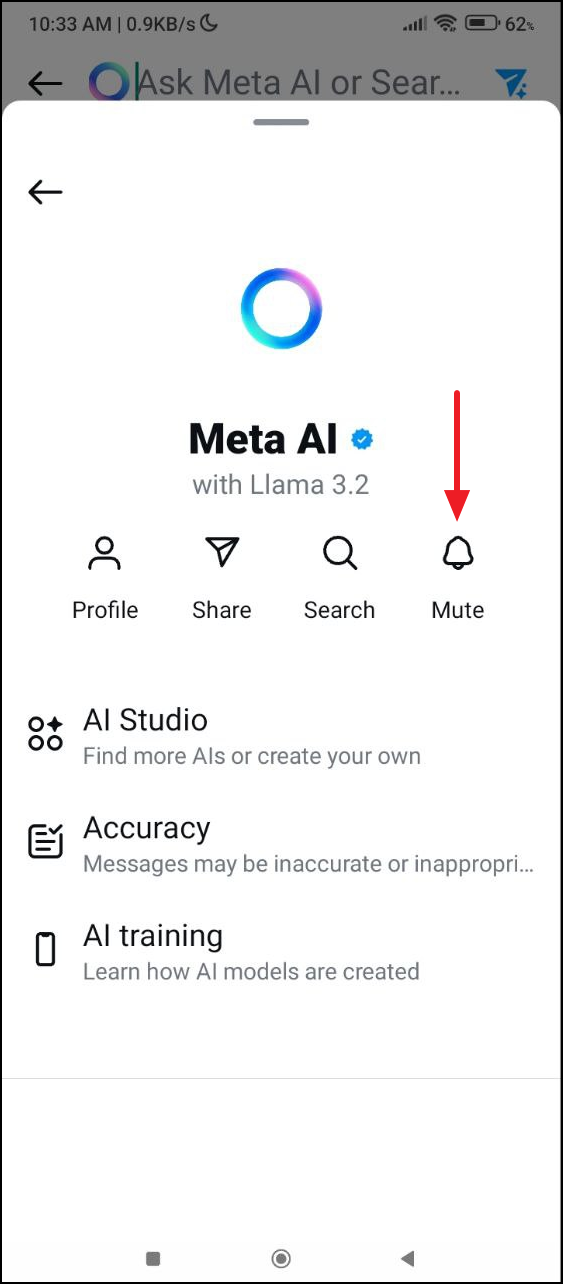
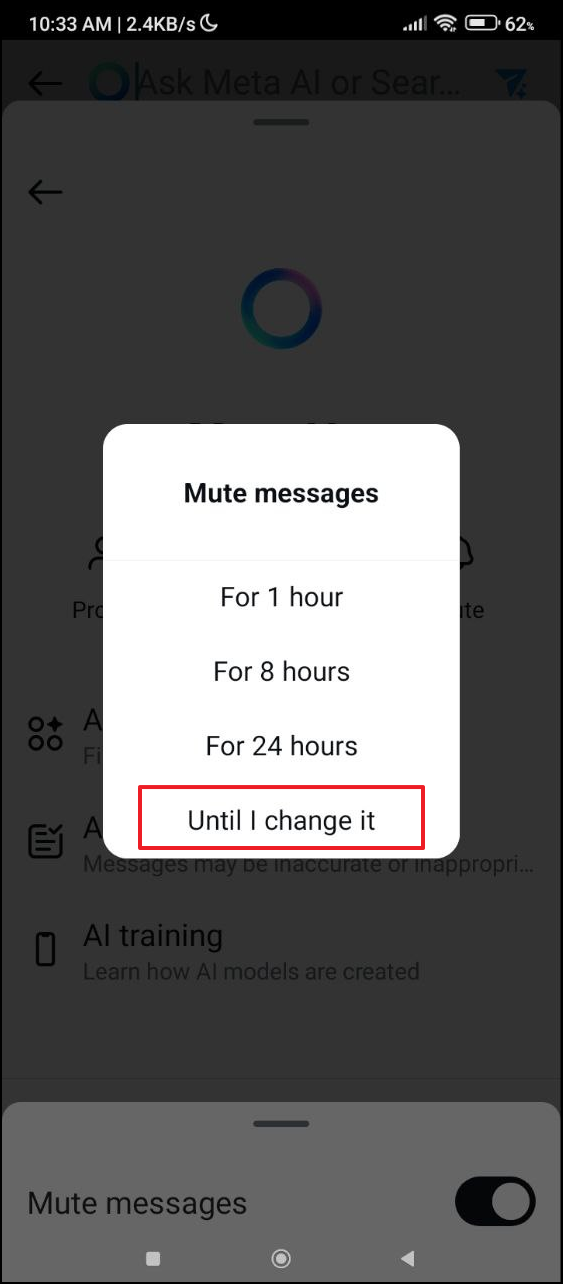
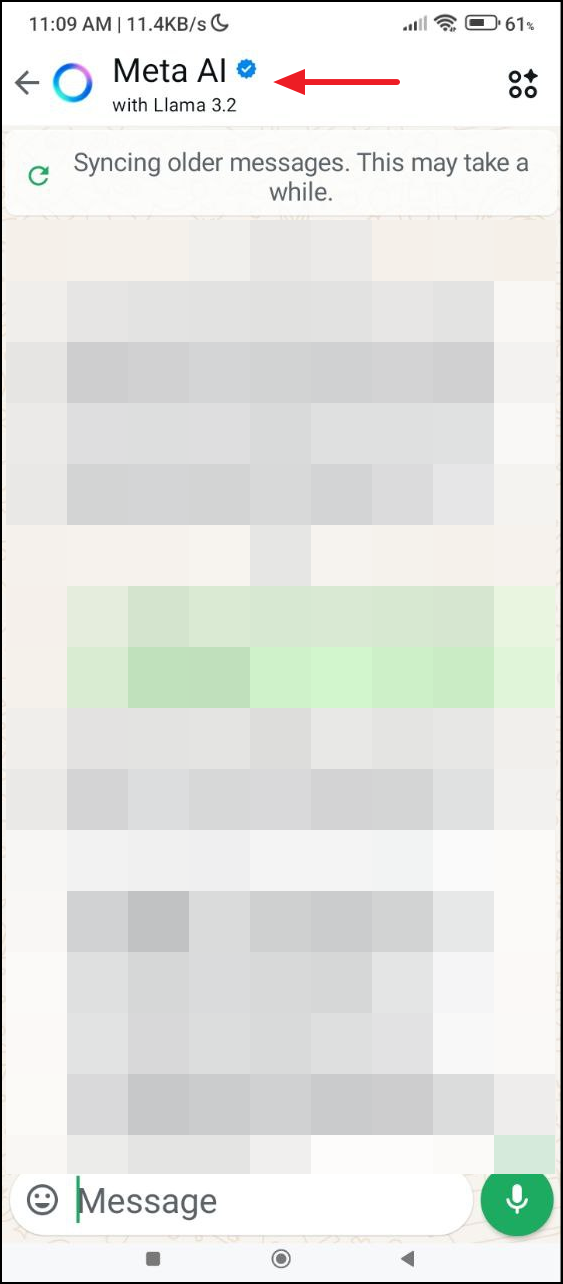
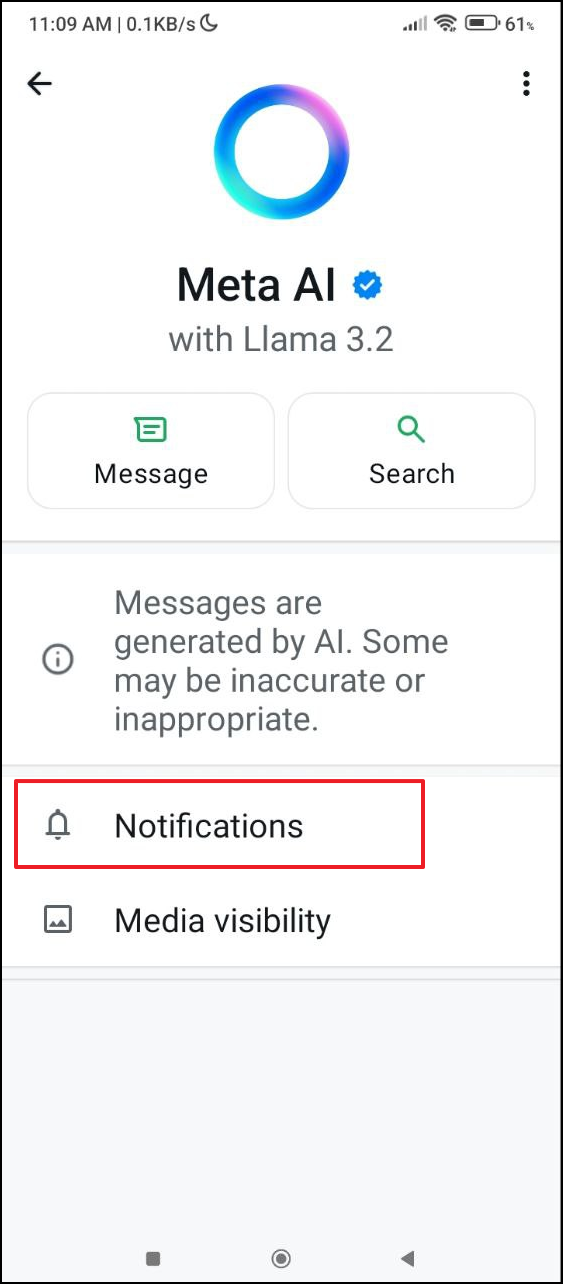
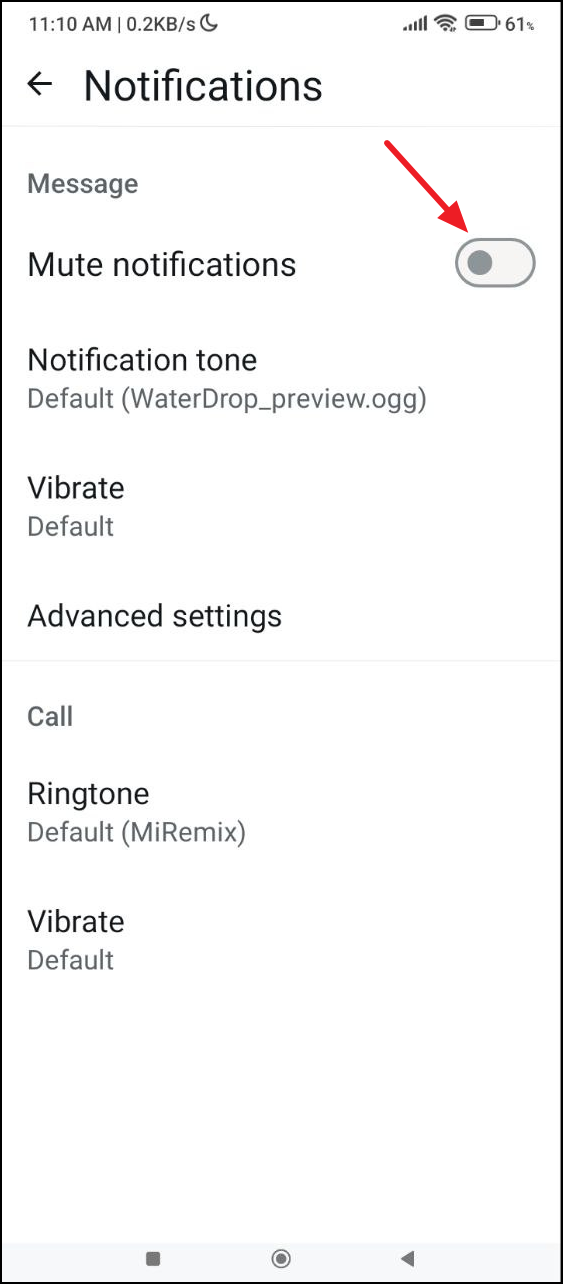
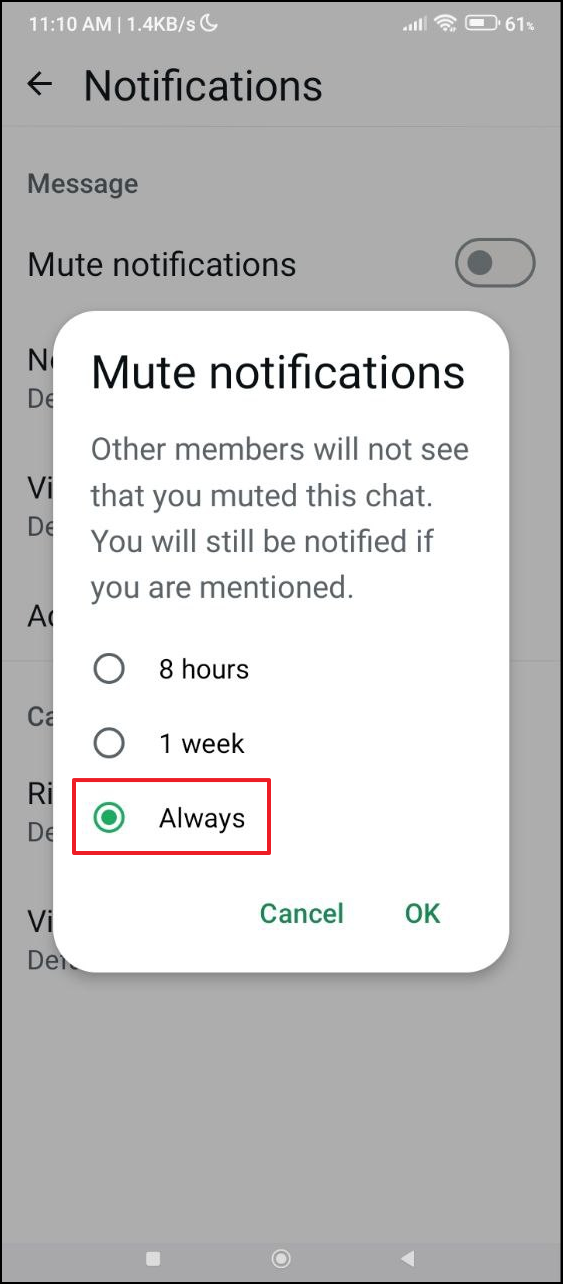
Muting Meta AI on WhatsApp
While there’s currently no direct way to disable Meta AI on WhatsApp, you can mute it to minimize its interactions:
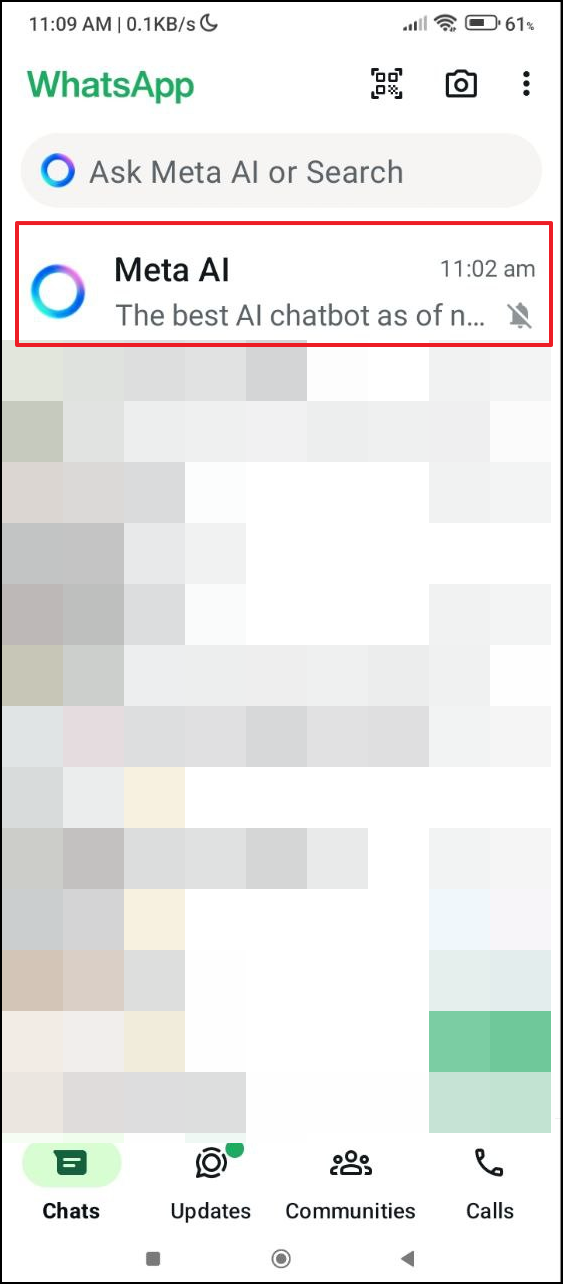
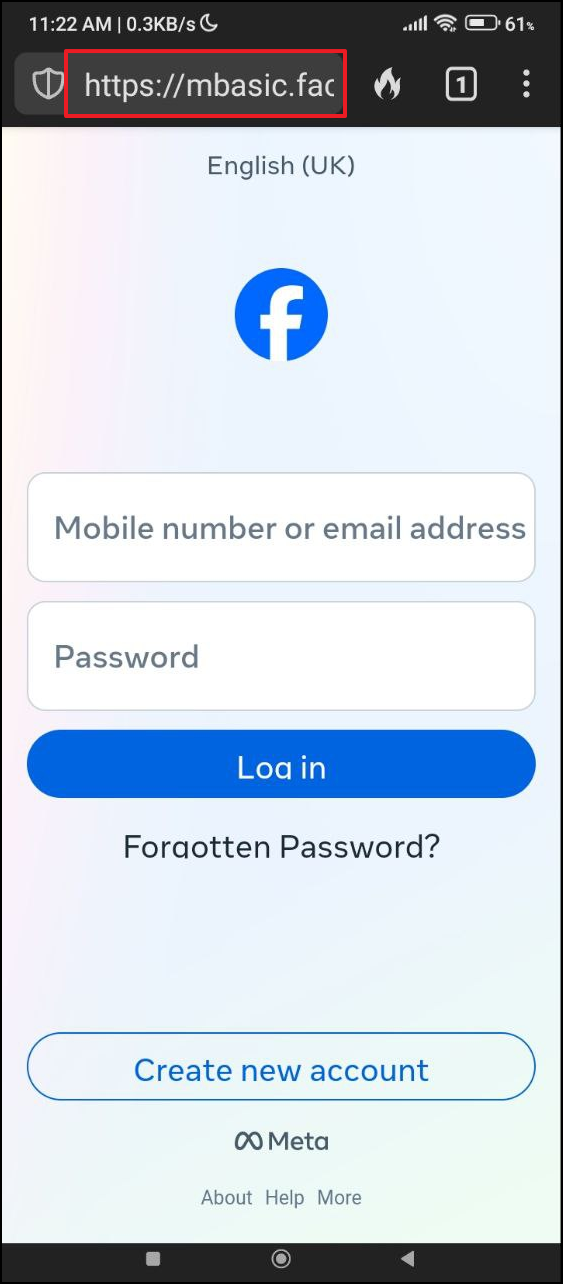
Using the Basic Version of Facebook as an Alternative
If you prefer to avoid Meta AI entirely on Facebook, consider using the basic mobile site:

Opting Out of Meta AI Data Usage (EU and UK Users)
If you’re located in the European Union or the United Kingdom, you have the option to object to Meta using your data for AI training due to GDPR protections:
Settings & Privacy, then select Privacy Center.Right to Object section, then click on the provided link to access the objection form.While it’s not possible to completely turn off Meta AI on all platforms, these steps help you limit its presence and maintain control over your social media experience. Taking the time to adjust your settings can make your interaction with Facebook, Instagram, and WhatsApp more comfortable and aligned with your preferences.





