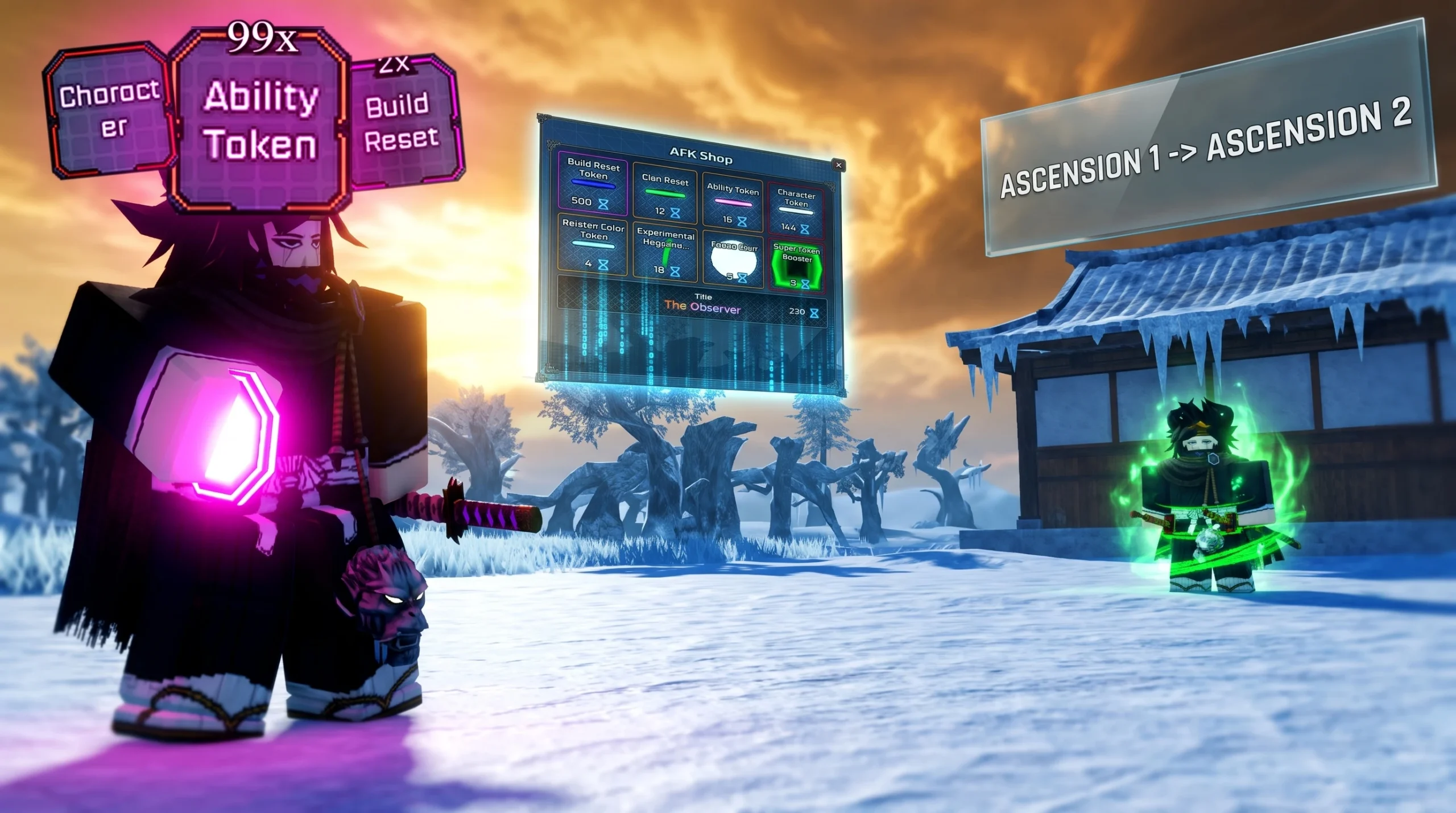
Ascension 2 in VV: Ultimatum rarely triggers on the character you already used for Ascension 1. If the statue does nothing on your main slot, it is almost never bugged. The system reads a different slot, so the fix is to prepare a fresh character and ascend that one instead.
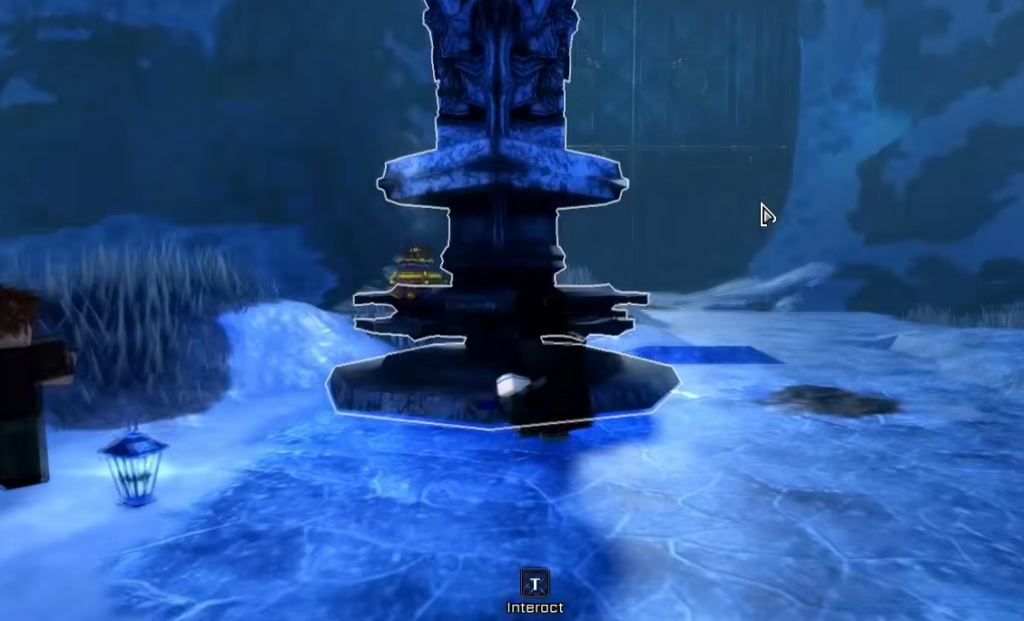
Quick answer: Use a second character slot that has not ascended, level it to 100, travel to Fort Adams, enter the Gauntlet, and interact with the Ascension statue. The unlock then applies across your slots. You do not need a new Roblox account.
Ascension 2 requirements in VV: Ultimatum
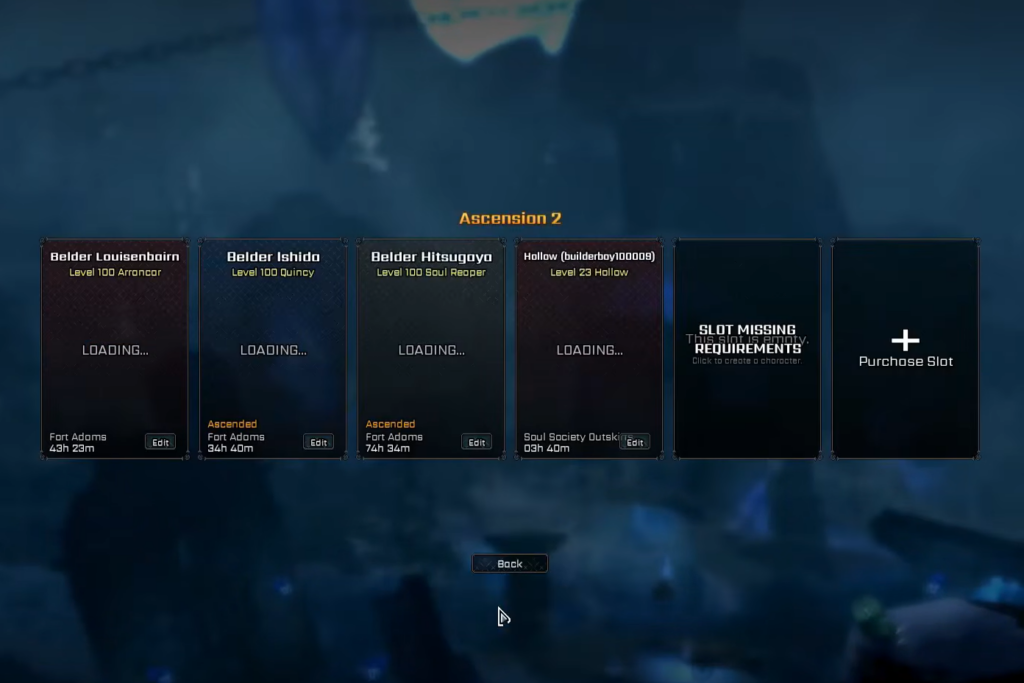
Ascension is slot-based. It grants permanent stat bonuses that carry across every character slot on your account without resetting progress, which is why the second slot’s completion feeds back into your main. Before you spend any time at the Gauntlet, confirm every condition below is met.
| Requirement | Needed | Notes |
|---|---|---|
| Main slot already has Ascension 1 | Yes | Your account needs first Ascension progress in place. |
| A separate character slot | Yes | Must not be the slot that already ascended. |
| Level 100 on that second slot | Yes | The statue only responds once the slot hits 100. |
| Fort Adams access | Yes | The Ascension area sits here, sharing the Gauntlet entrance. |
| New Roblox account | No | A second slot on the same account is enough. |
The hard rule is simple. If the second slot is below level 100, the statue will not work, so do not travel to Fort Adams early expecting it to trigger.
Steps to trigger Ascension 2
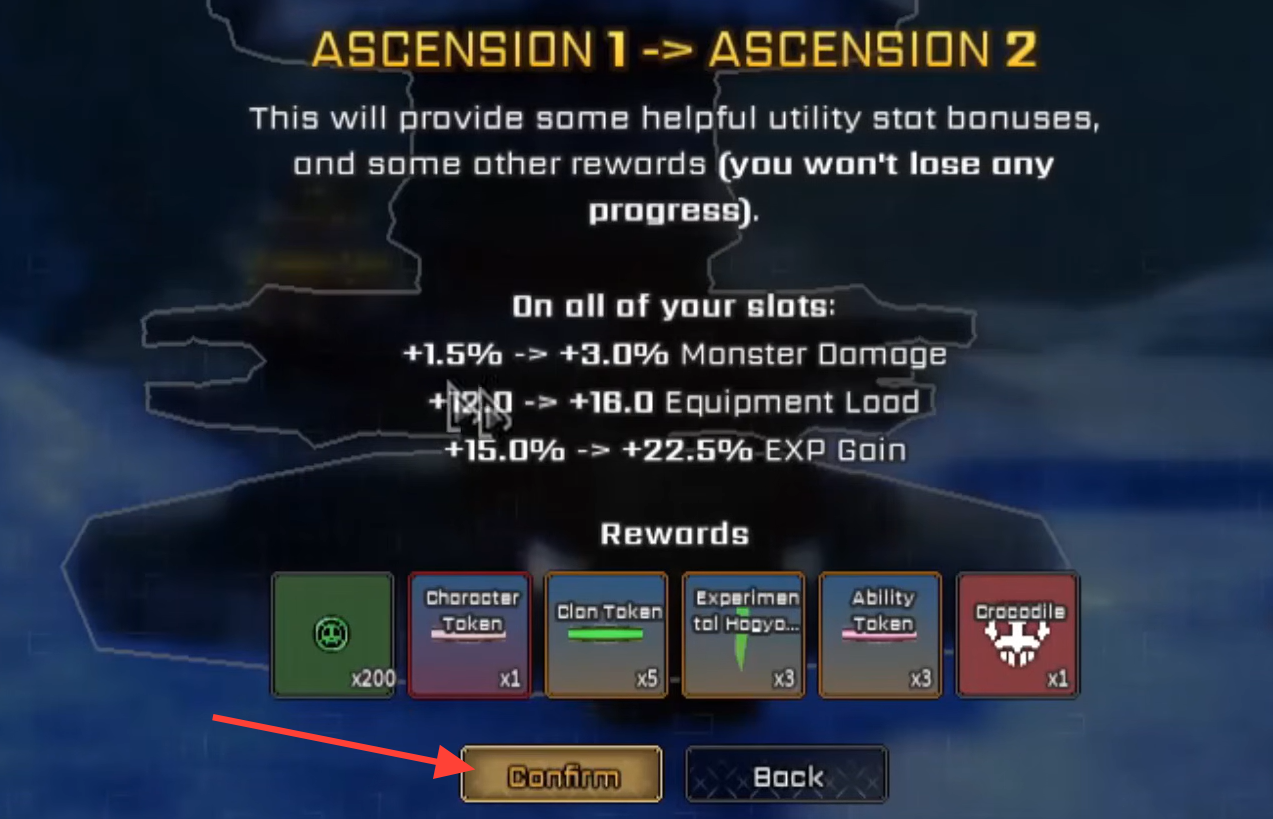
How to confirm Ascension 2 unlocked
After completing Ascension on the second slot, rejoin the game or return to your main slot and check your status. The permanent bonuses should now be applied across your slots. If nothing shows immediately, that is usually a server or UI delay rather than a failed unlock, so rejoin and check again.
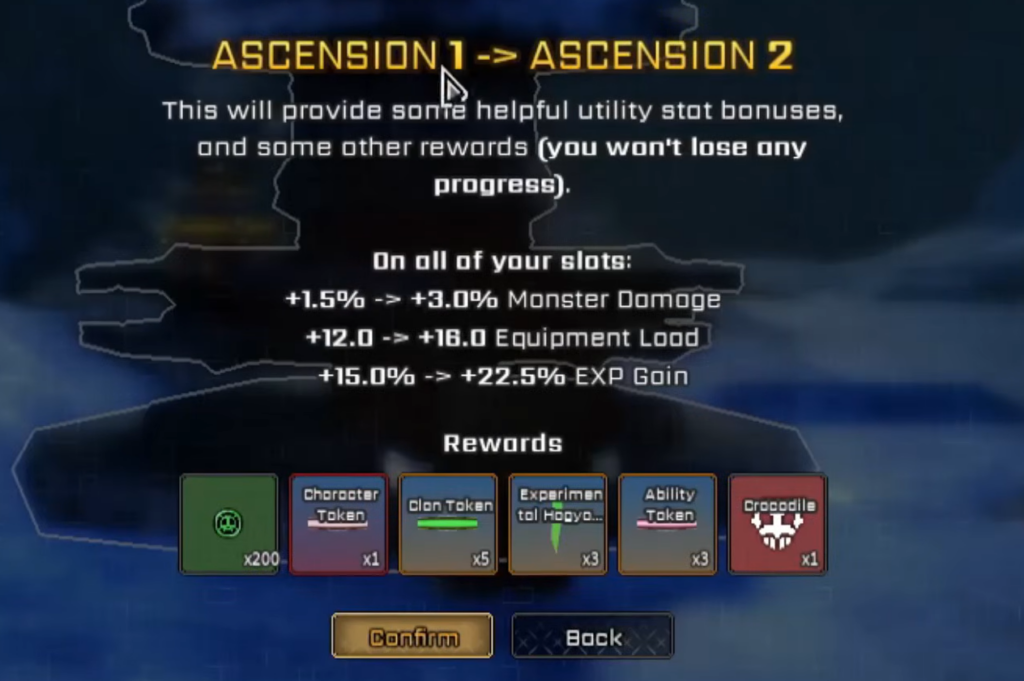
For reference, the first tier already grants +1.5% Monster Damage, +8 Equipment Load, and +12.5% EXP Gain, alongside rewards like 200 Soul Tokens, an Invader’s Chime, a Character Token, and 5 Clan Tokens. Ascension stacks on top of that without wiping your existing progress.
Why the Ascension statue is not working
Most failed attempts come down to a handful of avoidable mistakes. Match your symptom to the cause below before assuming the game is broken.
| Symptom | Cause | Fix |
|---|---|---|
| Statue does nothing | Slot is below level 100 | Level the slot to 100 first. |
| No Ascension 2 appears | Wrong slot in use | Switch to a non-ascended slot. |
| Slot is locked out | That slot already ascended | Use a clean, separate slot. |
| Progress not showing | Server or UI delay | Rejoin and check the main slot. |
Making a brand-new Roblox account is a wasted effort. Ascension reads character slots on your existing account, so a second slot is all the system needs.
Update 2 codes for free ability rerolls
The level 100 grind is far easier with a clean build, and Update 2 codes hand out rerolls that let you fix bad abilities before the push. Redeem them early and use the rerolls on your second slot.
| Code | Reward | Best use |
|---|---|---|
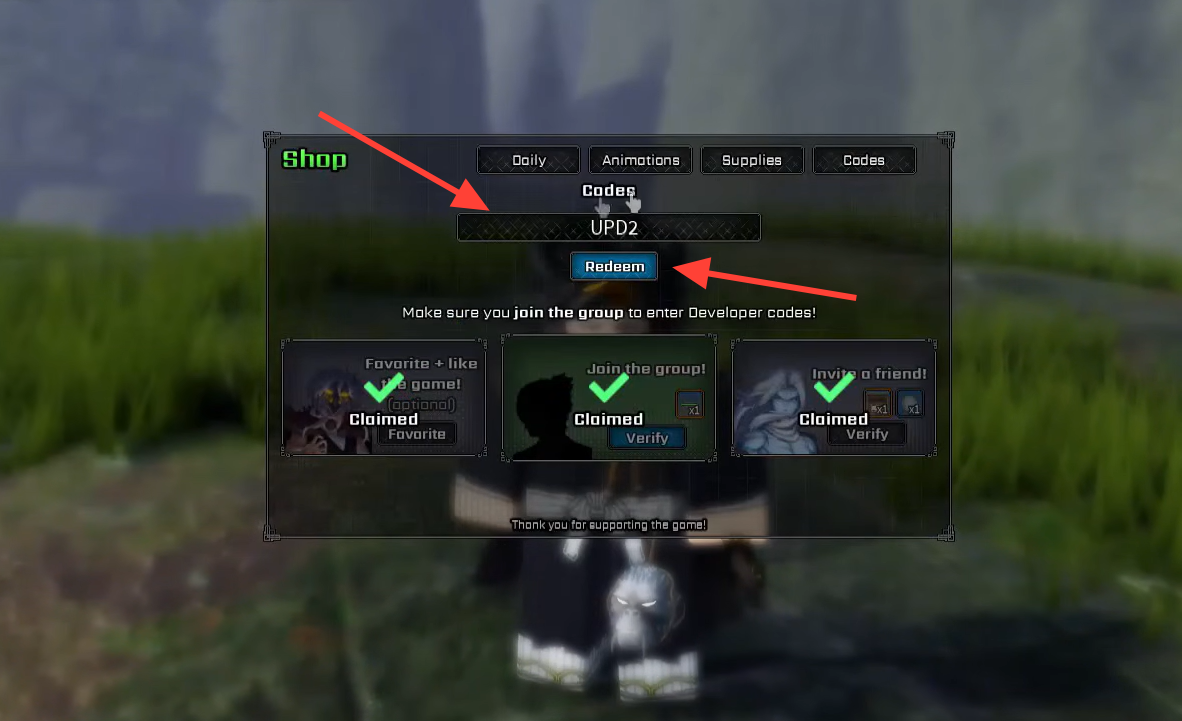
| UPD2 | 20 Ability Rerolls + 1 Build Reset | Fixing a bad build or preparing the level 100 slot. |
| UPDATE2 | 20 Ability Rerolls | Rerolling toward a specific ability or Shikai. |
To redeem, launch the game and load into a server, open the Codes menu, type the code exactly as shown, then confirm. Codes are case-sensitive, and update codes often expire without warning, so redeem quickly. You know it worked when your reroll count updates after confirmation. If a valid code fails, rejoin or switch servers, since new codes sometimes only register on updated servers.
Using AFK World during the level 100 grind
AFK World is a passive option, not a replacement for active leveling. It hands out Clan Tokens at roughly 1 per 10 minutes and other slow passive rewards, which makes it useful overnight or while away from the keyboard. It will not carry your second slot to 100 on its own, so treat it as background progress while you focus your active play sessions on the level grind.
Once your second slot is capped, ascended, and the bonuses show across your account, Ascension 2 is done. The whole process hinges on one detail people miss, which is that a fresh, non-ascended slot at level 100 is what the Gauntlet statue actually reads.