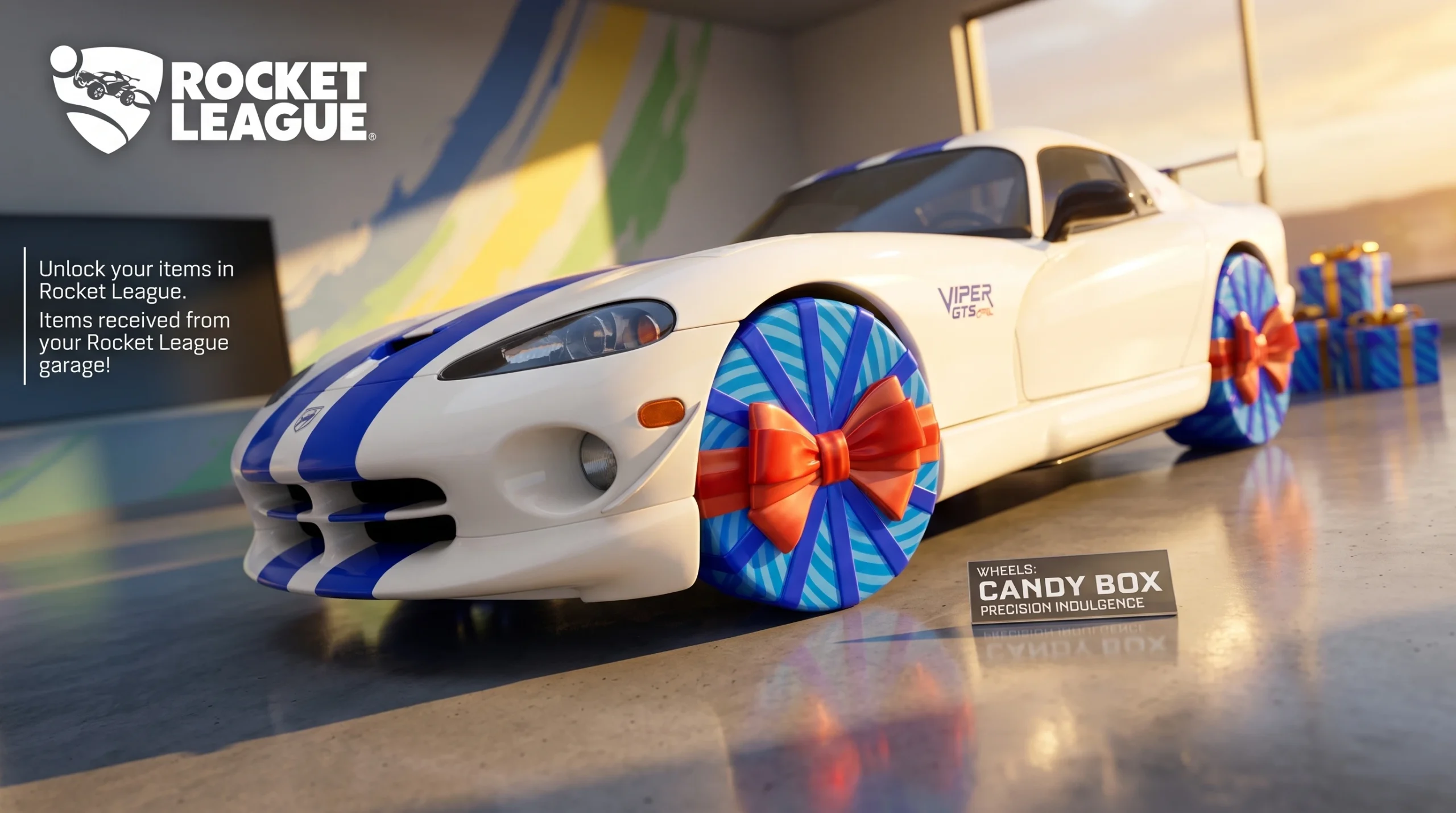
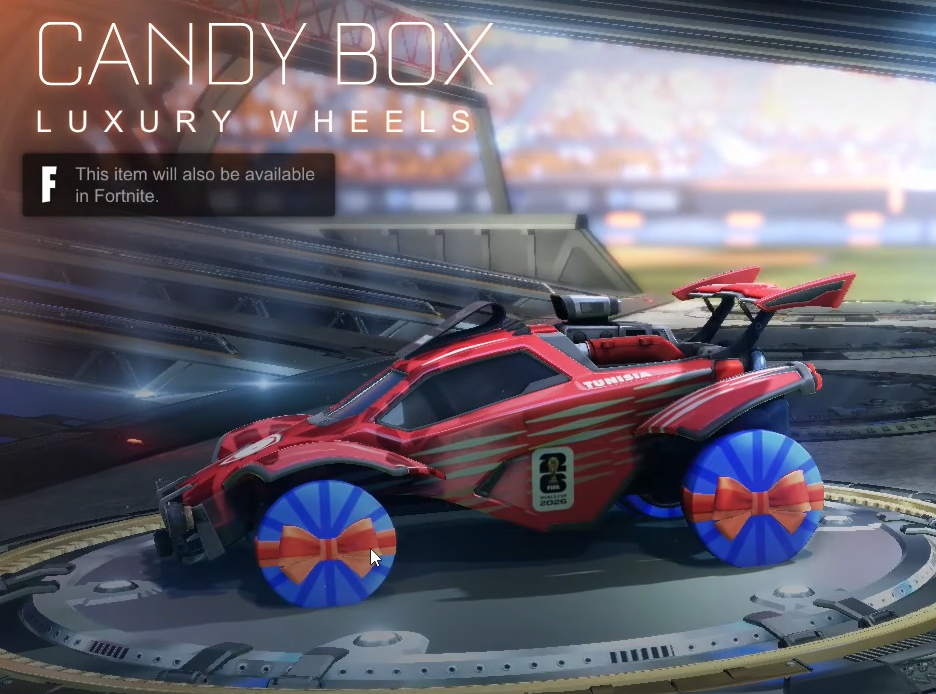
The Candy Box are Uncommon Wheels that arrived with the Rocket League Birthday Ball event, and they cost nothing to claim. They live inside Rocket League as an event reward, but because Epic ties both games together, the same wheels show up in your Fortnite locker once you own them. They were added in update v41.10 and first appeared during Chapter 7: Season 3.
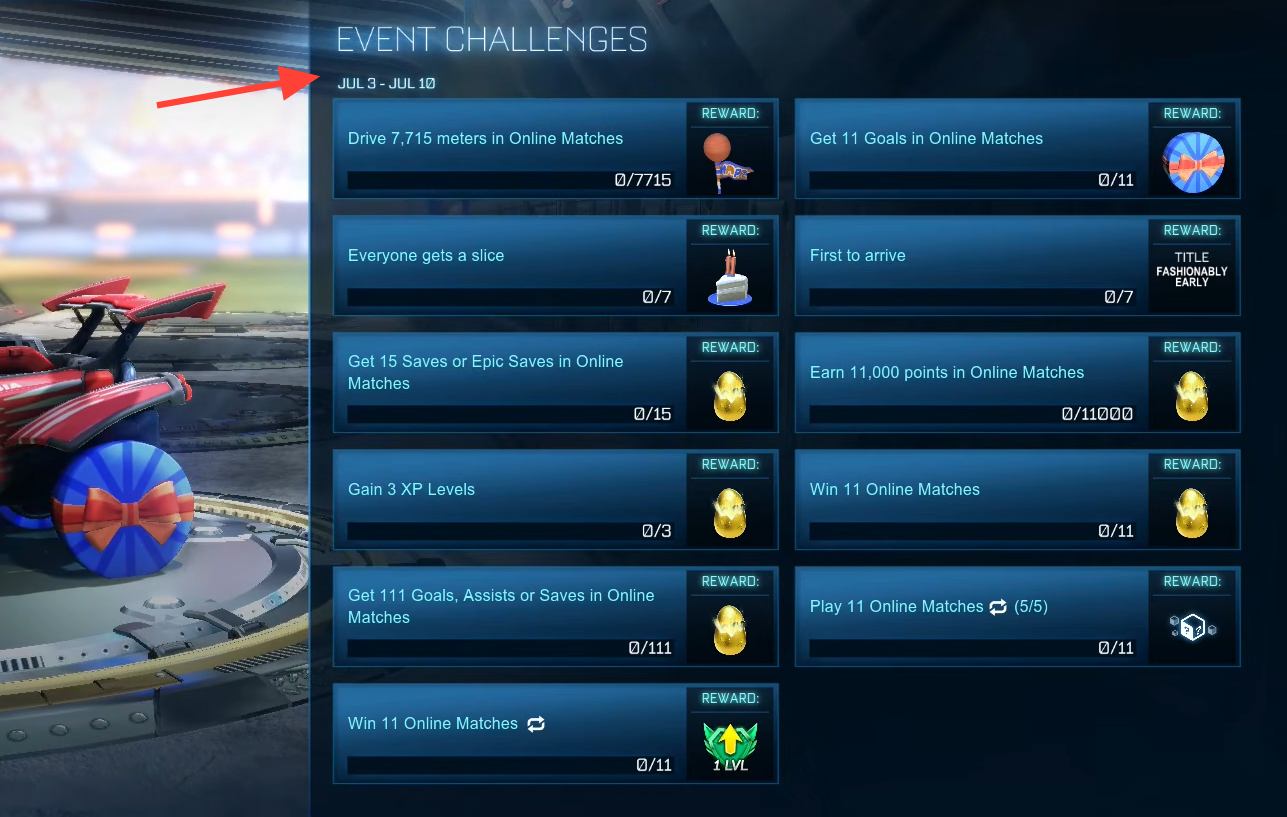
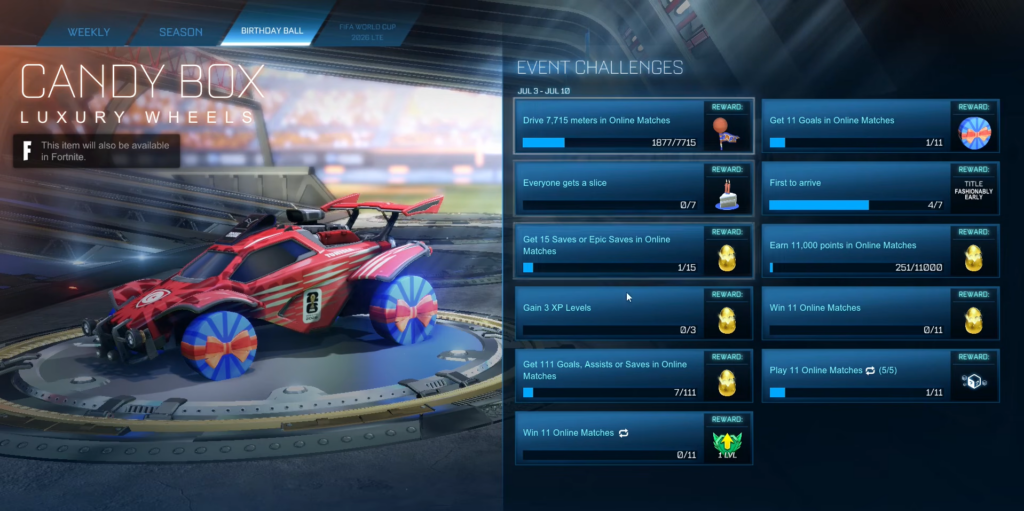
Quick answer: Complete the Birthday Ball Event Challenges in Rocket League with your Epic Games account linked, and the Candy Box Wheels unlock for free in both Rocket League and Fortnite.
What you need before you start
The Candy Box Wheels are earned only inside Rocket League. There is no way to buy or unlock them directly from Fortnite, so the claim has to happen through the Birthday Ball challenges. The reward then travels to Fortnite automatically as long as both games use the same Epic account.
- Rocket League installed and updated to the Birthday Ball event build.
- The same Epic Games account signed in across Rocket League and Fortnite.
- Access to the Birthday Ball Event Challenges in the Rocket League menus.
If you play Fortnite and Rocket League on different accounts, link or switch them first through your Epic account connections page so the item carries over.
How to unlock the Candy Box Wheels
How to confirm the wheels unlocked
In Fortnite, open your locker and look under vehicle wheels. The Candy Box entry, marked Uncommon, will be selectable there once the transfer completes. Its in-game description reads “Precision indulgence,” which helps you spot the right item.
If the wheels show in Rocket League but not Fortnite, the most common reason is an account mismatch. The two games must be running on the same Epic account for the cosmetic to cross over. Re-check your account link and restart Fortnite so the locker refreshes.
Candy Box Wheels details and where they work
| Detail | Value |
|---|---|
| Type | Wheels |
| Rarity | Uncommon |
| Cost | Free |
| Source | Birthday Ball Event Challenges (Rocket League) |
| Added in | Update v41.10 |
| Release date | July 3, 2026 |
| Item ID | Wheel_ValentineBox |
The wheels are supported in a limited set of Fortnite modes. They work in Battle Royale, Creative, and Racing, but they are not available in Save the World, Festival, LEGO Fortnite, or Fall Guys.
Because this is a free, cross-game reward tied to a Rocket League event, the fastest path to owning the Candy Box Wheels in Fortnite is simply to finish the Birthday Ball challenges while both games share one Epic account.