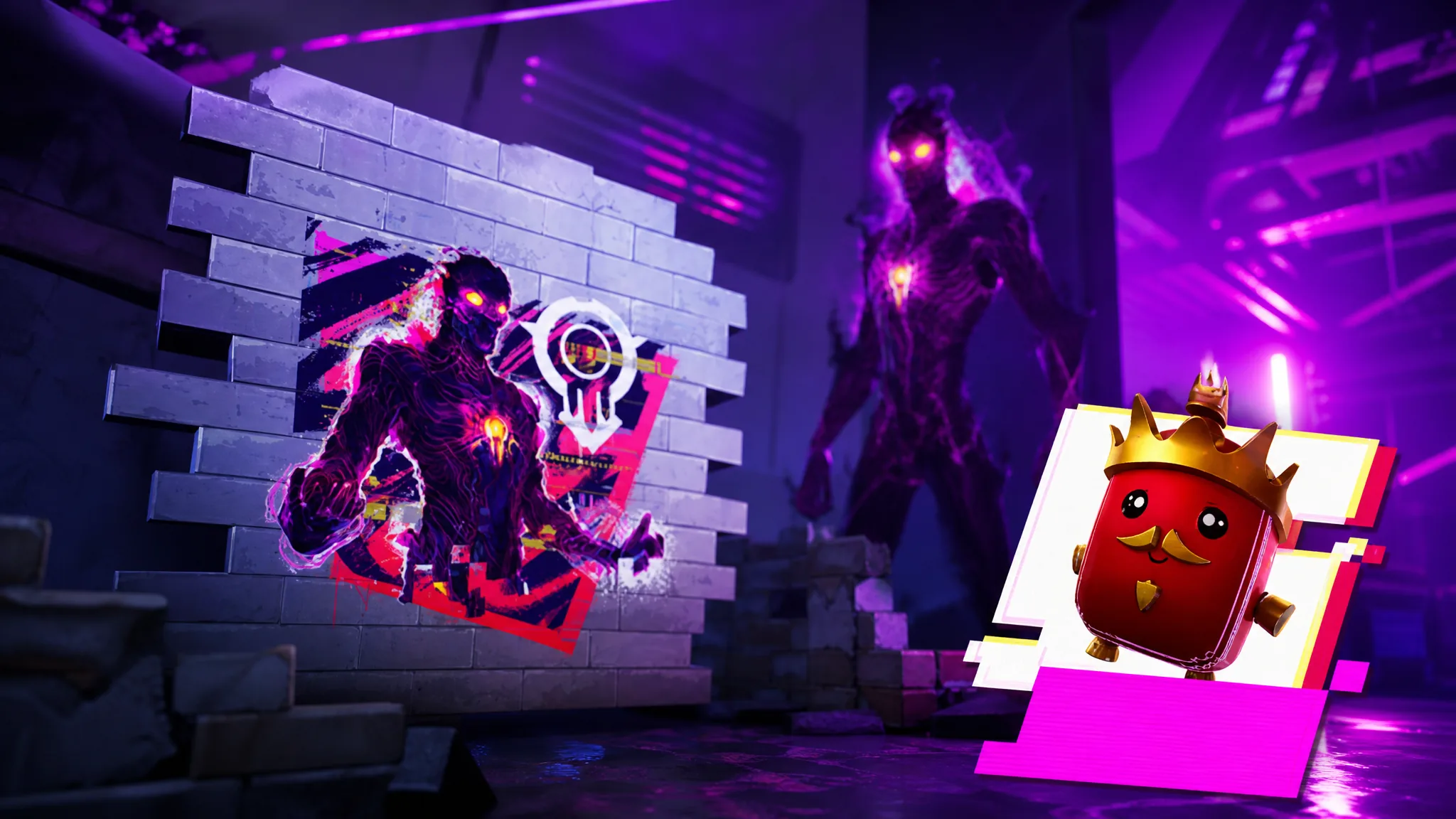
The Shapeless Man Spray and the Good Game Retro Emoticon are free Fortnite cosmetics tied to a Twitch Drops campaign that rewards active viewing. Unlike standard watch-time drops, these items come from an interactive overlay. You collect sprites that spawn on eligible Fortnite streams, and hitting the right totals unlocks each reward.
Quick answer: Link your Epic and Twitch accounts, open a Drops-enabled Fortnite stream, click the Fortnite overlay extension, and collect the sprites that appear. Finish the first spray to progress to The Shapeless Man Spray, gather six unique sprites for the Good Game emoticon, then claim everything at twitch.tv/drops/inventory.
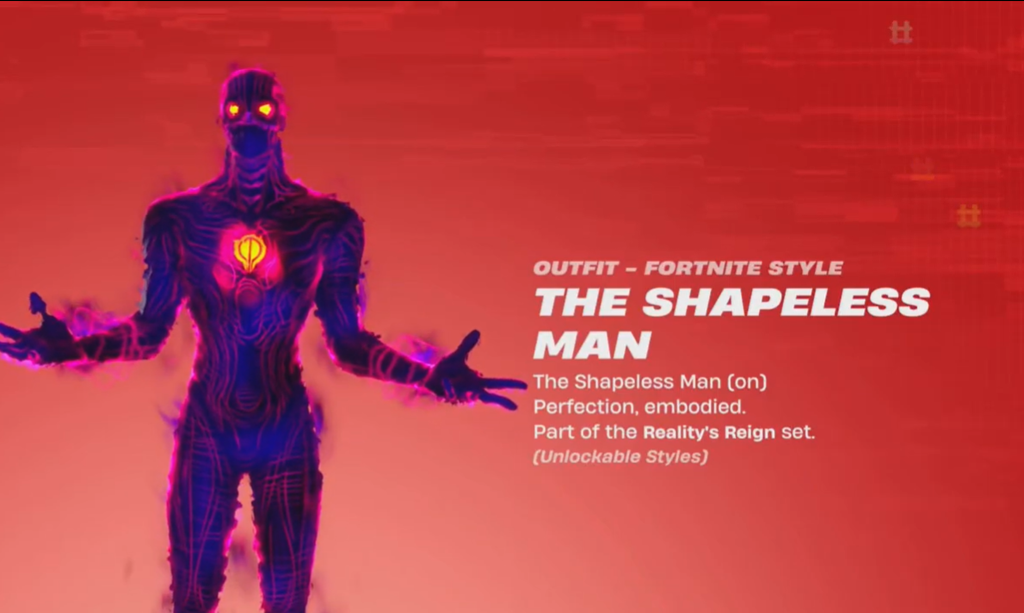
Rewards and how each one unlocks
The campaign is split into phases, and the sprays unlock in order. You have to finish the first spray before the second one becomes available. The emoticon has its own separate requirement built around collecting different sprite types.
| Reward | How to earn it |
|---|---|
| Sprite Slash Spray (Phase 1) | Collect sprites through the Twitch overlay to complete the first phase |
| The Shapeless Man Spray (Phase 2) | Unlocks after Phase 1 is complete, then keep collecting sprites |
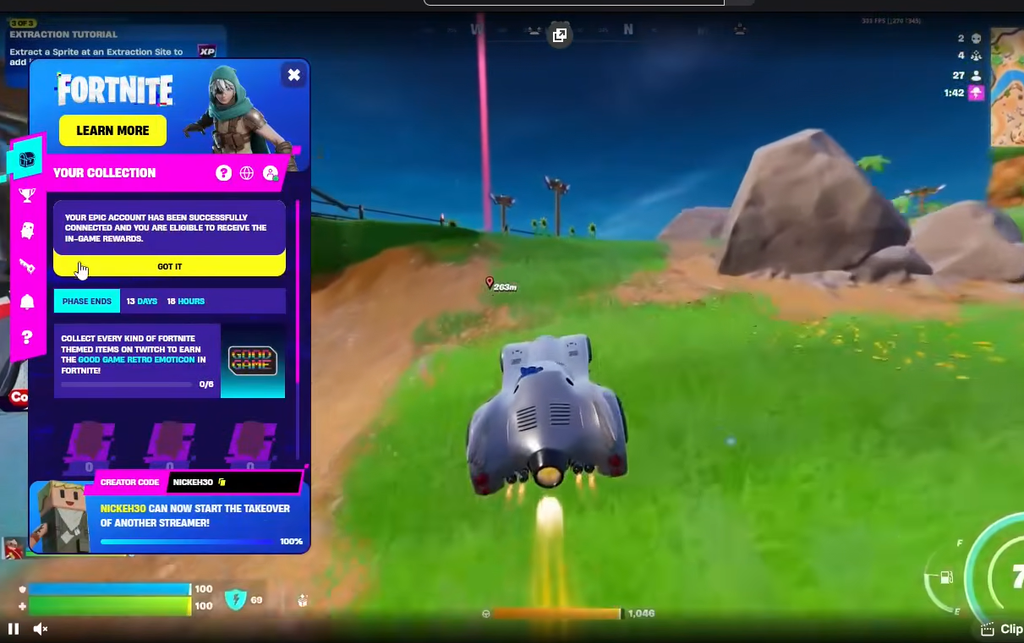
| Good Game Retro Emoticon | Collect six unique sprites via the stream overlay |
Sprite spawns are random, so you will pick up duplicates of ones you already have. Duplicates do not count toward the six unique sprites needed for the Good Game emoticon, which means you may need to watch across several streams to catch every type.
Link your Epic Games and Twitch accounts
Your watch time and sprite collection only count if both accounts are connected. This is a one-time setup, but if you linked them for a past event, reconnecting refreshes the connection and avoids tracking problems.
Collect sprites on stream through the overlay
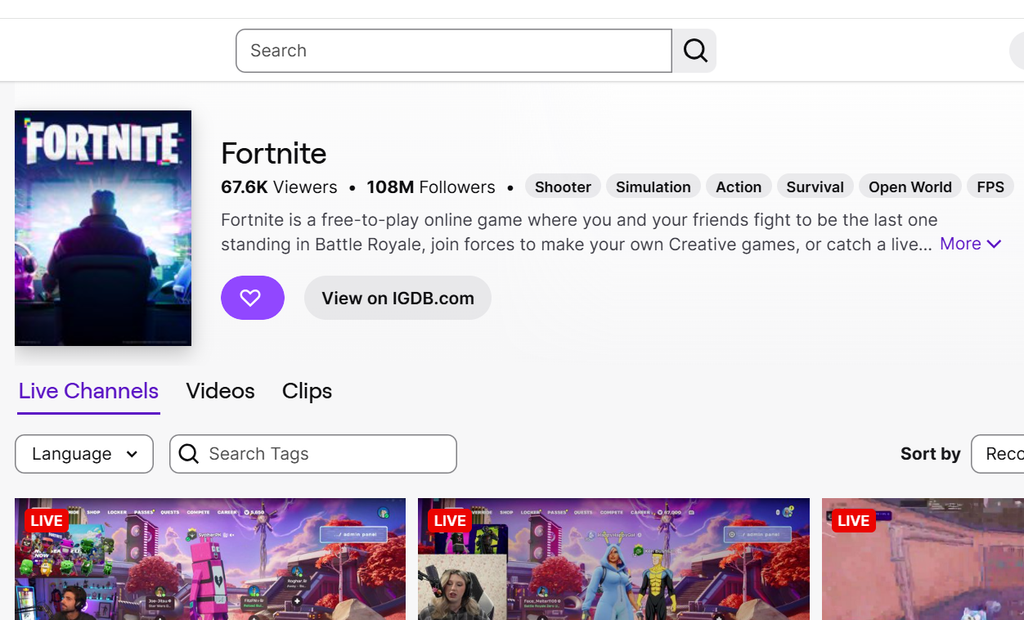
These rewards are not passive drops. You need to actively click sprites as they appear on the stream, which means the Fortnite overlay extension has to be running on the channel you are watching.
Claim your rewards and confirm they arrived
Meeting a requirement does not add the item automatically. You claim it on Twitch first, and it then appears inside Fortnite.
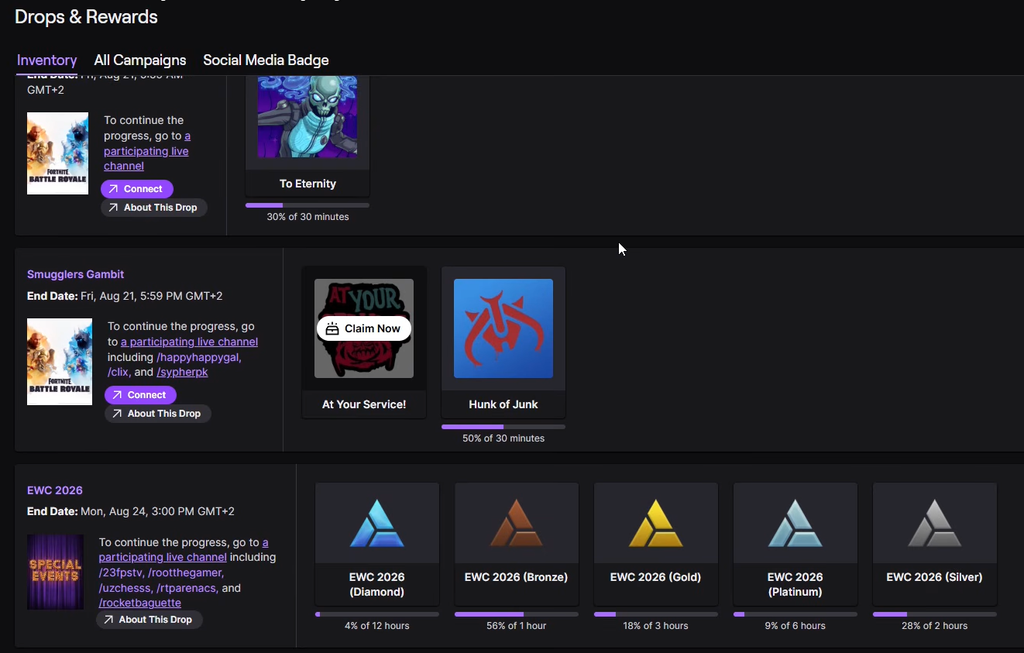
You know it worked when the spray and emoticon appear in your Fortnite locker and no longer show as unclaimed in the Twitch inventory. Claimed drops can expire after a campaign ends, so do not leave them sitting in the inventory.
Campaign deadline
The sprite collection event ends Thursday, September 3rd at 10AM ET. Collect and claim before then, because unclaimed rewards expire once the campaign closes.
Why the rewards may not unlock
If progress stalls, the cause is almost always one of a few fixable issues rather than a bug on your account.
- Your Epic and Twitch accounts are not linked, or the old link needs to be disconnected and reconnected.
- The stream is not showing the Drops Enabled tag, so sprites and progress do not count.
- The Fortnite overlay extension was never opened, so you cannot click the sprites.
- The stream is muted, which can pause Twitch tracking.
- You are trying to jump to The Shapeless Man Spray before finishing the first phase.
Work through the phases in order, keep the overlay active, and claim each reward as soon as its bar fills. Do that and both The Shapeless Man Spray and the Good Game Retro Emoticon will be sitting in your locker well before the September 3rd cutoff.