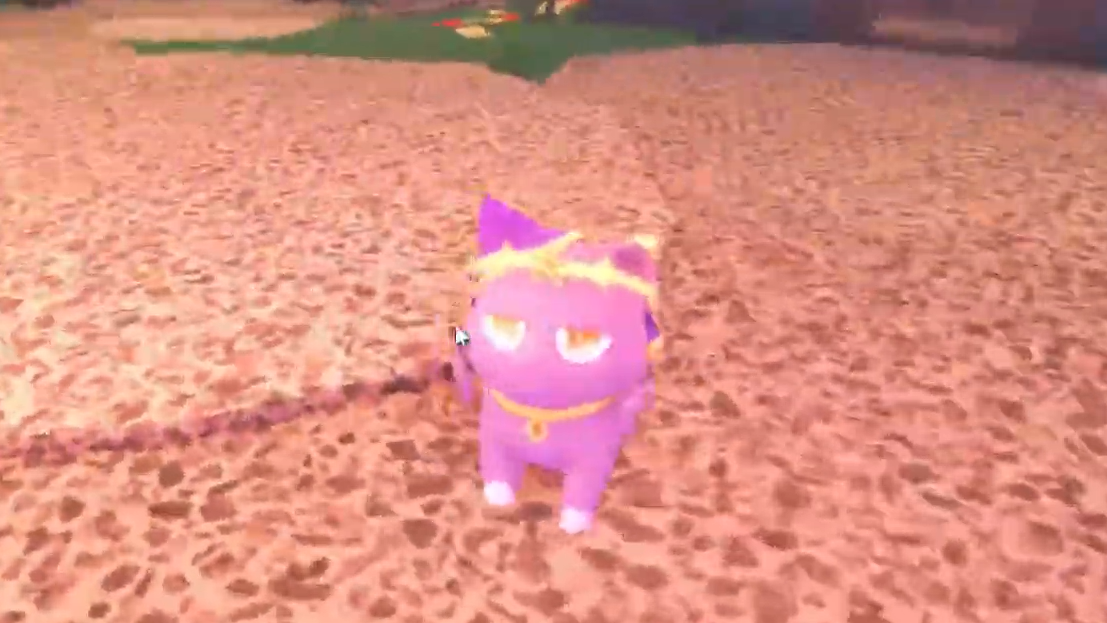
The Sleepy skin, often called the Layla Nico skin, is a hidden cosmetic for the Nico cat companion in Fisch. Unlocking it depends on completing two related rod quests, then catching a specific shiny fish in foggy weather and returning to the Music Venue NPC who handed out the original Nico questline.
Requirements before the skin can trigger
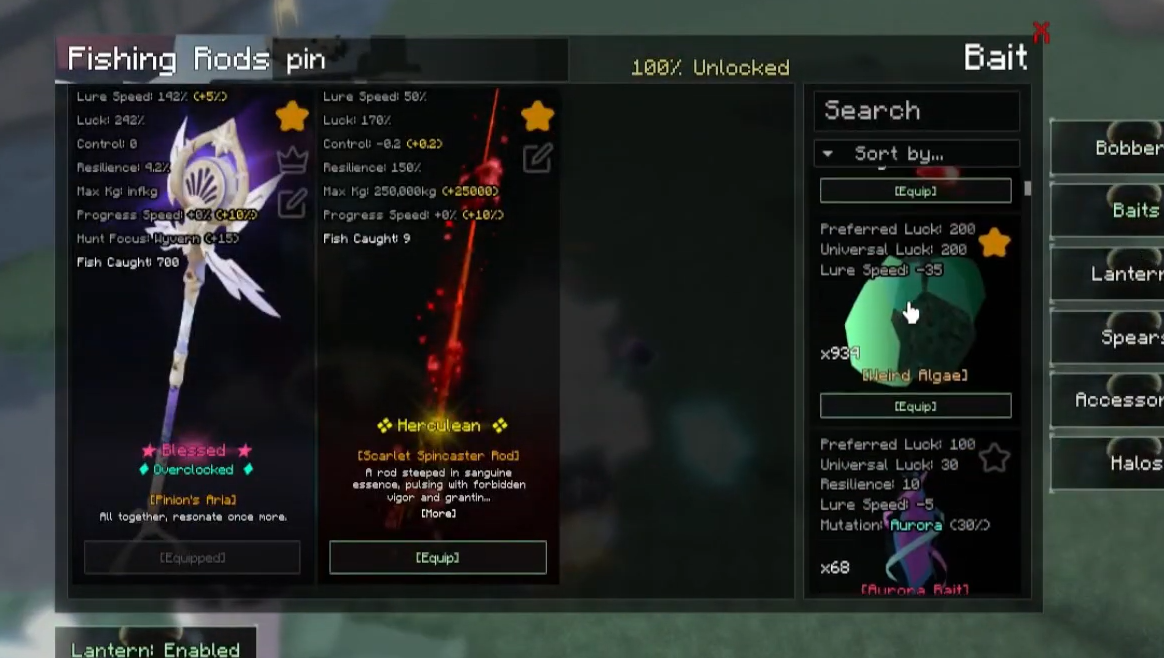
The unlock will not register unless every prerequisite is already complete. Both rod quests must be finished, and the Nico companion must be active in your Companions menu. The early-quest version of Pinion’s Aria is not enough; you need the full rod, which is awarded by the drummer NPC inside the Music Venue.
| Requirement | Where to get it |
|---|---|
| Nico companion unlocked | Music Venue questline (cat lady NPC) |
| Nico’s Yarn Caster (rod) | Completed Nico quest reward |
| Pinion’s Aria (full version) | Drummer NPC at the Music Venue |
| Shiny Harmonized Catfish | Mush Grove swamp, foggy weather, worm bait |
Steps to unlock the Sleepy Nico skin

How to confirm the unlock worked
Two signals confirm success. First, the cat lady NPC produces the “Received Companion Skin: Sleepy” notification on interaction. Second, the Sleepy option becomes selectable inside Nico’s Customize menu. If neither appears after talking to her, one of the prerequisites is incomplete.
Common reasons the skin does not trigger
| Issue | Fix |
|---|---|
| Only the early Pinion’s Aria is owned | Finish the drummer NPC’s quest for the full rod |
| Caught a regular Harmonized Catfish | Keep fishing until you land the Shiny variant |
| No fog at Mush Grove | Use a Smokescreen Totem to force fog |
| Wrong bait equipped | Switch to Worm bait before casting |
| Nico companion not unlocked | Complete the cat lady’s base questline first |
The Shiny Harmonized Catfish is a low-rate catch, so expect repeated attempts. Keeping fog active and worm bait equipped while using Pinion’s Aria gives the highest chance of the correct fish appearing in the catch pool at Mush Grove.
Once the Sleepy skin is applied, it stays available in Nico’s customization list permanently, and you can swap back to the default look at any time from the Companions menu.