

OpenAI’s rollout of the Image Library for ChatGPT addresses a longstanding challenge: finding and managing the images you’ve created with the chatbot’s AI art tools. Previously, users had to scroll through lengthy chat histories or re-generate images just to reuse or edit them. Now, the Image Library provides a centralized gallery, streamlining access to your creative work and making iterative editing much more convenient. This feature is available to all Free, Plus, and Pro users on both the web and mobile apps, and works automatically with images generated using the latest ChatGPT image model.
Accessing the ChatGPT Image Library
Library to view your saved images. The library displays all your images in reverse chronological order, making the newest creations the easiest to find.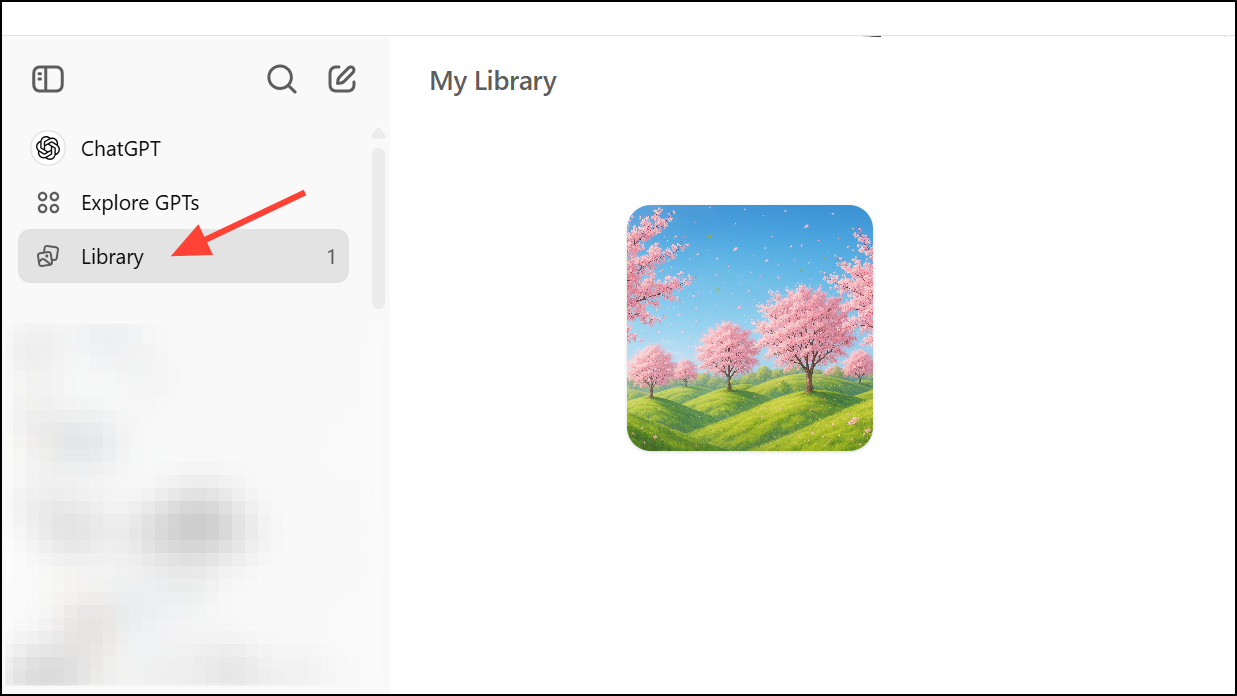
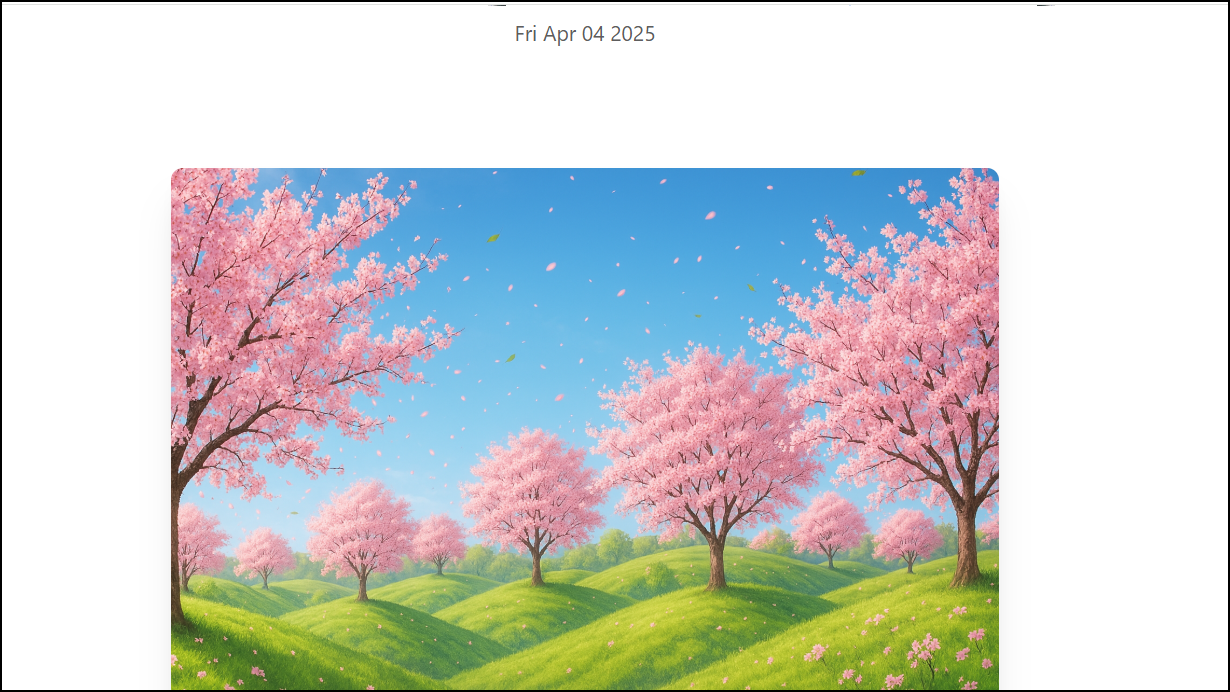
Creating and Saving Images in the Library
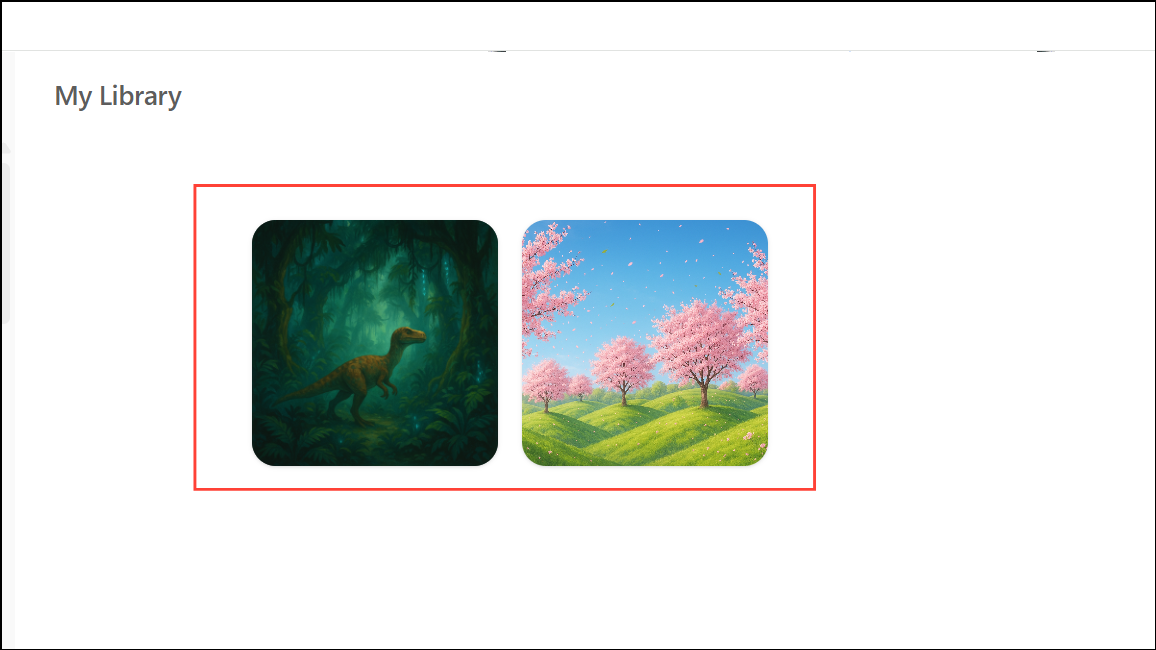
Create image button at the top right of the Library screen. This initiates a new image generation workflow without leaving your gallery.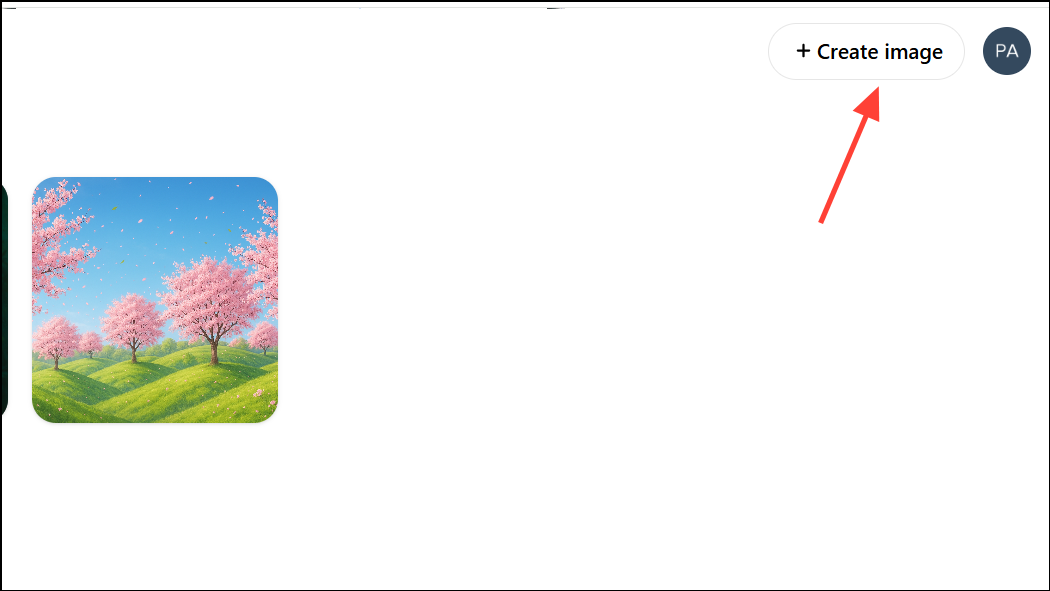
Viewing, Editing, and Reusing Images
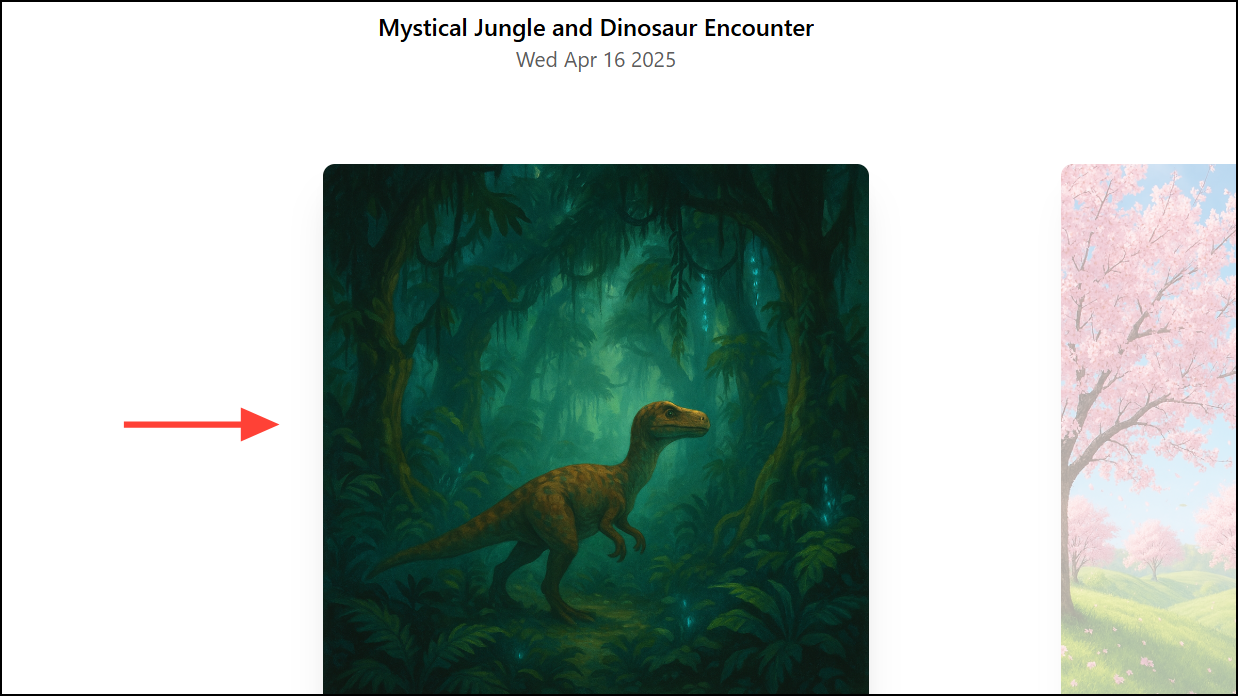
Edit button. This lets you provide a new prompt for modifying the existing image, such as changing colors, adding objects, or altering the style.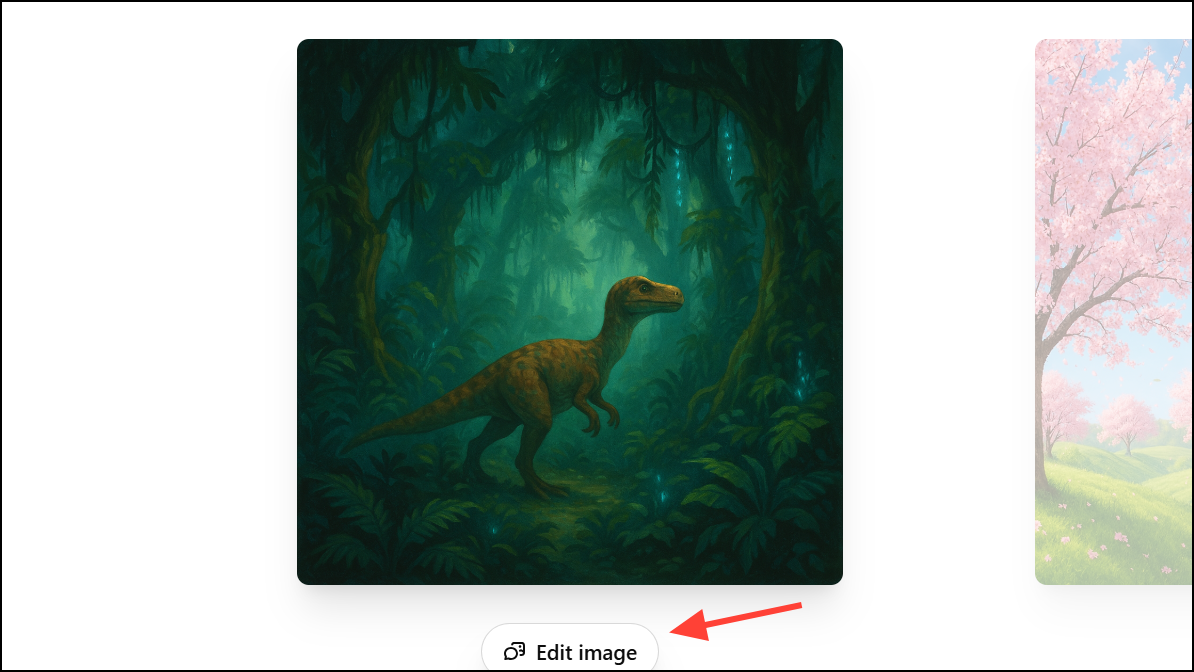
undo and redo buttons as needed.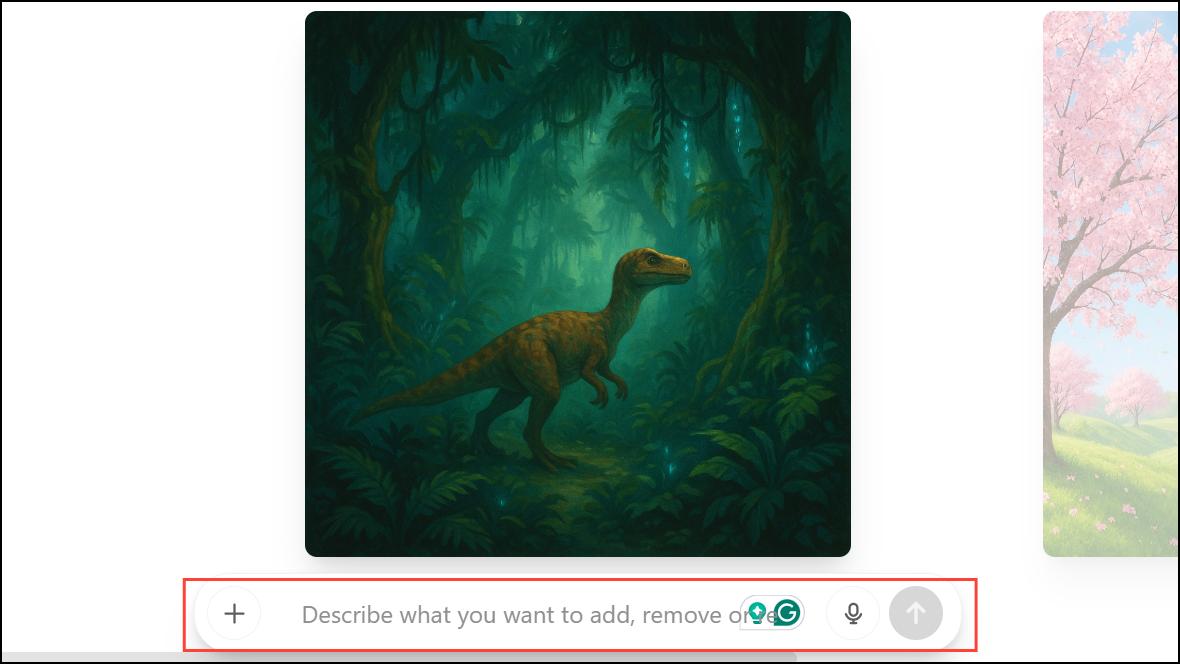
Save to download the image to your device, or Share to send it directly to another app or contact. The Copy option lets you copy the image for easy pasting elsewhere.Deleting Images from the Library
...), and select Delete. On mobile, press and hold the conversation title and tap Delete in the pop-up menu.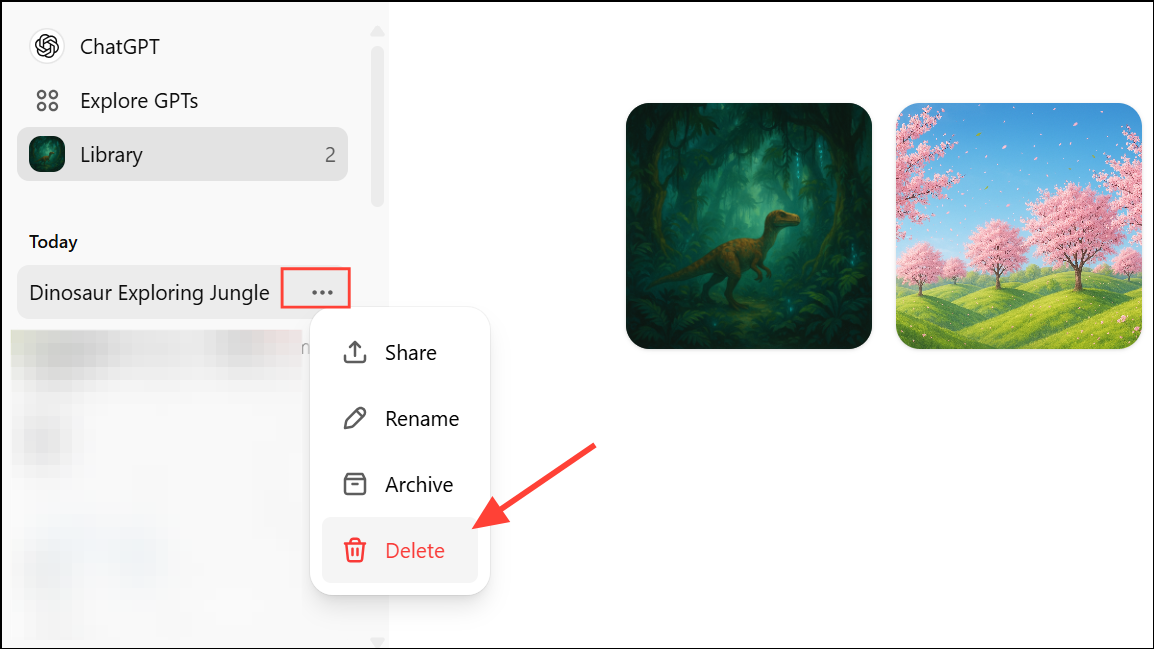
What’s Included and What’s Not
The Library catalogs images created with the latest ChatGPT image generation engine—specifically, those made with the GPT-4o model. Images generated by legacy DALL·E or via Custom GPTs are not included. OpenAI is currently working to backfill older images, but it may take a few days for all eligible images to appear in your Library.
The Image Library in ChatGPT streamlines your creative workflow, making it much easier to organize, edit, and reuse AI-generated images. As OpenAI continues to improve this feature, expect even more ways to manage your visual content efficiently.





