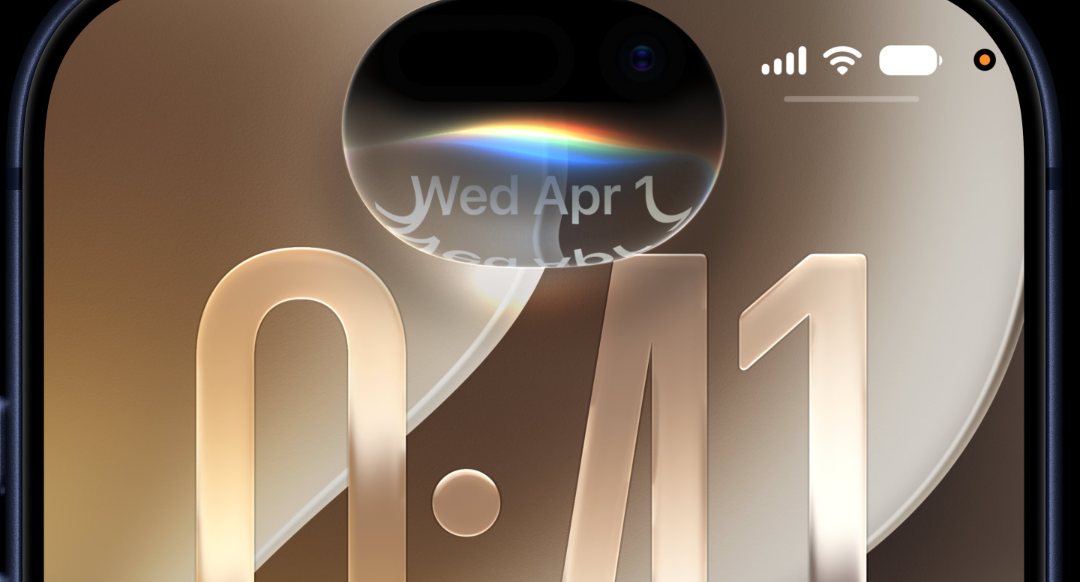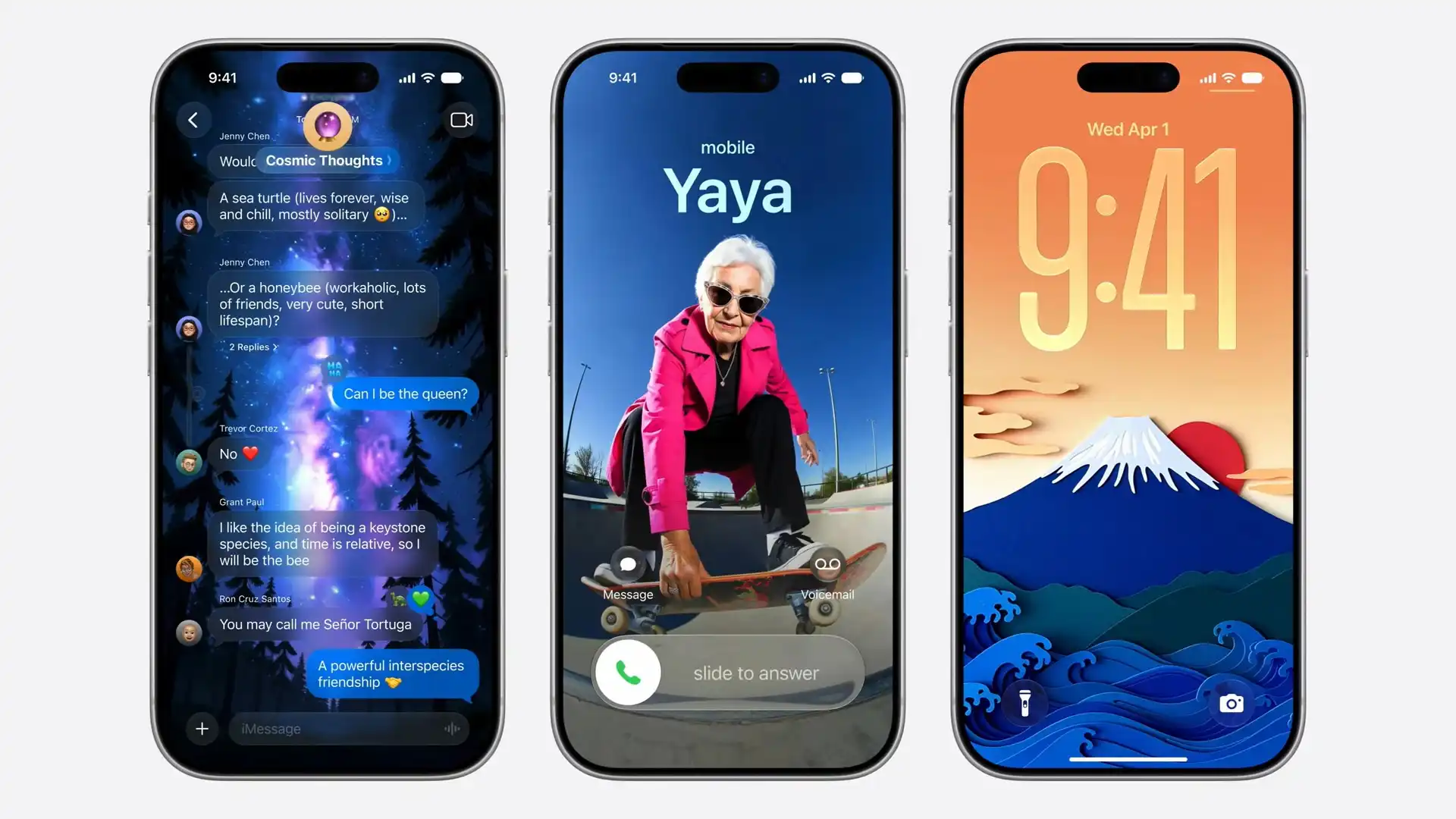
iOS 27 was unveiled at WWDC on June 8, 2026, and it pairs a major Siri rebuild with a wave of Apple Intelligence tools, expanded child safety controls, and under-the-hood speed gains. The full release lands this fall, with developer and public betas arriving before then.
Quick answer: The standout change is Siri AI, a conversational assistant with its own app, joined by new AI photo editing, Siri mode in Camera, broader child safety settings, and a Liquid Glass slider. iOS 27 runs on iPhone 11 and later, and ships in September 2026.
Siri AI: a conversational assistant with its own app
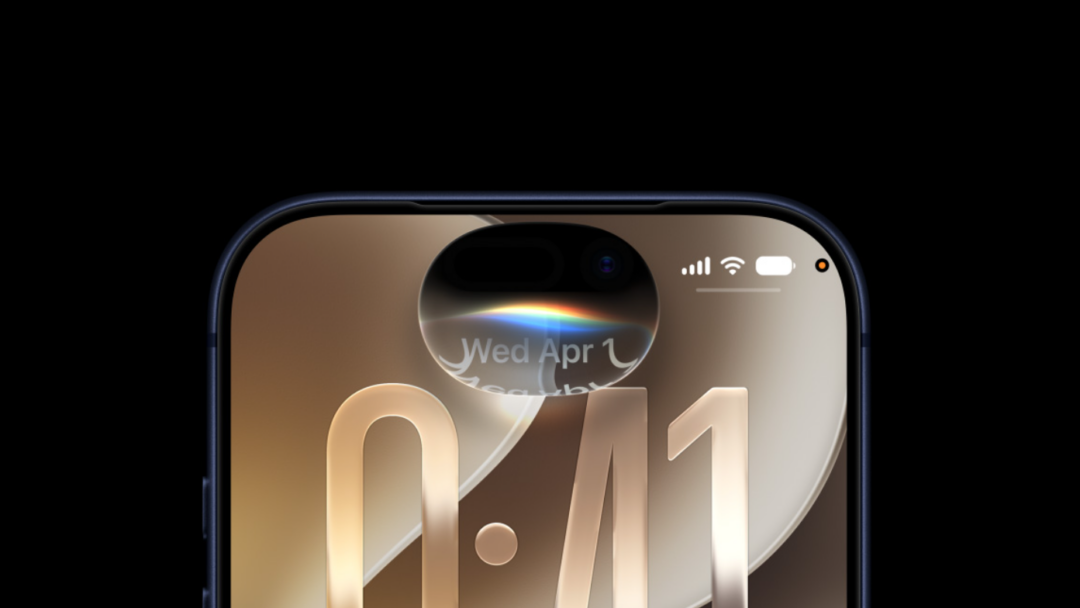
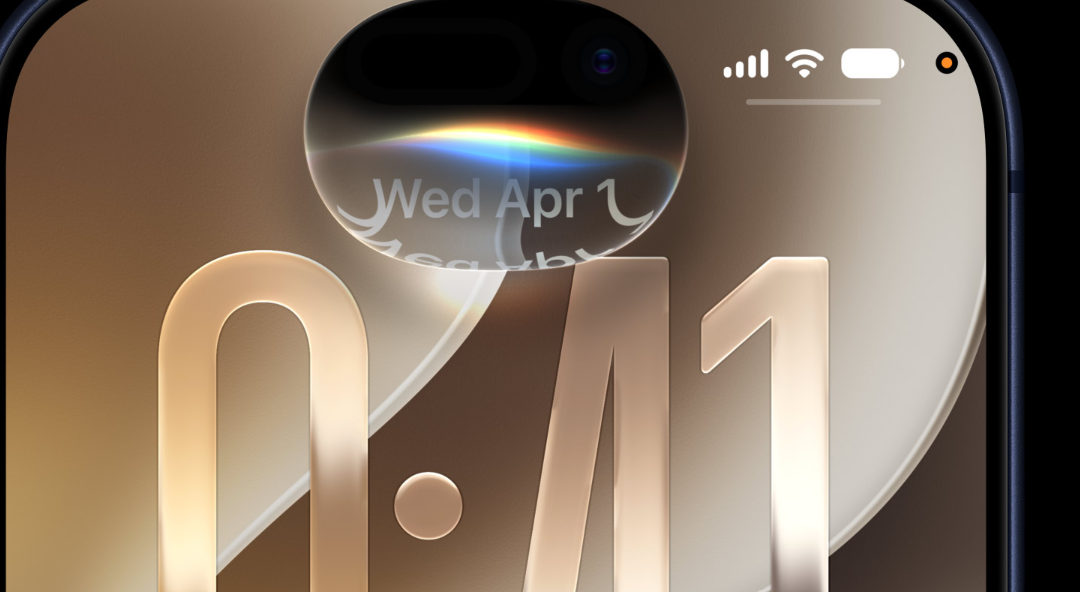
The biggest shift in iOS 27 is Siri AI, an assistant powered by Apple Intelligence that you can talk to in back-and-forth conversations. Instead of being only an overlay, Siri now lives in a dedicated app and in the Dynamic Island, so you can type or speak, then pick up the same conversation later. Apple is rolling this out in English first, with availability planned for later this year. You can read the feature breakdown on Apple’s iOS 27 preview page.
The Siri app keeps your conversations in one place. You can pin chats, start new ones, search through past threads, and attach images or files. Responses can include links and images, and Siri can search the web to give detailed, up-to-date answers. For privacy, conversation history can be set to expire after a chosen period.
Personal context and actions across apps
Siri AI can draw on your own data to find what you need. You can ask it to surface a photo from years ago, locate a buried email, or pull up a saved note. It can also act inside apps like Messages, Music, and Reminders based on what you are doing, such as editing a message you just sent or adding a song you hear in the car to a workout playlist.
Writing help is built in too. Siri AI can draft text from scratch or give feedback on what you have written, and in Messages and Mail it can match your writing style, punctuation, and tone. You can also customize how Siri sounds by picking a voice and adjusting its pace and expressivity.
Note: Siri AI requires an Apple Intelligence–enabled device. That means iPhone 15 Pro, iPhone 15 Pro Max, and iPhone 16 or later. Older iPhones running iOS 27 fall back to the standard Siri, and Siri AI will not be available in the EU at launch.
Siri mode in Camera
Visual Intelligence becomes a dedicated mode in the Camera app. Point your iPhone at an object, then search, ask questions, or take action based on what is in front of you with a single tap. One example is splitting a tip on a group tab directly from the viewfinder.
Apple Intelligence in Photos, Safari, and everyday apps
Photo editing gains three notable tools. Spatial Reframing lets you change the perspective of a shot after it was taken, the Extend tool fills in areas beyond the original frame, and an upgraded Clean Up tool removes larger objects more reliably. Image Playground also expands, with new styles including photorealistic images you can modify by describing the change you want.
Safari adds Apple Intelligence features for managing tabs. Related pages can be grouped into topics automatically, and a “Notify Me” function watches a page for changes, such as a price drop or a restock, then alerts you when it is time to act.
| App | What’s new |
|---|---|
| Photos | Spatial Reframing, Extend tool, enhanced Clean Up |
| Safari | Automatic tab groups and Notify Me page monitoring |
| Passwords | Flags weak or compromised passwords and can update them for you |
| Shortcuts | Describe a shortcut in plain words to connect actions across apps |
| Home | Combines related activity notifications, describes Secure Video clips, and supports 4K recording on compatible cameras |
| Messages and Mail | Context-based Suggestions and Call Context for surfacing relevant info |
Child safety controls in iOS 27
Parents and guardians get expanded tools for managing children’s accounts. During Setup Assistant, you can choose exactly which system apps a child can use, picking essentials, a recommended set, or specific apps. Ask to Buy lets you add more over time and approve purchases.
Ask to Browse requires kids to request permission before visiting new websites, and you can review the request in Messages before approving. Communication Safety, which helps protect children from viewing or sharing nudity in Messages and FaceTime, now also steps in before a child sees gore or violence in shared images and videos.
Screen Time gets Time Allowances across categories like Entertainment, Games, and Social Media, with age-based guidance developed with child development experts. Schedules let you decide which apps are available at different times or days, and a redesigned Settings layout shows how a child has been using their iPhone at a glance.
Liquid Glass slider and performance gains
iOS 27 refines the Liquid Glass design introduced in iOS 26 rather than reinventing it. Updates improve readability with more uniform refraction and better contrast, app icons look sharper, and a new slider lets you set how Liquid Glass appears, from ultraclear to fully tinted. That control directly answers complaints about legibility from the previous release.
Speed improvements run across the system thanks to changes like an optimized CPU scheduler. Apple cites concrete figures for several common tasks.
| Task | Reported improvement |
|---|---|
| App launches | Up to 30% faster |
| New photos loading in your library | Up to 70% faster |
| AirDrop transfers | Up to 80% faster |
Network handling is smoother as well. Your iPhone switches between the best available Wi‑Fi or cellular connection more seamlessly, which helps when you leave home or step off a plane. Mail also adds a new ranking system so the most relevant search results appear first.
Accessibility, Health, Maps, and AirPods updates
A new on-device captioning feature automatically generates synced subtitles for videos you watch, including clips sent over iMessage or AirDrop, and it can translate existing captions into other languages. It uses Apple’s new on-device speech recognition model and starts limited to English videos in the US and Canada. VoiceOver gains richer image descriptions and Action button integration, and Magnifier adds tools for low vision.
Other additions round out the release across Health, Maps, and audio.
- Cycle Tracking in Health can notify you when logged patterns suggest perimenopause, with symptom tracking and educational resources.
- Enhanced Flyover in Maps uses aerial imagery and Visual Intelligence to render fine details like architectural fixtures and individual trees.
- AirPods Custom EQ lets you adjust lows, mids, and highs in AirPods settings.
- GymKit comes to iPhone and AirPods Pro 3, connecting to compatible cardio equipment for real-time metrics.
- iCloud Shared Albums make it easier for friends on Android or Windows to join and contribute, with full-resolution sharing.
- Dictation can use a new on-device model for better accuracy, enabled through the Advanced Dictation Preview toggle in Keyboard settings.
iOS 27 compatible iPhones
iOS 27 supports the same iPhones that ran iOS 26, which covers iPhone 11 and later along with the iPhone SE (2nd generation and later). Apple Intelligence features, including Siri AI, are limited to iPhone 15 Pro, iPhone 15 Pro Max, and iPhone 16 or newer.
| iPhone lineup | iOS 27 |
|---|---|
| iPhone 17, 17 Pro, 17 Pro Max, iPhone Air, iPhone 17e | Supported |
| iPhone 16, 16 Plus, 16 Pro, 16 Pro Max, iPhone 16e | Supported |
| iPhone 15, 15 Plus, 15 Pro, 15 Pro Max | Supported |
| iPhone 14, 14 Plus, 14 Pro, 14 Pro Max | Supported |
| iPhone 13, 13 mini, 13 Pro, 13 Pro Max | Supported |
| iPhone 12, 12 mini, 12 Pro, 12 Pro Max | Supported |
| iPhone 11, 11 Pro, 11 Pro Max | Supported |
| iPhone SE (2nd generation and later) | Supported |
iOS 27 release date and beta access
The final version of iOS 27 ships this fall, in line with Apple’s usual September timing alongside new iPhones. The developer beta arrives first, followed by a public beta, so you can test features before the full launch.
| Stage | Timing |
|---|---|
| Developer beta | June 2026 |
| Public beta | July 2026 |
| Final release | September 2026 |
If you want to try the public beta, enroll your device through Apple’s beta software program. Keep in mind that pre-release software can be unstable, with bugs and occasional app incompatibility, so it is best installed on a secondary device.
Taken together, iOS 27 leans on a smarter, conversational Siri and Apple Intelligence woven through Photos, Safari, and the Home app, while the Liquid Glass slider and speed gains address the friction users felt with iOS 26. The features that depend on Apple Intelligence reach a narrower set of recent iPhones, but the broader compatibility list means most current devices will still get the update.