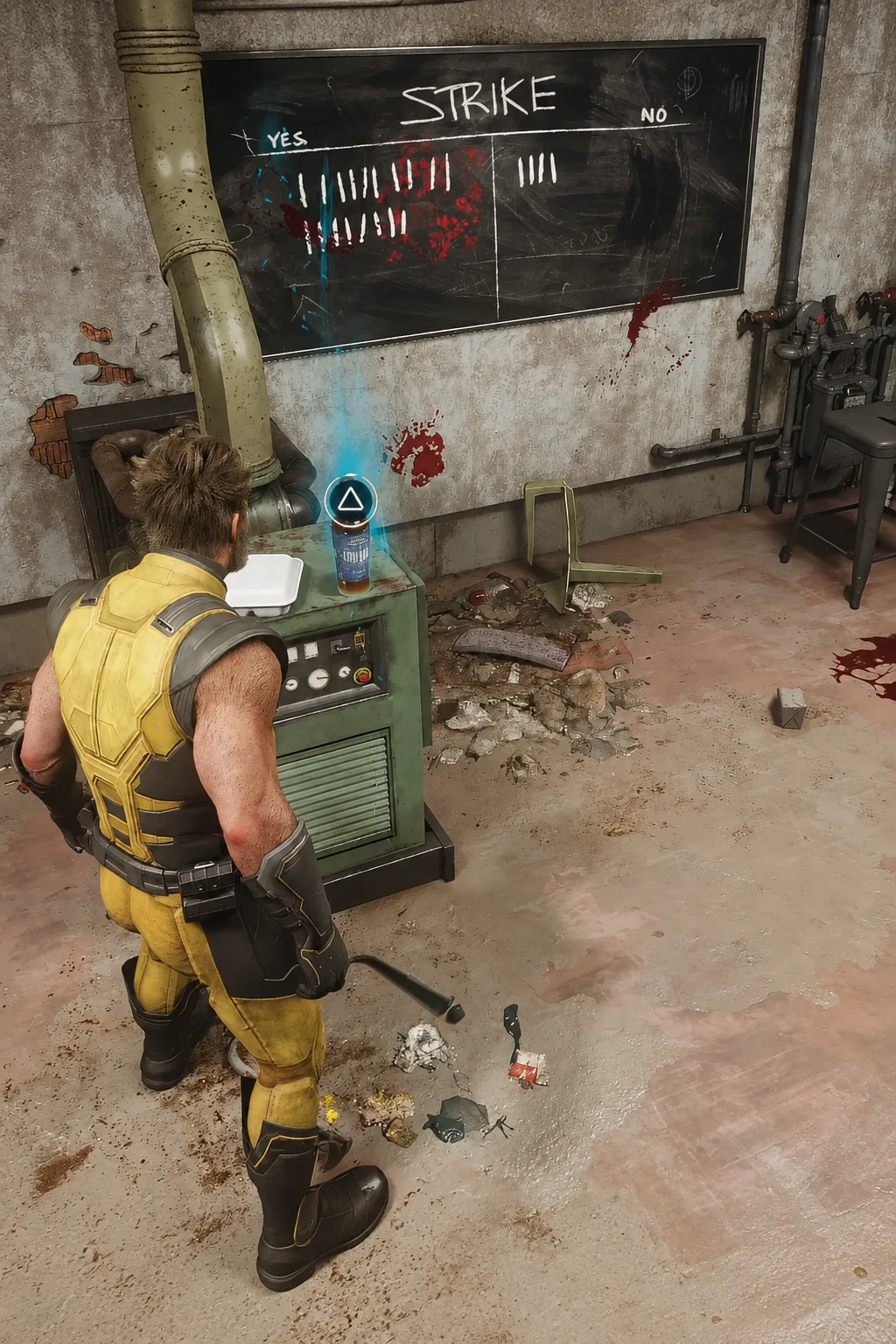
Marvel’s Wolverine ships with a cosmetic switch that a lot of players will walk straight past. Inside the suit menu, next to the usual SELECT and CLOSE prompts, sits a TOGGLE COWL option that strips the mask off Logan’s head and keeps it off. It is not a cutscene-only flourish and it is not tied to a separate unlock. It is a toggle you can flip whenever the menu is open.
Quick answer: Open the suit menu, highlight the suit you are wearing, and press the TOGGLE COWL prompt. Wolverine’s model updates immediately and the change carries into cutscenes.
What the Toggle Cowl option changes
The toggle controls whether Wolverine wears the mask portion of his suit. Turn it off and he runs around bare-headed during normal play, whether that is a snowy stretch of the Canadian wilderness or a dockside fight. The suit itself stays exactly as you picked it, so you are not swapping outfits to get the effect.
The bigger difference shows up in cinematics. With the cowl off, close-ups play out on Logan’s actual face instead of a masked profile, which means every expression Liam McIntyre’s performance capture delivers is visible. With it on, those same shots frame him in the cowl. Both looks are valid, and neither affects combat, damage, or anything mechanical.
How to remove or put on the cowl in the suit menu
Flip it before a story beat you care about. Cutscenes render whichever state you left the toggle in, so setting it during a quiet moment is easier than realizing mid-scene that you wanted the unmasked version.
How to confirm the cowl toggle applied
Two checks confirm it worked. The first is instant: the character preview inside the suit menu swaps between the masked and unmasked head the moment you press the prompt. There is no confirmation dialog and no loading step.
The second is the one that matters. Return to gameplay and look at Wolverine during any third-person moment, then wait for the next cinematic. If the toggle is off, the camera frames his bare face in close-ups. If it is on, the cowl is there in profile shots. Seeing the correct head in a cutscene is the definitive sign the setting took.
Other Marvel’s Wolverine menu toggles that change what you see
The cowl switch is not the only presentation control buried in the menus. Insomniac built out a deep options layer for the PS5 release, and several entries change what appears on screen rather than how hard the game hits.
| Setting | What it controls |
|---|---|
| Visceral Healing | How much physical damage shows on Logan’s body |
| Dynamic Blood | Blood from impacts in gameplay and cinematics |
| Dismemberment | Dismemberment visibility, including blurred cinematics |
| Skip Puzzle | Lets you bypass puzzles you do not want to solve |
The Violence Customization group also carries Some and Full presets that bundle those gore options together, so you can dial the whole look down in one move instead of flipping each line individually. Skip Puzzle sits in the gameplay assists list and applies to certain puzzle encounters, including the board-style machines you interact with using the triangle prompt.
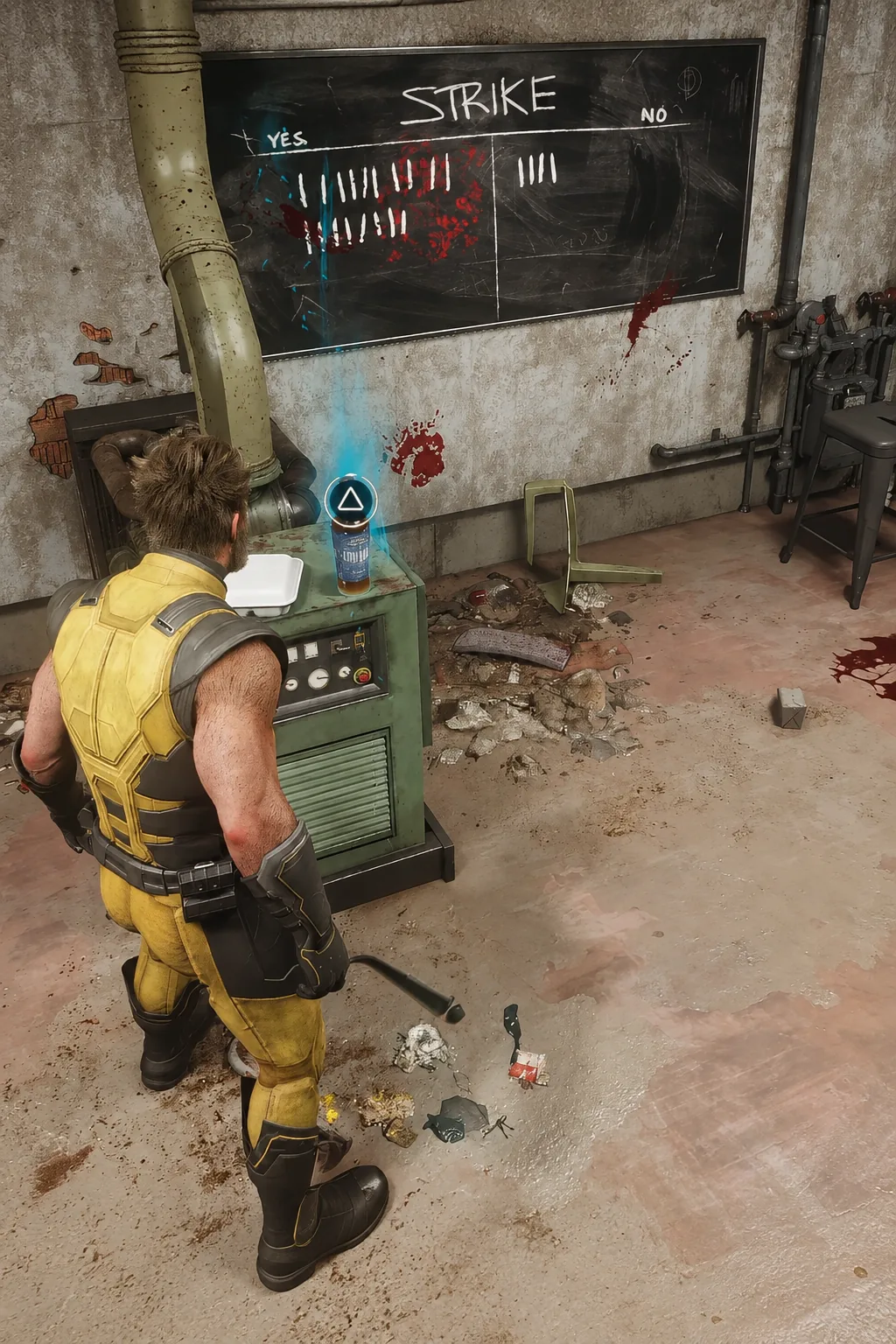
None of this is hidden behind progression. Marvel’s Wolverine launched on PlayStation 5 on September 15, 2026, and the cowl toggle is available from the suit menu as soon as you have a suit equipped. If you have been playing masked for hours because you never noticed the prompt, one button press is all it takes to see the rest of the game on Logan’s face.