Every fighter in Marvel Tokon: Fighting Souls carries a stack of alternate color schemes, and only the first four sit ready the moment you boot the game. The rest are tied to specific things you do across Episode Mode, online play, and the training trials. Here is exactly what each of the higher color sets asks for, and which one you can only get by buying up.
Quick answer: Colors 1–4 are unlocked from the start. Color 5 unlocks by clearing every Episode, Color 6 by winning 10 online Casual Matches, Color 8 by finishing the Combo Trials, and Color 9 by owning the Ultimate Edition. Color 7’s trigger has not been confirmed.
Every color set and how to unlock it
The unlocks apply across the roster rather than per character. Once you satisfy a requirement, the matching color set opens up for all fighters at the same time.
| Color set | How to unlock |
|---|---|
| Colors 1–4 | Available from the start |
| Color 5 | Clear all five story Episodes |
| Color 6 | Win 10 online Casual Matches |
| Color 7 | Not yet confirmed |
| Color 8 | Complete the Combo Trials |
| Color 9 | Included with the Ultimate Edition |
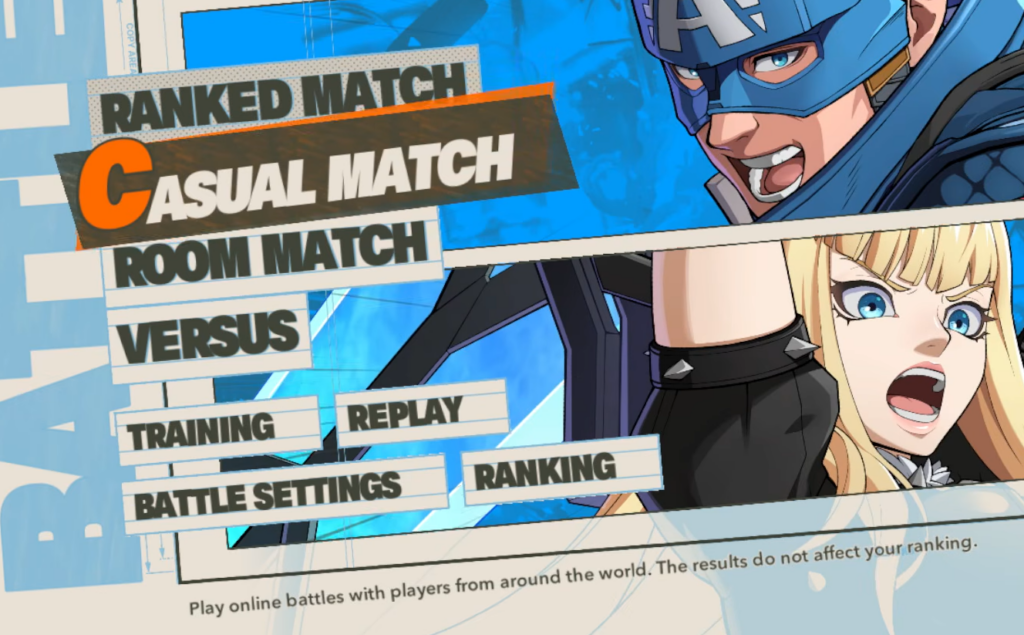
Color 5: Clear all five Episodes
Color 5 opens once you finish every story Episode in Episode Mode. There are five in total, each following a different team through comic-style scenes and fights.
- Fighting Avengers
- Uncanny X-Men
- The Amazing Guardians
- Samurai Outriders
- Western Europe
Color 5 becomes selectable for the whole roster once the final Episode is finished. Clearing the Fighting Avengers Episode also unlocks Champion as a playable character, so it does double duty.
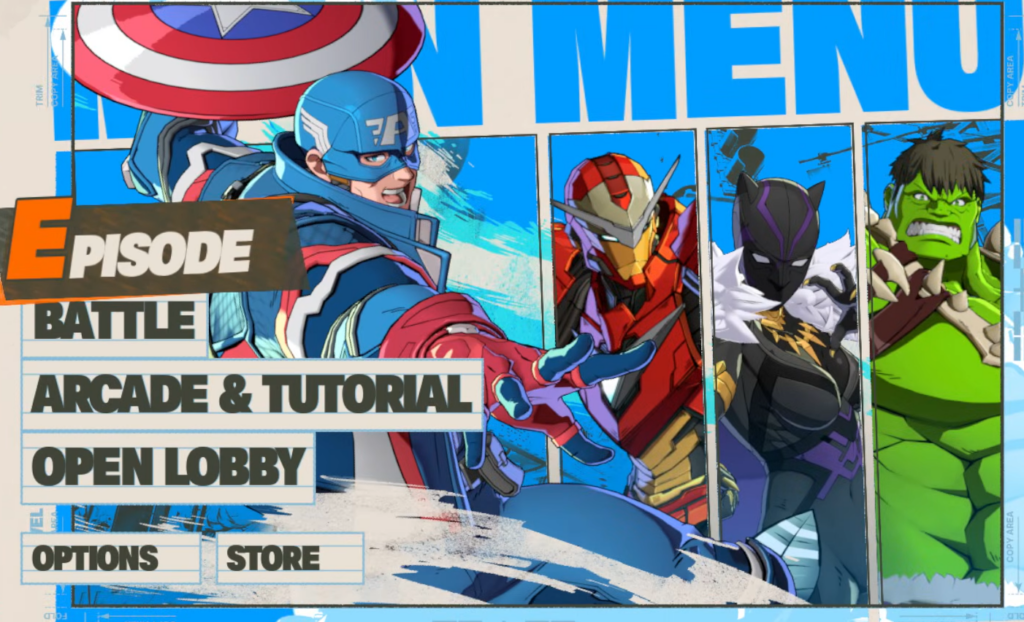
Color 6: Win 10 online Casual Matches
Color 6 is tied to online play. You need 10 Casual Match wins, which you can rack up through the Open Lobby or by queuing directly in Battle Mode.
Online play requires PS Plus, so make sure your subscription is active before you start grinding matches.
Color 8: Complete the Combo Trials
Color 8 is the hardest of the earnable sets because it lives behind the training challenges. You unlock it by finishing the Combo Trials, starting with the opening two, Arcadia Rumble and All-Star Arena.
Color 9: Ultimate Edition only
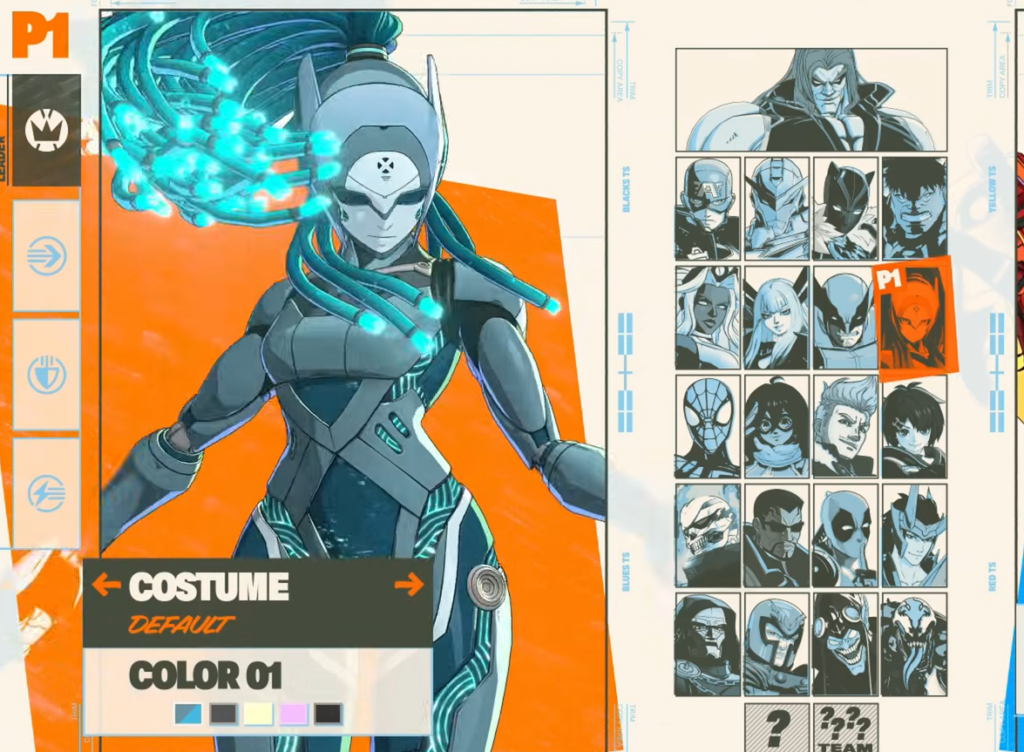
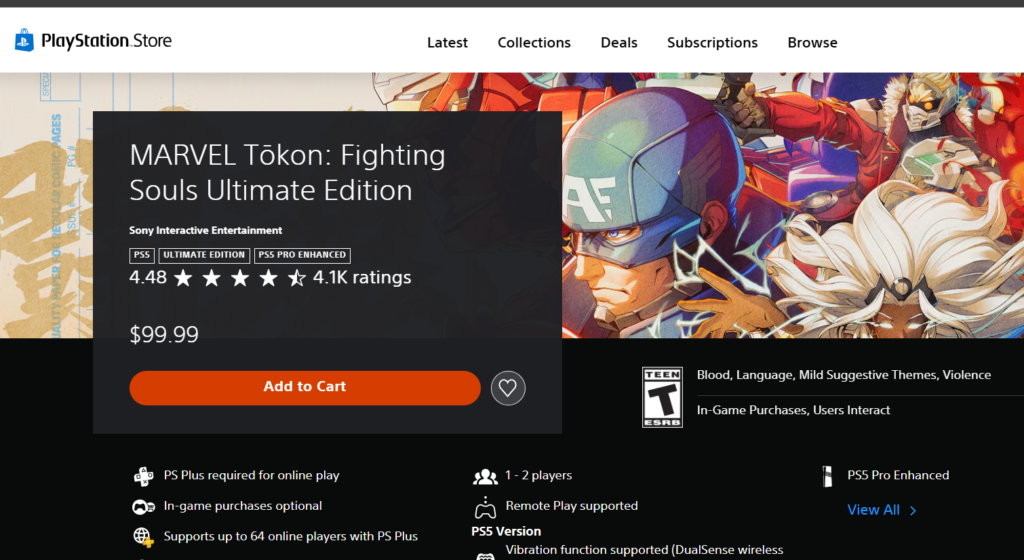
Color 9 is not something you can grind for. It is the Animated Chromatic color unlock bundled with the Ultimate Edition, and it applies to all 20 launch characters. If you own the Standard or Digital Deluxe Edition, Color 9 stays locked until you upgrade.
You can move up to the Ultimate Edition through the in-game upgrade pack on the Ultimate Edition PlayStation Store page, which also adds five character costumes on top of the animated color set.
Color 7: Still unconfirmed
Color 7 is the odd one out. Its unlock condition has not been pinned down, and it does not line up with the Episode, online, or trial requirements that cover the other sets. For now, no reliable trigger for Color 7 has been confirmed.
How to change a fighter’s color
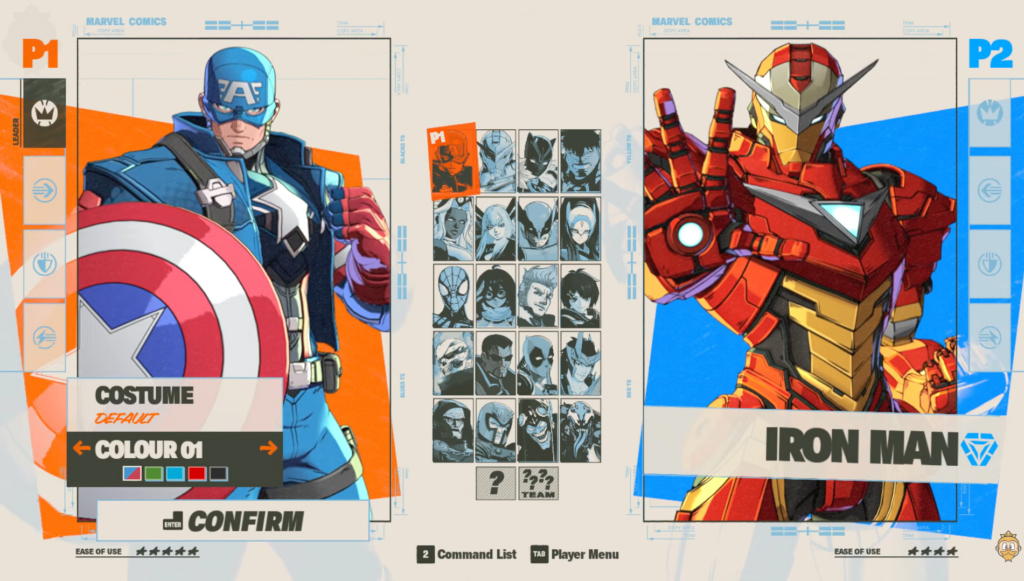
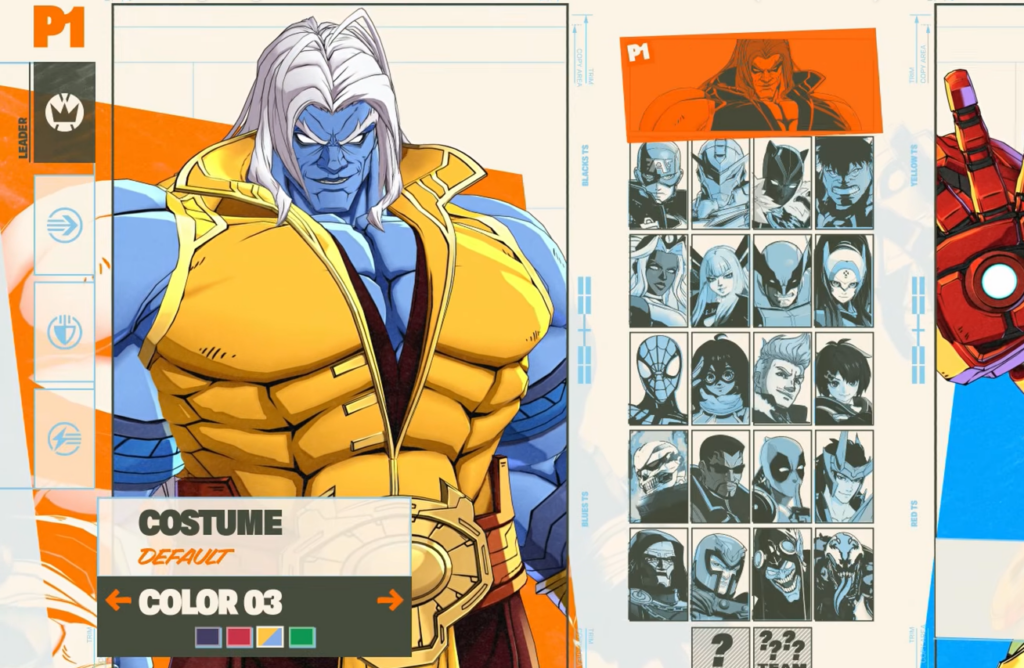
Once a color set is unlocked, you swap between them right on the character select screen before a match begins. Highlight your fighter, then use the color option in that same menu to pick from whatever sets you have available. Because the choice happens pre-match, lock it in quickly so the timer does not start before you have made your pick.
If a color set does not appear as an option, it simply means you have not met its requirement yet. Circle back to the matching condition above, and the missing set will show up for every character as soon as it unlocks.