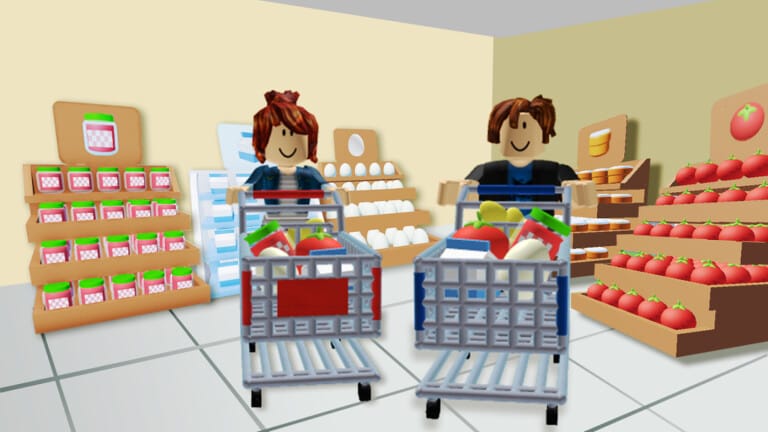
Mini Mart Together on Roblox lets you and your friends run a small store and grow it into a busy mini mart. Codes provide time-limited buffs that help you move faster and handle more customers during a session.
Working Mini Mart Together codes
The following codes are currently known to be active for Mini Mart Together. Enter them exactly as written, including capital letters.
| Code | Reward | Status |
|---|---|---|
GoodGame |
Short-duration movement speed buff / miscellaneous freebies | Working |
Together |
5 minutes of increased movement speed | Working |
How to redeem Mini Mart Together codes
How to confirm a code worked
When a Mini Mart Together code is accepted, two things should happen:
- You receive an on-screen confirmation message indicating that the reward has been granted.
- Your character’s movement speed increases for the duration of the buff, making it noticeably faster to move stock and serve customers.
Why a Mini Mart Together code might not work
If a code is not applying its reward, the most common reasons are:
- Typing errors: Codes in Mini Mart Together are case sensitive. Any missing letter, extra space, or wrong capitalization will cause a failure message.
- Code expired: All event codes are time-limited and can be disabled without warning once a promotion ends.
- Outdated server: Occasionally a server may not recognize a newly released code until it has restarted. Leaving to the main menu and joining a different server can resolve this.
Once a code has expired globally, it cannot be redeemed again on any server.
How to get more Mini Mart Together codes
New Mini Mart Together codes are distributed directly through the game’s official presence on Roblox and through the developer’s community channels. The most reliable ways to catch future codes are:
- Checking the description text on the official Mini Mart Together Roblox page whenever you start a new play session.
- Joining the developer’s Roblox group to see announcement posts that may include new codes tied to updates or milestones.
- Looking around major content updates, holidays, and player-like milestones, as codes are often released to celebrate those events.
Codes are usually tied to updates or events and can disappear quickly, so they should be redeemed as soon as they are found.