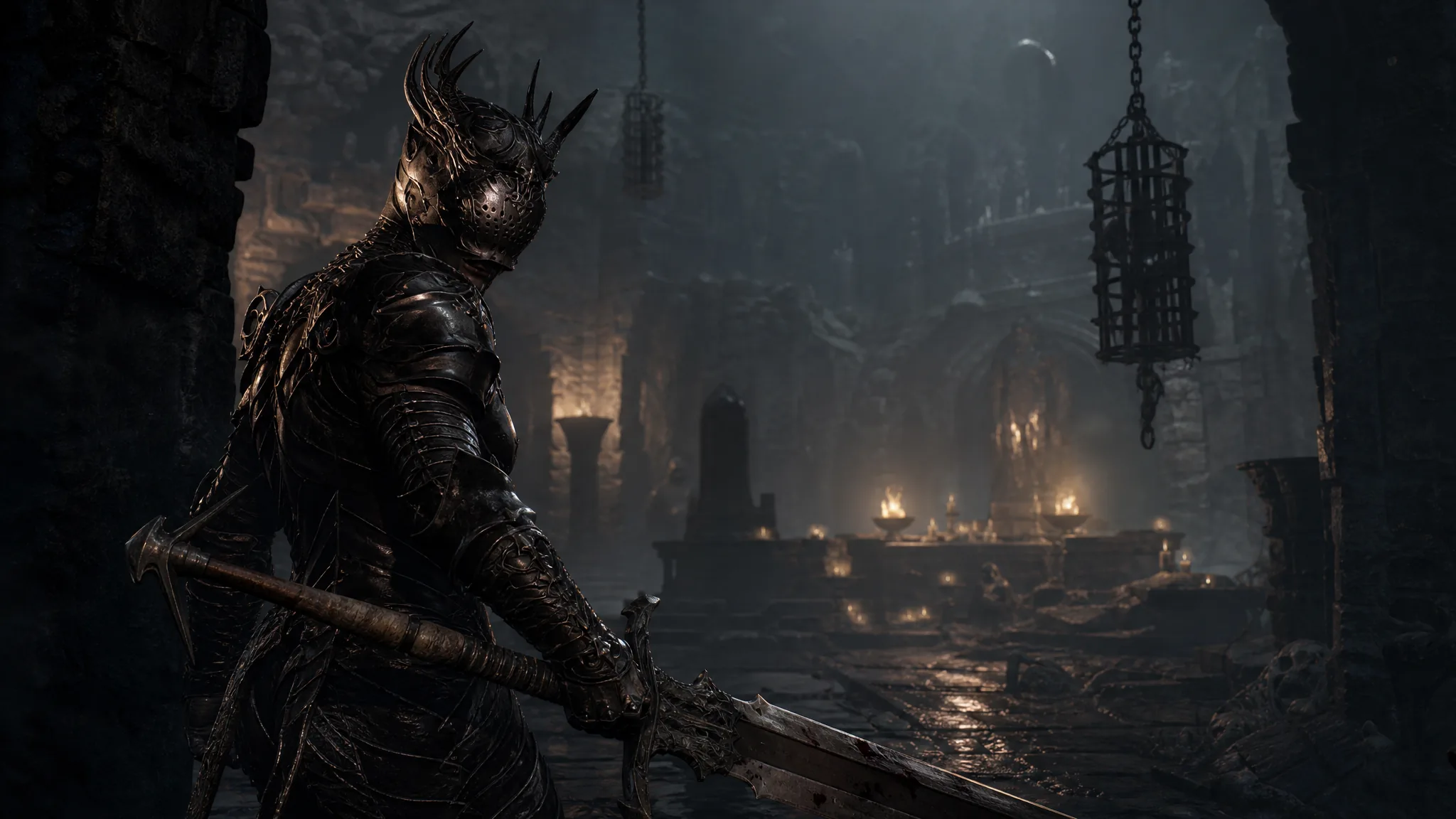
Getting wedged in a crevice, a narrow gap, or dark terrain can leave your character with no way to move in Mortal Shell II. There is no free-cam or manual “unstuck” command in the game, so the reliable fix is to force a reload. Doing so pulls you back to solid ground without wiping any progress.
Quick answer: Open the system menu, choose QUIT to reach the main menu, then select CONTINUE. Your character respawns at the last beacon you visited, freed from wherever it was trapped, and keeps all its Gloom.
Free a stuck character by reloading from the main menu
This method works whenever your character is physically trapped and cannot walk, dodge, or climb out. It respawns you at your most recent active beacon, so the fix takes under a minute.
How to confirm the fix worked
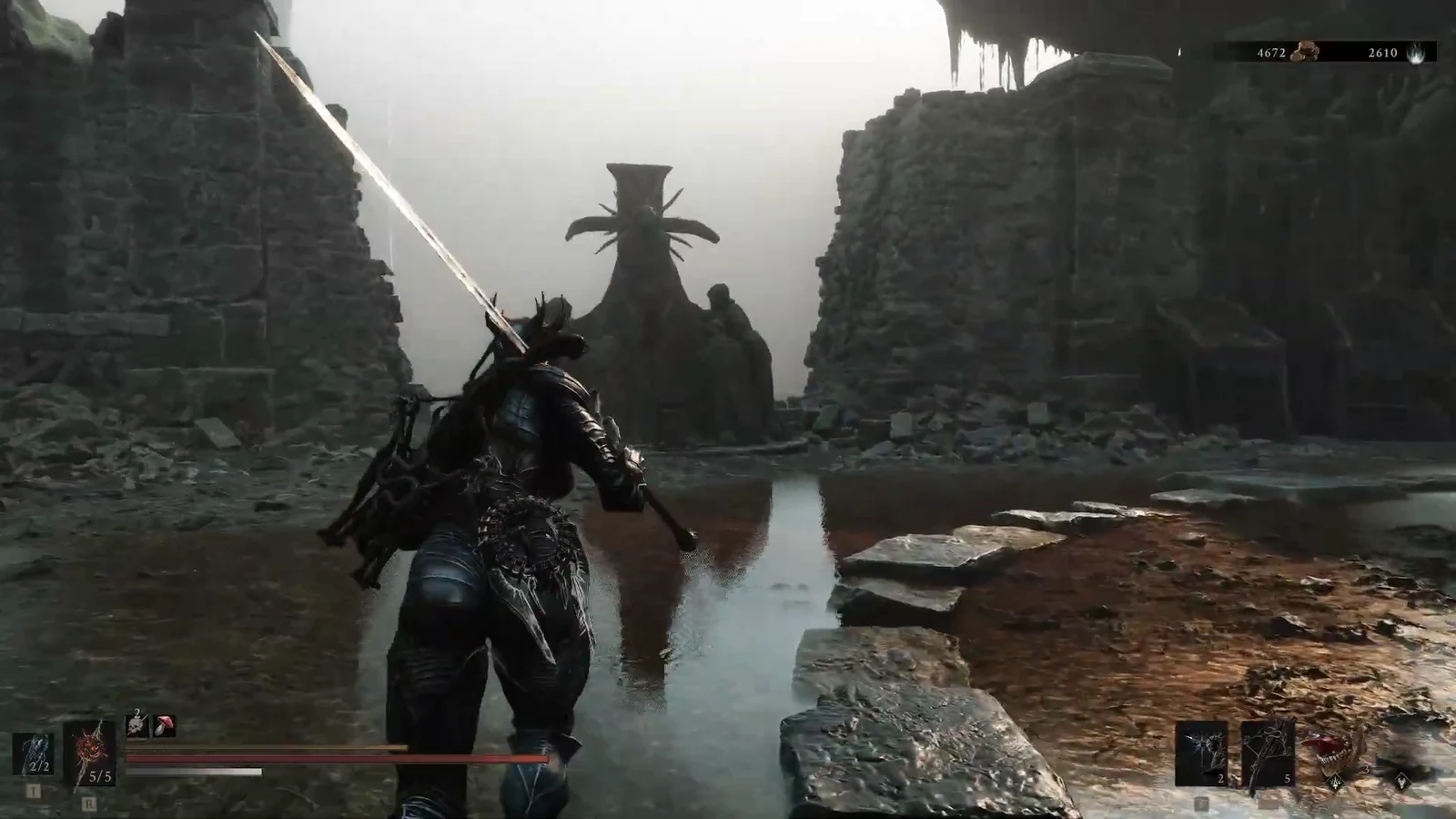
You will know the reload succeeded when your character loads in at a beacon location instead of the spot where it was trapped. Control returns immediately, and you can walk, dodge, and attack normally.
Your Gloom, the currency you carry, stays intact through this process. Because you reloaded a live save rather than dying, nothing is dropped and there is no recovery run to worry about. Any upgrade materials and items already in your inventory remain as well.
What the reload does and does not change
| Effect | Result after CONTINUE |
|---|---|
| Character position | Moved to the last visited beacon |
| Gloom (currency) | Kept in full |
| Inventory and materials | Unchanged |
| Stuck state | Cleared |
One thing to keep in mind is where your beacon was last set. Because the reload sends you to that point, any distance you covered between the beacon and the spot where you got stuck will need to be walked again. If you want to reduce backtracking after future incidents, cleanse and rest at beacons as you progress so your respawn point stays close to where you are exploring.
Since the world is tightly interconnected, this reload trick is the fastest recovery for any traversal snag, whether you slid into a gap while dropping down a ledge or clipped into scenery during a fight. Keep it in mind as your standard fix whenever movement locks up.