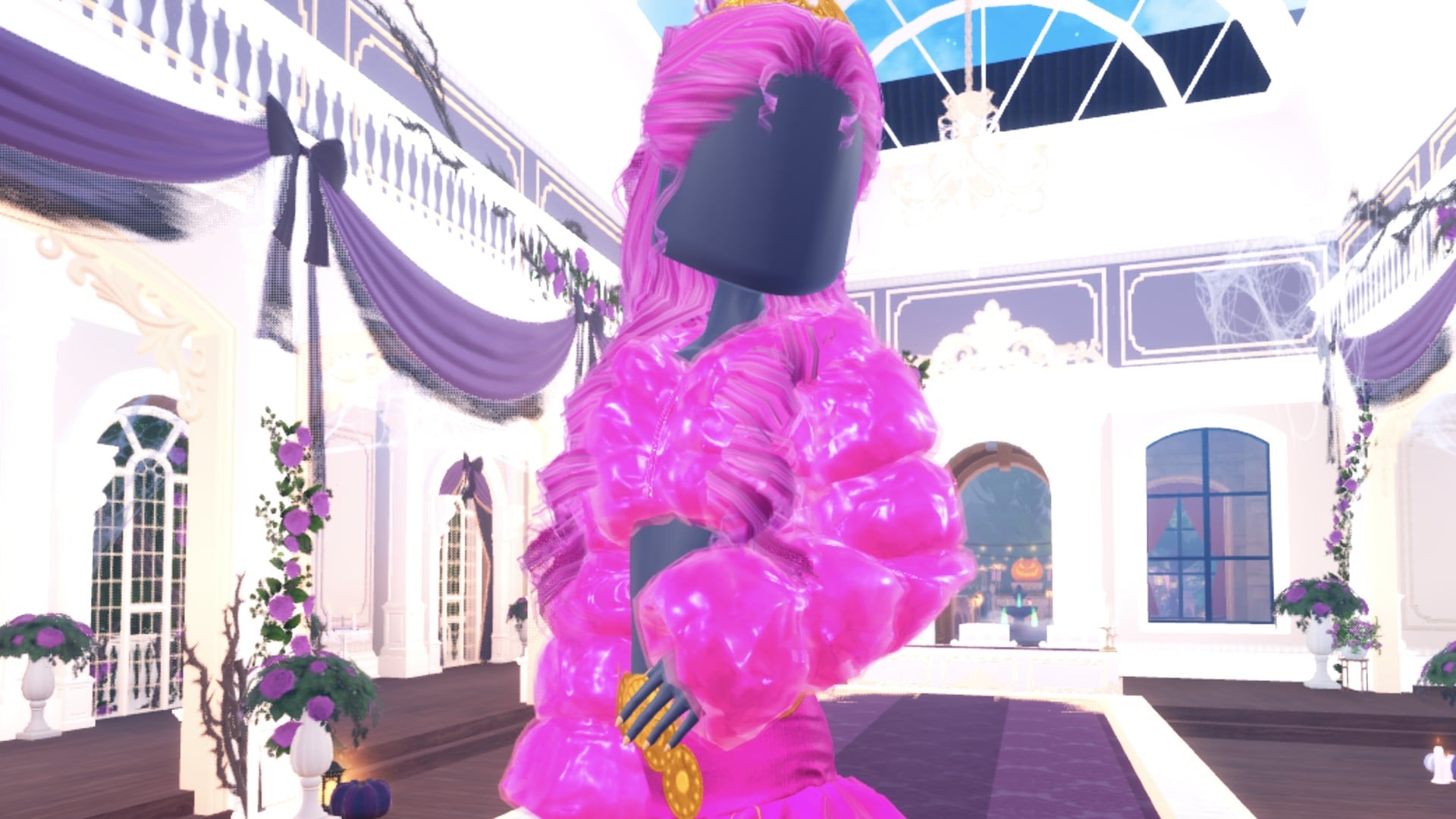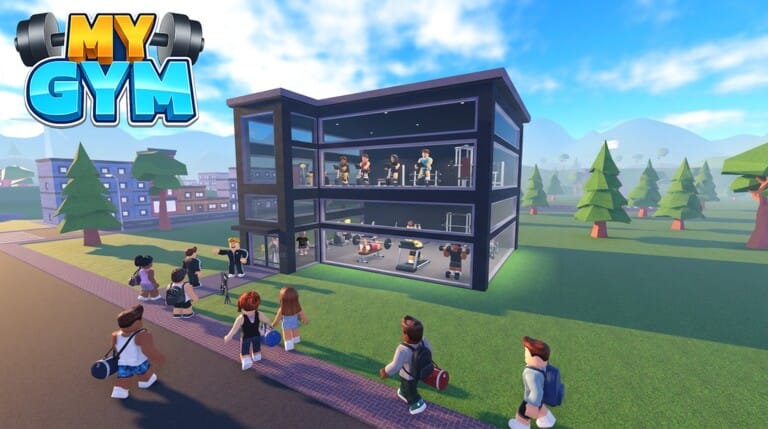
My Gym on Roblox puts you in charge of a fitness business rather than just your own character’s gains. You build out equipment, hire staff, and pull in cash from NPCs looking to bulk up, and codes give that cash pile an early boost.
Working My Gym codes
These codes currently work and hand out cash along with a temporary money multiplier.
1MVISITS— Double money for 15 minutesBoxing— $1,000 cash and double money for 15 minutes
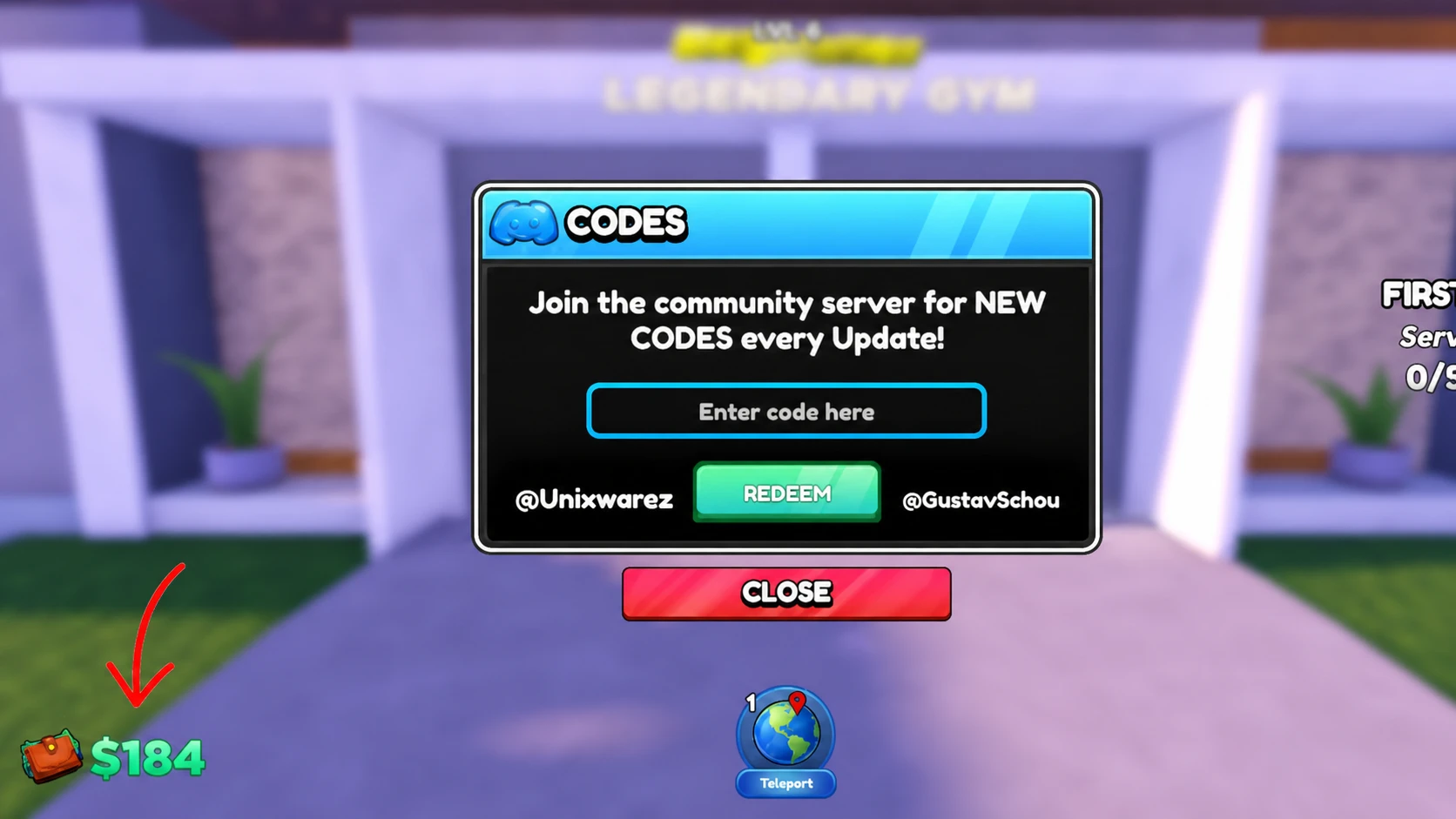
How to redeem codes in My Gym
Where new My Gym codes turn up
New codes tend to show up in two places, the game’s own Roblox page and its Discord server, and neither follows a fixed schedule. Codes posted to Discord have expired within about a week of going live in the past, so it pays to redeem them quickly once you spot one.
You can join the official My Gym Discord server to catch announcements as they post, provided your Roblox account is age-verified for chat access. The updates and announcements channels are the ones to watch. The game itself can be found on its Roblox experience page, and the developer, My Softworks, also runs a Roblox community group where code drops sometimes get mentioned.
Expired My Gym codes
These codes no longer redeem any rewards.
100kvisitsILiked
Cash from codes gets you through the early stretch of upgrades faster, but the bulk of your gym’s growth still comes from keeping paying members happy and reinvesting what they spend. Check back for fresh codes whenever the game hits a new visit milestone or ships an update.