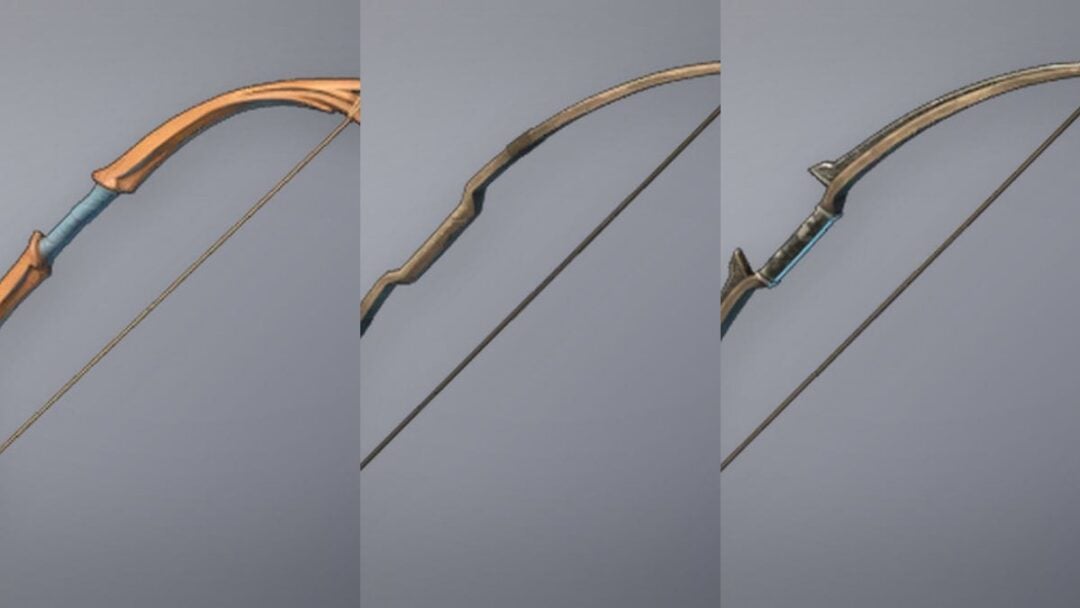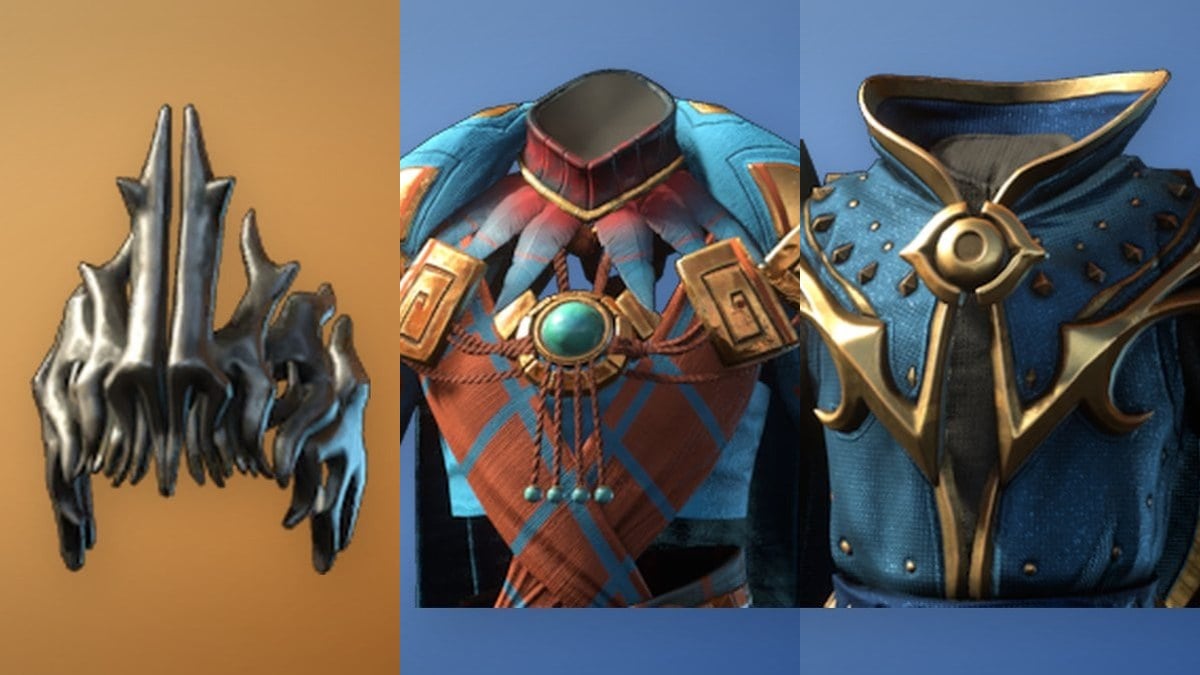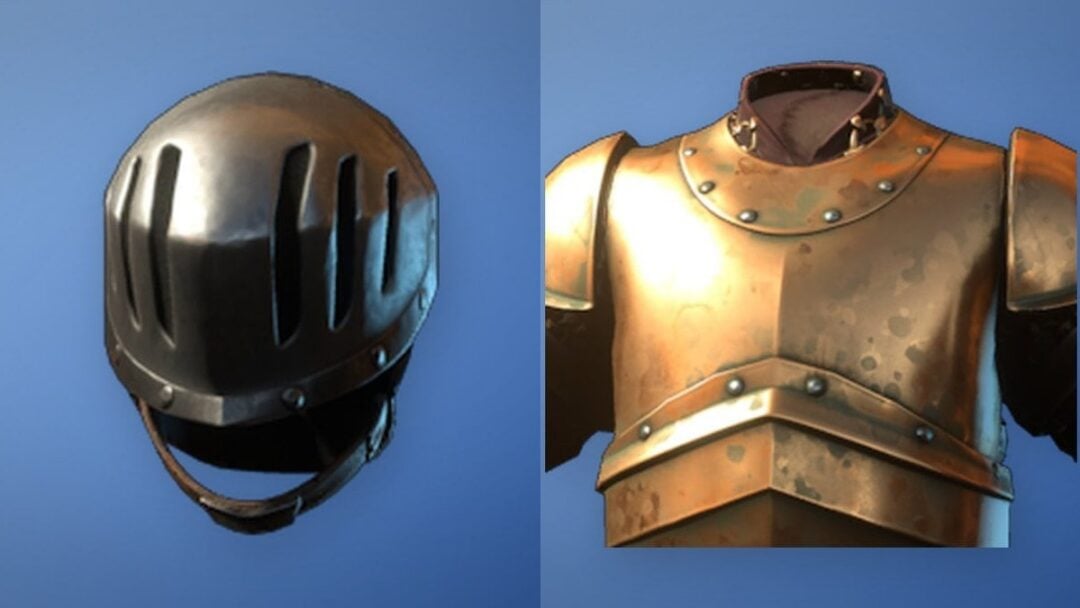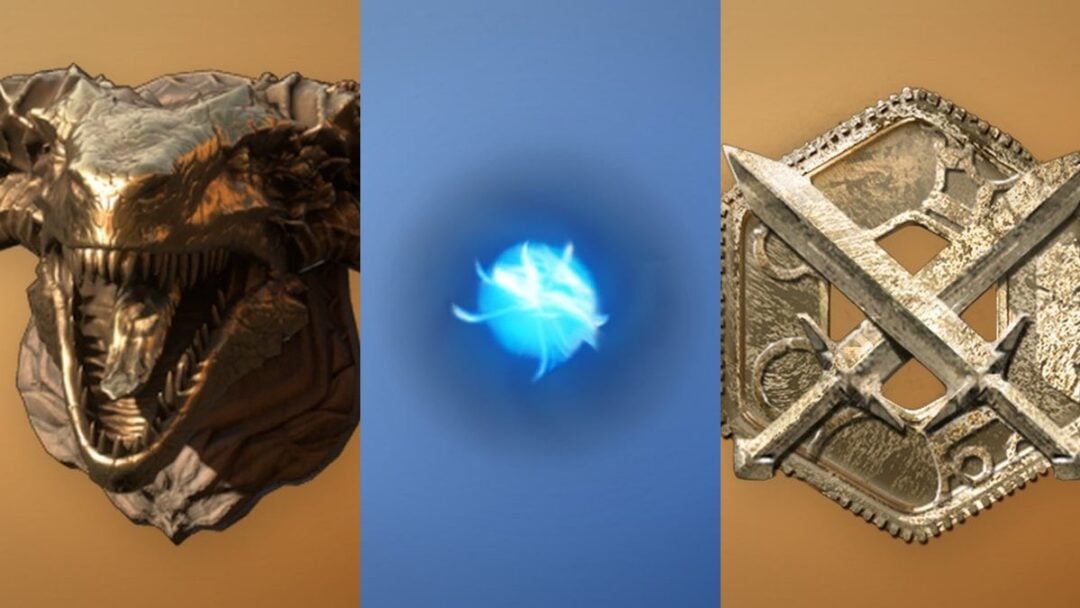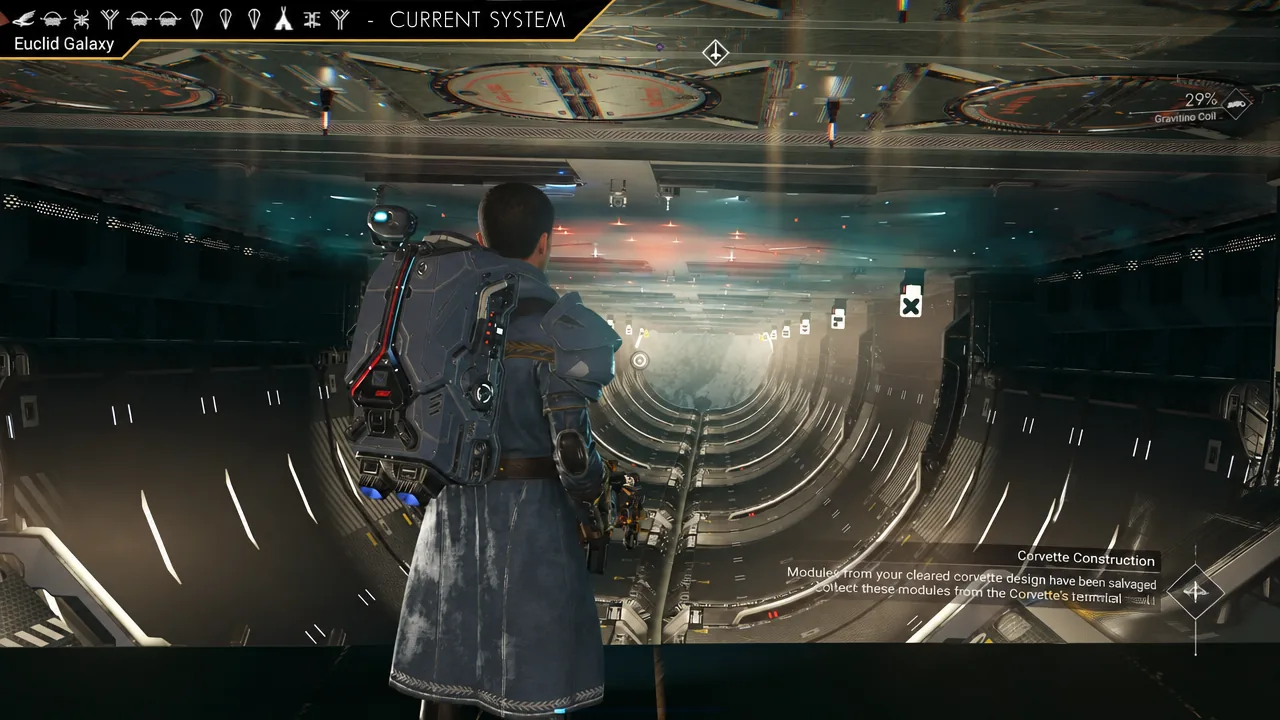
Space station customization in the Cosmos update runs on blueprints, and the rarest decoration parts are not sold anywhere. They come out of deep space. The only repeatable way to collect them is to hunt the purple points of interest that appear when you burn an Anomaly Detector, then resolve whatever encounter is waiting at the other end.
Quick answer: Use an Anomaly Detector while in space to spawn a purple anomalous signal marker, pulse to it, and complete the encounter there. Those purple markers are the source of hidden station decoration blueprints, so the loop is detector, signal, encounter, repeat across systems.
What you need before you start farming
This is a travel-heavy loop, so the bottleneck is almost always your ship rather than your combat gear. Stock up before you leave a station instead of halfway through a run.
| Item | Why it matters |
|---|---|
| Anomaly Detector | Spawns the purple anomalous signal that leads to a blueprint encounter. Bring several. |
| Pulse Engine fuel | Every signal sits at a distance you have to pulse toward, and you repeat this per system. |
| Sub-Light Amplifier | Cuts down the in-system travel time between markers and stations. |
| Hazard Containment Field | Keeps you alive on the hostile planets you end up landing on between hops. |
| Warp fuel | System hopping is the core of the loop, since each new system is a fresh set of points of interest. |
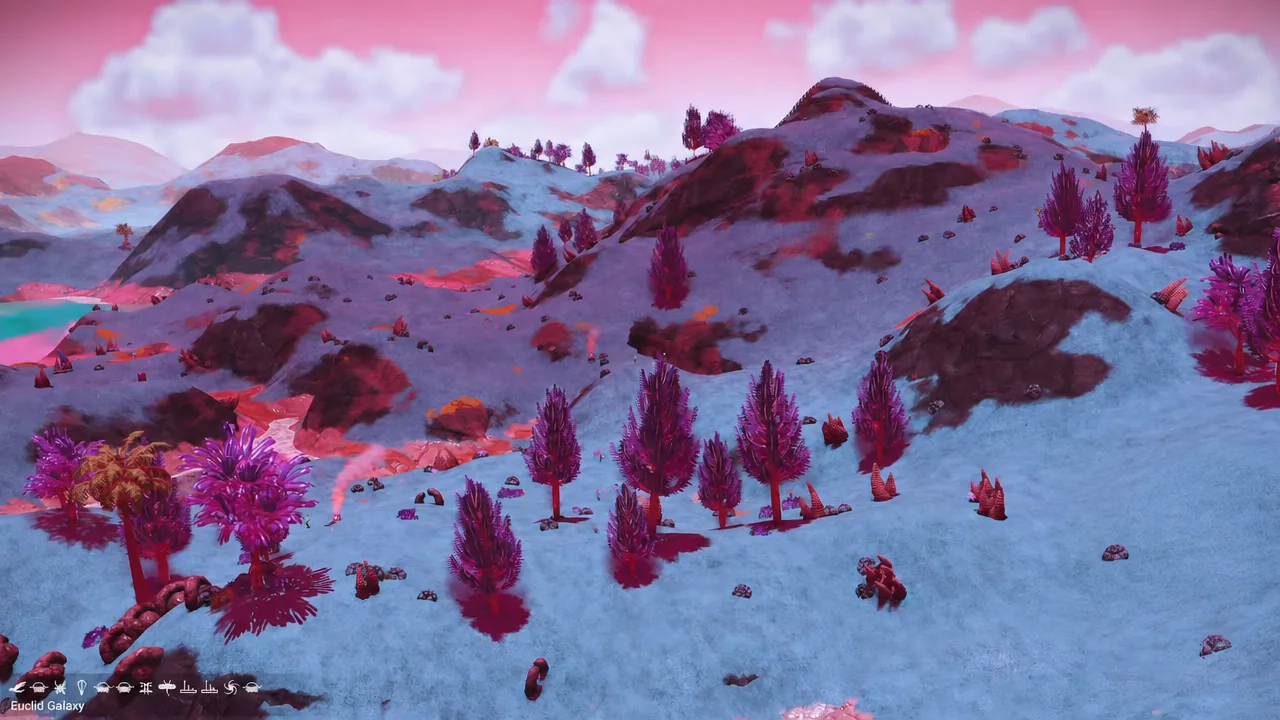
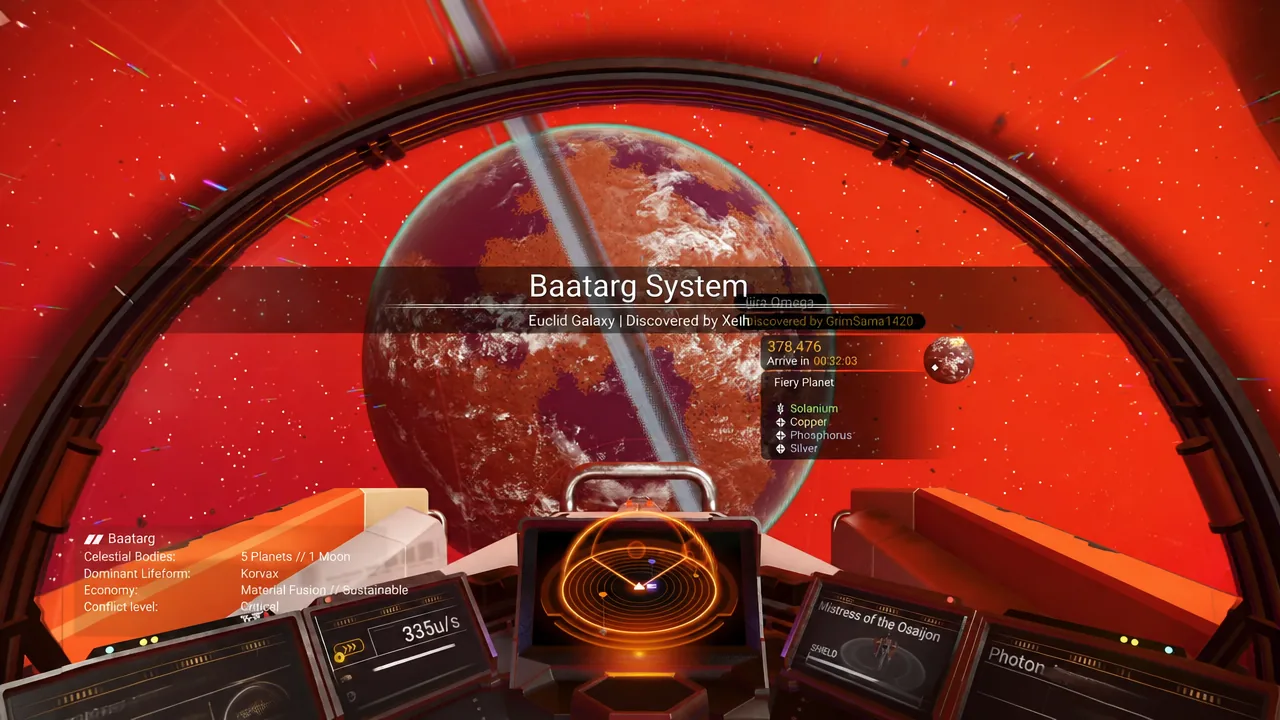
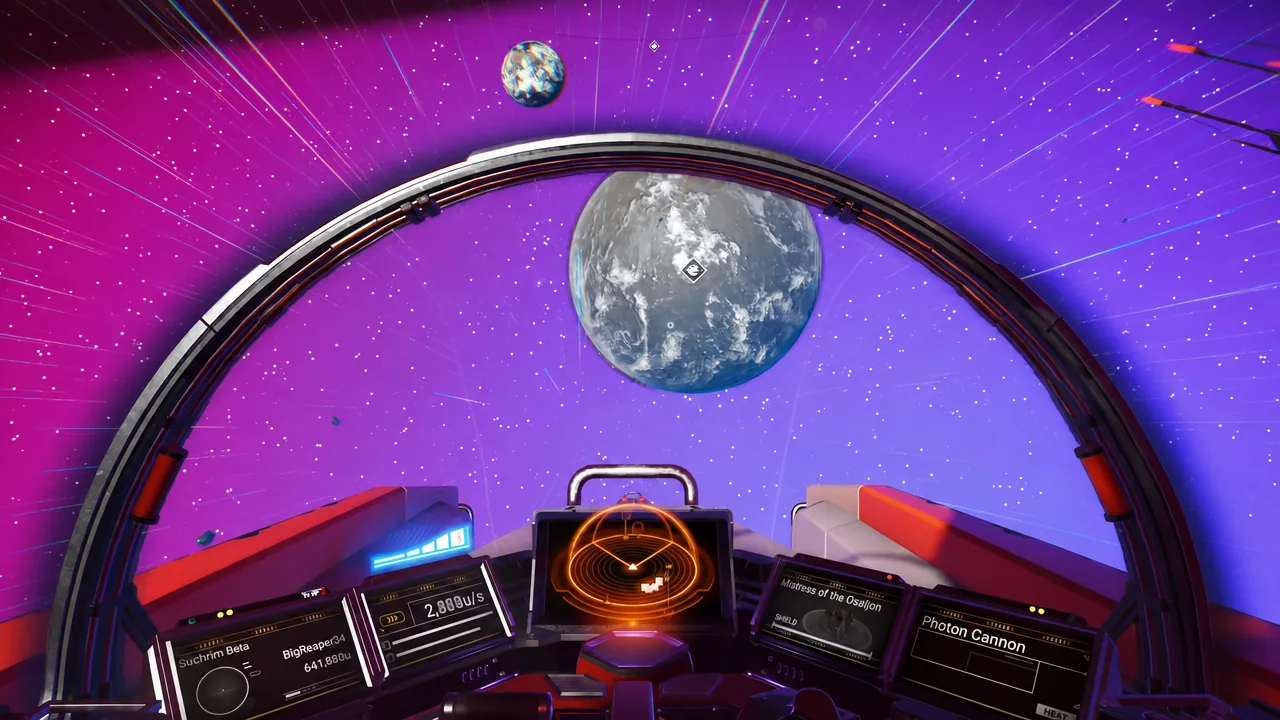
The blueprint farming loop, one run at a time
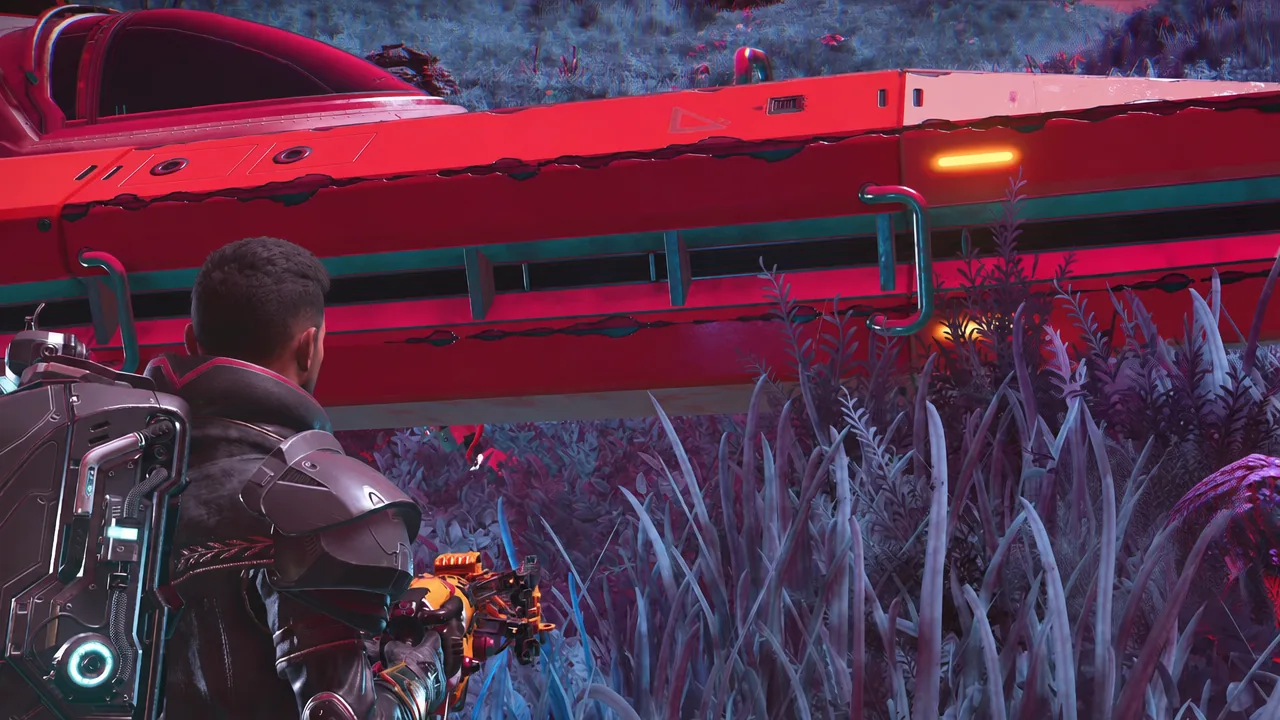
Which encounters actually pay out
Purple signals are not a single fixed event. The pool includes things like the Gaseous Sentence, Relic Gates, Surveillance Asteroids, and the Anomalous Timepiece, and they do not all hand you a decoration part.
The Gaseous Sentence is the clearest example of the catch. Reaching it can pay out nanites and resources without giving you a blueprint at all, so a run that ends in one is not a bug and not a sign that your detector was wasted. It is just a miss on the roll you were hoping for.
Note: Because the payout varies per signal, treat detectors as a consumable you expect to spend in bulk. Farming ten systems and walking away with a handful of new parts is a normal result, not a sign you are doing it wrong.
Confirming a blueprint unlocked
A collected blueprint is permanent on that save, and the check is simple. Head back to a station you have claimed, open station customization, and look for the new part in your available decorations. If it is listed there, the unlock registered and you can place it as often as you like.
If something genuinely breaks rather than simply not dropping, the place to raise it is the Hello Games support portal, which handles bug reports for the current build.
The 20-station limit per save
Blueprints are only useful if you have somewhere to put them, and there is a ceiling. A single save file can hold 20 claimed space stations, so the parts you collect are shared across a finite set of builds rather than an unlimited chain of them.
Plan the 20 slots before you start claiming everything you fly past. Systems you actually pass through often, or ones near a hub you use for trading and refuelling, are worth far more as a claim than a station in a corner of the galaxy you will never return to.
Using shared coordinates to skip the dead systems
Random warping works, but it wastes fuel on systems nobody has checked. Player alliances cut that down by publishing coordinates, and the Union of Allied Systems is one of the larger ones operating in the Euclid galaxy, with its own coordinate hubs such as White Sun and Bai Hu. Other groups, including the Galactic Hub, the Royal Space Society, and Corvettes and Coffee, run their own regions of space on the same principle.
Entering a shared coordinate or glyph address puts you straight into a known system, which turns a farming session into a route instead of a guessing game. It also means the stations you decide to claim sit near other players, which is worth considering given how few claim slots you get.
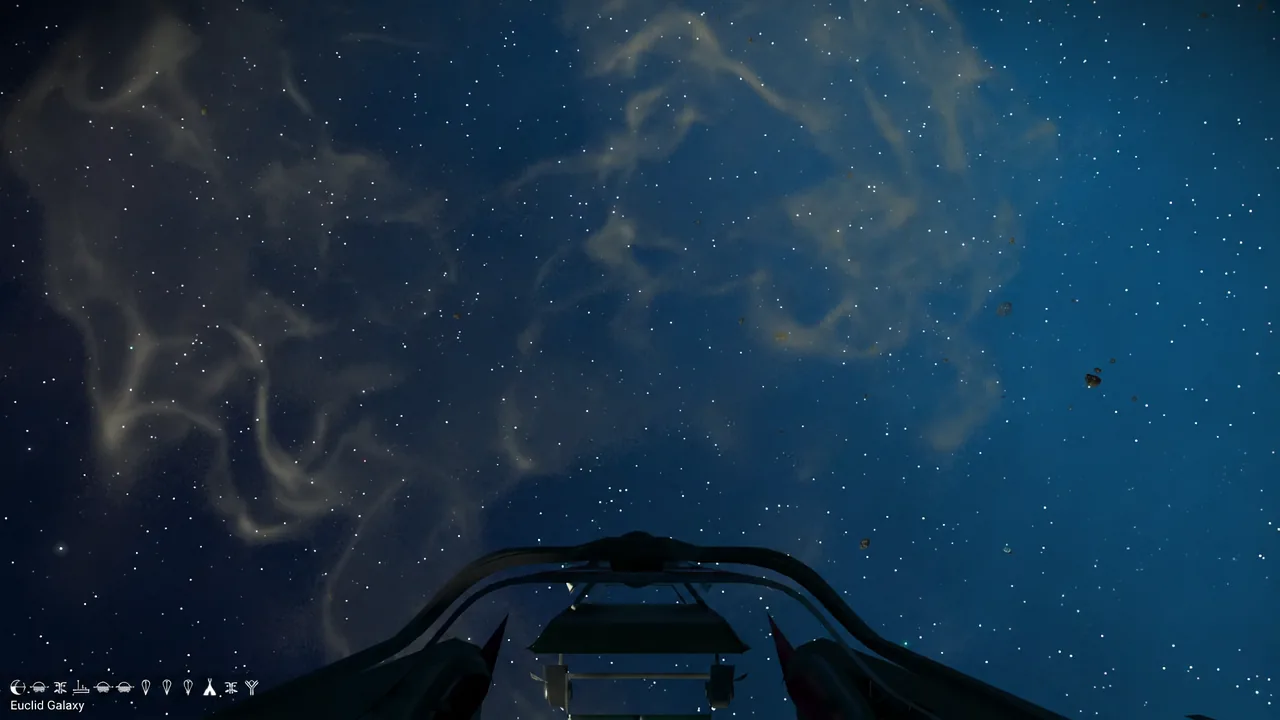
One reload trick worth knowing mid-run
While you are hopping systems, the save-reload behaviour is worth remembering for a second reason. A multitool’s class is set by the cabinet it sits in at the space station, and reloading your save on different planets inside the same system changes what that cabinet offers. If an S-class tool matters to you, you can reroll it without leaving the system you are already farming.
Everything else in this loop comes down to volume. Detectors in the hold, fuel topped off, one signal per system, and a clear idea of which 20 stations deserve your claim slots before you start decorating them.