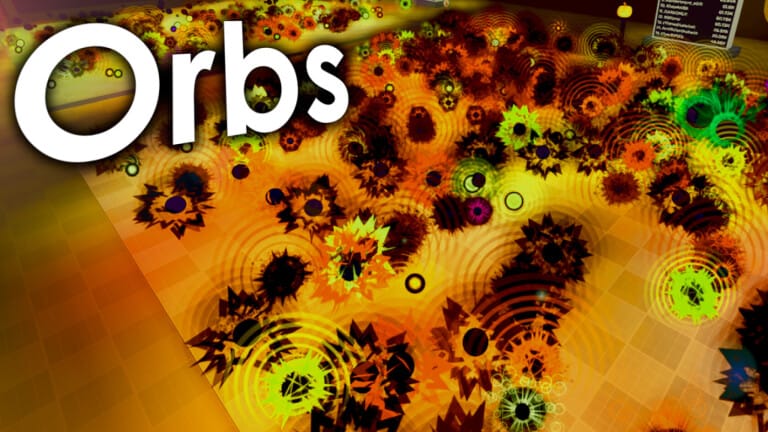
Orbs on Roblox lets you collect orbs, unlock orbitals, and climb leaderboards faster by using limited-time reward codes for special items and currencies.
Updated: December 10, 2025.
New codes: Christmas2025, 70beans, Santa, COUCH, thanksgiving
Christmas2025— Credits your account with 5 Present orbs. NEW70beans— Grants 70 Beans to spend in-game. NEWSanta— Unlocks 1 Santa orbital. NEWCOUCH— Unlocks 1 Couch orbital. NEWthanksgiving— Unlocks 1 Turkey orbital. NEW
How to redeem codes
Launch Orbs on Roblox and wait until your character loads into the main area.
Click the menu button on the left side of the screen (three bars or checklist icon) to open the main menu.
Click inside the code text box, then carefully type or paste one of the working codes exactly as shown, respecting upper and lower case.
Press the CLAIM button and wait a moment; if the code is valid and unused, the reward will be added to your account immediately.
Expired codes
RELEASE— Previously granted 500 Coins.RUSSO— Previously granted a Russo pet.BlackFRIDAY— Previously granted a limited shop orbital.VALENTINE— Previously granted 100 Gems.RainbowBalls— Previously granted a Rainbow Orb.1KLIKES— Previously granted 1,000 Gems.CDTV— Previously granted a CDTV pet.
Why codes might not work
- The code has expired. Orbs codes are time-limited and stop working after events or milestones end.
- There is a typing error. Codes are case-sensitive, so any extra spaces, wrong letters, or missing characters will cause an error.
- The code was already used on your Roblox account. Most codes can only be redeemed once per account.
- The game session is out of date. If a valid code shows an error, close Orbs, restart Roblox, and try redeeming again in a fresh session.
Where to find more codes
New Orbs codes are usually shared around updates, holidays, and player milestones. Check these official channels for fresh codes:
- The official Orbs game page on Roblox, which can include new code notes in the description.
- The Orbs community Discord server, linked from the game’s page and sometimes shared as a public invite, where announcements often include codes.
- The Inuk’s games Roblox group at https://www.roblox.com/communities/1034853931, where group shouts can contain new giveaways.
Bookmark this page — the working code list is updated regularly.
Remember that Orbs codes are free, case-sensitive, and only available for a limited time. Always redeem them directly inside the game or through official Roblox and community channels, and avoid any third-party “code generator” sites that ask for your password or personal information.