Pal Expeditions let you send Pals away from your base for a set stretch of time to bring back rewards, but every Pal you send is locked out of your roster until it returns. That is fine for spare Pals sitting in the Palbox, and a real problem when the game grabs a Pal you actually need for combat or base work. The expedition exclusion setting exists to stop that from happening.
Quick answer: Mark a Pal as excluded from expeditions and the dispatch menu will no longer offer it as a candidate, so it stays available for fighting, mounting, and base jobs.
What the exclusion setting does
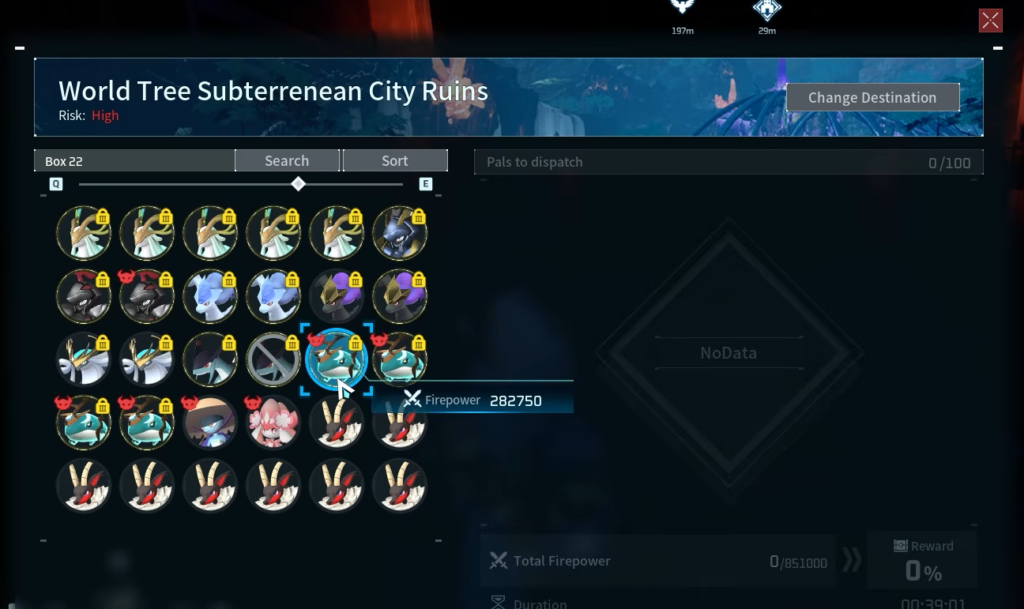
Expeditions pull from the Pals stored in your Palbox. When a Pal is out on an expedition, you cannot summon it, assign it to a base, or bring it into a fight until the timer ends. On a big collection that is easy to overlook, and it stings when the Pal you wanted for a boss run is halfway across the map earning rewards.
The exclusion flag solves this cleanly. Any Pal you tag is removed from the pool the expedition system draws from. It will still live in your Palbox and work normally everywhere else. It simply becomes ineligible to be dispatched.
Which Pals to exclude
Exclude anything you would be annoyed to lose access to for the length of an expedition. That usually falls into a few groups.
| Pal type | Why exclude it |
|---|---|
| Main combat team | You want them ready for bosses, raids, and towers at all times. |
| Key mounts and gliders | Losing a fast mount mid-session slows down travel and exploration. |
| Core base workers | Sending a high work-suitability Pal away stalls production lines. |
| Awakened or high-stat Pals | Rare, hard-to-replace Pals should not be tied up on routine runs. |
Everything else, especially duplicates, breeding leftovers, and low-value catches, is a good expedition candidate. Those are exactly the Pals you want the system to reach for instead of your keepers.
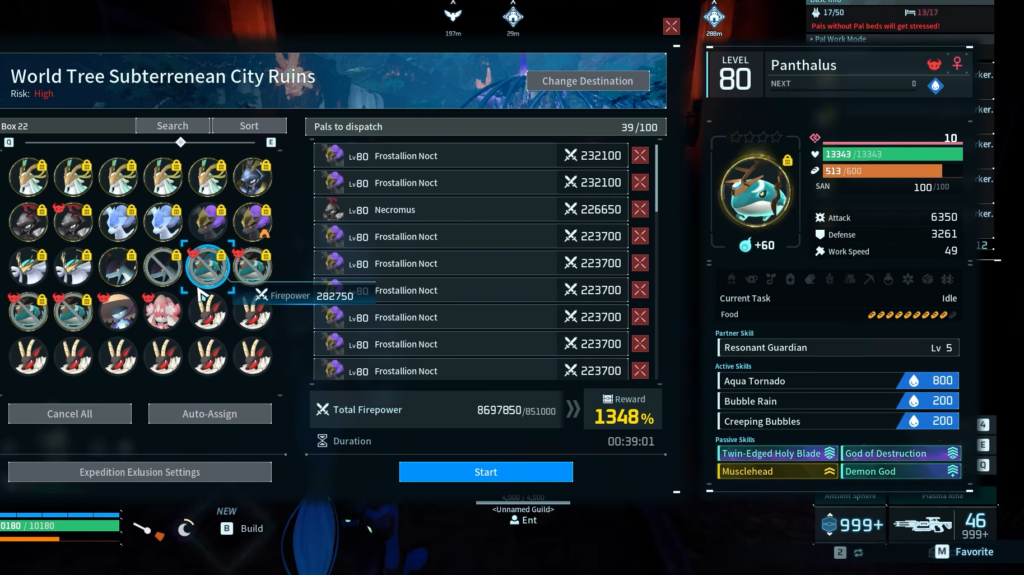
How to set the exclusion
The flag is a toggle, so you can turn it back off at any time if a Pal is no longer part of your active plans and you would rather put it to work on runs.
How to confirm it worked
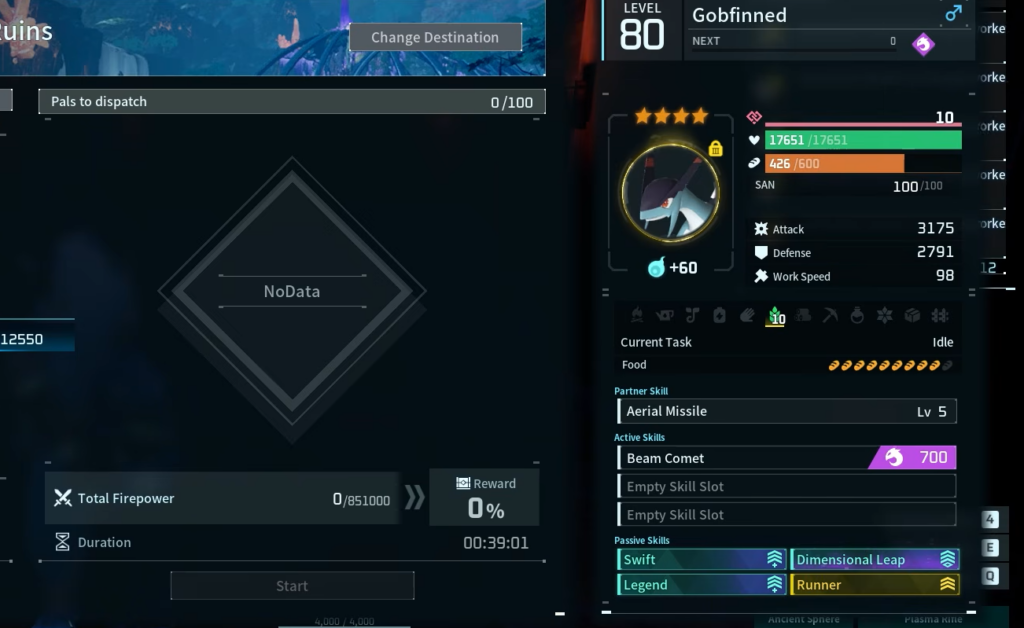
Start an expedition and check the candidate list the game shows you. An excluded Pal will not appear there, even if it otherwise fits the requirements for that run. If a protected Pal is still selectable, the flag did not save, so reopen its details and set it again.
Once your keepers are excluded, expeditions become a set-and-forget system. You send off the spares, they come back with rewards, and your best Pals never leave the bench without you deciding it.