Phantom Blade Zero is out on PC through Steam, and its store page answers the DRM question directly. S-GAME’s single-player action game is protected by Denuvo. Steam does not list any anti-cheat software for it.
Quick answer: Yes. The Steam version of Phantom Blade Zero lists Denuvo as third-party DRM. Its store page has no anti-cheat notice.
Phantom Blade Zero Steam page: DRM, EULA, and anti-cheat
Steam puts DRM and licensing disclosures in a small block on each game’s store page. You can check it yourself on the Phantom Blade Zero listing, Steam app 4115450. On launch day, that block shows the following:
- “Incorporates 3rd-party DRM: Denuvo” appears on the page.
- “Requires agreement to a 3rd-party EULA” also appears. In this case that agreement is the Phantom Blade Zero EULA.
- Steam displays no anti-cheat notice for Phantom Blade Zero. It adds a distinct notice for games with kernel-level or other anti-cheat software, and this game has none.
Denuvo in Phantom Blade Zero is anti-tamper DRM, not anti-cheat
DRM and anti-cheat serve separate purposes, though players sometimes confuse them. Denuvo Anti-Tamper works as DRM, guarding the game’s executable against piracy and tampering.
Denuvo does not function as anti-cheat or check your PC for cheats. Phantom Blade Zero is an action title for single-player, and Steam names Denuvo as its sole third-party protection.
Phantom Blade Zero first launch on PC: what to expect
With Denuvo in place, the game still installs and starts like any other Steam title. You don’t need an extra account or a separate launcher sign-in. Here is what the first launch looks like.
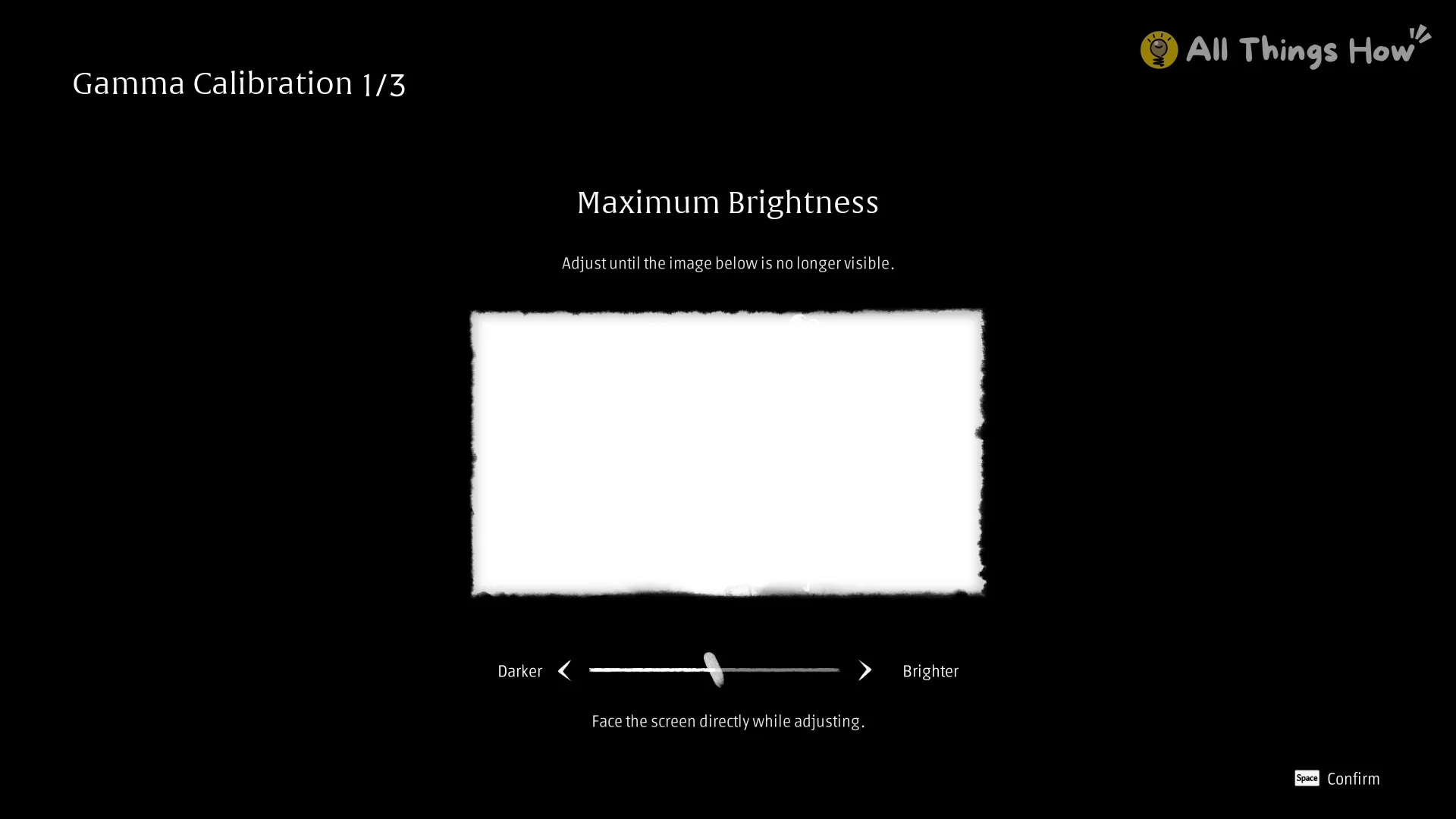
The long shader compile is part of the first launch, so the game has not frozen. Let it finish before you assume something is wrong.
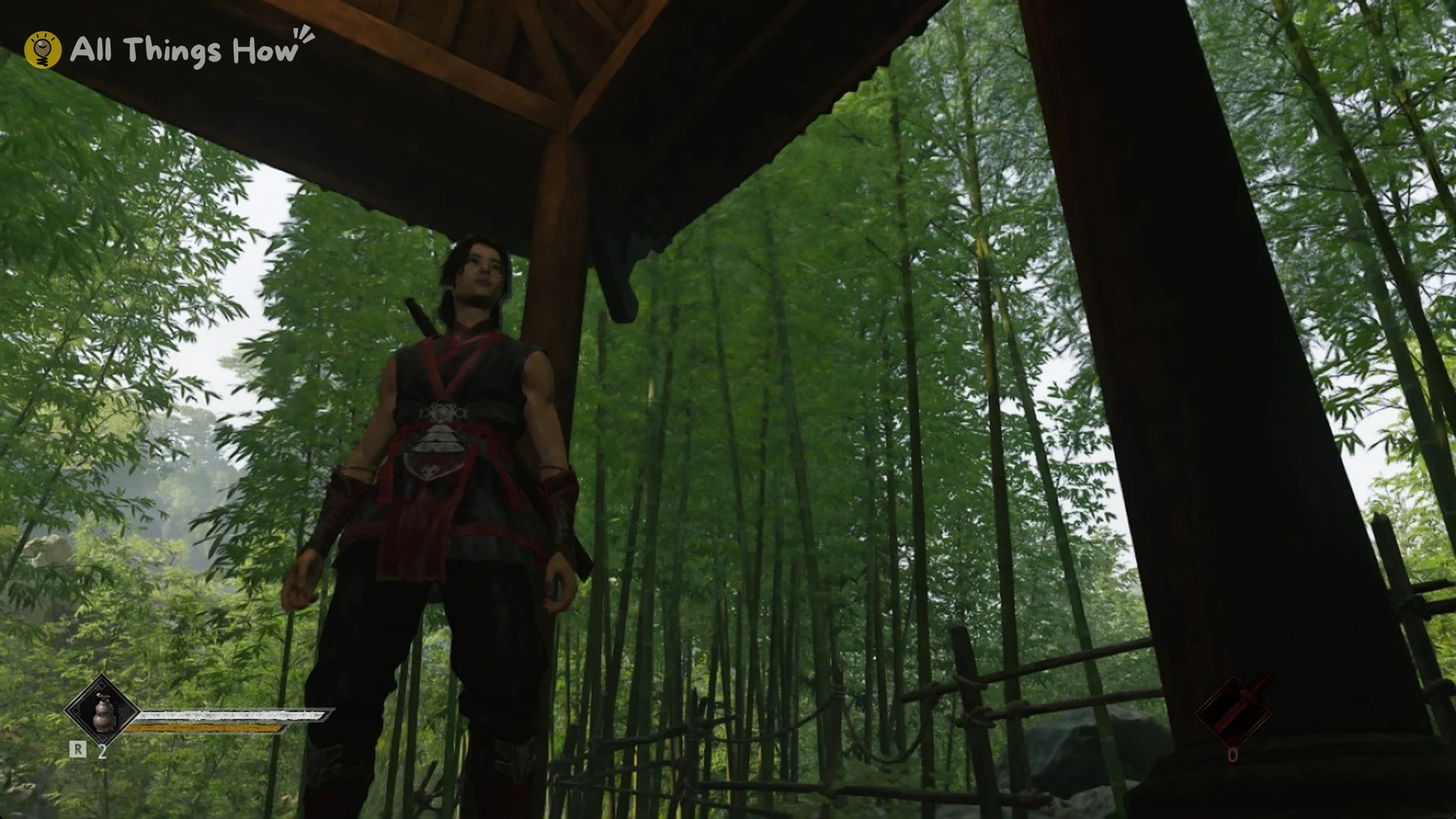
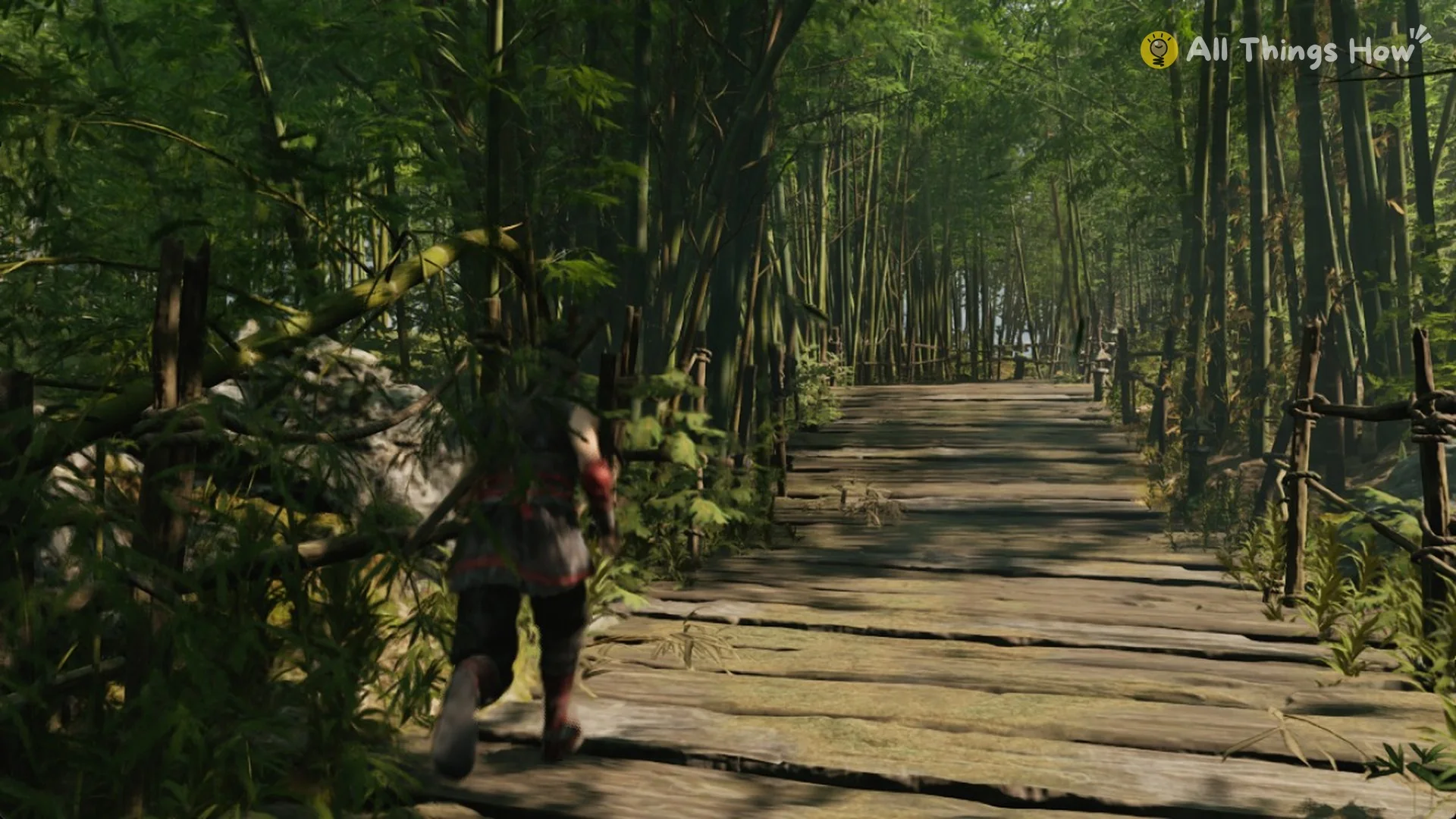
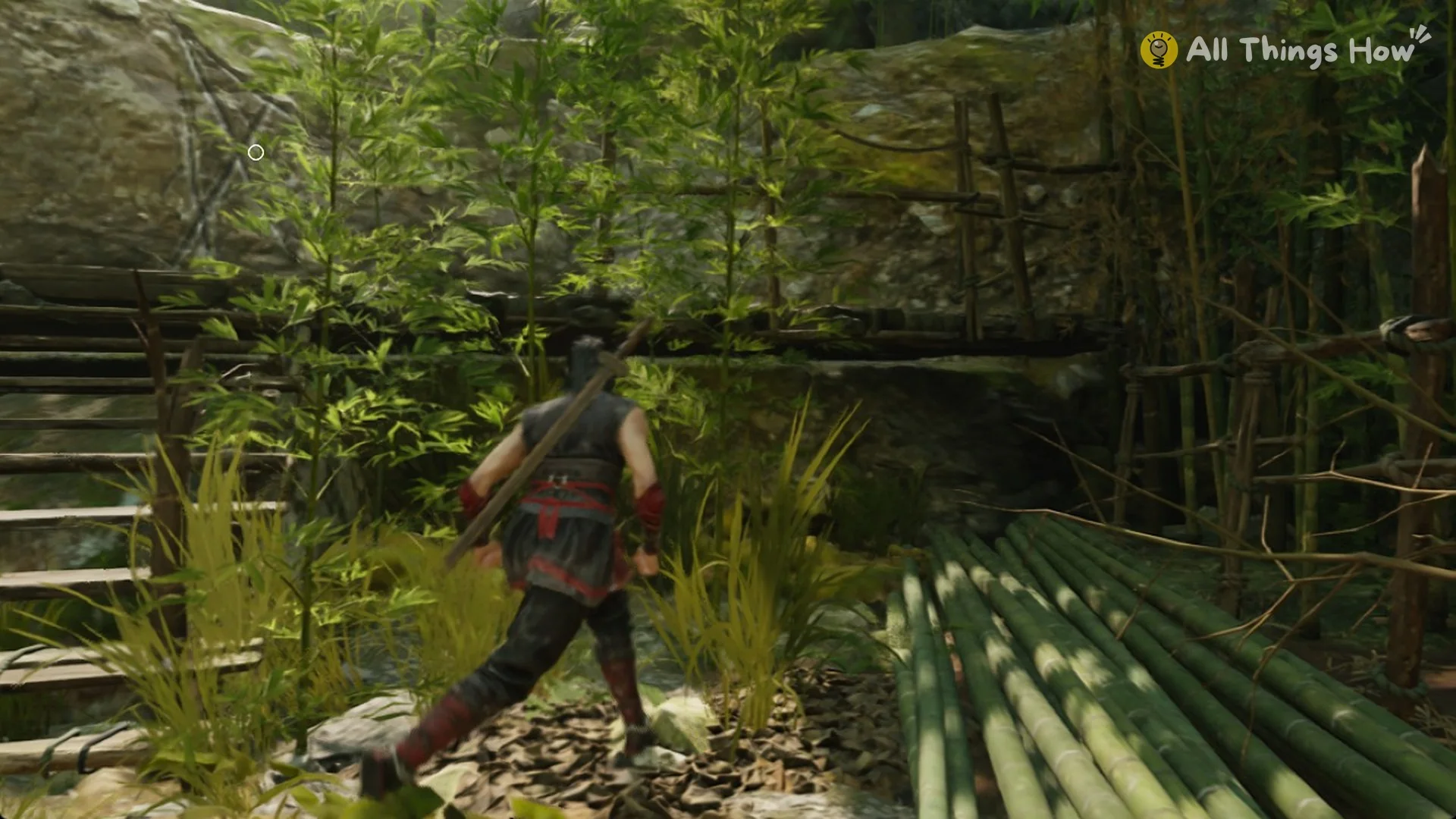
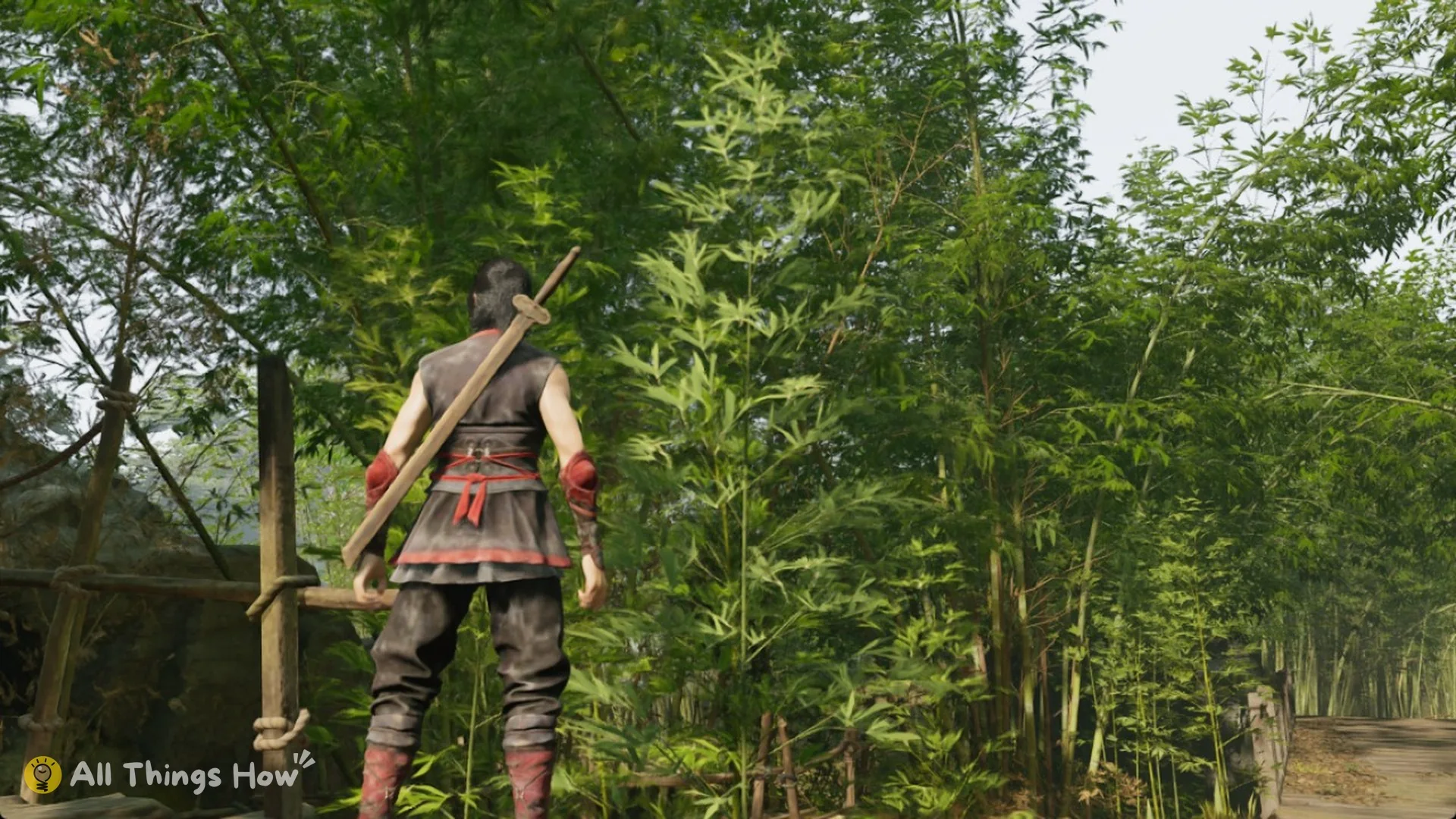
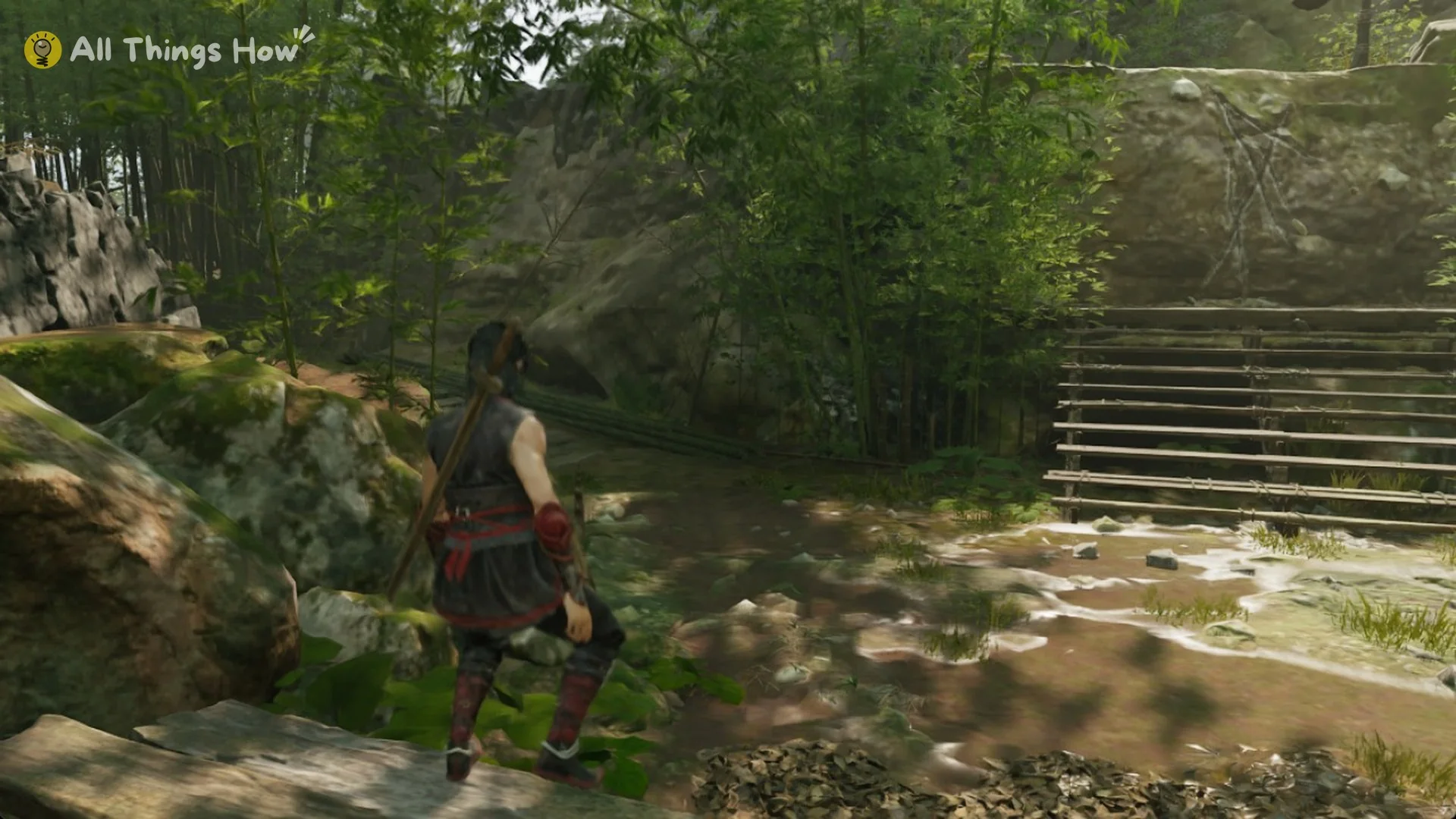
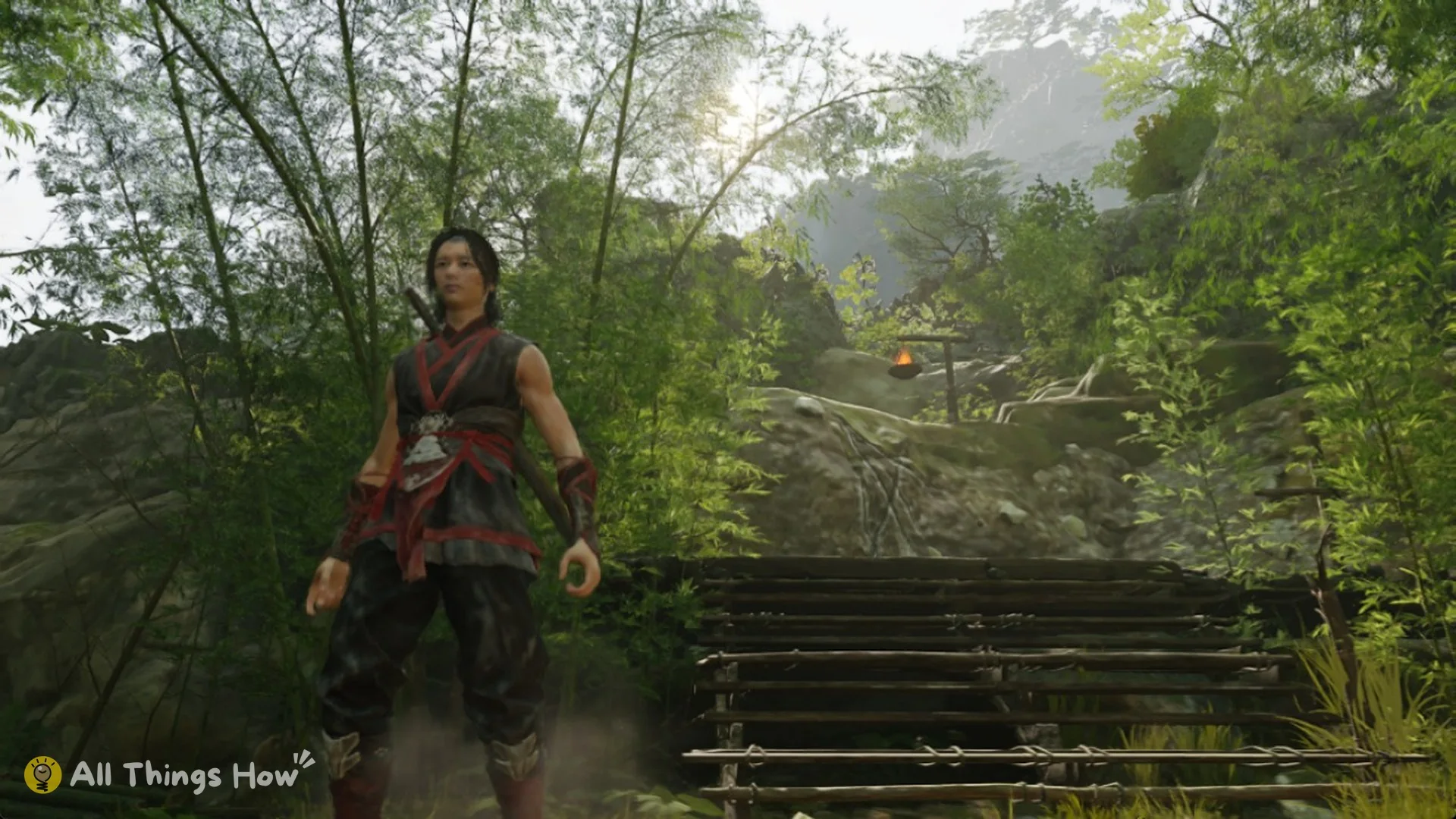
From the title screen, the game goes straight into the prologue in the bamboo forest. Your health bar and healing gourd count sit in the bottom-left corner, and Remnant Dust appears in the bottom-right. Once you see that HUD, the game is running normally with Denuvo in place and no anti-cheat software involved. For hardware, see the Phantom Blade Zero PC system requirements, then set up the game with our best PC settings.