A video camera sitting on the floor gives you a worm’s-eye view of a room and a decent chance of the ghost knocking it flat. A tripod fixes both problems. It acts as a portable surface you can plant anywhere, it raises the camera to a useful height, and it makes the ghost far less likely to topple your setup mid-investigation.
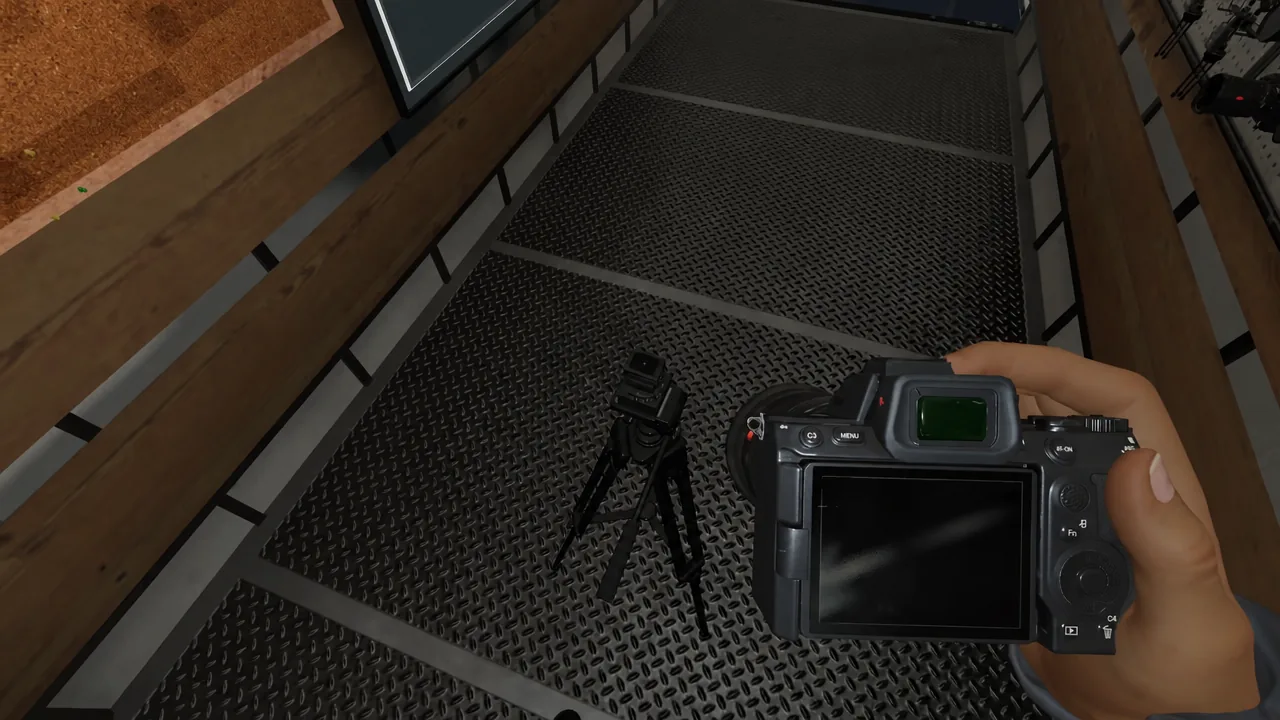
Quick answer: Drop the tripod with G, hold a video camera in your hand, aim at the top of the tripod until the camera outline appears, then press F to mount it.
Mount a video camera on a tripod
G to drop it. The tripod lands in front of you, facing the direction you are looking. Look at a tripod already on the ground and it highlights with a grab prompt, so repositioning it is easy.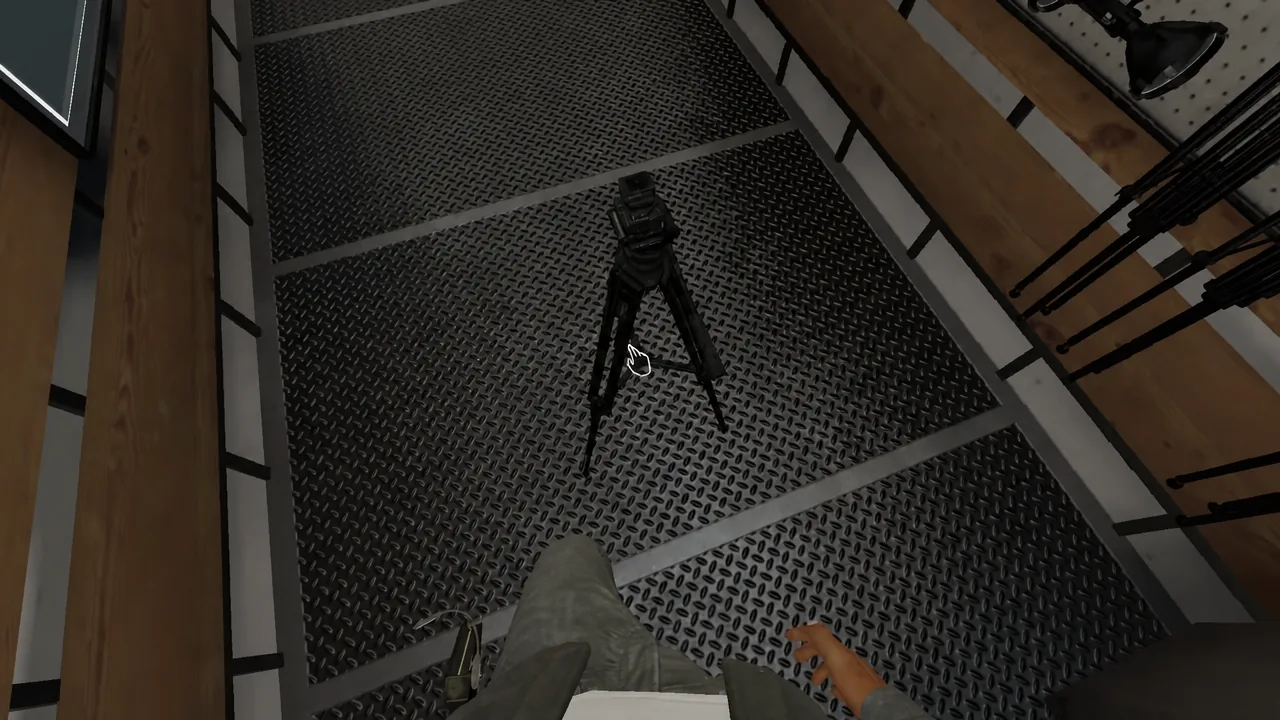
F) instead of dropping it. A translucent outline of the tripod appears, and moving the mouse left and right adjusts where it lands.E and, while it is in your hand, right-click to toggle night vision. Ghost Orbs only show up on the night vision feed, so it is worth flicking this on before the camera leaves your hands.F snaps it into place.E to take it back.Tripod and camera controls
| Action | Input |
|---|---|
| Pick up an item | E |
| Drop the item you are holding | G |
| Place a tripod precisely | Hold F, move mouse left/right |
| Mount a camera on the tripod | F while aiming at the tripod |
| Take the camera off the tripod | E while aiming at the camera |
| Toggle night vision (camera in hand) | Right-click |
| Change the item you are holding | Q or mouse wheel |
Check the feed from the truck
The camera’s little fold-out screen closes the moment you set it down. That is normal and does not mean the camera switched off. Video cameras power on automatically once you take them out of the truck, so a mounted camera is already recording.
Head back to the computer in the truck to confirm it. Clicking the computer’s mouse cycles through the active cameras, and hitting the keyboard toggles night vision on whichever feed is currently displayed. If the room looks like a black rectangle, night vision is simply off. Once it is on, Ghost Orbs read as tiny drifting specks of light.
Note: You do not have to set night vision by hand before you leave. A teammate at the computer can enable it for each camera during setup, which saves a trip back inside.
Why the camera will not mount
Only video cameras belong on a tripod. The photo camera has been unable to mount in recent builds, so if you are holding one and no outline appears, that is why.
Two other things trip people up. The outline only shows when you are looking directly at the top of the tripod, not at its legs or the floor beside it. And because a tripod occupies your entire hand slot, scrolling to another item while carrying one will drop it immediately, which can look like the mount failed when the tripod has simply hit the floor behind you.
Tripod tiers, stability, and rotation
All three tiers cost $25. What changes is how firmly the tripod stands up to a ghost shoving it and whether you can pan the camera remotely.
| Tier | Unlock level | Stability | Rotation control |
|---|---|---|---|
| Tier I | 9 | Low | No |
| Tier II | 34 | Medium | Yes |
| Tier III | 60 | High | Yes |
Tier II adds a motorized mount. While you are watching that camera’s feed on the truck computer, arrows in the bottom-right corner swing the tripod left or right, which often lets a single camera sweep an entire room for orbs or track the ghost during a hunt. Tier III keeps the motor and reinforces the legs, so it is the version that stays upright most reliably.
Ghosts do actively interfere with placed cameras and can knock a tripod over regardless of tier. If a feed suddenly shows the ceiling or a patch of floorboards, someone needs to go back in and stand it up again. Keep in mind that tripods block movement too, so a badly placed one in a doorway will slow you down at the worst possible moment during a hunt.