Pokémon TCG Pocket is a mobile card-collecting game built around opening booster packs, assembling decks, and battling other players. Gift codes offer a free path to Pack Hourglasses and other in-game resources. The Pokémon Company releases these codes on an irregular schedule, and each one carries a fixed expiration date, so redeeming them quickly is worthwhile.
Working Pokémon TCG Pocket Codes
There are no active gift codes for Pokémon TCG Pocket right now. This page will be updated as soon as new codes are released, so check back regularly.
Expired Pokémon TCG Pocket Codes
The codes below have passed their expiration dates and will no longer award rewards on redemption.
33V33S5MM3R— 24 Pack HourglassesS5N4NDM00N— 24 Pack Hourglasses, 500 Trade Tokens
How to Redeem Pokémon TCG Pocket Codes
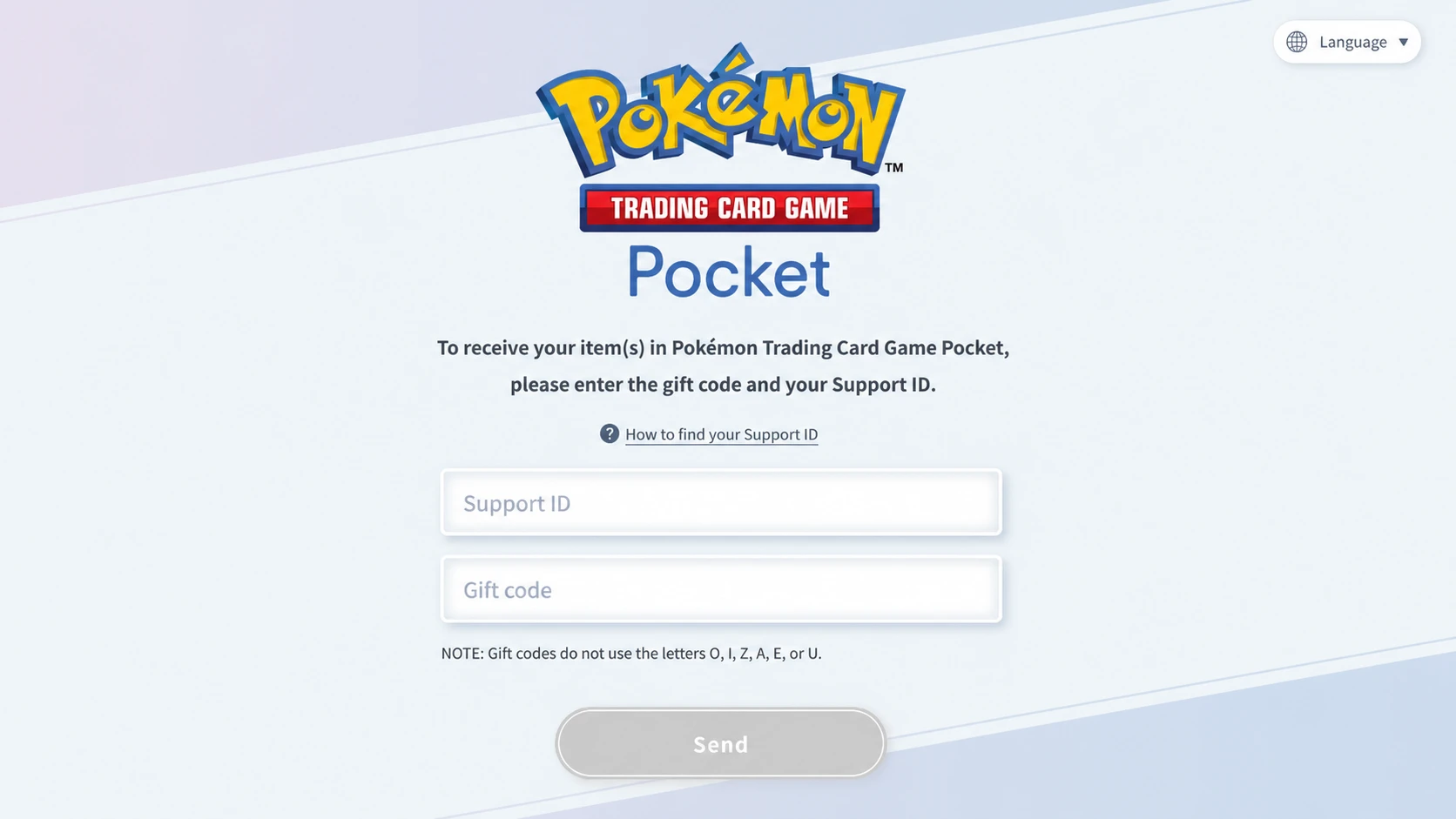
Gift codes cannot be redeemed from inside the Pokémon TCG Pocket app itself. All redemptions go through the official web-based gift code page, which works on any browser — desktop or mobile.
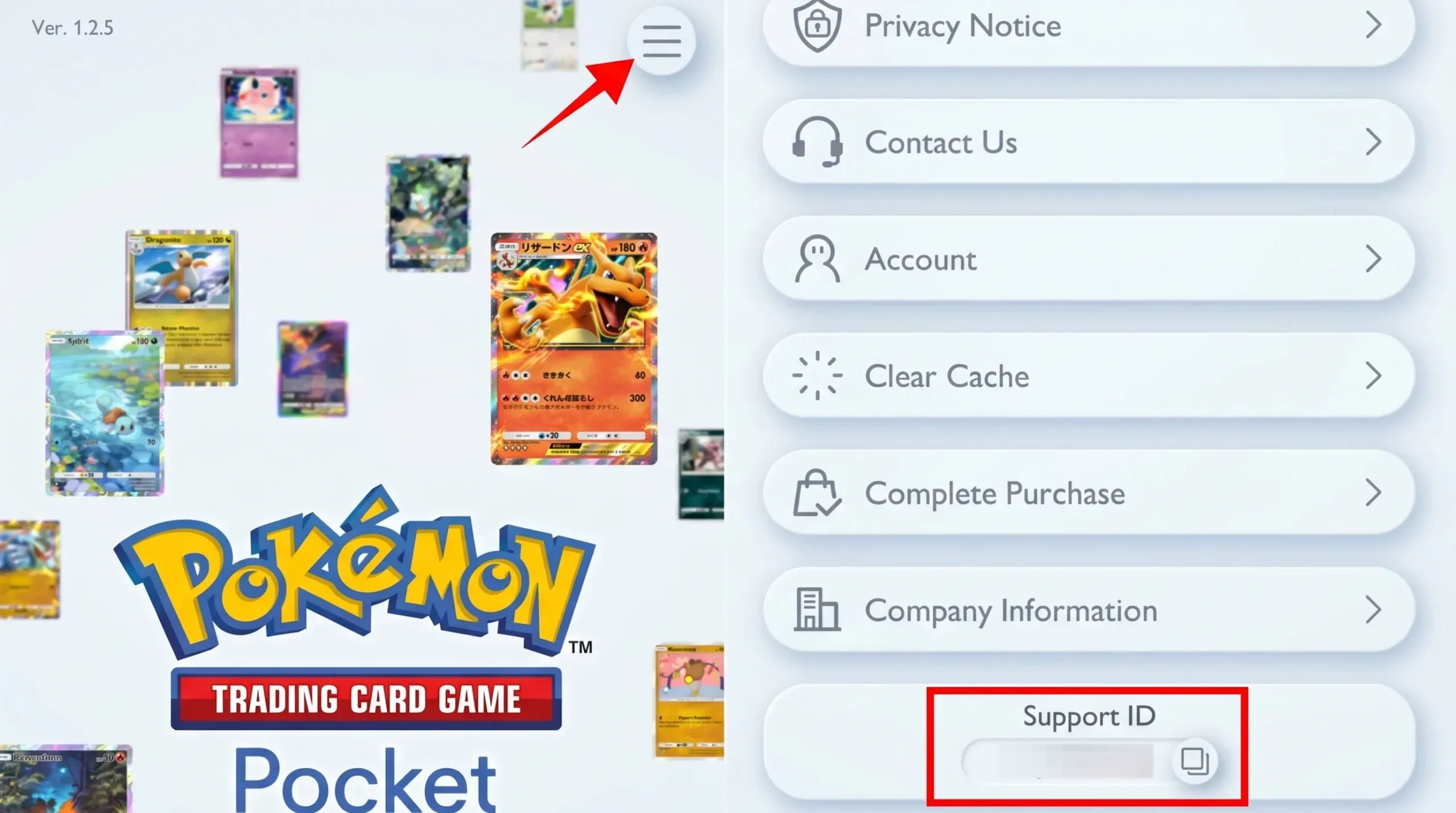
How to Find Your Support ID in Pokémon TCG Pocket
Your Support ID is not the same as your friend ID. Entering the wrong one means rewards will not reach the correct account, so make sure you locate and copy the Support ID specifically.
After a valid code is submitted with the correct Support ID, the rewards appear in the Gift Mail box, found in the top-right corner of the Home screen. Open it there to collect what was sent.