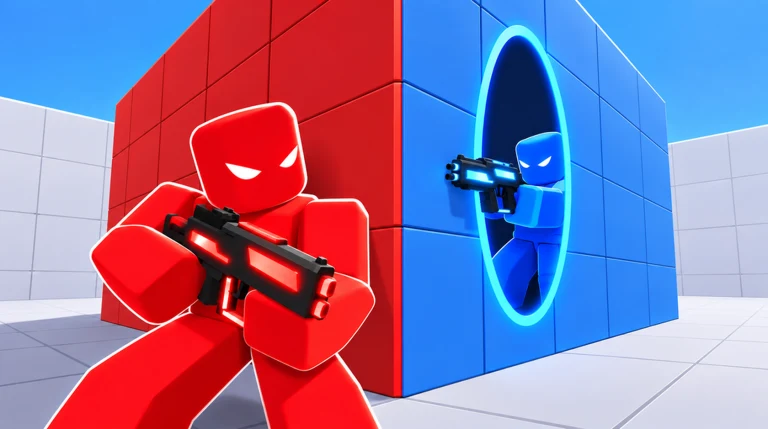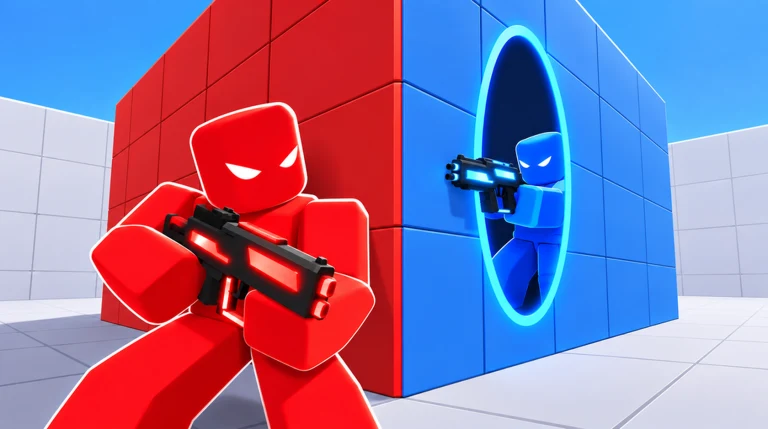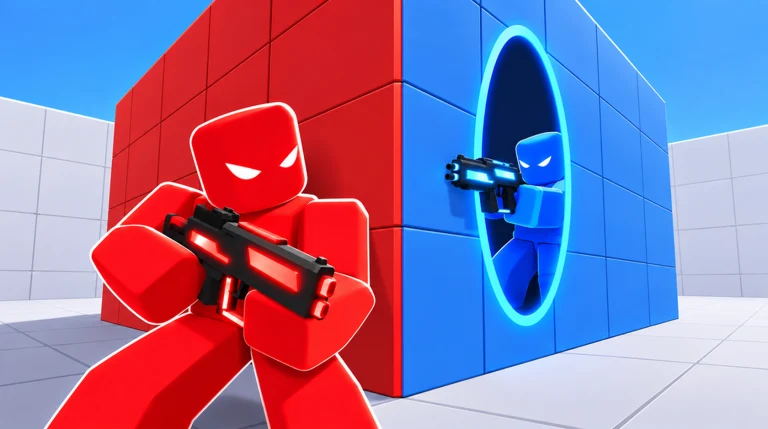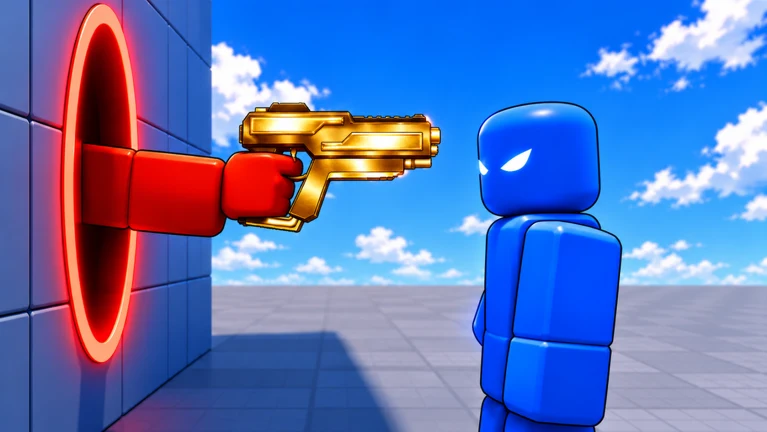
PORTALS, listed in its lobby as Project Portal, is a competitive Roblox shooter built around placing and traveling through portals mid-fight. Teams face off in short rounds, and the match ends when one side reaches five round wins. Movement through portals is the hook, but the core loop is fast team deathmatch with headshots, kill feeds, and a running score.
Quick answer: PORTALS is a round-based team shooter scored FIRST TO 5; you fire your weapon with left click, place a portal with E, close it with Q, and swap kits with L.
The First to 5 match format
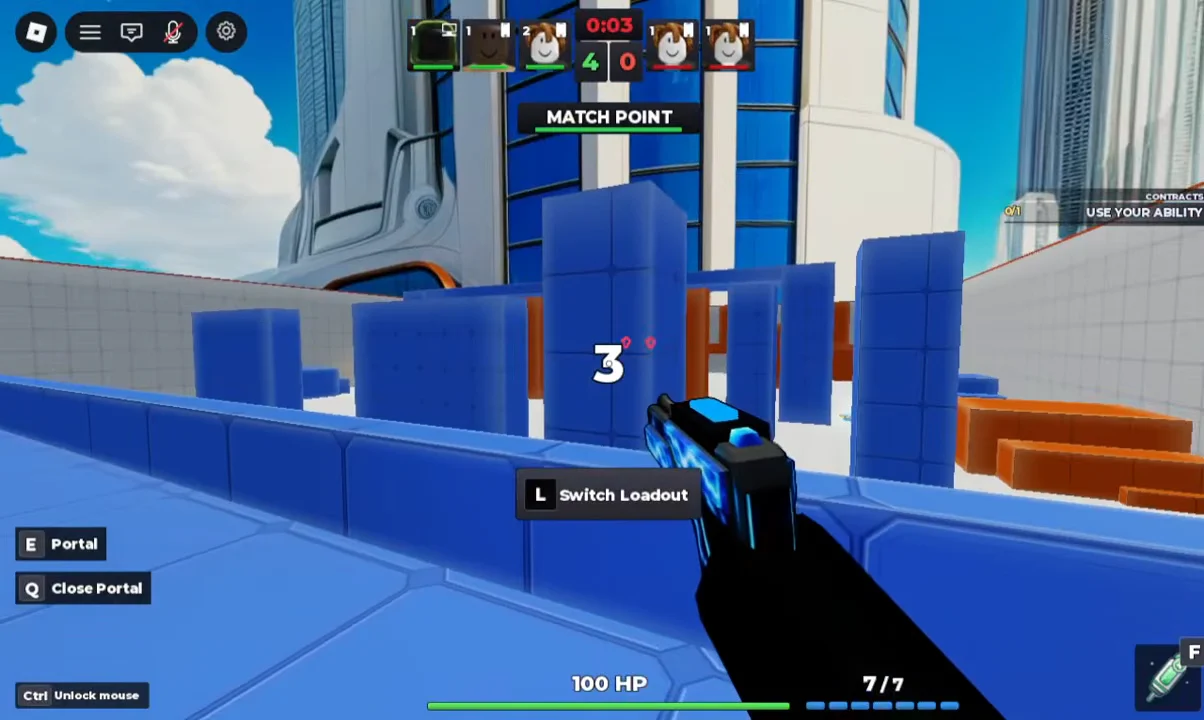
Matches are team-based and shown here as a 3v3, with rosters split into “Your Team” and “Opponents” on the Match Found screen. Each win scores a single point for your side, and the first team to five points takes the match. When a side is one win away, the round opens with a “MATCH POINT” banner, and the closing elimination is marked “FINAL KILL.”
Players carry 100 HP and a weapon with a 7-round magazine, shown on the HUD as “7/7.” Rounds are quick, and the loading screen waits for a full lobby before starting, displaying “Loading players 5/5” as it fills.
Portal controls and the loadout
The portal system is tied to a few keys shown directly on the HUD. Portals appear as blue and orange rectangular outlines on the map, and stepping into one moves you to its linked exit, letting you reposition or flank without taking the direct route.
E— fire or place a portalQ— close an active portalL— switch loadout- Left click — fire the equipped weapon
Loadouts, items, gadgets, and the shop are reachable from the pre-match menu. Characters use standard Roblox avatars with cosmetic gear, and enemies carry floating name tags, HP bars, and level badges so you can read the field at a glance.
Maps and the vote screen
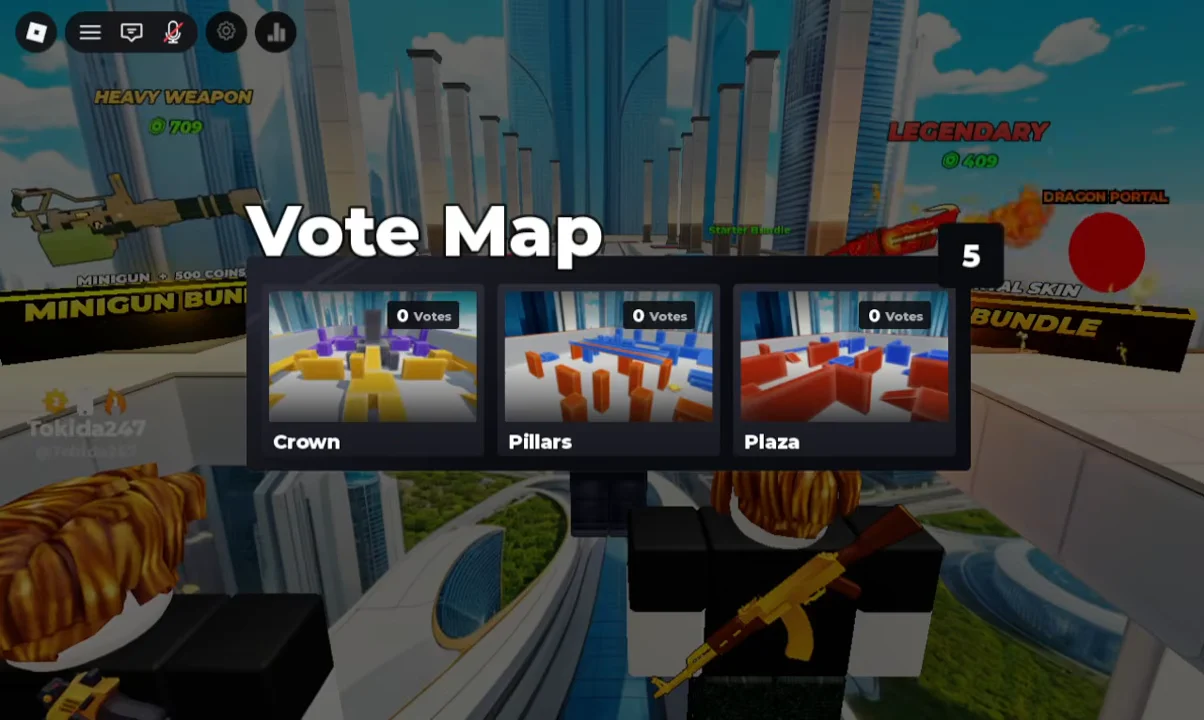
Before a match, the lobby runs a map vote. Three options appear with live vote counts beside each name, and the map with the most votes is played. The rotation shown includes three arenas.
- Crown
- Pillars
- Plaza
Pillars is the arena played out in the footage here. Players spawn on raised platforms, drop into the layout, and fight across bridges and orange elevated walkways where portals cut travel time between positions.
Scoring, XP, and headshots
Eliminations drive both the round score and your progression. Hits register with red hitmarkers and floating damage numbers, and a clean headshot pays a bonus on top of the base reward.
| Event | Reward |
|---|---|
| Headshot | +65 |
| Elimination | 1 Elimination credit |
| Round win | Coins and +10 XP |
Kill feed lines name who eliminated whom and how fast, such as “Rondoblox killed danu15319 in 22 seconds,” giving a sense of round pace. A “ROUND WON” banner closes each round before the next begins.
How a 5-0 match plays out
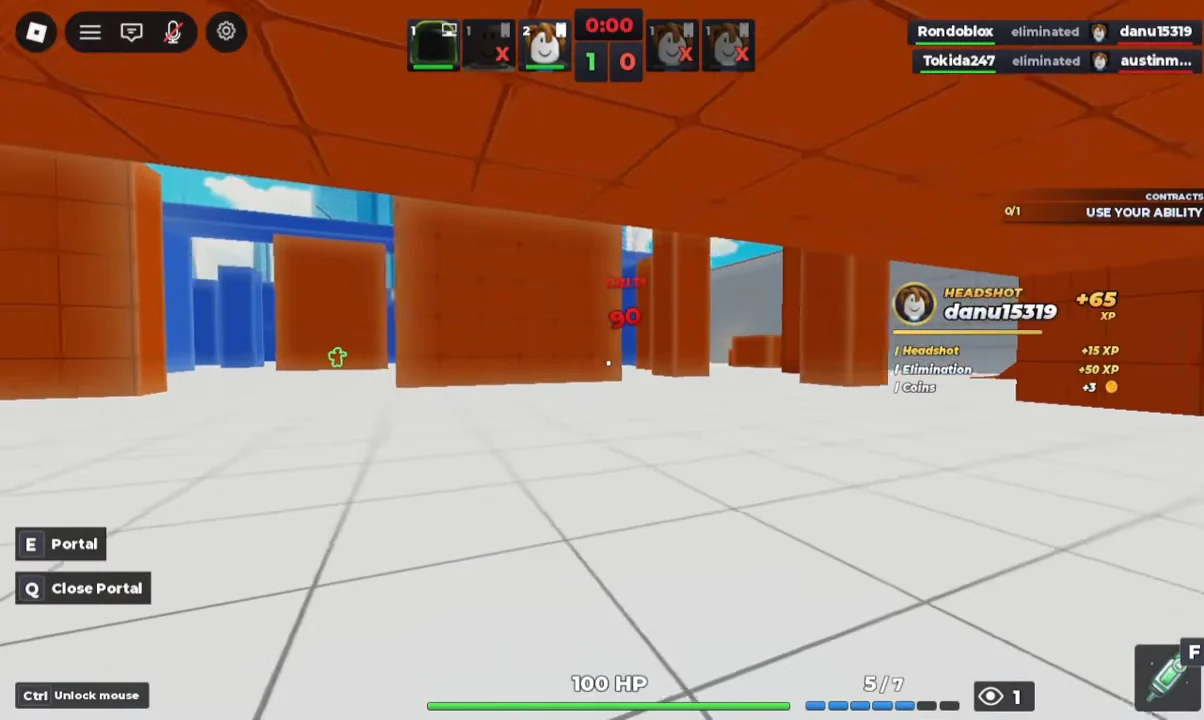
The session on Pillars shows a clean sweep. Round one opens with portals placed near the bridge, where the first opponent is shot down to put the score at 1–0.
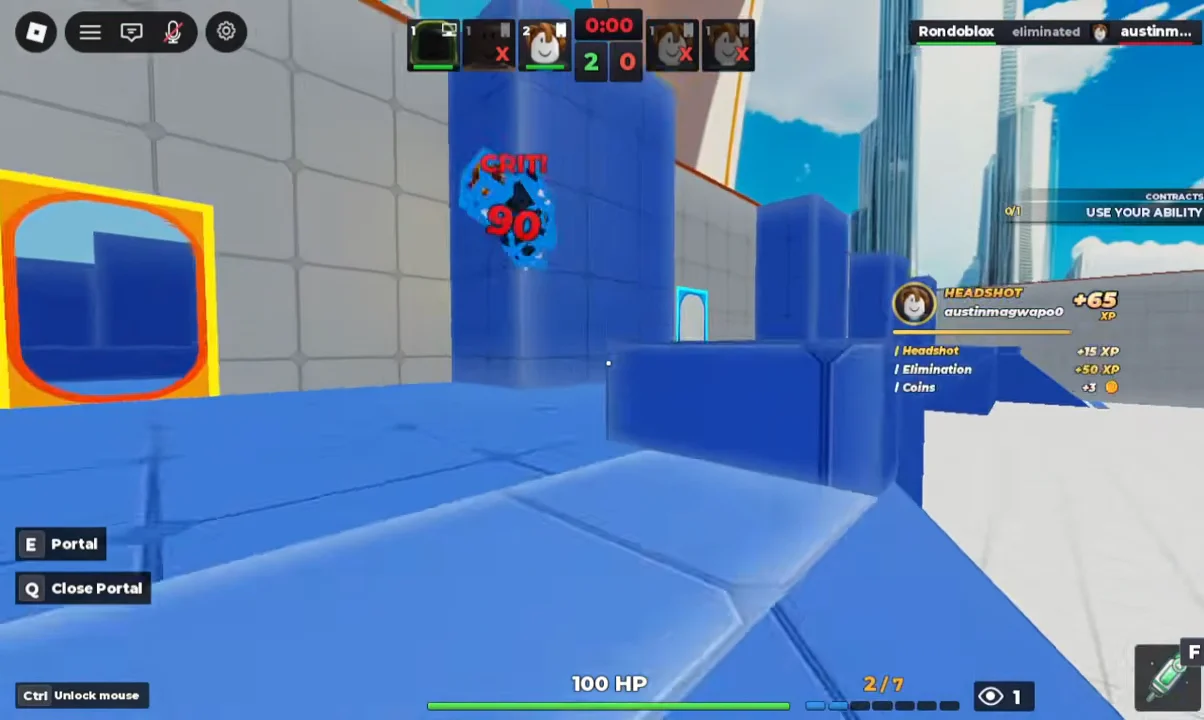
Round two runs through the orange structures and closes on another headshot, pushing the lead to 2–0.
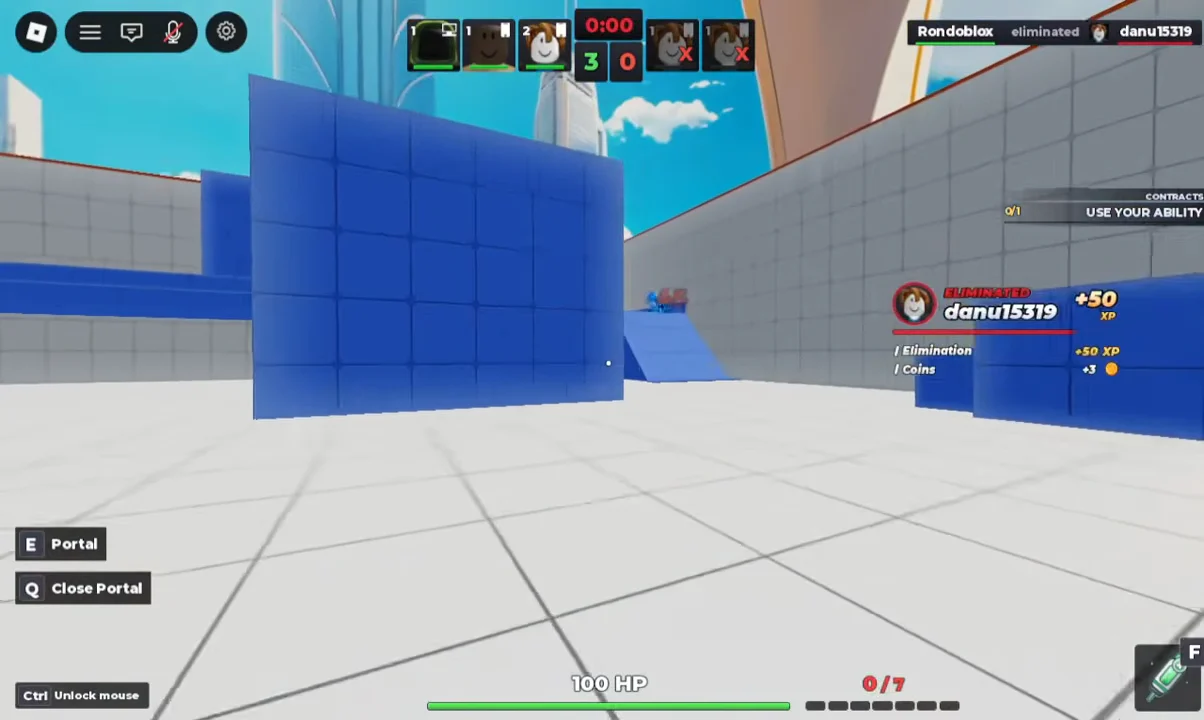
Round three turns on portal placement and quick kills to reach 3–0.
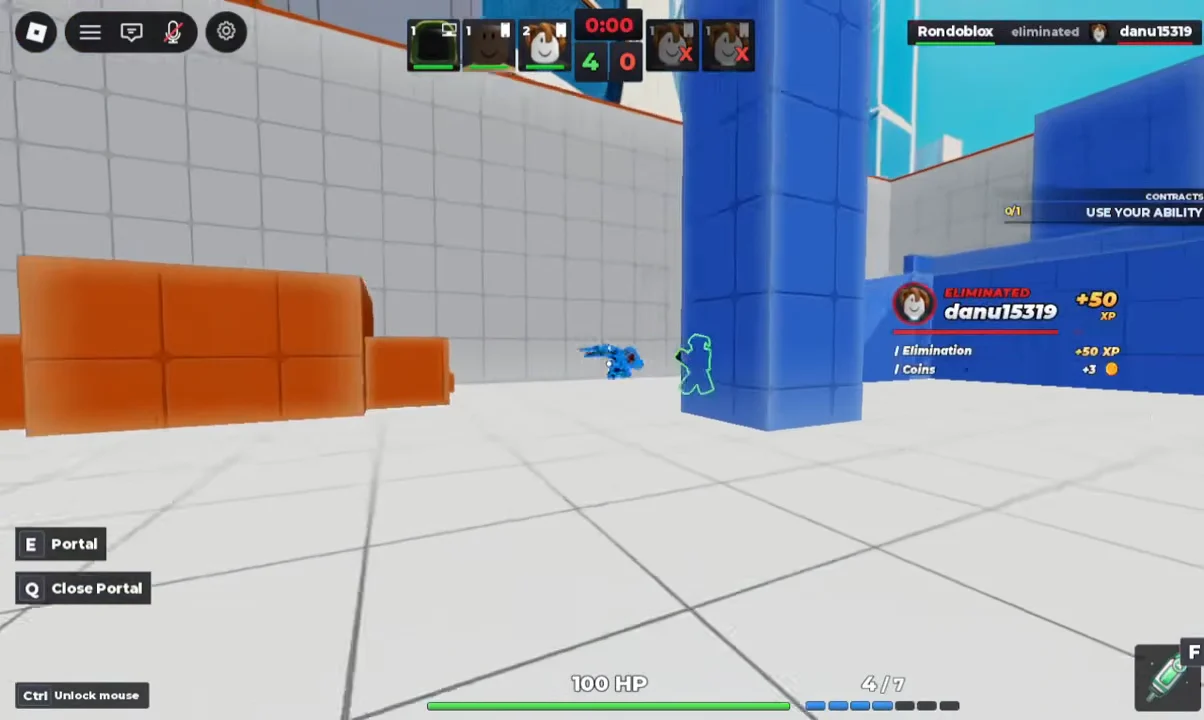
Round four uses a portal to move into position before an elimination makes it 4–0.
Round five opens on match point with the score at 4–0. A push down the orange elevated walkway takes out the last opponent for the final kill and a 5-0 finish.
Post-match options and cosmetics
After a result, the end screen offers Rematch, Queue Again, and Lobby. The main hub, labeled PROJECT PORTAL, shows leaderboards tracking Most Kills, Most Wins, and Highest Streak alongside store bundles.
Cosmetic sets on offer include the LEGENDARY Dragon Portal, a Minigun Bundle, and a Starter Bundle. These change how your portals and gear look rather than the FIRST TO 5 rules, so a kit like the one seen here, with wings, a hooded outfit, and a glowing blue handgun, is purely visual. The result still comes down to portal placement and winning five rounds before the other team does.