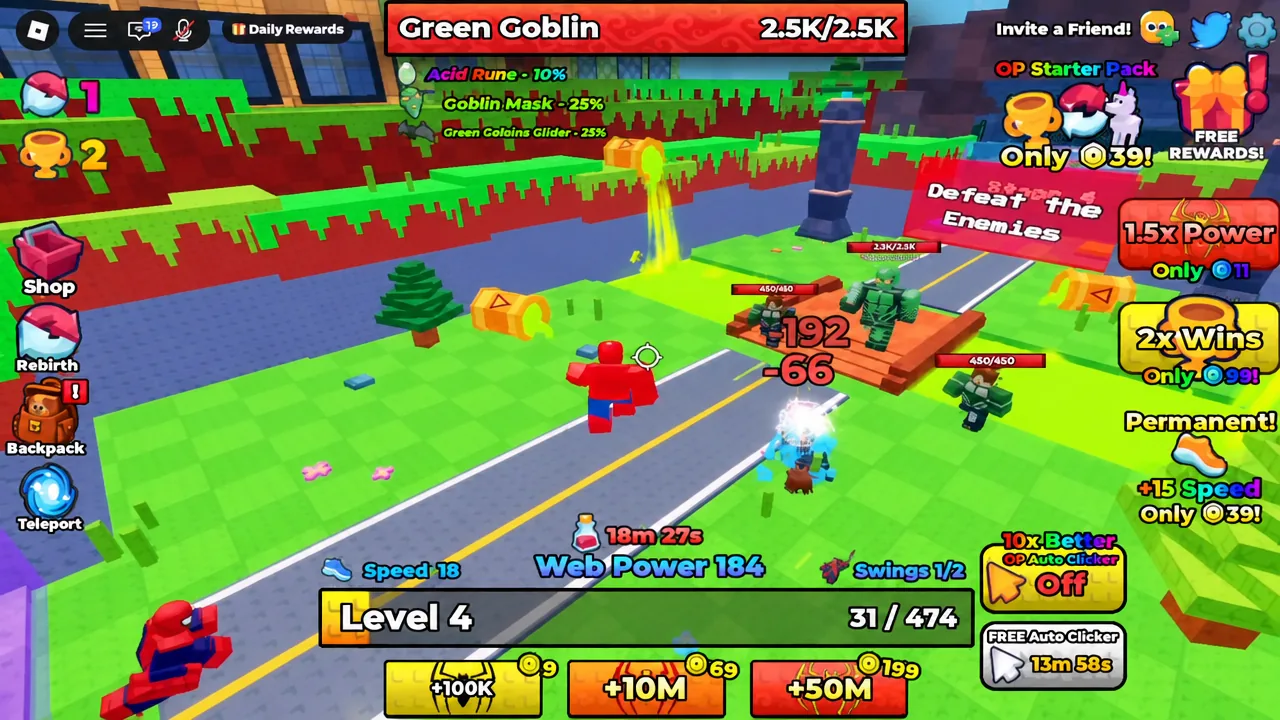
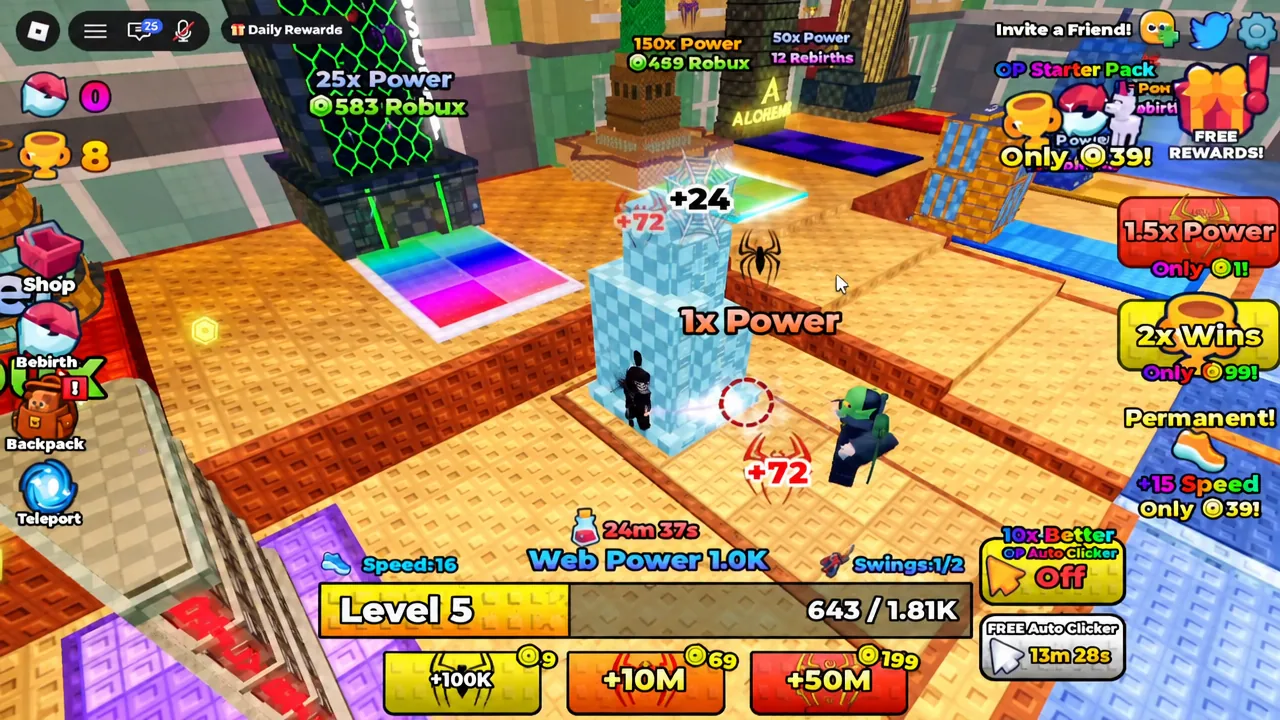
+1 Spider Evolution is an incremental simulator on Roblox where the entire economy runs on one number: Web Power. Every base click adds +1 to it, and everything else in the game — suits, stages, pets, rebirths — exists to make that number grow faster. The loop is simple, but the order you do things in decides how quickly you stop feeling stuck at Level 1.
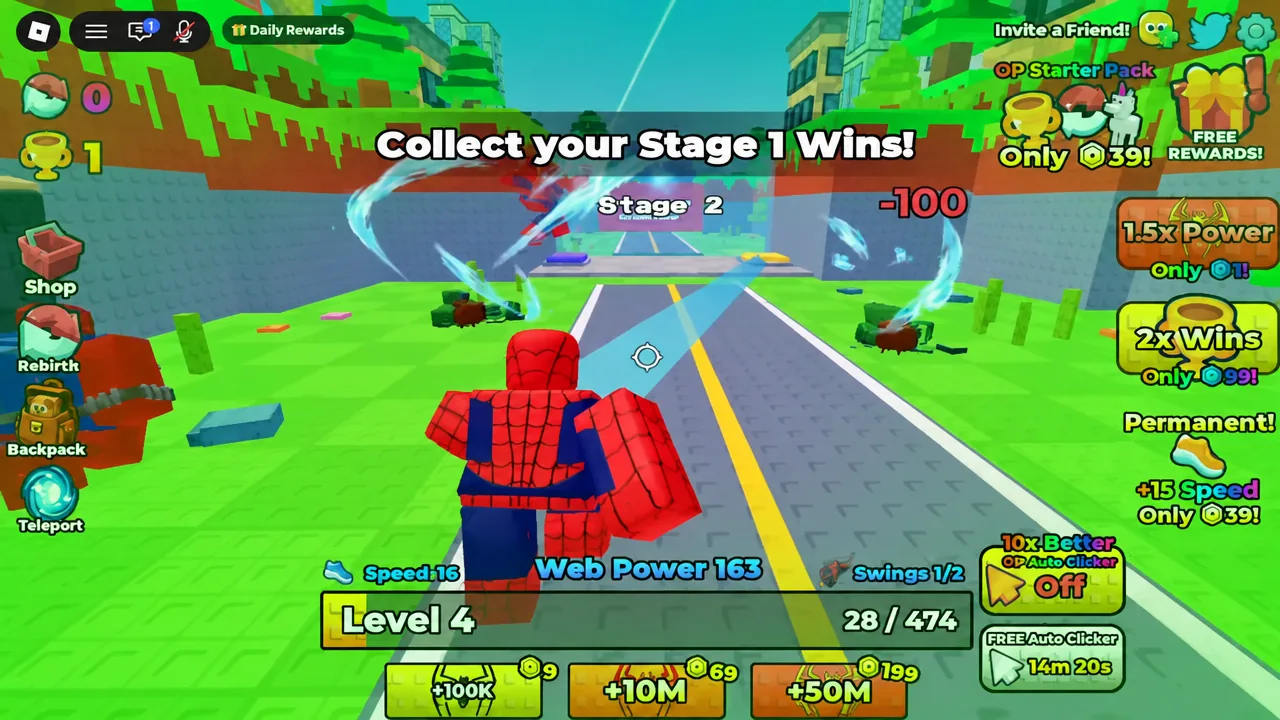
Quick answer: Click at a training block until you reach Level 2, walk into Stage 1, beat the enemies there to bank Wins, then equip the suit the game offers you when the “New Suit Unlocked” prompt appears. Repeat that cycle stage by stage.
The two currencies that matter: Web Power and Wins
Web Power is your click stat. It goes up when you train at a power block, and it determines your level. Wins are separate — you earn those by defeating enemies inside numbered stages, and they gate suit unlocks. You need both, and neither one substitutes for the other.
| Resource | How you earn it | What it unlocks |
|---|---|---|
| Web Power | Clicking at training blocks (+1 per base click) | Levels, higher damage, stage access |
| Wins | Defeating enemies and bosses inside stages | New suits and progression milestones |
The game tracks both on the HUD, and its objective text tells you which one it wants next. When it says “Train till you reach Level 2,” it wants Web Power. When it flips to “Go beat Stage 1!”, it wants Wins.
Your first ten minutes: Level 1 to your first suit
Suits and how they scale your clicks
Suits are the game’s evolution states, and they are not cosmetic. Each one raises how much Web Power a single click produces, which is why the game pushes you to equip a new one the moment it drops. The two you meet earliest are the clearest illustration of the jump.
| Suit | Click value | Unlock condition |
|---|---|---|
| Spider Armour MK IV | +2 per click | Reached around Level 3 after clearing Stage 1 |
| Symbiote | +12 per click | 10 Wins banked around Stage 4 |
A suit sitting unequipped in your inventory does nothing. If your Web Power per click has not changed after an unlock, open your suits and equip it manually. Premium suits such as Velocity and Stealth exist as paid offers in the same game and sit outside the free unlock chain.
Pushing through stages and bosses
Stages are numbered and gated by your power. Stages 1 through 3 are a straight run of standard enemies with the Green Goblin showing up as an early boss label. Stage 4 is where the Symbiote unlock lands once you have 10 Wins. The stage list runs well past that — teleport entries exist up into the mid-thirties — so treat the early stages as a tutorial for the real grind rather than the bulk of the game.
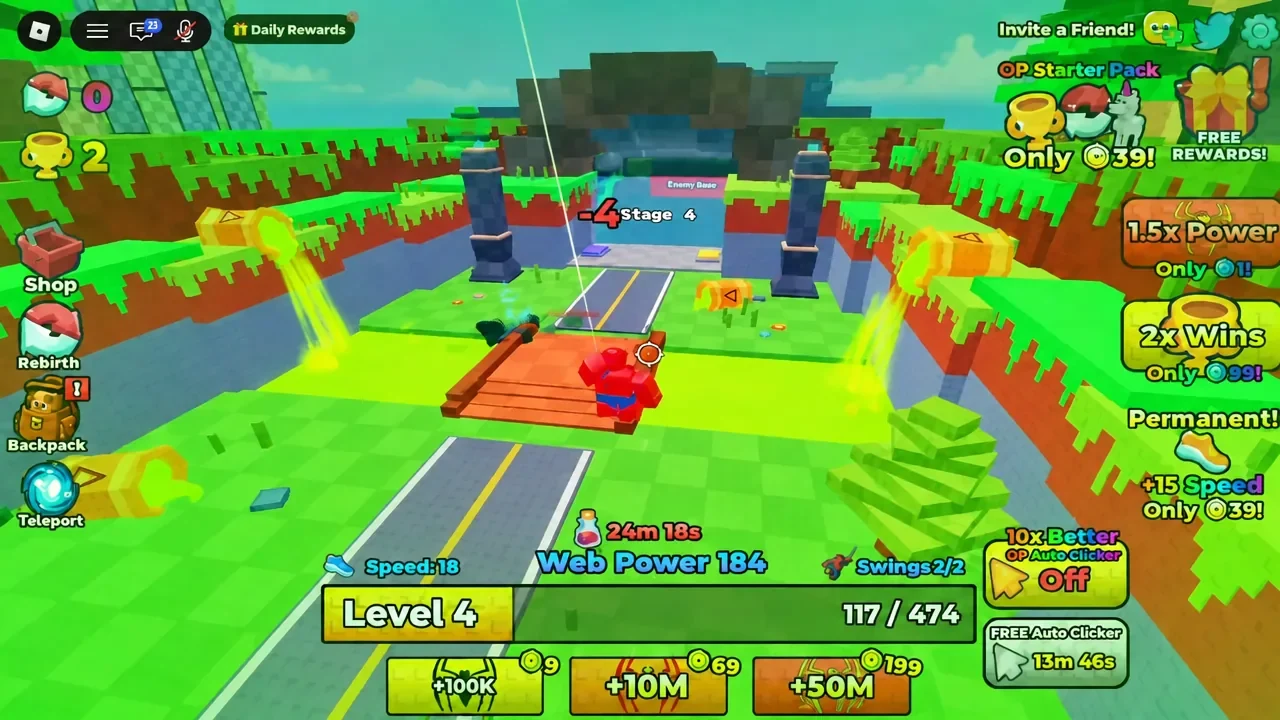
If enemies in a stage are taking too long to kill, the fix is almost always more training rather than more attempts. Go back to a power block, raise your per-click value, then return.
Pets, multipliers, and the Auto Clicker
Pets multiply your Web Power gains instead of adding flat values. Open your backpack, select a pet, and equip it. Toxin, one of the early ones, carries a 1.15x Web Power multiplier — modest on its own, but it compounds with every click bonus your suit is already giving you. The Pets menu also has an Equip Best button if you would rather not compare stats manually.
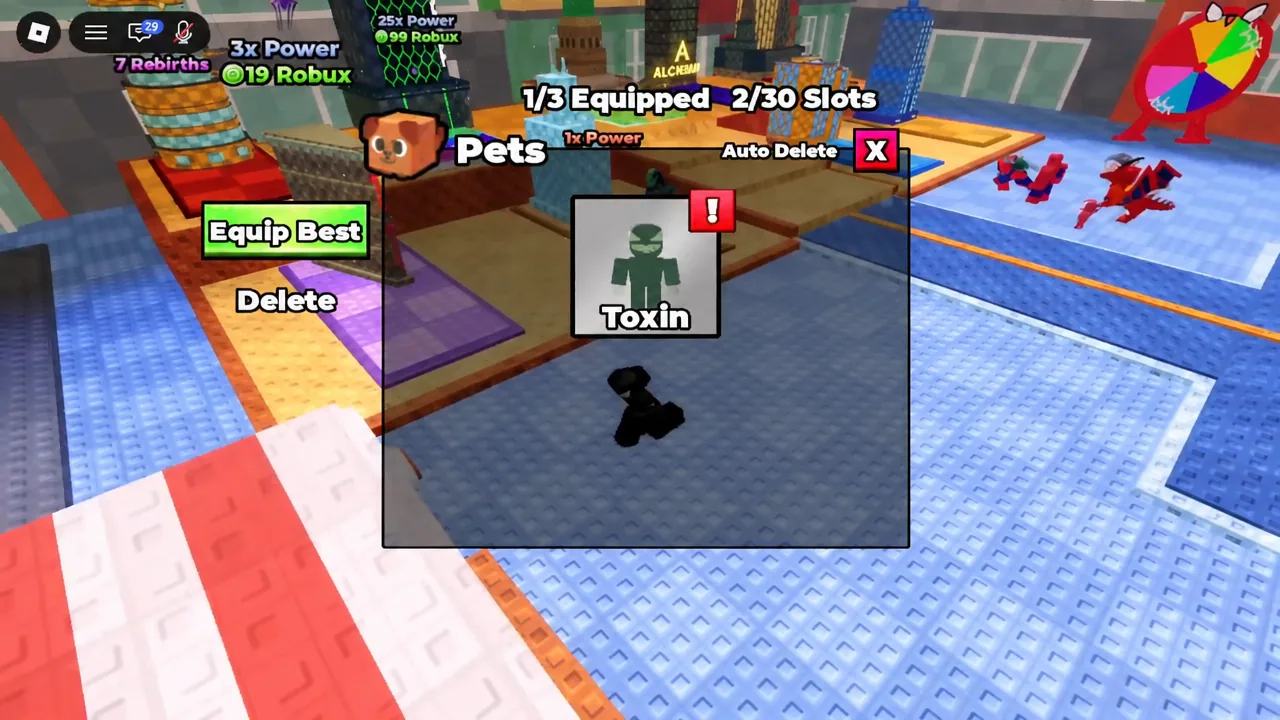
Pets come from eggs, which appear across several product families in the game’s store. Beyond pets, two purchases surface early: an Auto Clicker priced at 400, and an OP Starter Pack listed at 39 that bundles 1.5x Power, 2x Wins, and +15 Speed as permanent effects. Neither is required to progress.
When to use Rebirth
Rebirth wipes your Web Power, level, and Wins in exchange for a permanent multiplier. That trade only makes sense once the reset is cheap relative to what the multiplier buys back, so it is worth opening the Rebirth menu and reading the cost before you commit rather than rebirthing the moment it becomes available.
Note: there are paid variants alongside the standard reset, including a Skip Rebirth option. These are separate store products, and buying one is not the same as earning a rebirth through play.
Free Web Power: group rewards and codes
Two free boosts exist and they are not the same thing. The Group Rewards panel in-game offers a +10,000 Web Power claim, while the game’s own description advertises a +15,000 Power boost for joining the Roblox group and liking the experience. Claim what the menu actually shows you rather than assuming a specific figure.
Codes are handled through a bird-shaped icon near the top right of the screen. Tap it, type the code exactly as published with no quotation marks or trailing spaces, and press Redeem. The code currently advertised on the game’s page is WEBUPDATE for a 30-minute boost; the description does not name which stat it affects, so read the confirmation message the game returns. An earlier code, RELEASE, was listed for a 30-minute Win and Power boost and has not been confirmed as expired.
Why a code or unlock does not register
Most failures come down to a handful of concrete causes rather than a bug. Check these before assuming something is broken.
- You are in a different experience. Confirm the place ID reads 135830878717711.
- The code string carries extra characters. Paste only the code itself, with no quotes or spaces on either end.
- The suit unlocked but was never equipped. The game prints “Equipped [suit name]!” when it takes effect.
- The advertised code changed. The game’s description has swapped codes within days before, so an older list can go stale quickly.
Rejoining a freshly started server is a reasonable thing to try when a menu will not open, though it is a general Roblox habit rather than a documented fix here.
Played straight, the early hours come down to a rhythm you can set on repeat: train until the objective changes, clear the stage it points you at, equip whatever it hands you, and keep a pet slotted so the multiplier is always working. The stage numbers climb a long way past where the tutorial leaves you, and the free power claims are worth grabbing on your first session rather than saving for later.