Vehicles are one of the fastest ways to change a round in Base Wars, the long-running Roblox shooter. You do not buy them from a shop or wait for them to appear on the map. Instead, you choose a spawn point next to a vehicle station, then press a spawner button inside your protected spawn area.
Quick answer: On the spawn screen, deploy at a Ground Vehicle Station or Flying Vehicle Station, then press the spawner button for the vehicle you want. You are placed in the driver’s seat automatically.
Choosing a vehicle station on the spawn screen
The spawn screen shows a map of your team’s available spawn locations alongside a Deploy button. Two of those entries matter here, the Ground Vehicle Station and the Flying Vehicle Station. Spawning anywhere else means walking or driving to a station before you can pull anything out.
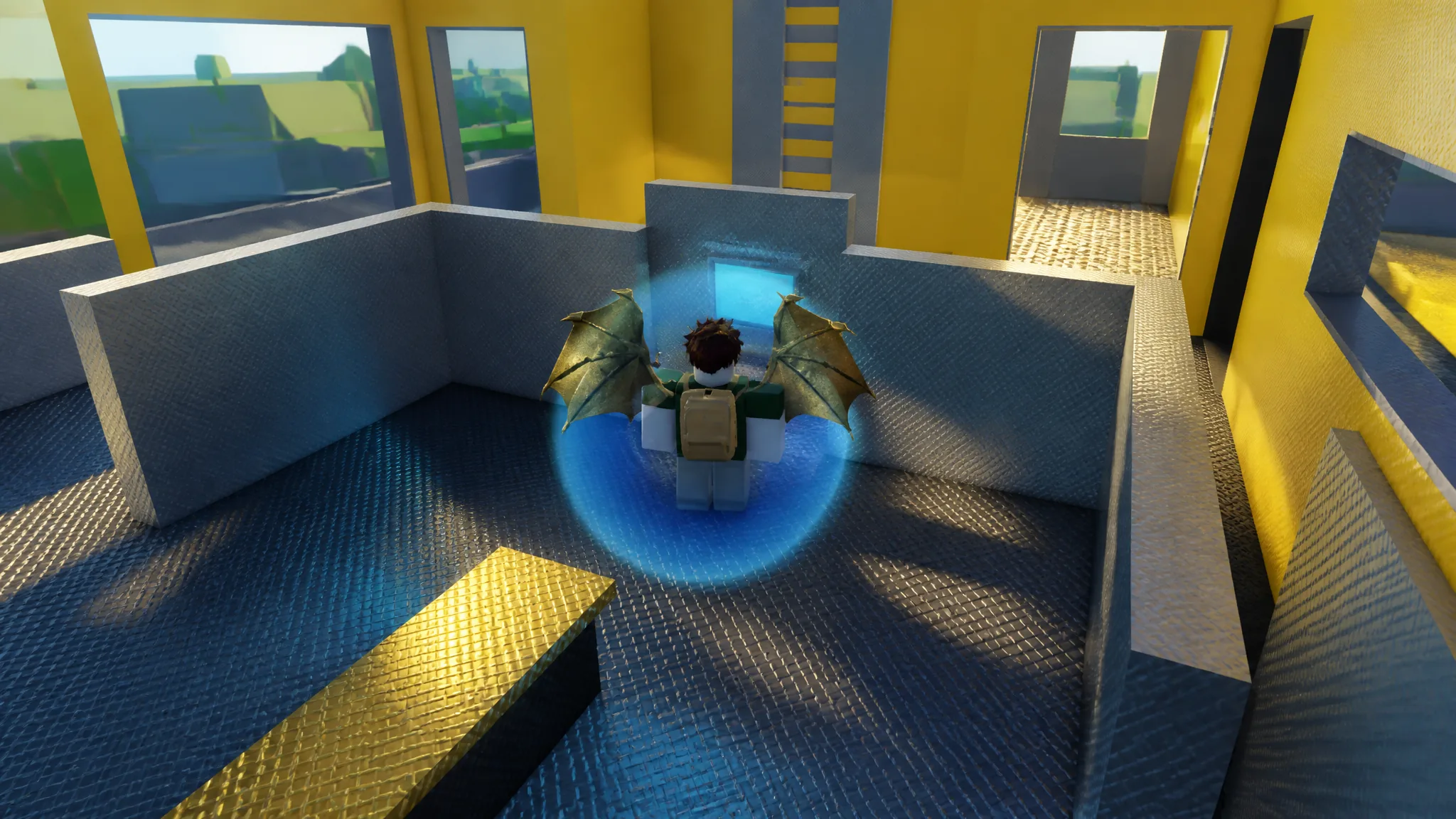
The second and third floor vehicle station spawns put you closest to the spawner buttons, which cuts out the trip through the base interior. Wandering the lower corridors, stairwells and conveyor tunnels looking for a vehicle to climb into will not work, because vehicles do not sit parked on the map waiting to be used.
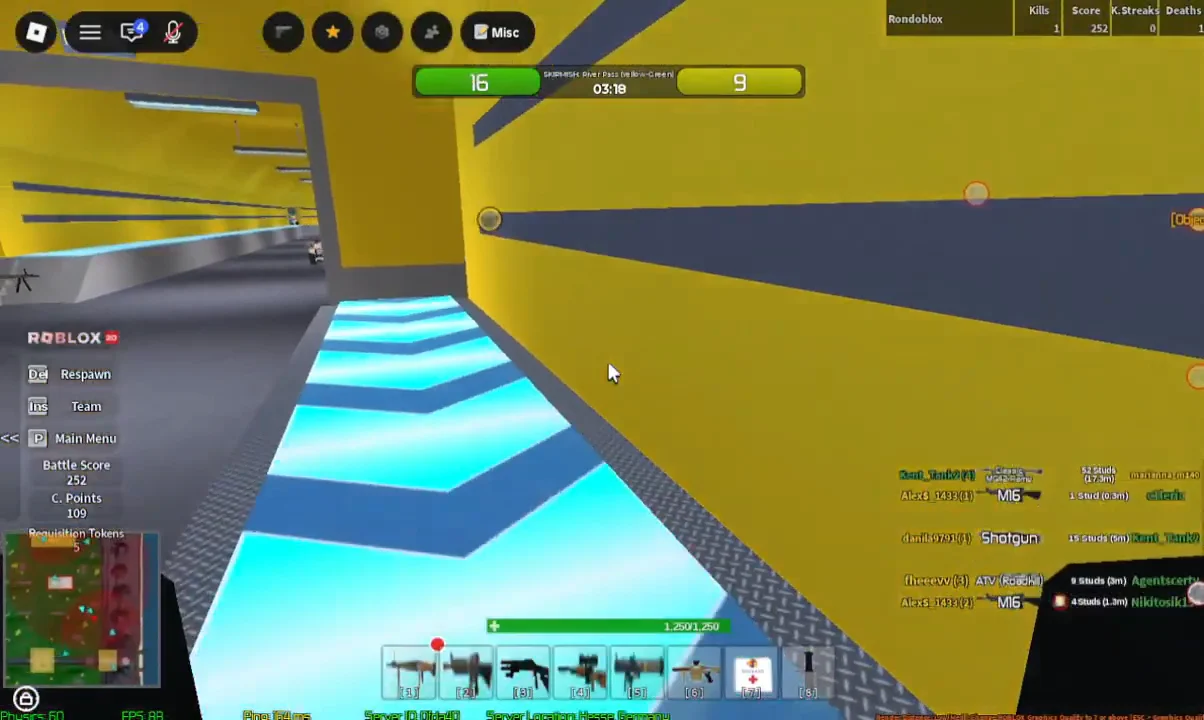
How to spawn a vehicle in Base Wars
How to confirm the vehicle spawned
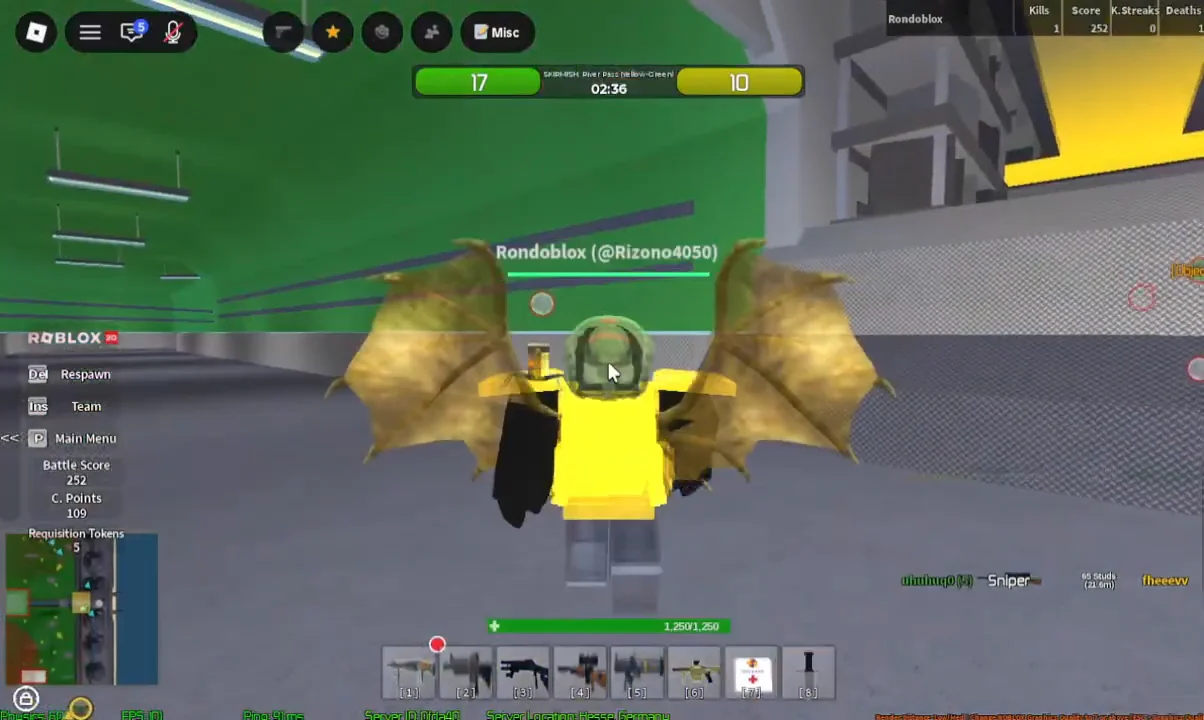
There is no confirmation prompt to click through. Pressing a spawner button places you directly into the driver’s seat of the vehicle it built, so the camera change and the on-screen vehicle controls guide are your confirmation. If you are still standing on foot in front of the button, the spawn did not go through.
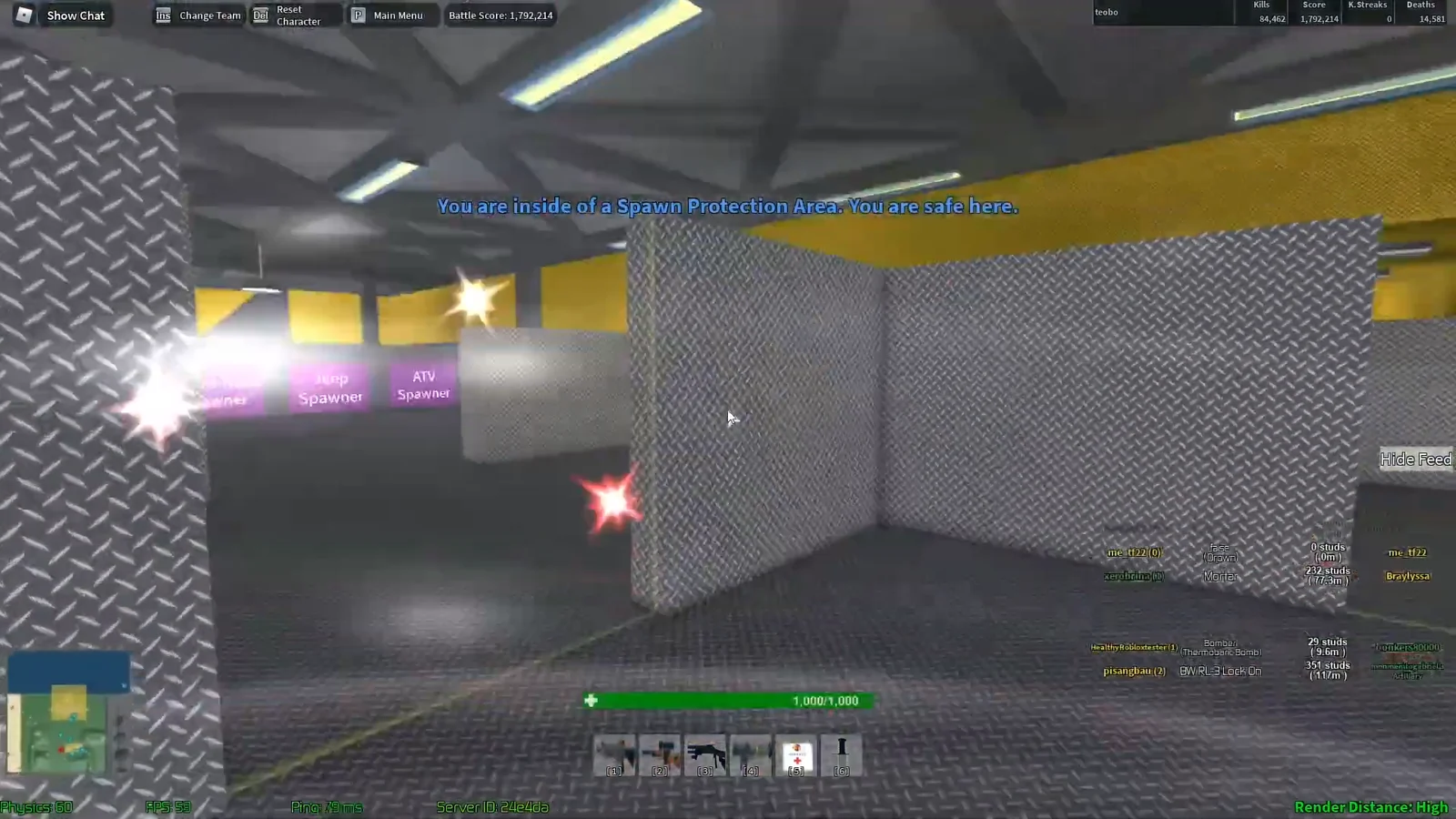
Vehicle spawn costs and how to earn cash
Spawning a vehicle costs money, and the price changes depending on how powerful the vehicle is. Cash comes from eliminating enemy players and from capturing the enemy team’s flag, and stringing kills together in a single life raises the payout from each one.
Flag captures pay out heavily, specifically because vehicle spawn prices exist. A single successful flag run can fund your next tank or plane.
Vehicle types you can spawn
Rather than splitting everything into land, air and sea, Base Wars groups vehicles by bulk and battlefield role. The categories include:
- Tanks
- ATVs
- Land Misc.
- Air-fighter
- Air-support
- Boats
- Sea-support
- Territory-based
Every vehicle and turret carries a proper in-game name, so the button you press tells you exactly what you are getting. A few of the ones you will run into most often:
| Vehicle | Where it spawns | Notes |
|---|---|---|
| ATV | Ground station | Quick flag runs |
| Battle Tank | Ground station | Editable weapons |
| Artillery | Ground station | Purple spawner button |
| Vortex | Flying station | Fighter plane, editable weapons |
| Tracker | Flying station | Can rotate in flight |
Roles differ sharply between them. Planes let you cut around the enemy line and hit a base from above, while turrets are the standard answer when the other team pushes with tanks.
Turret spawners work the same way
Turrets use identical spawner pads, and they are often placed on rooftops and landing pads you reach by ladder. Stepping onto an Anti-Personnel Turret Spawner pad hands you control of a mounted 7.62mm Minigun aimed over the battlefield below, with the same automatic seating behaviour as vehicles.
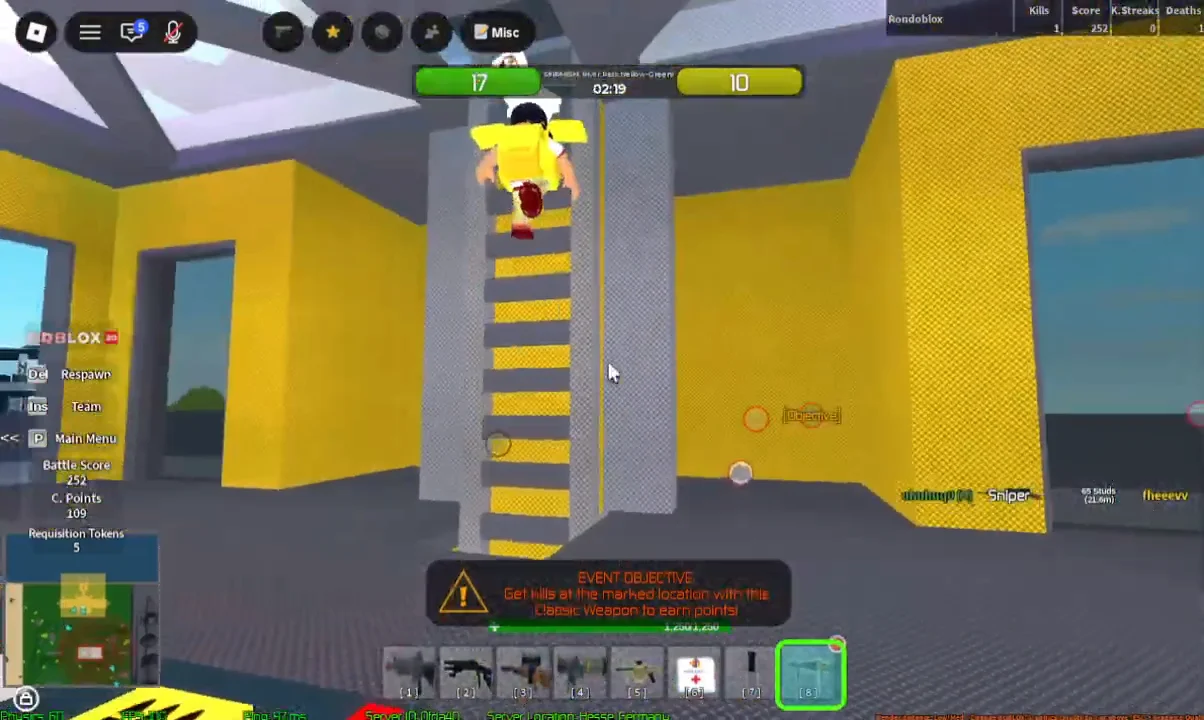
A turret pins you in place. You keep firing until you leave the seat or are eliminated, so a rooftop turret is a commitment, not a quick detour.
Changing vehicle weapons in the Vehicle Loadout menu
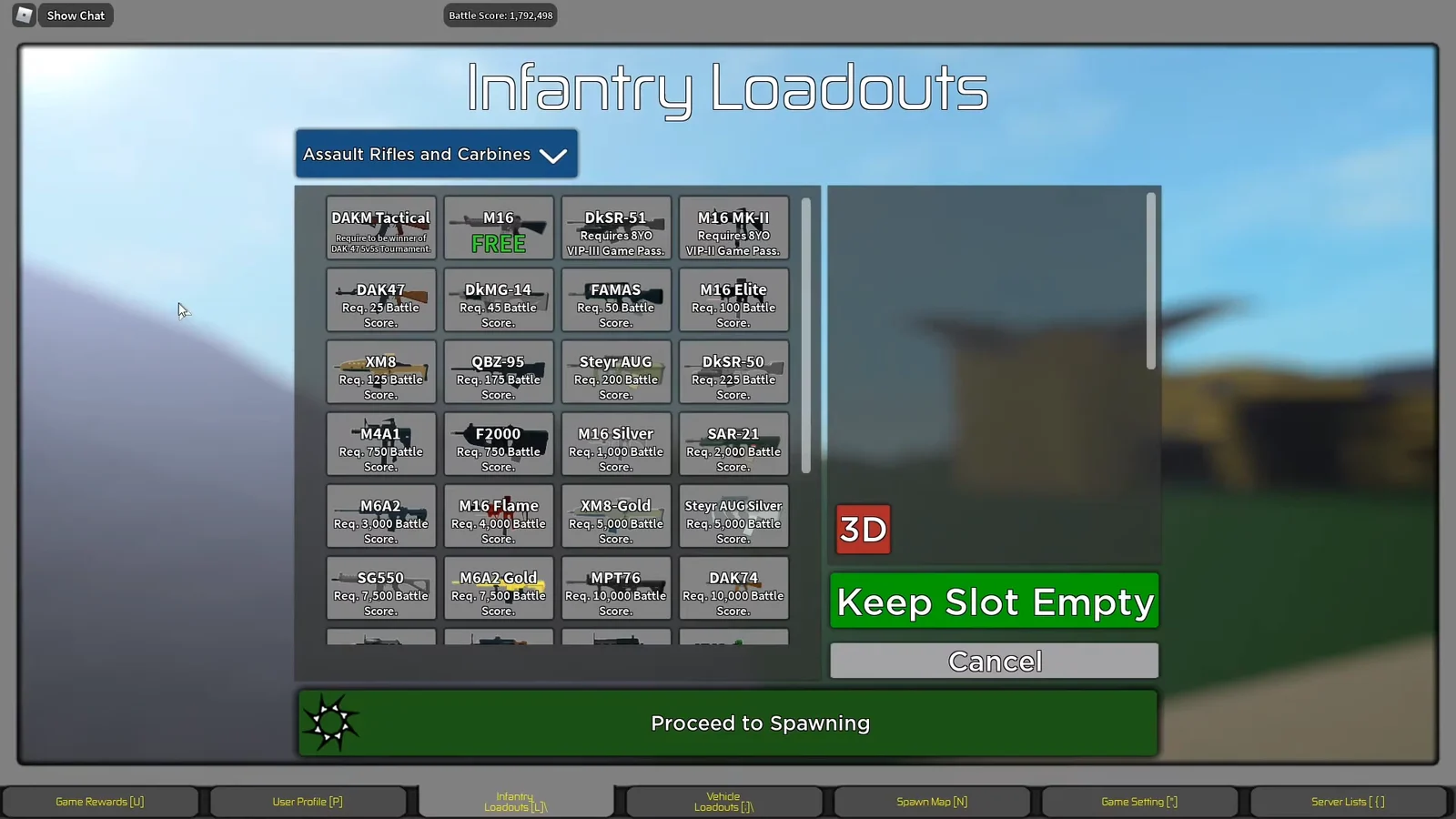
Some vehicles let you swap their armament before you take them out. The Vehicle Loadout menu covers select vehicles including the Vortex and the Battle Tank, and it works separately from the Infantry Loadouts screen you reach through Edit Loadouts.
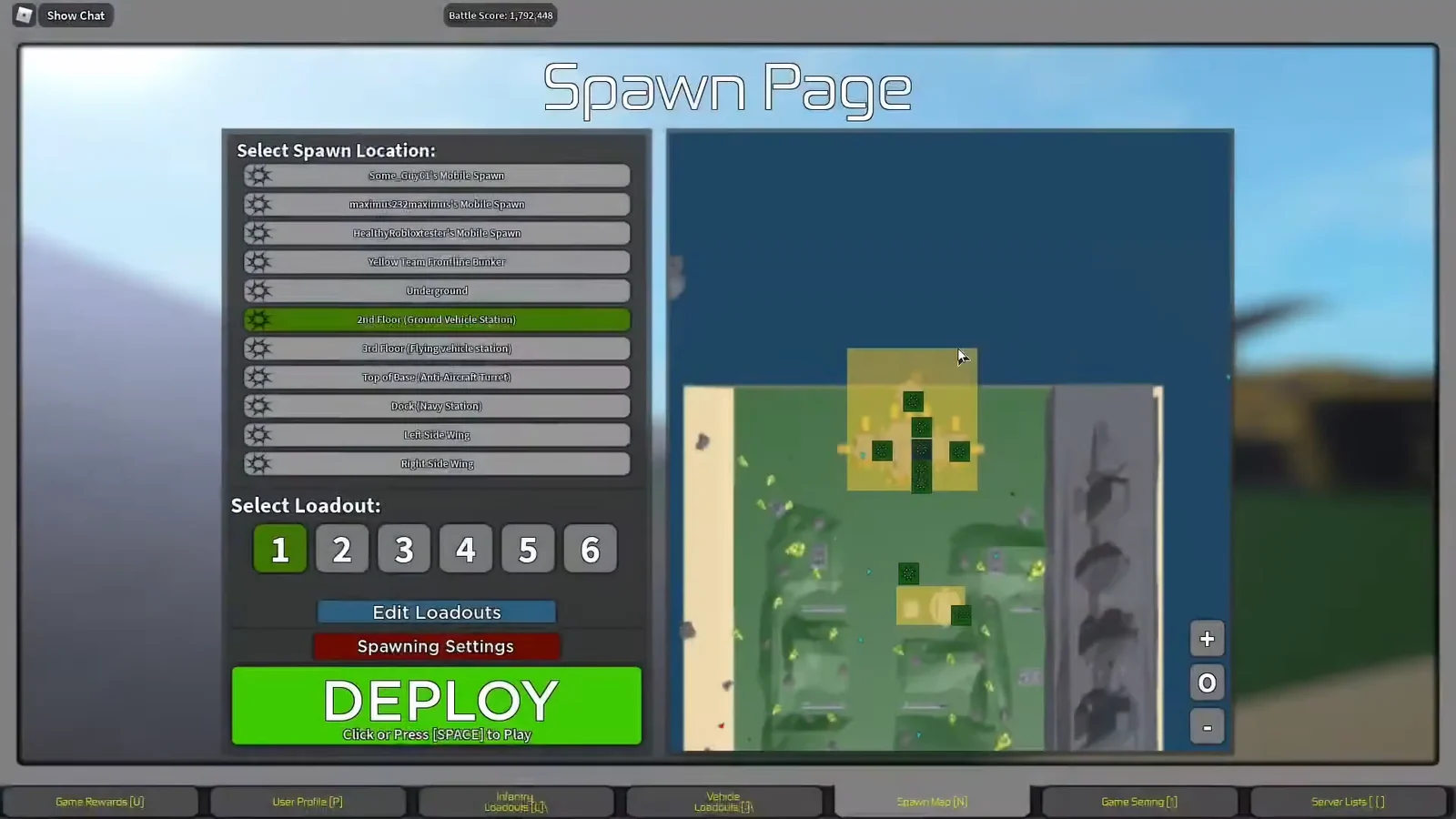
Set the vehicle up the way you want it first, then deploy at the matching station and press the spawner. Because each spawn draws from your cash, it is worth deciding what job you are doing before you press the button, whether that is a fast ATV flag grab, an artillery position, or a plane sent over the enemy roof.