Rare eggs in Steal An Egg go to whoever reaches them first, which is why a crowded public lobby feels like a losing race before it starts. The obvious fix would be a private server, except the experience page says outright that it doesn’t support them. There’s still a way to end up alone on a map, and it costs nothing beyond a few spare accounts.
Quick answer: Open the Steal An Egg page on Roblox, go to the Servers tab, set Sort By to Fewest Players, and join a server showing 1 player. To seal it, run multiple Roblox clients on one PC and sign alt accounts into the same server until all 7 slots are yours.
Steal An Egg has no private server option and no Robux price
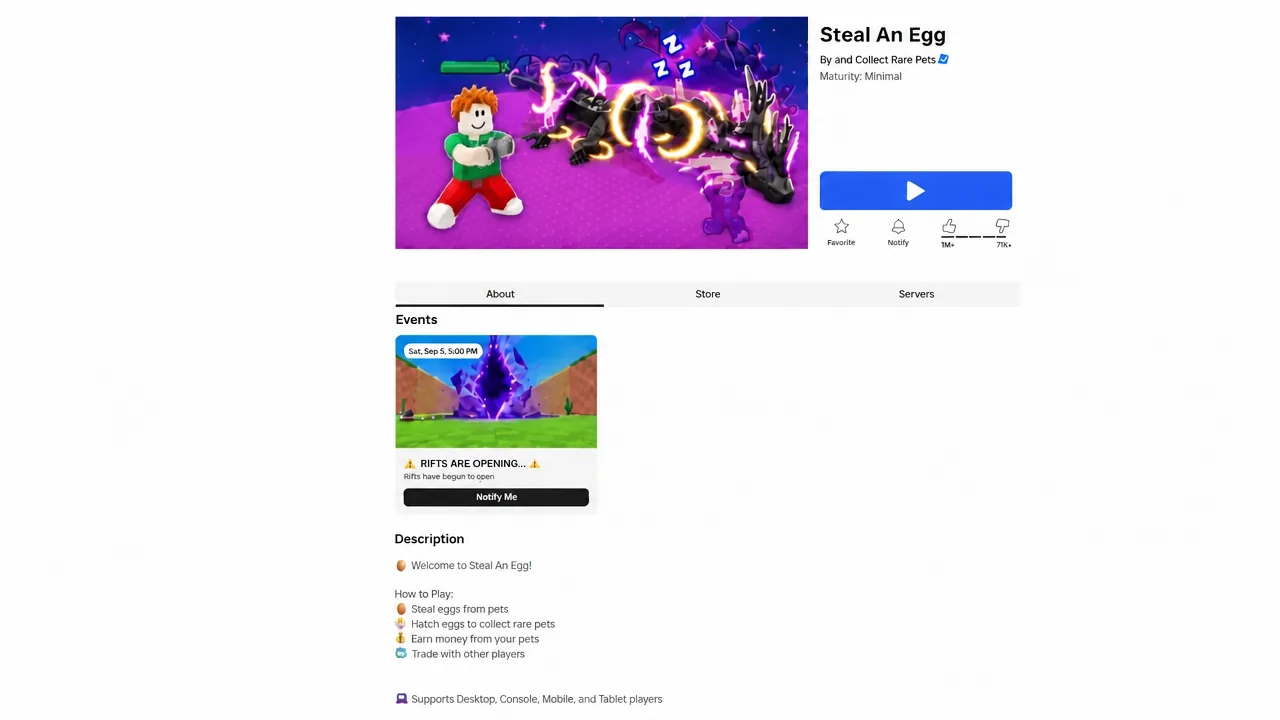
Games like Steal A Brainrot and Fisch let you rent a private server through the standard Roblox system. Steal An Egg does not. Scroll the Servers panel on its experience page and the line “This experience does not support Private servers” sits right there, with no gamepass to buy and no invite link to generate. Nothing about that changes until the developers switch the feature on.
So there is no price to hunt for. Both workarounds below are free, and the only tool involved is a free Microsoft utility. Here’s how the two approaches compare before you pick one.
| Approach | What it needs | Limitation |
|---|---|---|
| Near-empty public server | Just the Roblox server browser | Anyone can still join at any time |
| Alt accounts filling every slot | A Windows PC, Process Explorer or BlueStacks, spare accounts | More setup and a heavier load on your PC |
Find a low-player-count server with the Fewest Players sort
This part works on every platform the game runs on, including mobile and console, because it’s nothing more than filtering the public server list.
Load More and keep going. Expect to press it roughly 10 to 15 times before servers showing “1 of 7 people max” start appearing.
The obvious weakness is that the lobby is still public. It thins the crowd, it doesn’t lock the door, and latecomers can drop in mid-run. Everyone chasing divine-rarity pets is doing the same thing, so quiet servers don’t stay quiet forever.
Tip: If you’re playing with friends rather than alone, this is the version to use. Join a one-player server, pull your friends in through the party connection feature, and the lobby ends up mostly filled with people you’re cooperating with instead of competing against.
Fill all 7 slots with alt accounts to lock the server
Roblox only lets one client run per PC by default, and a single lock in memory enforces that. Remove the lock and you can open as many clients as your machine handles, then park an alt in each free slot. Start from inside a small server you’ve already joined.
procexp64 and pick Run as administrator, then confirm the prompt. Without admin rights it can’t touch a running Roblox process.Ctrl+L to open the lower pane, search for roblox, and select RobloxPlayerBeta.exe. In the lower pane, find the handle named Sessions1BaseNamedObjectsROBLOX_singletonEvent.Yes. The single-client restriction is now gone until you restart.
If you’d rather skip Process Explorer, the BlueStacks Multi-Instance Manager achieves the same thing by running several Android copies of Roblox at once. It’s still a PC-only route, just through an emulator instead of the desktop client.
Note: Closing the singleton handle only lifts the one-client-per-machine lock. It doesn’t alter game code or inject anything, and the alts are ordinary accounts standing around doing nothing.
How to confirm the server is actually locked
Check the server entry on the Roblox page. When it reads 7 of 7 people max and every one of those names is yours, the lobby is closed. Roblox won’t route anyone into a full instance, so random players and exploiters are both shut out. Ticking the Exclude Full Servers box in the browser is a quick way to confirm your server has dropped off the list entirely.
There are only two reasons it fails. One free seat is enough for a stranger to load in, so a 6 of 7 lobby is not locked. And if you skipped the singleton handle step, the second client simply focuses the window you already have open instead of launching a new one.
Keeping your alt accounts from being kicked
Roblox disconnects idle clients, and every alt that drops reopens a slot. Move each one every 20 minutes or so, even a couple of steps, and they’ll stay put. Running seven clients at once also puts real strain on a single machine, so expect fans to spin up and frame rates on your main account to suffer.
Mobile and console players can’t do any of this. Both multi-client routes need a Windows desktop with admin rights, which leaves the Fewest Players sort as the only option on those platforms. It’s the weaker version, but it costs nothing and takes about thirty seconds, and on a two-player map most of the eggs are still sitting where they spawned.