
Every part of a factory in SANDUSTRY lives or dies by how well material gets from where it is made to where it is used. Solids, liquids, and gases each move differently, and picking the wrong tool for a resource stalls the whole chain. The good news is that all the core transport structures run for free. None of them need power, and they keep working whether or not resources are actually flowing through them.
Quick answer: Move solids like Sand, Seeds, and Cinder with Conveyor Belts and Launchers. Sort a mixed pile with Filters set to Allow or Block. Move any fluid except lava with a Pump, Pipes, and a Liquid Vent.
| Resource type | Tools to use |
|---|---|
| Solids (Sand, Residue, Cinder, Seeds, Amethelis) | Conveyor Belts and Launchers |
| Mixed solid piles | Filters (Allow / Block) |
| Fluids (except lava) | Pump, Pipes, Liquid Vent |
| Lava | Freeze to Cinder, move as a solid, then reignite |
Move solid resources with Conveyor Belts and Launchers
Conveyor Belts and Launchers handle everything that stays solid, including Sand, Residue, Cinder, Seeds, and Amethelis. Both are simple to place, but they cover different directions, so you will use them together across most layouts.

Tip: The replace hotkey, bound to CTRL by default, swaps one structure for another in place. That is the fastest way to drop upgraded belts and launchers into a layout you already like without rebuilding it.
Sort mixed piles with Filters
Most solid resources come out mixed with other particles, so you need a way to pull out only what you want. Filters do that job, and they run on two settings that behave as opposites of each other.
- Allow lets a single chosen resource fall through the filter and sends everything else on down the track. For example, Allow Gold drops only Gold and keeps the rest moving.
- Block does the reverse. It lets every resource fall through except the one you pick, so blocking Redsand drops everything but Redsand.
A Basic Filter only works on one solid resource per setting. You cannot Allow Redsand and Moonhop on the same filter. To capture both, stack filters, for example block Moonhop on one so Redsand falls through, then block Redsand on a filter below it to catch the rest.
Once you unlock Advanced Filters, the same Allow and Block rules apply to liquids and gases as well as solids, though the single-resource-per-filter limit still stands. When you are trying to peel a by-product off a crowded line, filter blocks are the cleanest way to isolate it.
Pump and pipe liquids
Fluids ignore belts and launchers entirely. You move any liquid other than lava with three pieces working as a small pipeline.
- The Pump is your input device, pulling fluid in.
- Pipes connect the pump to the output and carry the fluid along.
- The Liquid Vent is your output device, releasing the fluid at the far end.
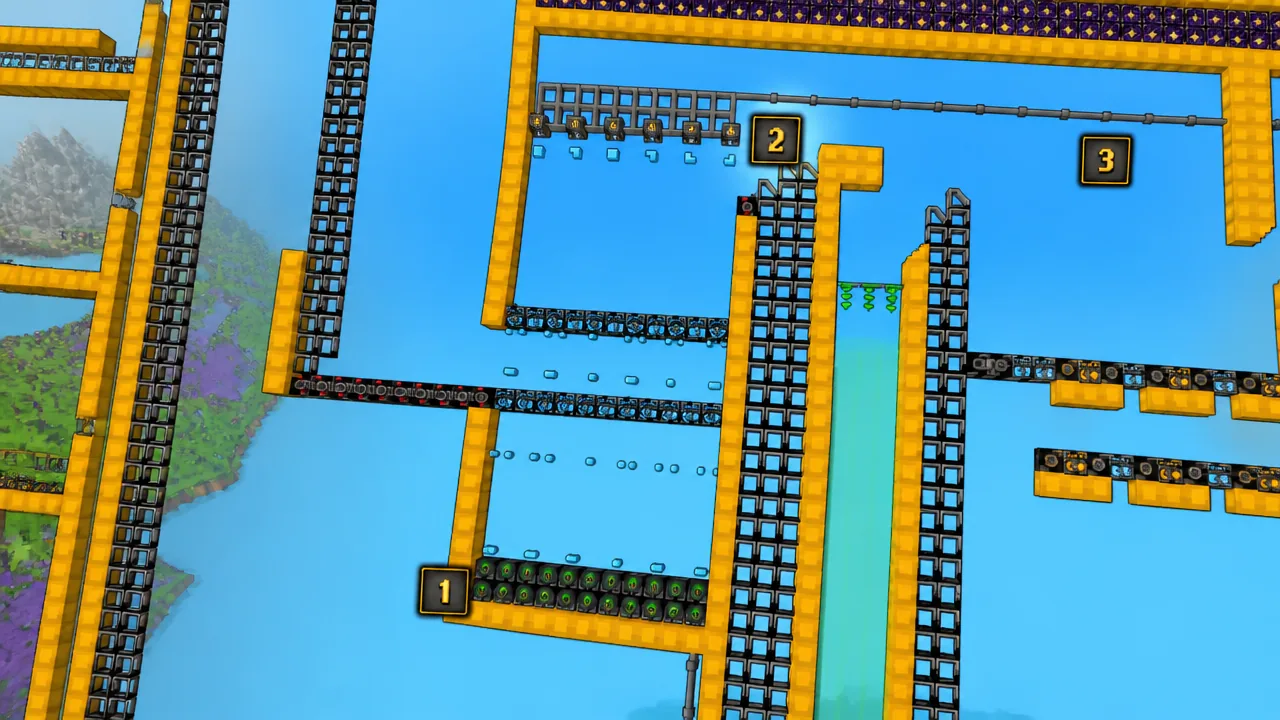
The height rule is what keeps flow going. As long as fluid sits at the Pump’s level or above it, and the fluid level has not yet reached the Liquid Vent’s level, the pump keeps working. If the source drops too low or the destination fills to the vent, flow stops.
You can send more than one fluid type through a single pipeline, but you cannot filter what comes out of a Liquid Vent. The vent always releases whichever liquid is closest, so keep separate fluid lines when the output matters. Splitting lines early saves you from mixed output later.
Handle lava by changing its state
Lava is the one fluid pumps will not touch, so you move it by turning it into a solid first. Freeze the lava, most likely with the Cryoblaster, until it hardens into Cinder. Mine that Cinder loose with your shovel or another tool, carry it wherever you need it, then reignite it with a hot enough source such as a flamethrower to turn it back into lava.
This trick works beyond lava too. If a resource is hard to lift efficiently, check whether converting it to another state of matter makes the trip easier, then convert it back once it reaches your other structures.
With belts and launchers for solids, filters to sort them, pipes for liquids, and a state change for lava, you have everything needed to route resources across a growing factory. Match each tool to the resource in front of you, mind the height rule on liquids, and lean on filter blocks whenever a line gets messy.