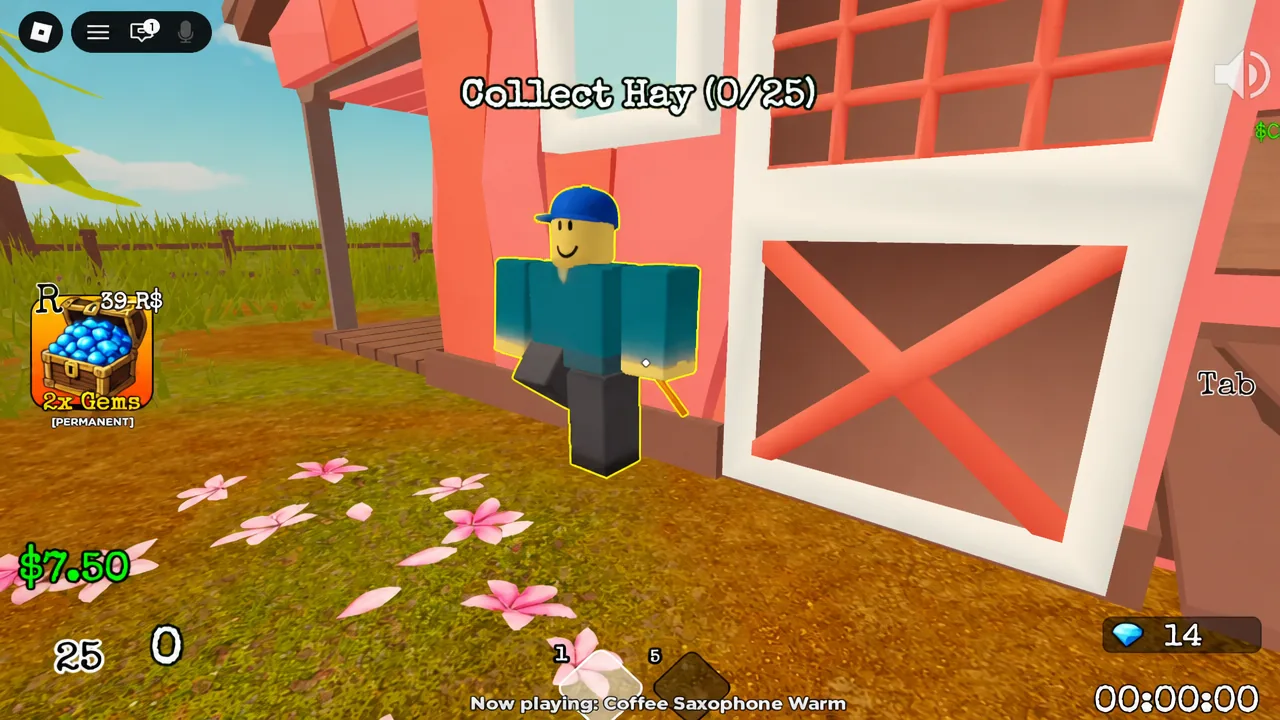
Search For The Needle is a Roblox experience from Garage Games built around one very literal joke. A farmer offers $1,000 to anyone who can pull a needle out of a haystack, and you spend the run clearing hay by hand until it shows up. The whole thing runs on a short economic loop, and understanding that loop is the difference between a quick finish and an hour of clicking.
Quick answer: Enter the FARMHOUSE portal, set difficulty to NORMAL and party size to 1, then click the haystack until your bag hits 25, sell the hay to the cow at the barn window, and press Tab to buy Speed and Grasp before repeating.
Start a run: Farmhouse portal, difficulty, and party size
Everything begins in the lobby, where map portals sit waiting for you to walk into one. Nothing spawns until you configure a match and confirm it.
Servers hold up to 20 players, and there is no voice chat or camera support in the experience. If you want the game page itself, it lives on Roblox under the Garage Games group.
The core loop: Collect hay, sell it to the cow, buy upgrades
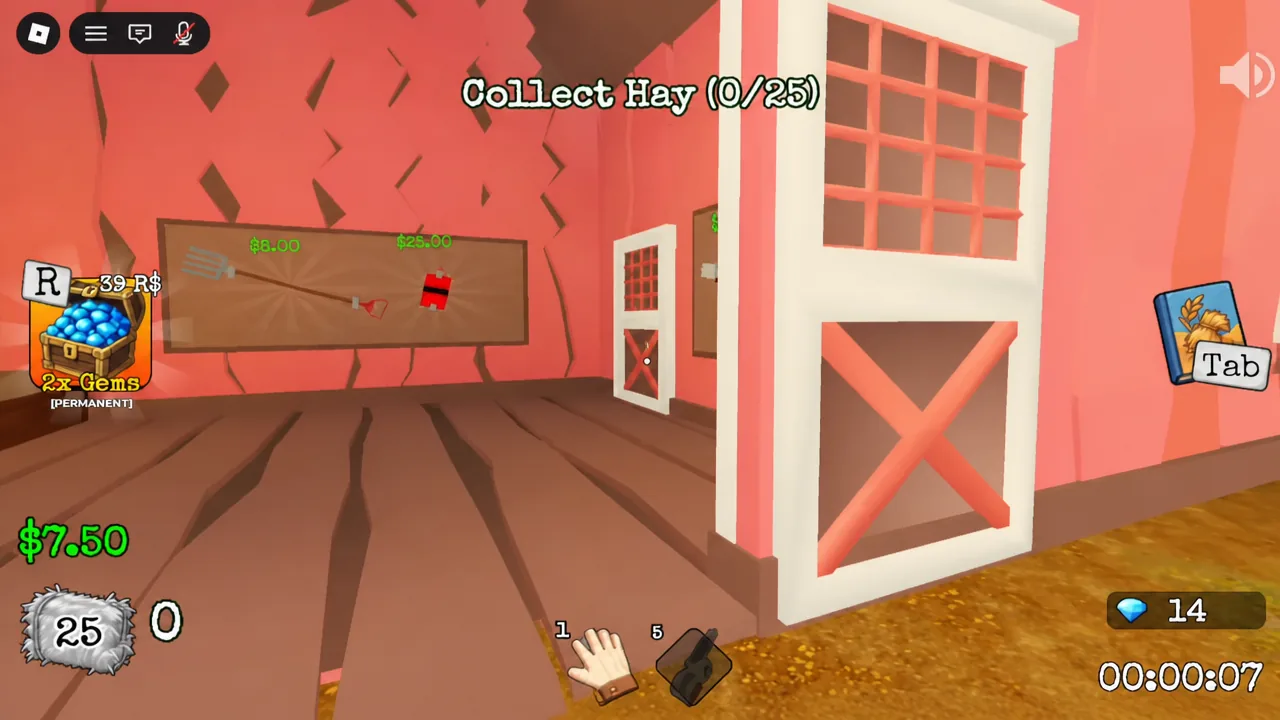
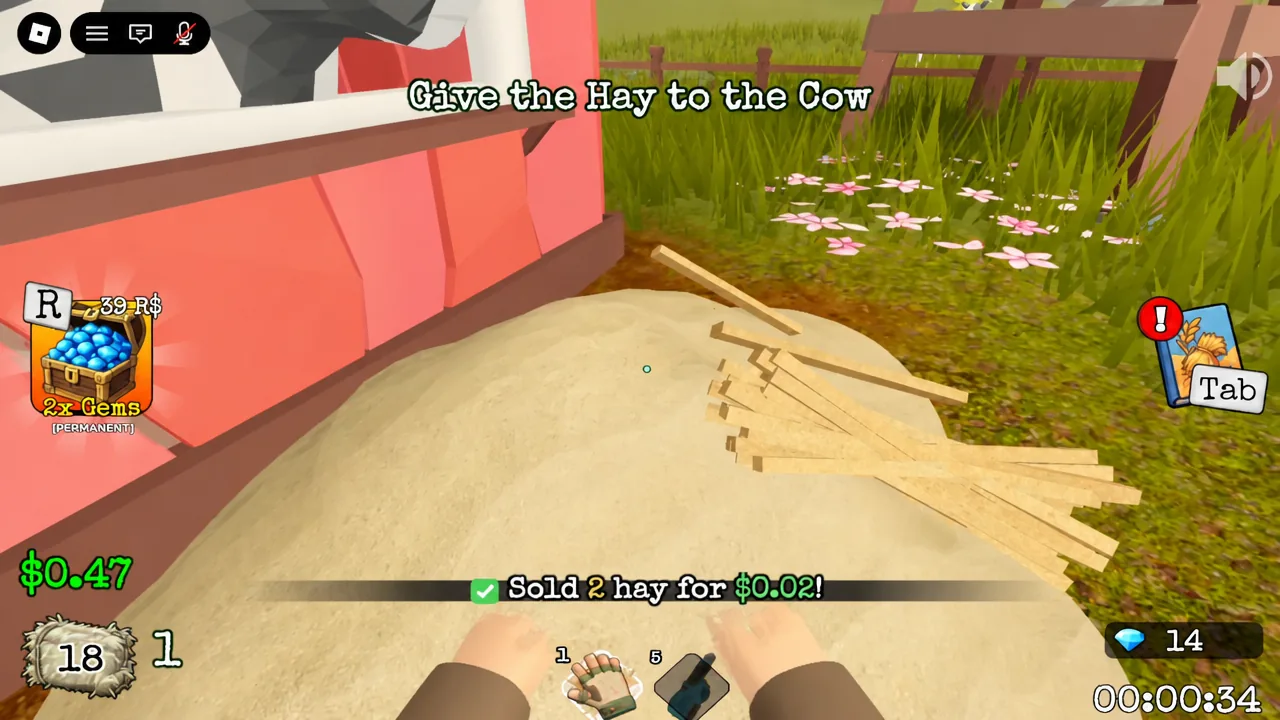
Once you land on the map, the objective tracker takes over. It tells you exactly what to do next, and it only ever alternates between two instructions.
Hay economy: Prices, capacity, and the payout
The numbers are deliberately tiny at the start, which is why the first few minutes feel slow. Here is what the opening run looks like on Normal.
| Detail | Value |
|---|---|
| Starting bag capacity | 25 hay |
| Sale price per hay | $0.01 |
| Payout for a full bag | $0.25 |
| First Speed upgrade | $0.23 |
| Reward for finding the needle | $1,000 |
Note: a full bag barely covers a single early upgrade, so treat the first several trips as pure setup rather than progress toward the needle.
Upgrade menu: What Tab opens and what to buy first
Tab brings up the purchase panel, with a prompt to “Buy the Highlighted Upgrade.” The menu holds these entries:
- Hand
- Speed
- Grasp
- Hold
- Dynamite
- Pitchfork
- FEED
Speed and Grasp are the two that directly shorten each cycle, so they are the standard opening buys. Speed cuts the time you lose walking between the haystack and the barn window, and Grasp improves how much you pull out of the pile per action. Everything else becomes affordable as your income scales.
How to confirm the needle actually counted
You do not have to guess whether the run registered. The experience hands out badges, and they appear on your Roblox profile as soon as the condition is met.
| Badge | How it is earned | Rarity |
|---|---|---|
| Welcome! | Awarded for playing the experience | 100.0% (Freebie) |
| Found the Needle! | Awarded for finding the needle | 63.2% (Easy) |
| Find the UFO | A separate discovery on the map | 40.4% (Moderate) |
Two-thirds of players have the needle badge, which is a useful sanity check. If a run feels impossible, it is almost always an upgrade problem rather than a hidden trick.
Why the loop stalls
Most stalled runs come down to one of a few fixable things. Clicking the haystack past your bag limit does nothing, so watch the counter and head for the barn the moment it reads 25. Cash sitting unspent is wasted, because the pile does not shrink faster on its own. And if you started on HARD without any upgrades banked, dropping to NORMAL for a first clear is the faster path.
Tip: the objective tracker at the top of the screen is always the source of truth. If it still says “Collect Hay,” selling is not available yet, and if it says “Give the Hay to the Cow,” clicking the pile again will not advance anything.
The design is intentionally repetitive, and that is the point. Search For The Needle sits in the same cozy, single-task corner of Roblox as the cleaning and sorting experiences it shares a genre with, where the reward is watching a comically large pile finally give way. Get Speed and Grasp moving early, keep every sale rolling straight into the next upgrade, and the haystack stops being a wall.