Every round of Dress To Impress on Roblox gives you a theme and a ticking clock. Below are the 19 themes we have built outfits for ourselves in Freeplay Mode, grouped by style, each with a picture of one finished look and a link to its full step-by-step guide. Every look uses only free pieces and free materials, on an account with no VIP, 0 stars and no Robux spent. We add each new theme to this list the day its guide goes out.
Quick answer: Find the round’s theme in the banner at the top, look it up in the tables below, and open its guide. Practise the look in Freeplay Mode first, then rebuild it in the Dressing Room when the theme comes up.
Every Dress To Impress theme we have built
The game shows no item names, so every look is described by colour, material and shape. Material names such as Glitter, Silk, Metallic, Neon, Leather, Denim and Foil match the options on the Dressing Room’s “+” tab. The picture in each row is one finished look from that theme’s guide; click the theme name for every step.
Glam and party themes
| Theme | Looks | Pictured look |
|---|---|---|
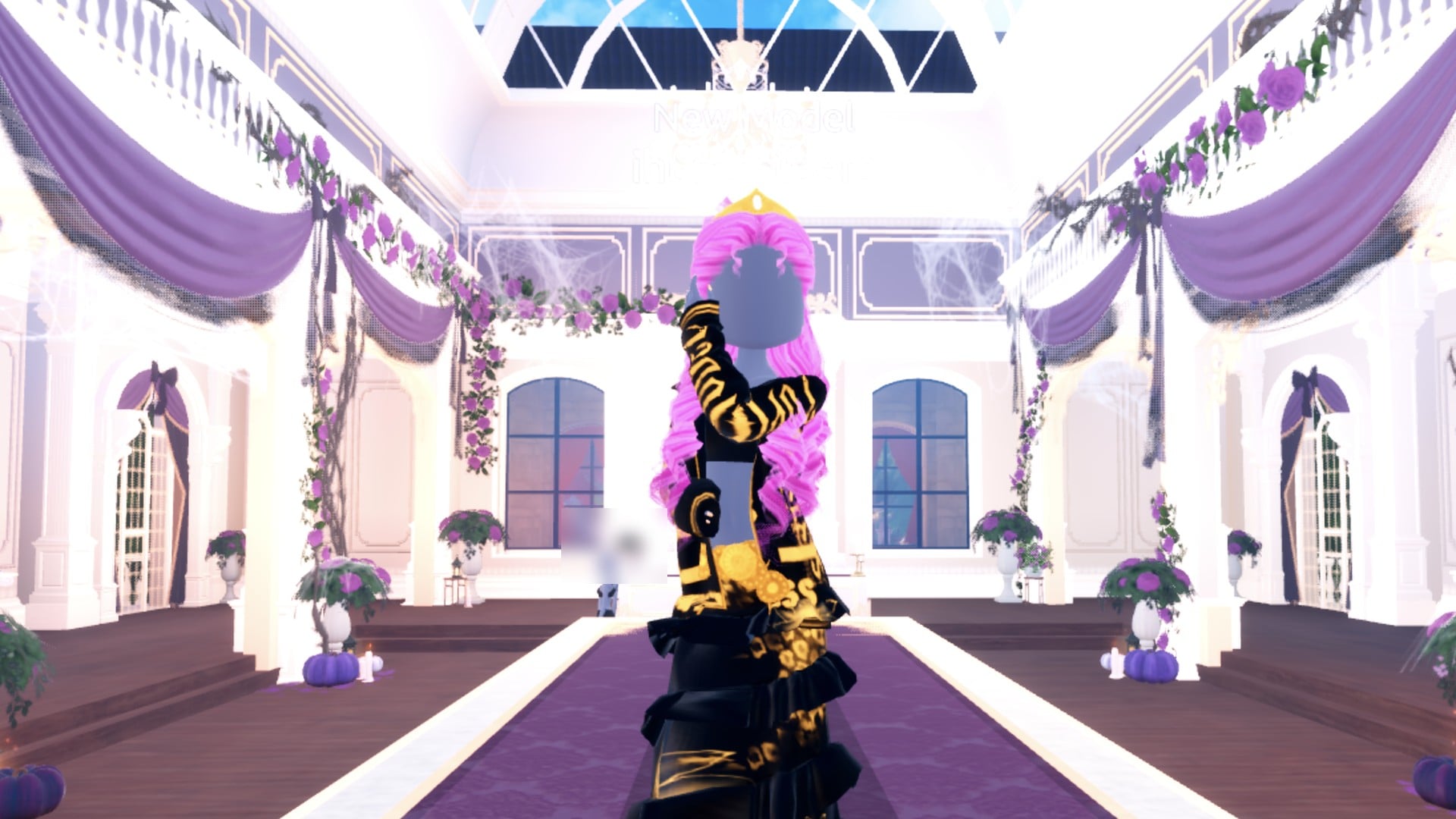
 Drag Drag | 2: hot pink pageant; black and gold | Ruffled tiered Glitter gown, pink curls, gold crown |
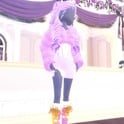 Sweet 16 Sweet 16 | 2: hot pink Glitter mini; lilac fur and white corset mini | Lilac Glitter fur jacket, white corset mini, lilac curls |
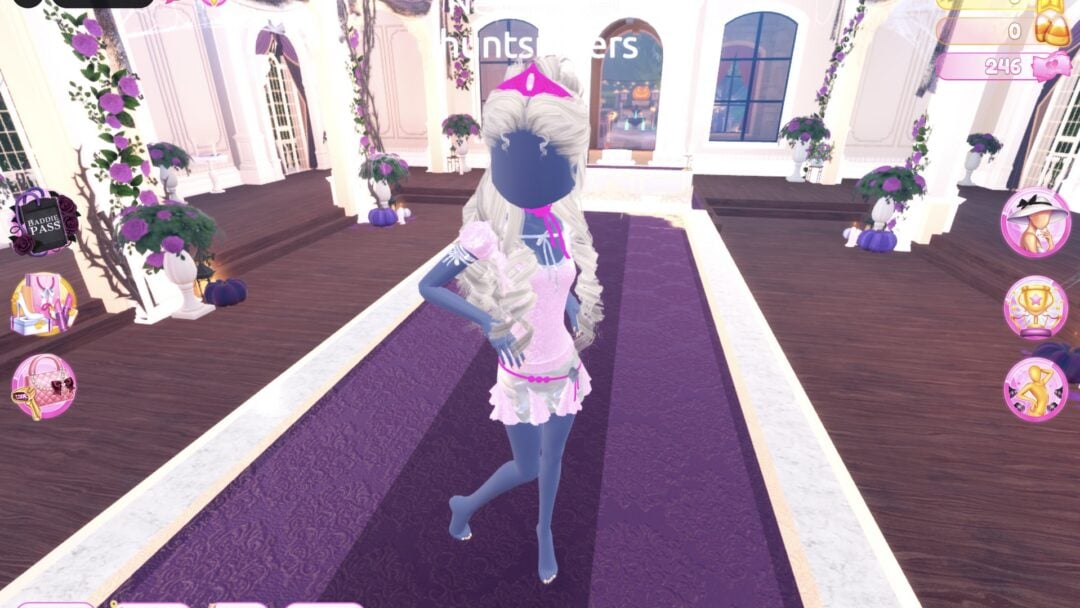
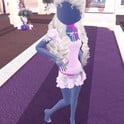 Y2K Popstar Y2K Popstar | 2: pink Glitter shirt and pleated mini; Foil heart mini | Baby pink puff-sleeve shirt, silver Foil mini, hot pink tiara |
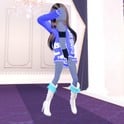 Album Cover Album Cover | 3: rock; streetwear; pop-star glam | Oversized blue Denim hoodie, white boots |
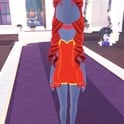 Birth Stones Birth Stones | 2: ruby; sapphire | Red Glitter short dress with gold lace, red curls, gold crown |
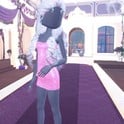 Cotton Candy Couture Cotton Candy Couture | 2: pink Glitter strapless mini; baby blue Silk heart mini | Pink Glitter strapless mini with curls striped pink and baby blue |
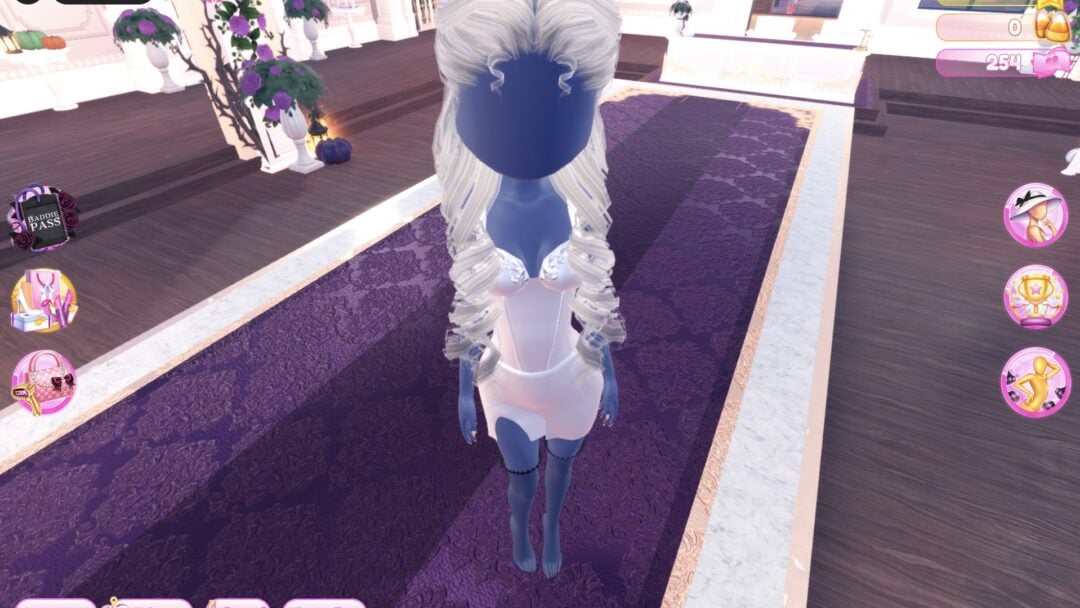
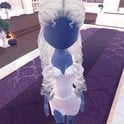 Top Model Top Model | 2: all-black editorial; white Silk corset mini | White Silk corset mini, dark thigh-highs, platinum curls, silver tiara |
The second looks fill in the rest. For Drag, there’s a black and gold version. For Album Cover, there’s a black leather jacket for rock and a hot pink glitter gown for pop-star glam. For Birth Stones, sapphire is a blue Metallic strapless mini worn with silver gloves. For Top Model, the all-black editorial look pairs a black Leather corset top laced in silver with a cropped studded jacket.
Fantasy and character themes
| Theme | Looks | Pictured look |
|---|---|---|
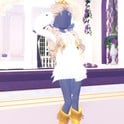 Divine Beings Divine Beings | 2: goddess; celestial | Gold crown; pale blonde curls; gold boots; short white dress |
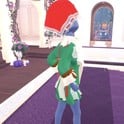 Fairytale Fairytale | 2: storybook princess; woodland | Dark green coat, brown and cream dress, red kerchief |
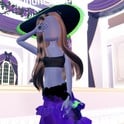 Potion Maker Potion Maker | 3: witch brewer; alchemist; glowing potion | Deep-purple ruffled gown; black sun hat with green Neon trim |
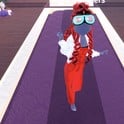 Video Game Character Video Game Character | 2: RPG sorceress; arcade racer | Red Leather overalls, white bomber, Neon goggles |
The celestial take on Divine Beings swaps the goddess’s white and gold for pale blue and white. The RPG sorceress in Video Game Character is a violet Silk robe cinched with a gold belt.
Everyday and style themes
| Theme | Looks | Pictured look |
|---|---|---|
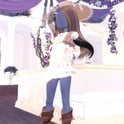 Boho Boho | 2: lace prairie dress; ruffled earth-tone gown | Lace prairie dress, vest, tan sun hat, brown fringed boots |
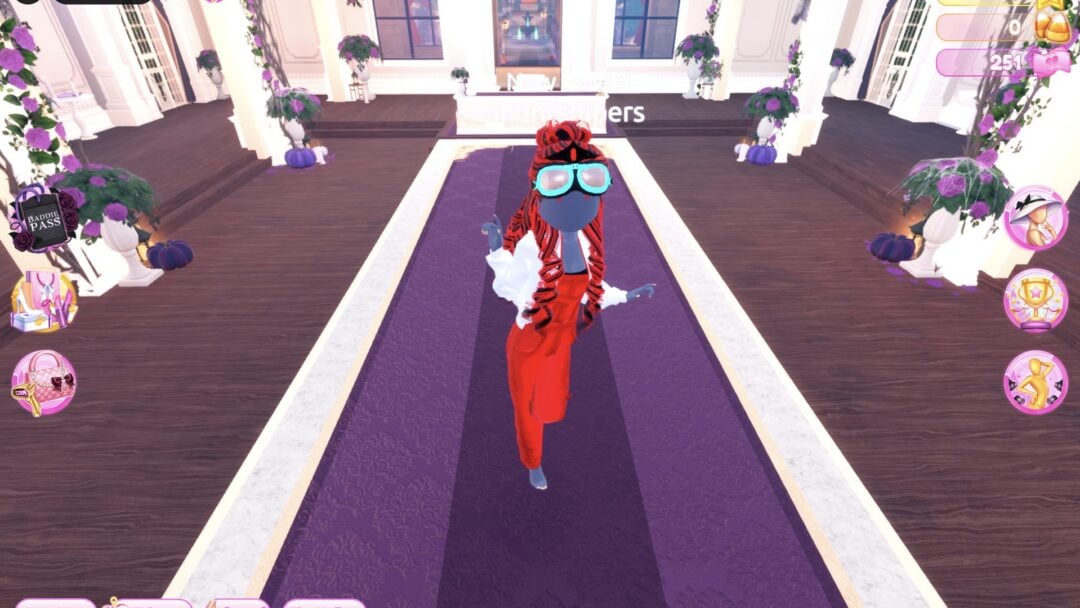
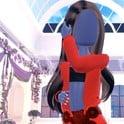 Monochrome Mood Monochrome Mood | 3: all black; all white; all red | All red |
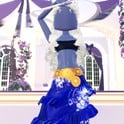 Summer Cruise Summer Cruise | 2: navy and white dinner gown; sailor shirt and ruffle skirt | Navy Silk ruffled gown, gold Metallic belt |
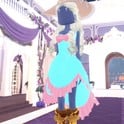 Deserted Island Deserted Island | 2: castaway in tans; tropical beach party | Turquoise and pink party dress, straw sun hat, pale blonde curls |
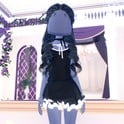 Favorite Show Favorite Show | 2: gothic school look; pale blue ball gown | Black shirt with white trim, black ruffle skirt, long black curls |
Edgy themes
| Theme | Looks | Pictured look |
|---|---|---|
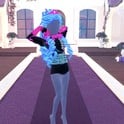 Cyberpunk Cyberpunk | 2: black bomber with neon goggles; neon strap jacket | Strap jacket, cyan Neon belt, hot pink sleeves, cyan curls |
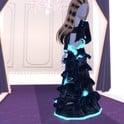 Robot Takeover Robot Takeover | 3: silver android; metallic silver gown; black chrome cyborg | Black Metallic tiered gown, glowing cyan Neon hem |
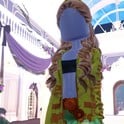 Camouflage Camouflage | 2: olive hooded jacket look; olive fur jacket look | Olive hooded jacket over a green ruffled gown |
Metallic, Neon and Leather on the “+” tab do most of the work for Robot Takeover, Cyberpunk and Drag. The Robot Takeover guide shows how to make clothes metallic or neon, and it works on any piece.
How a Dress To Impress theme round plays out
The main lobby is Lana’s Salon, and a round is usually already underway when you load in from the Dress To Impress Roblox page. A banner across the top reads “Theme:” and the theme’s name, with a countdown timer underneath. One round opened at 05:17, and joining another mid-round showed 04:33 left. Rounds roll the theme on their own: we saw Flight Attendant, Plaid Fashion, Birds of Paradise, Patterned tights and Favorite Show come up.
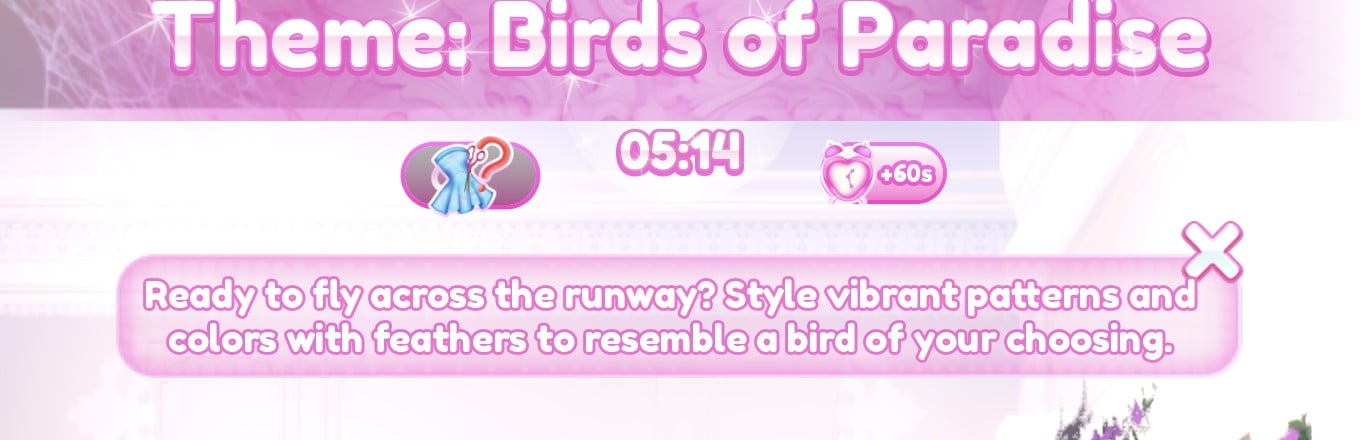
- Click the dress-and-question-mark button beside the timer to open the hint card, a line of text about the theme. We read the cards for Birds of Paradise and Plaid Fashion.
- When the timer runs out, each player takes a turn on the runway for about 7 seconds.
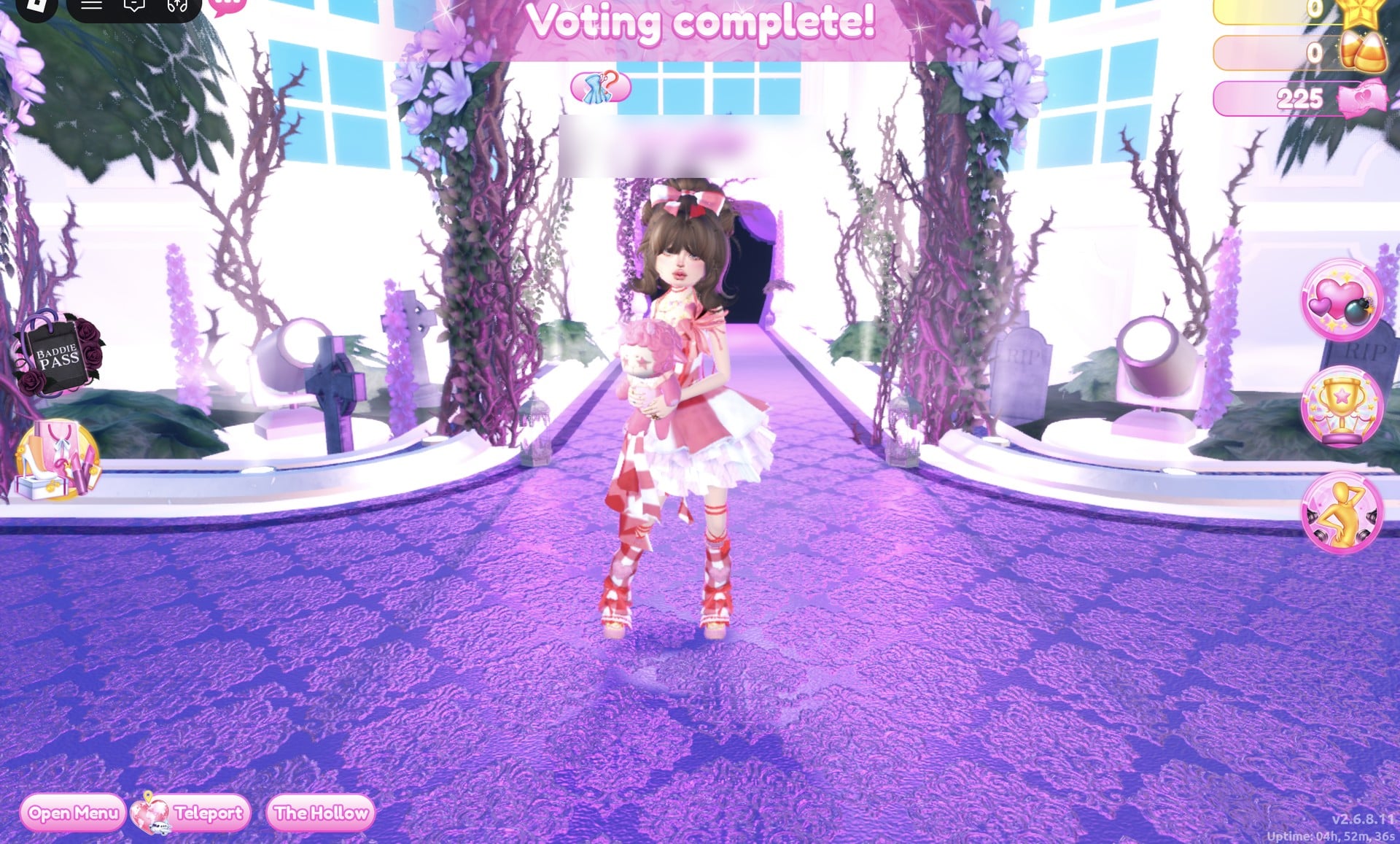
- Other players rate each walk with five stars at the bottom of the screen; between walks, a “Voting complete!” banner appears.
- A “Results” card ranks the players by the stars they earned.
- An “Intermission” countdown of about a minute follows before the next round.
Picking your own theme costs Theme Props
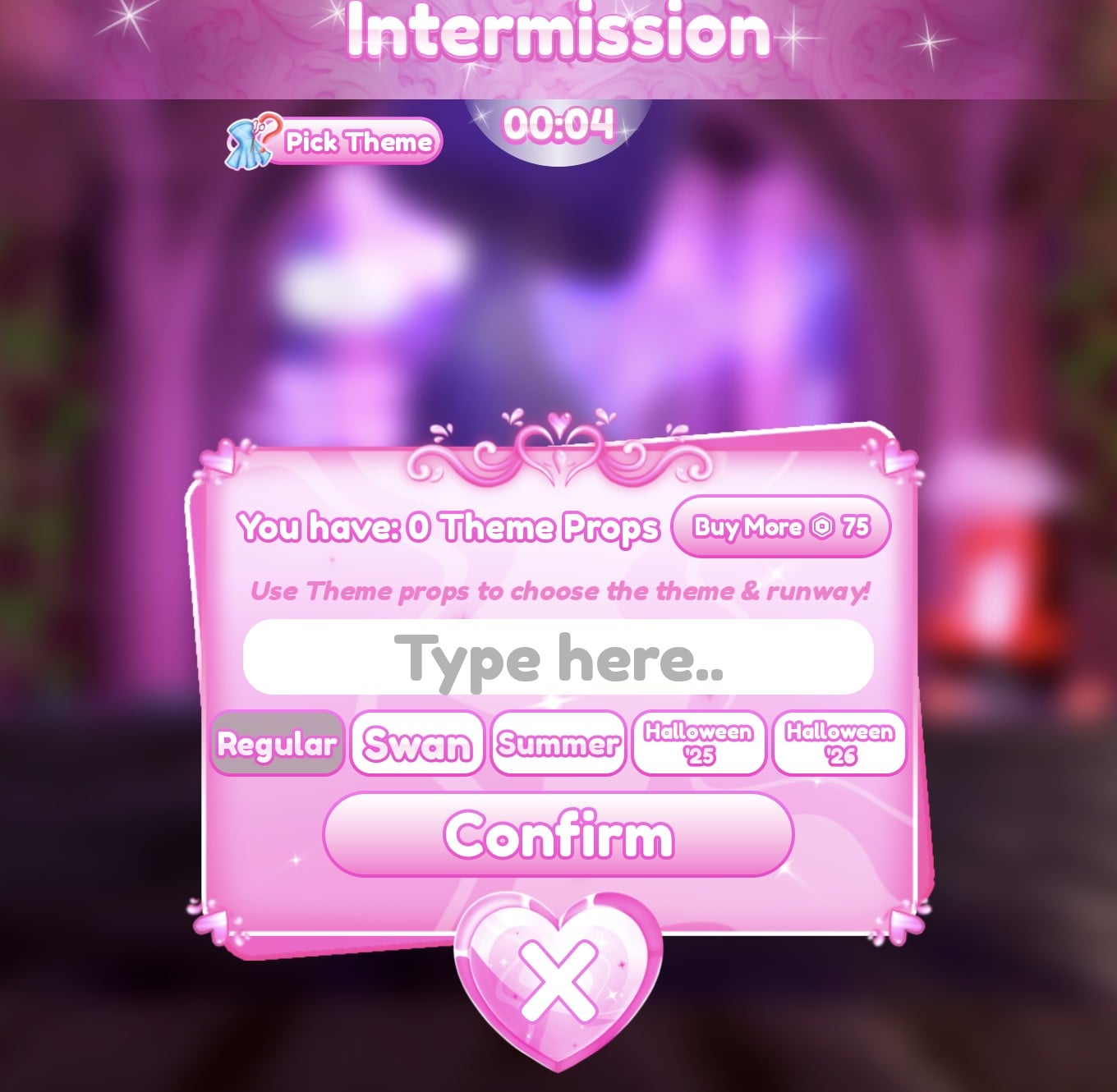
You can choose the theme, but it costs Robux. During Intermission only, a “Pick Theme” button appears to the left of the timer. Its panel shows your balance (“You have: 0 Theme Props” on ours), a “Buy More” button priced at 75 Robux, and the line “Use Theme props to choose the theme & runway!”

Below that sits a “Type here..” box for the theme, a row of runway buttons (Regular, Swan, Summer, Halloween ’25 and Halloween ’26), and “Confirm”. We bought no Theme Props and saw no free ones, and we did not open the purchase to see how many props 75 Robux buys. With no props, you wait for your theme to come up on its own.
Practise a theme look in Freeplay Mode
Themes, timers and voting aren’t part of Freeplay Mode. You can still use the Dressing Room and Lana’s Salon for hair, along with the Freeplay Runway, to develop a look before trying it in a timed round.
Tiles marked with a gold star are star-locked. The panel warns “Some materials only work with higher qualities.” None of the looks above rely on them.
Once a look works in Freeplay, rebuild it the same way in a regular round when its theme appears in the banner. Finish with a pose for the runway. The game has 22 free Solo poses, and our guide to every free pose in Dress To Impress shows each one and suggests poses for each theme above.
What we have not checked
- None of these looks has walked a real round of its own theme, so there is no score, star count or vote for any of them. We have not dressed for a scored round at all; our stars are still 0.
- How many themes the game has in total. We saw no list of them anywhere in the game.
- A themes wheel or theme generator: we saw none in the game.
- Theme Props: not bought, no free ones seen, and how many 75 Robux buys was not opened.
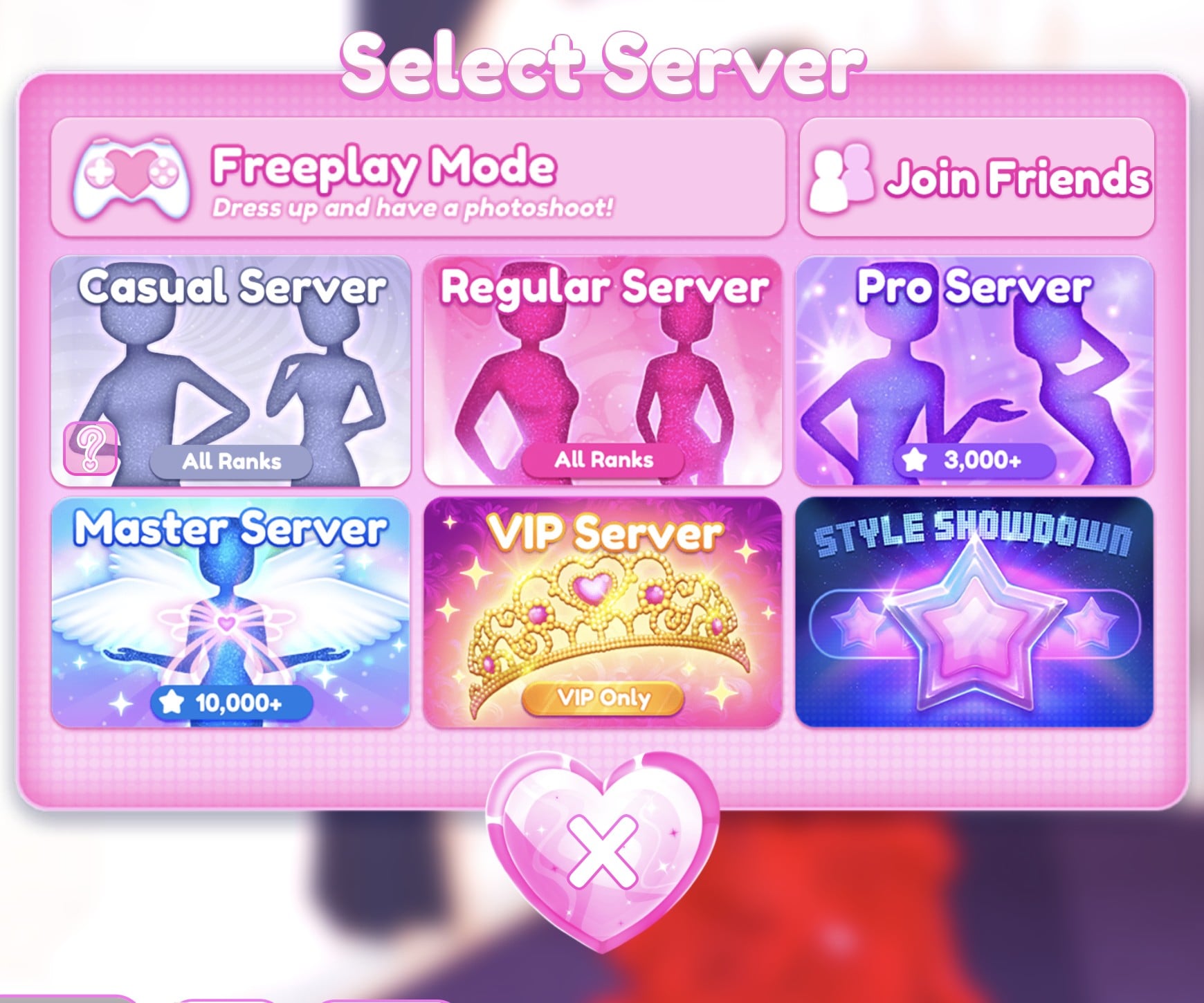
- VIP Server, Pro Server, Master Server and Style Showdown: not joined.
- Flight Attendant, Plaid Fashion, Birds of Paradise and Patterned tights came up in rounds, but we have not built outfits for them yet.
FAQ
How many themes are there in Dress To Impress?
We do not know the total: the game shows no list of themes, and each round rolls one on its own. This list covers the 19 we have built outfits for, and it grows as we build more.
Can you pick the theme in Dress To Impress?
Yes, but only with Theme Props. The “Pick Theme” button shows during Intermission, and its panel lets you type a theme and choose a runway. Without props you wait for the theme to come up.
How much are Theme Props?
The “Buy More” button in the Pick Theme panel shows 75 Robux. We did not buy any, so we cannot say how many props that gets you, and we saw no free ones.
Is there a themes wheel in Dress To Impress?
We saw none in the game. The theme of each round simply appears in the banner at the top; the only way we found to choose one is Pick Theme with Theme Props.
Do I need VIP for these outfits?
No. Every look in this list was built on an account with no VIP and 0 stars, using free pieces and free materials. Tiles with a gold star are star-locked, and none of the looks use them.
Where can I practise a theme?
In Freeplay Mode, from Teleport and then “Select Server”. It has the Dressing Room, Lana’s Salon and the Freeplay Runway, with no theme, no timer and no voting.