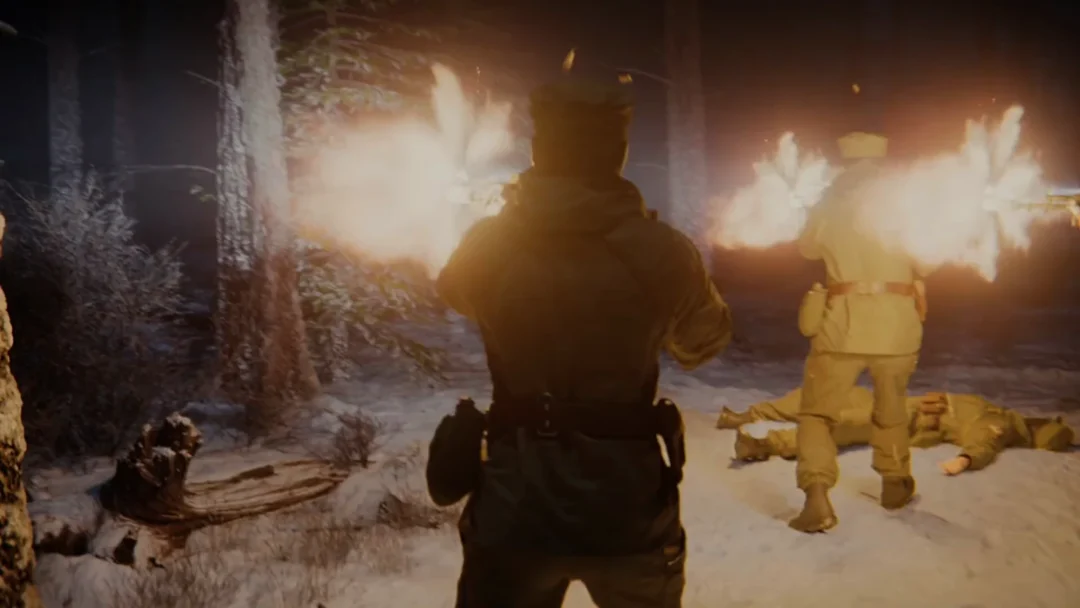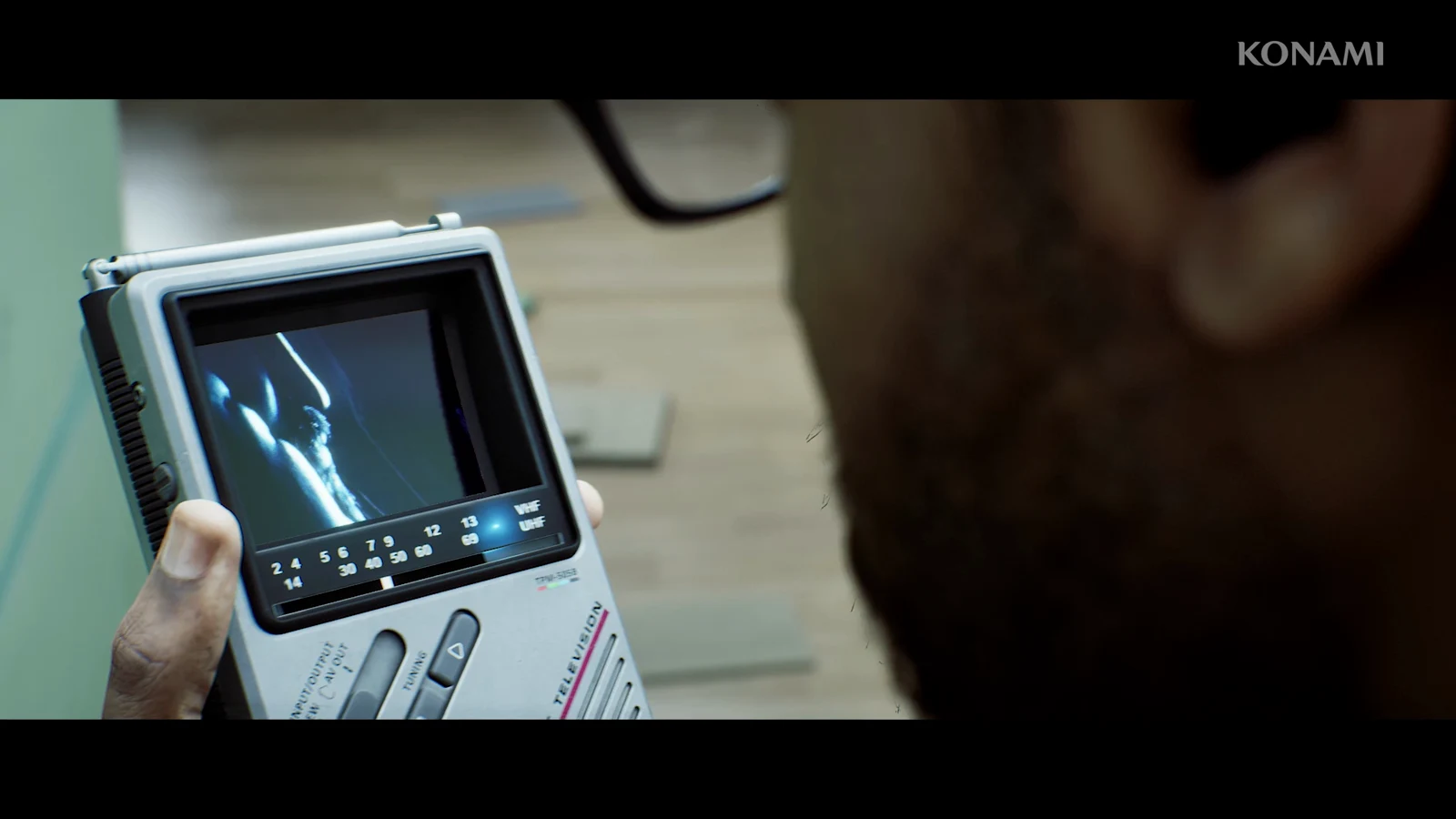
Chapter 3 is one of the shortest collectible stops in Silent Hill: Townfall. The whole chapter carries a single CRTV video signal, and the counter on the receiver confirms it as you tune in. Miss it and the chapter ends at 00/01, so it is worth pulling out the device before you walk anywhere.
Quick answer: Chapter 3 has exactly one CRTV signal. Take out the CRTV at the start of the chapter in Shorefront District South and tune to roughly Channel 45, then store it.
Chapter 3 CRTV signal: Key facts
- The chapter total is 01/01, shown on the receiver as you tune.
- The frequency sits at approximately Channel 45 on the tuning scale.
- It is a straight frequency tune, not one of the physical radios with the colour-alignment puzzle.
- It counts toward the 18 CRTV video signals tracked by the Sweeping Signals trophy.
- Signal progress carries over between playthroughs, so a missed recording only needs a single revisit.
CRTV frequencies that only track enemies are separate and do not add to the total. Only channels that play back a video recording count.
CRTV tuning controls
| Action | Input (PC) |
|---|---|
| Adjust tuning | Mouse wheel |
| Quick tuning | Q / E |
| Store signal | V |
On PS5, tuning uses the controller equivalents, and the tilt-based alignment mini-game only applies to signals tied to physical radios. If DualSense motion controls feel awkward on those later radios, the Enable CRTV Motion Sensor Controls option can be switched off in the settings so the right stick handles tilt instead. Chapter 3 needs none of that.
Where to tune in Shorefront District South
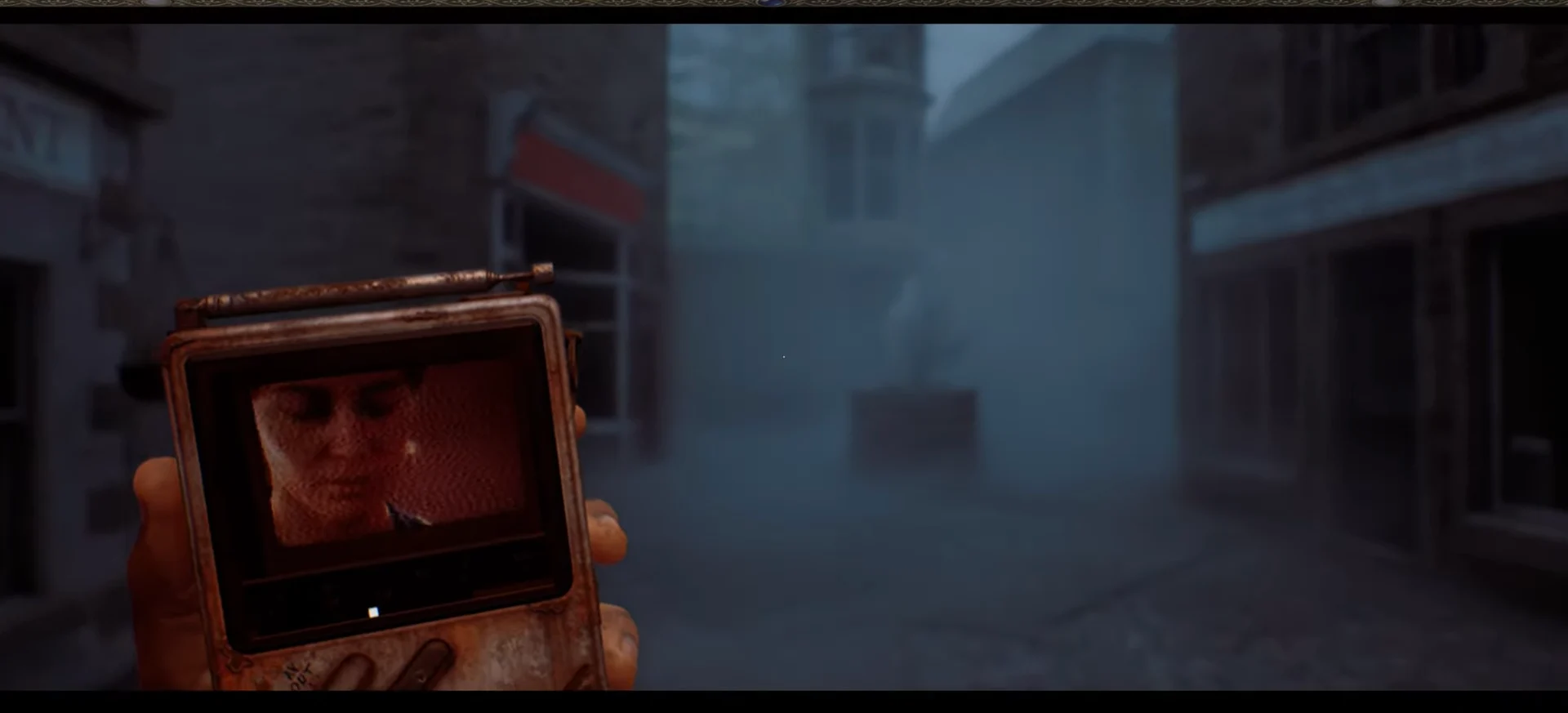
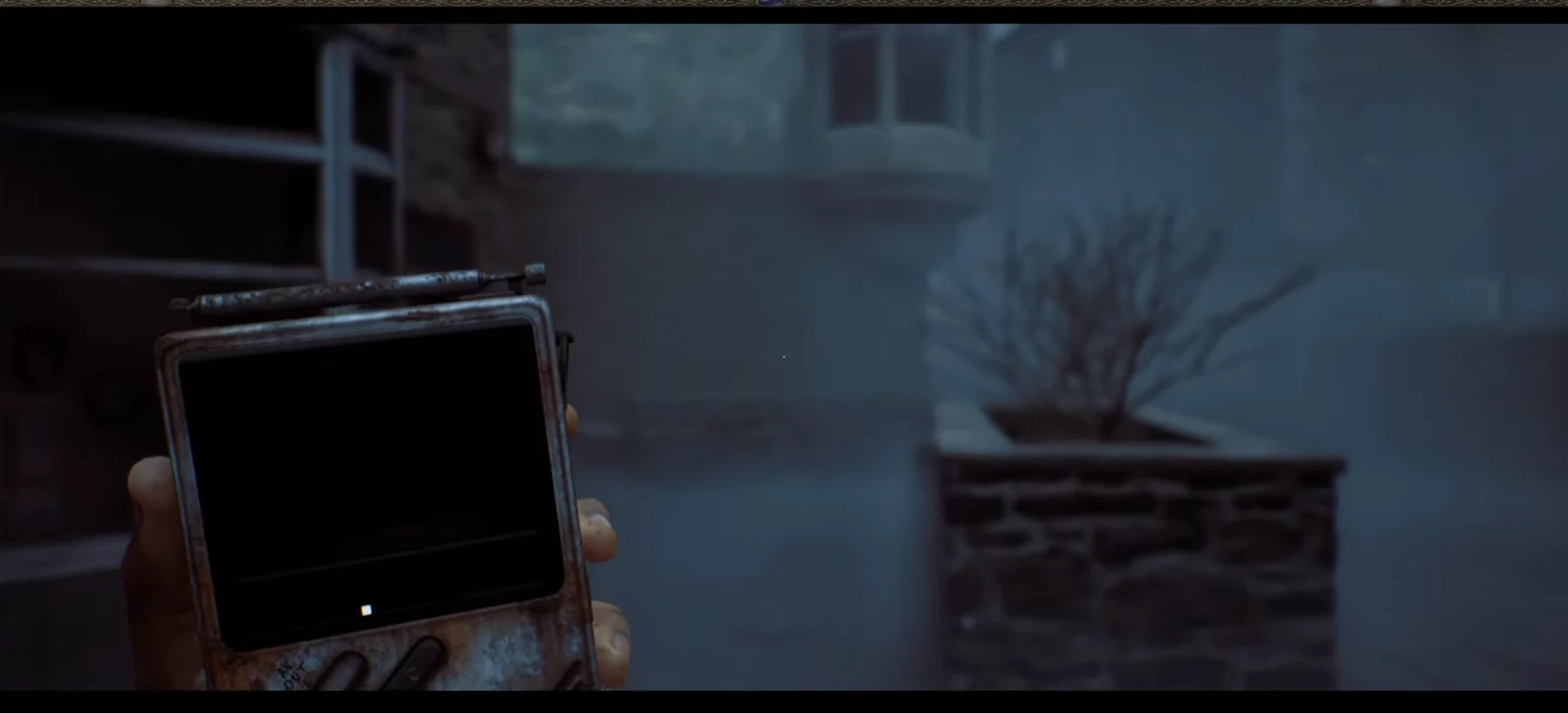
Hold the dial steady rather than scrubbing back and forth. The reception window is narrow, and racing past it is the usual reason the picture never settles.
How to confirm the signal is stored
The counter on screen is the confirmation. Once the recording is banked it reads CRTV Signals – Chapter 3 – 01/01, which means nothing else is left to find in this chapter.
You will also know you are on the right frequency by ear. As the transmission clears, an unidentified woman’s voice cuts through the static with lines such as “Come back to me,” “Let me leave here,” and “Let me go home,” layered over clips of her face and the buildings around you.
Because these recordings are optional, nothing blocks you from continuing the chapter without the signal. The only cost is the trophy total, and since progress persists across runs, a clean sweep of Channel 45 on a later playthrough is enough to close the gap.