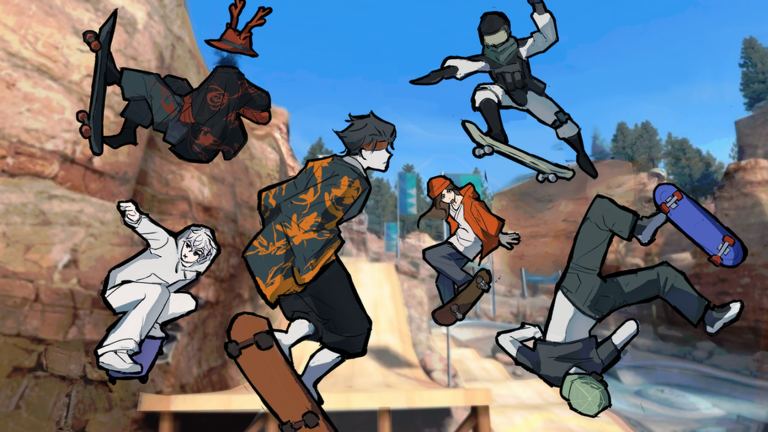
Skate Tree is RNE Third Vault’s Roblox take on EA’s Skate 3. It has flick-style trick inputs, long linked lines and a bowl-heavy Mega Park spawn. Points pay for every board and cosmetic in the game. You earn most of them by landing tricks, and the rest come from codes, a daily claim, a group bonus and Robux packs.
Quick answer: Redeem RNEDAY to claim 15,000 points, and use 1MILLIONVISITS to get the Million Board. To grow your multiplier, connect flips, rotations and grinds in one combo, then stick the landing to collect it.
Skate Tree codes
Two codes currently work. Neither has an expiry date attached, but Skate Tree codes can stop working without notice. Redeem them early.
| Code | Reward |
|---|---|
RNEDAY | 15,000 points |
1MILLIONVISITS | Million Board (gold deck) |
How to redeem Skate Tree codes
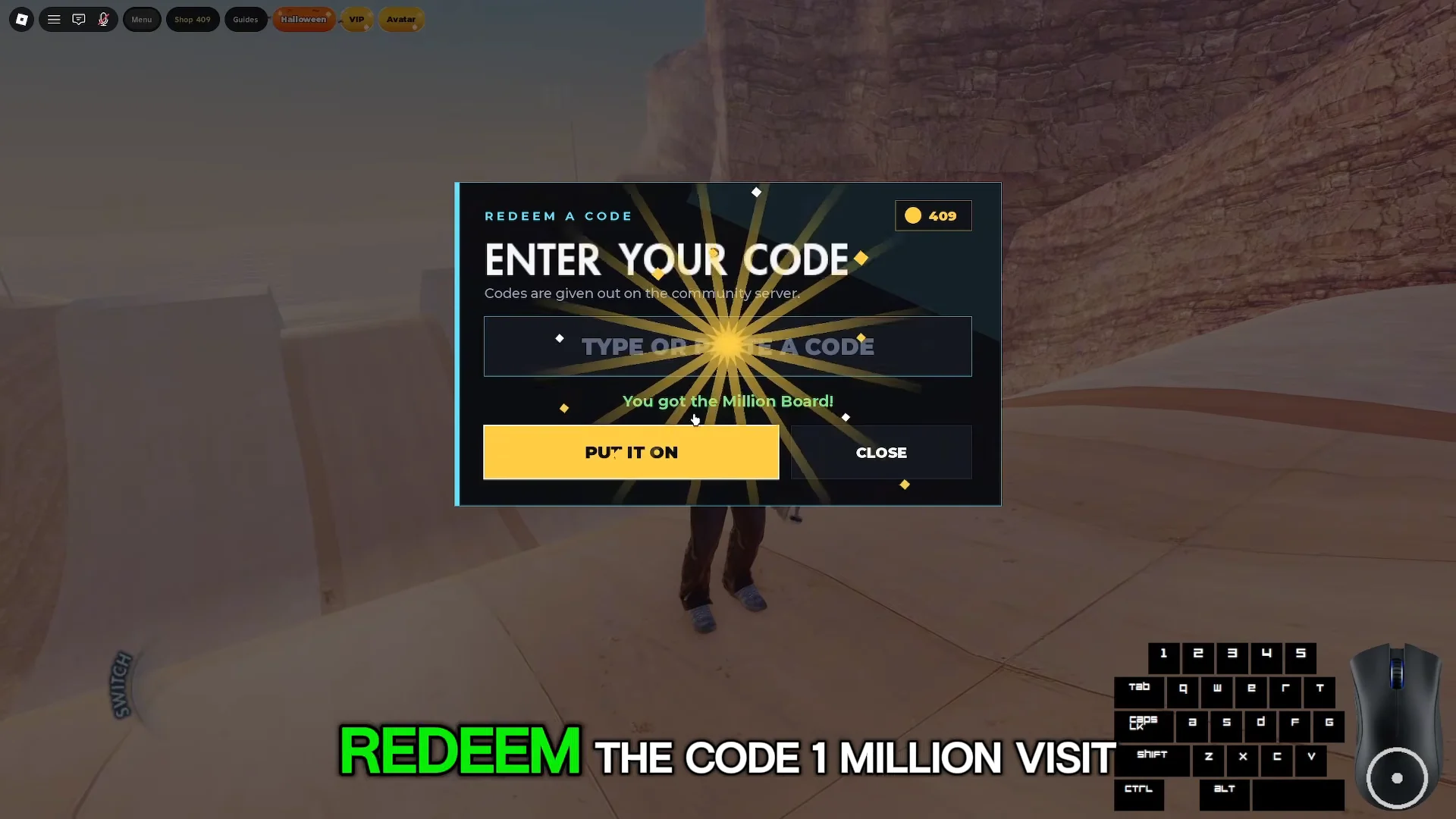
The Million Board celebrates the game passing 1,000,000 visits. Its code was first shared in Skate Tree’s community server, and the official Discord is still where new code drops appear.
Skate Tree PC controls
A keybind panel sits on the right side of the screen while you skate. It swaps between two sets of controls, one for riding and one for walking around on foot. Several keys do double duty depending on whether you’re grounded, grinding or in the air.
On the board
| Action | Key |
|---|---|
| Push | Space / Left Shift |
| Brake | F |
| Ollie / flip tricks | Arrow keys or hold Left Mouse |
| Manual | Hold ↑ or ↓ part way |
| Crouch (ground) / grab (air) | Q or E |
| Balance (grind) / spin (air) | W A S D |
| Ollie out of a grind | ↑ |
| Get off board | R |
| Recover after a bail | Space |
Off the board
| Action | Key |
|---|---|
| Walk | W A S D |
| Sprint (hold) | Space |
| Jump | Shift |
| Drop / call board | Q |
| Throw / call board | E |
| Get on board | R |
Marker and reset keys
- H places a custom marker where you’re standing.
- G (hold) teleports you back to that marker.
- T resets you to spawn, which is also under Menu > Reset to Spawn.
Manuals with the mouse widget
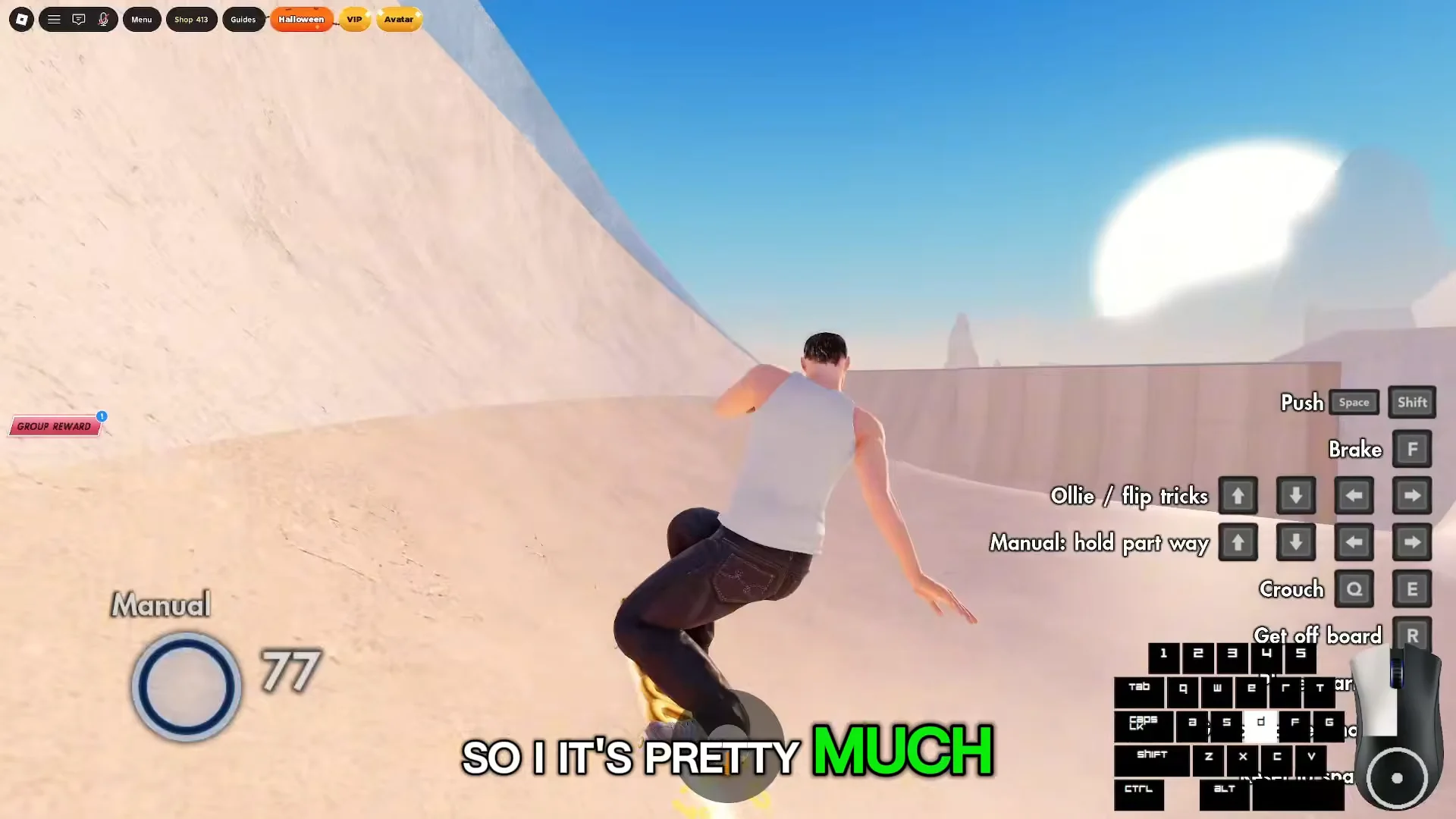
Holding an arrow key part way is a clumsy way to balance a manual on a keyboard. Holding Left Click instead brings up a circular analog widget on screen. Moving the mouse inside that circle shifts your weight in small amounts, much like a controller stick.
Playing on a controller
RNE Third Vault recommends playing Skate Tree with a controller. Connect one and the game automatically adopts the classic console Skate controls and prompts; there’s no need to switch anything in a menu. The sticks also let you steer more precisely when setting up a landing.
Skate Tree trick inputs
Use paired arrow-key presses or flick from one arrow to another to perform flip tricks. For spins, add the WASD keys. As moves land, the feed in the lower-left corner identifies them, helping you see which input triggered each one.
| Trick | Input |
|---|---|
| Ollie | ↑ and ↓ together, or flick between them |
| Pop Shuvit | ↑ (or ↓) with ← and → |
| Varial Heelflip | ← ↓ → together |
| 360 Pop Shuvit | Arrow flick plus A or D |
| BS 180 / Ollie 180 | Spin keys on their own |
| Grinds | Ollie onto obstacle, balance with WASD |
Adding keys to these base inputs produces harder variants in the feed, such as Varial Kickflip, Back Foot Varial Kickflip, FS Pop Shuvit, Late Kickflip, No-Comply, Nollie 360 Pop Shuvit and Nollie FS 360 Pop Shuvit. Ledges and rails give you FS 50-50, FS 5-0, FS Smith, BS Nosegrind and BS Board. Ramp and bowl coping adds stalls like BS Blunt and BS 5-0.
You don’t have to memorize the full list. The Trick Guide in the settings menu shows the exact key or stick motion for every trick. It’s split into Flip Tricks, Grab Tricks, Grinds and Lip Tricks, Manuals, Hall of Meat, Other Tricks, Offboard Actions and Terminology.
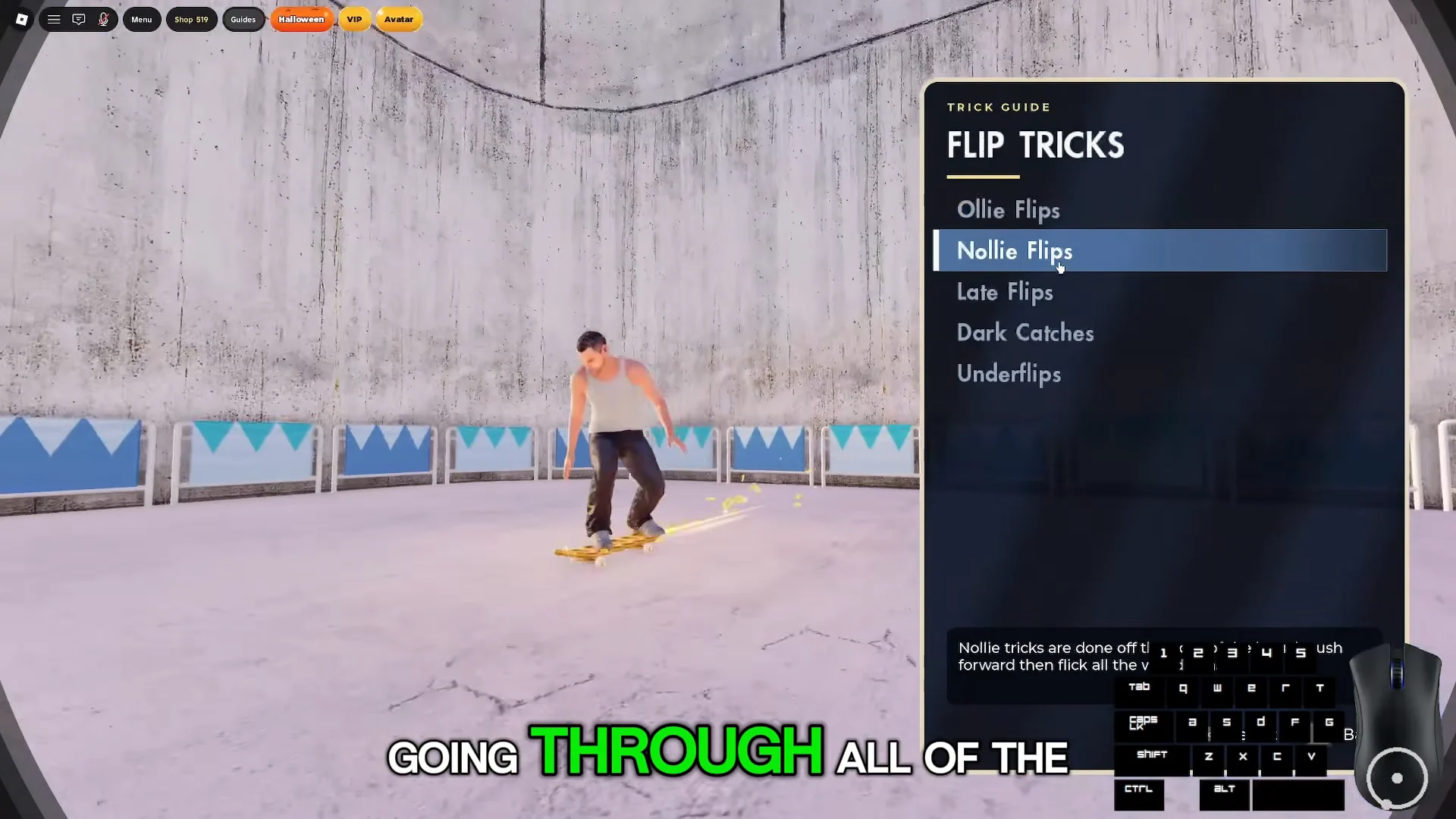
The halfpipe and bowls right next to spawn give you plenty of air time to practise varial heelflips and kickflips without hitting terrain.
How to get points fast in Skate Tree
Your line score rises with every flip, spin or grind. Keep the combo going to build its multiplier, which starts at about x1.5. The points only reach your balance after you land the line cleanly, so a long connected run earns much more than performing separate tricks one by one. A basic trick by itself brings in just a few points; after one landing, the top-bar counter went from 489 to 493.
Grinds are what keep a line alive between flips. Slide, hold your balance with WASD, then press ↑ to ollie out into the next trick. If you bail, your skater ragdolls and the unbanked line is gone. Press Space to get back on the board.
Farming a line with the marker
You can skate along the top perimeter wall, but falling off it drops you into unloaded rocky terrain outside the park. Press T to reset to spawn.
Free points outside of tricks
- Daily Reward: press CLAIM in the Shop once every 24 hours.
- Group Reward: join RNE Third Vault on Roblox, then press CLAIM for +3,000 points.
- Codes:
RNEDAYadds 15,000 points. - Challenges: Daily and Weekly lists in the Menu hand out rewards for set goals.
Skate Tree shop prices and what points buy
Shop prices have changed since launch; the current Robux offers are listed below. VIP boosts your points and daily reward, and comes with an exclusive board. It’s the sole purchase that continues increasing your balance over time.
| Item | Price | What you get |
|---|---|---|
| VIP | 500 Robux | Bonus points, bigger daily, exclusive board |
| Avatar Pass | 349 Robux | Skate as your own Roblox avatar |
| Pumpkin Lantern | 130 Robux | Halloween board bundle |
| Get Points | 100 Robux | 1,000 points |
| Get Points | 500 Robux | 10,000 points |
| Donate | 100 Robux | Support only |
The Pumpkin Lantern bundle is part of the Halloween Collection. It includes the Pumpkin Board, Pumpkin Glow Decal, Lantern Grip Tape and Lantern Light.
Without the Avatar Pass, everyone rides as the same default skater, a dark-haired guy in a white tank top and jeans. With it, your own avatar’s hair, hat and clothes come along. You can adjust height and width in Customise, and everyone in the server sees the result. It’s a one-time purchase, but it gives no points and doesn’t change how the game plays.
On the points side, the featured limited boards are the priciest items. Inferno, from the Hellfire Collection, leaves fire behind you. Spirit Blade, from the Spirit Collection, is a glowing jade sword deck. Each costs 50,000 points and is listed until 19 Oct with a countdown in the Shop.
Skate Tree maps and game modes
You spawn in Mega Park, a run of mega ramps, halfpipes and bowls. Use the Maps option or Fast Travel in the Menu to switch parks. Private Sessions and a Community Server option sit in the same menu.
- The Sanatorium (Halloween event map)
- Art Gallery
- University District
- Black Box Park
- Contest Stadium
- Industrial District
Spot Battle, S.K.A.T.E., 1-UP and Experimental Spot Battle are available under Game Modes. Spot Battle supports sessions of up to 12 players, where clean tricks you can repeat score better than risky attempts that end in a bail.
The Sanatorium Halloween challenges
The Sanatorium is a spooky courtyard map with candy circles, altars and a candy cauldron. The Menu adds a Candy Hunt option, and the Challenges screen gains a Halloween tab next to Daily and Weekly. Each Halloween challenge pays out in candy.
| Challenge | Requirement | Reward |
|---|---|---|
| MONSTER LINE | Land a 4,000-point line | +1 Candy |
| BONE GRINDER | 1,500 grind points | +1 Candy |
| HAUNTED SESSION | 15,000 session score in The Sanatorium | +2 Candy |
All three are rated Hard. The marker trick helps here too, because MONSTER LINE and BONE GRINDER both reward the same long, grind-heavy runs that farm points fastest.
Skater and board customization
The Skater menu has tabs for Skater, Avatar creator, Body, Clothes, Board, Style, Avatar size, Saved outfits, Titles and Reset to defaults. The Board tab handles grip tape and truck tuning. Under Style, you can change Posture and Skating Style and switch your Stance between Regular and Goofy. If your flips feel mirrored, check Stance first, since it decides which foot leads.