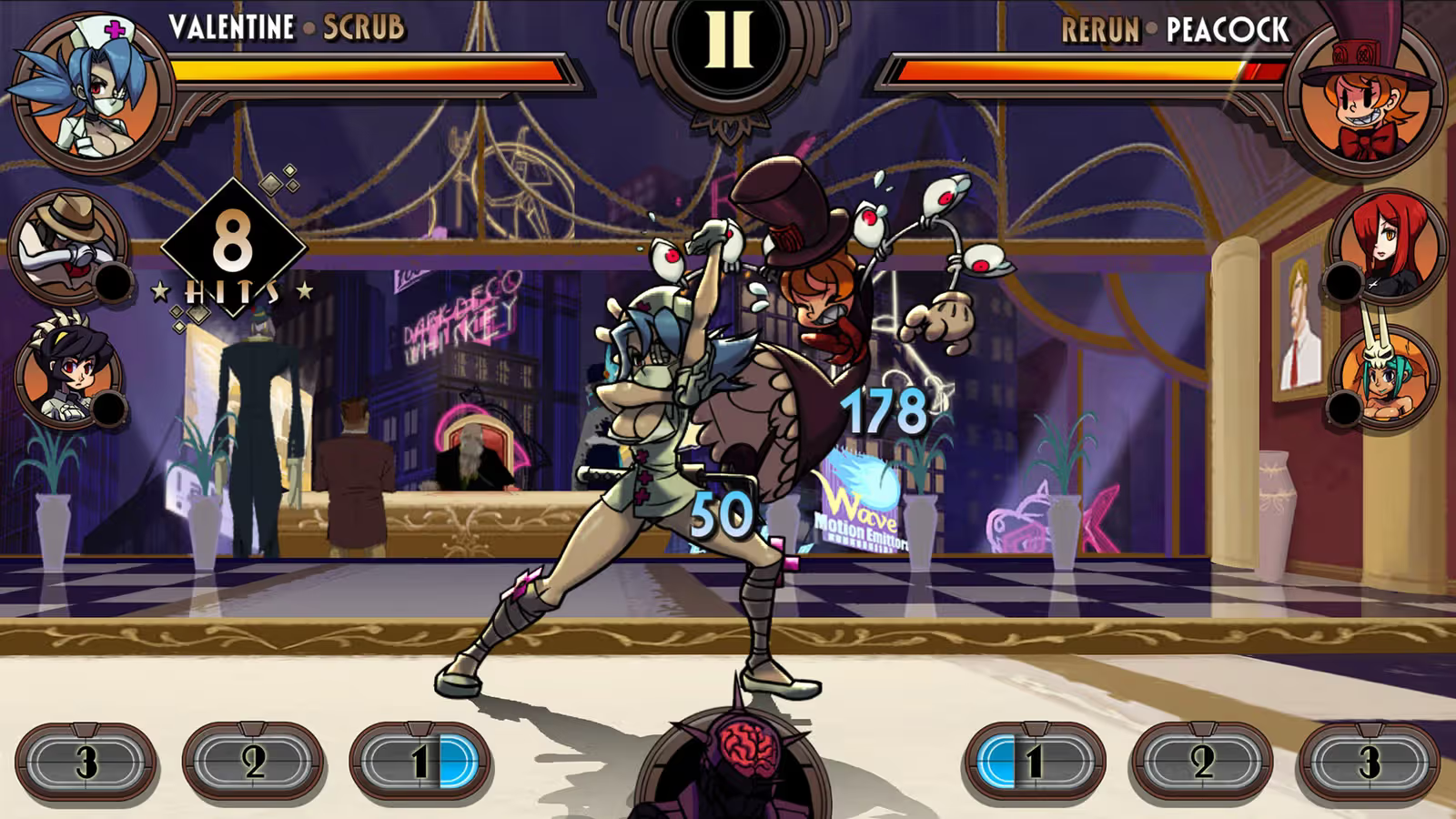
Skullgirls rewards players with Canopy Coins, Theonite, and cosmetic extras through promo codes redeemed on a separate website rather than inside the app itself. Here’s the current list of working and expired codes for the game.
Working Skullgirls codes
No active codes are available to redeem right now. New codes tend to appear alongside game updates or promotional pushes, so it’s worth checking back periodically.
- No active codes at this time.
How to redeem codes in Skullgirls
Redeeming a code requires your in-game User ID and a visit to the official coupon page, since the game itself doesn’t have a built-in code entry screen.
A successful redemption triggers a confirmation message on the coupon page. Rewards don’t land instantly in your inventory, though, they arrive in your in-game mailbox. Open Skullgirls, tap the mail icon (the mail sack near the bottom of the screen), and claim the items from there. If nothing shows up, restart the app to force the mailbox to refresh.
Expired Skullgirls codes
These codes no longer work but are listed for reference.
WELCOME— Previously granted an exclusive avatar, a Jackpot Relic, 100 Theonite, and 100,000 Canopy Coins.
Where new Skullgirls codes get announced
New codes for Skullgirls surface irregularly, often tied to updates, events, or milestones. The developer’s social channels are the most direct way to catch a fresh code close to when it drops, since codes on the coupon page can expire before being widely noticed. Bookmarking the redemption page itself also saves time, since every code still has to be entered there regardless of where you first spot it.
Codes in Skullgirls tend to have a limited redemption window, so entering one soon after it’s confirmed working gives the best chance of claiming the reward before it expires.